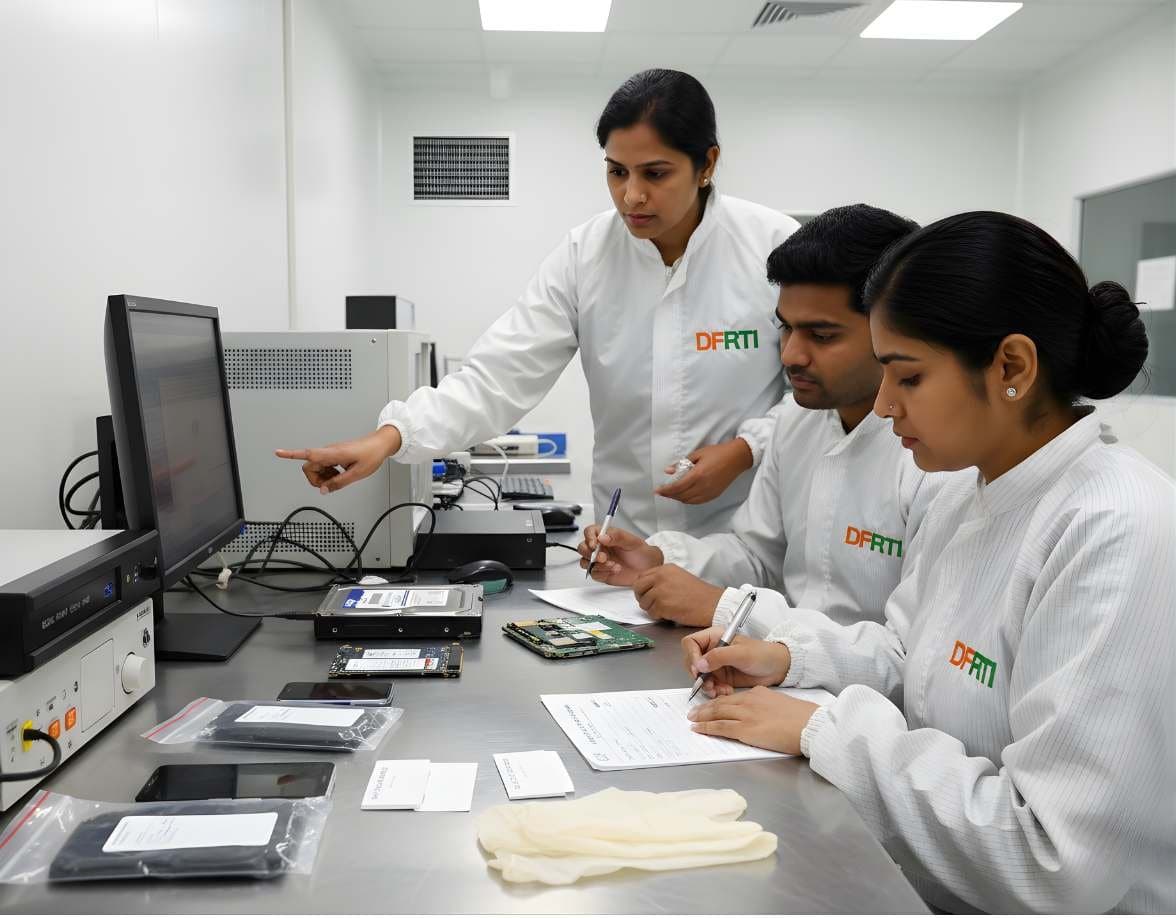
 StorageDigital Storage ForensicsSSD / NVMe ForensicsHow TRIM, garbage collection and wear levelling change evidence on SSD and NVMe drives.
SSD and NVMe Forensics
Solid-state drives store data in flash and manage it with a controller that moves, erases and hides data on its own. That changes what an examiner can promise.
Devices and storage6 evidence types11 tools3 coursesReviewed 2 November 2026
What it is and why it matters
A hard drive writes where it is told. A solid-state drive does not. Between the computer and the flash chips sits a controller running a flash translation layer that decides where each logical block really lives, spreads writes evenly to extend the life of the cells and erases blocks in the background to keep write speed up. The operating system sees a normal disk. The examiner sees a device that changes its own contents without being asked.
The biggest consequence is for deleted data. When a file is deleted, modern operating systems send a TRIM command telling the drive those blocks are free. The controller can then erase them whenever it chooses, often within minutes, and on many drives a read of a trimmed block returns zeros even before the physical erase. Recovery of deleted files, routine on a hard drive, is often impossible on an SSD.
NVMe drives add speed and a different interface. They connect over PCIe rather than SATA, use the M.2 or U.2 form factor and need write-blockers and imaging hardware that speak NVMe. Many also encrypt everything at the hardware level, which means a chip dump is useless and the only path to the data is through the drive's own interface while it is unlocked.
Types of digital evidence
- Allocated Files and Metadata
The live file system and its records, which image and parse exactly as on a hard drive once the drive is read through its interface.
- Deleted Data Not Yet Trimmed
Content in blocks that the operating system released but that TRIM had not reached, for example on drives where TRIM was disabled or on file systems that do not issue it.
- Over-Provisioned and Spare Area
Flash capacity hidden from the host that may hold stale copies of data moved by wear levelling. Reachable only through controller-level access on supported drives.
- Drive Identity and Health
Model, serial, firmware version, power-on hours, total bytes written and the NVMe SMART log, which can date the drive's use and support or contradict a story.
- Encryption State
Whether the drive is a self-encrypting drive, whether TCG Opal or BitLocker hardware encryption is active and whether the data is readable in its current state.
- Namespace and Partition Layout
NVMe namespaces, GPT partitions and any unused space between them that may hold earlier partition data.
Devices and data sources
- 2.5-inch SATA SSDs in laptops and desktops
- M.2 SATA and M.2 NVMe drives on the motherboard
- U.2 and add-in-card NVMe drives in servers and workstations
- Soldered flash storage in thin laptops and Mac computers, which cannot be removed and must be imaged in place
- External USB SSDs and NVMe enclosures
- Hybrid drives that pair a small flash cache with spinning platters
- Self-encrypting drives in corporate laptops
- Failed SSDs sent for controller-level recovery
How an examination runs
The order matters. Each step protects the one after it.
- 01Identify the Drive
Record the form factor, interface, model, serial and firmware. Decide whether it is SATA or NVMe before choosing hardware. An M.2 slot can carry either.
- 02Check Encryption
If the host system is running, record whether BitLocker, FileVault or a hardware encryption lock is active. An encrypted SSD removed from its system may be unreadable without the key or the original machine.
- 03Minimise Power-On Time
Garbage collection runs whenever the drive has power, even behind a write-blocker. Connect the drive, image it at once and power it down. Do not leave it idle.
- 04Image Through a Suitable Blocker
Use a write-blocker or duplicator that supports the interface, NVMe included. Create a raw or E01 image and hash the source and image.
- 05Record Any Hash Difference
A second read of an SSD can hash differently from the first if the controller zeroed trimmed blocks between reads. Document the drive's deterministic read behaviour and explain it rather than treating it as a failure.
- 06Analyse With Lower Expectations
Parse the file system normally. Carve unallocated space, but report how much of it reads as zeros and why deleted content may be absent.
- 07Report the Limits
State what TRIM and encryption meant for this drive and this case so the reader does not assume a hard drive's recovery rate.
Tools used in this discipline
Independent profiles: what each tool does, where it stops and what you need to know before using it.
- Storage and hardwareCurrentHardware Write BlockersVarious manufacturers
A hardware write blocker sits between an evidence drive and the examiner's computer and refuses every write command. It is the first device a new examiner should understand.
- Storage and hardwareCurrentForensic DuplicatorsVarious manufacturers
A forensic duplicator is a standalone imaging device. It copies a source drive to a destination drive or image file, hashes the result and verifies it, without a computer in between.
- Computer forensicsCurrentExterro FTK ImagerExterro
FTK Imager is the free tool most learners meet first. It makes forensic images of drives, folders and memory, verifies them with hashes and lets an examiner preview evidence before committing to a full acquisition.
- Storage and hardwareCurrentPC-3000 SSDACE Lab
PC-3000 SSD is the solid state drive module of the PC-3000 family. It runs on ACE Lab's hardware and gives the examiner access to the drive's technological mode, where the controller can be made to reveal user data it will no longer serve through the normal interface.
- Storage and hardwareCurrentPC-3000 Portable PROACE Lab
The PC-3000 Portable PRO is ACE Lab's field unit for working with damaged hard drives and solid state drives. It is the portable branch of the PC-3000 family and the current generation after the Portable III.
- Storage and hardwareCurrentPC-3000 ExpressACE Lab
The PC-3000 Express is the laboratory version of the PC-3000 family, a tester board fitted inside a workstation for hard drive diagnostics, firmware repair and data recovery.
- Computer forensicsCurrentX-Ways ForensicsX-Ways Software Technology AG
X-Ways Forensics is the German examination tool that runs light, starts fast and gives the examiner the raw disk alongside the parsed view. Version 21.9 was current when this page was checked.
- Computer forensicsCurrentOpenText Forensic (EnCase)OpenText
EnCase Forensic, one of the oldest names in computer forensics, is now called OpenText Forensic (EnCase). OpenText says it is the same product, renamed to fit its cybersecurity portfolio.
- Computer forensicsCurrentThe Sleuth KitSleuth Kit Labs
The Sleuth Kit, usually written TSK, is a C library and a set of command line tools for examining disk images and file systems. Autopsy is its graphical face. Working with TSK directly teaches what the graphical tools hide.
- Computer forensicsCurrentAutopsySleuth Kit Labs
Autopsy is a free, open source examination platform that puts a graphical interface and ingest modules on top of The Sleuth Kit. For a student it is the first tool that shows a whole case from image to report at no cost.
- Computer forensicsCurrentMagnet AxiomMagnet Forensics
Axiom is Magnet Forensics' main examination platform. It takes images and extractions from computers, phones, cloud accounts and vehicles into a single case and presents the artefacts side by side.
Terminology
- NAND Flash
- The memory cells in an SSD. They are organised in pages and blocks, written a page at a time and erased a block at a time, which is why the controller must manage them.
- Flash Translation Layer
- The controller firmware that maps logical block addresses to physical flash locations and hides the erase-before-write behaviour from the host.
- Wear Levelling
- Spreading writes across all cells so that none wears out early. A logical block may move to a new physical location on every write.
- TRIM and Deallocate
- Commands from the operating system telling the drive which blocks are no longer in use. SATA calls it TRIM, NVMe calls it Deallocate. The drive may erase or zero those blocks at any time afterwards.
- Garbage Collection
- Background work in which the controller consolidates valid pages and erases freed blocks. It runs whenever the drive has power, including on a write-blocker.
- Over-Provisioning
- Extra flash capacity beyond the advertised size, used for wear levelling and bad block replacement. Not visible to the host.
- Deterministic Read After Trim
- A drive property. With DRAT, trimmed blocks always return the same data. With DZAT, they return zeros. Without either, reads of trimmed blocks may vary.
- Self-Encrypting Drive
- A drive that encrypts everything with a key in its own controller. TCG Opal is the common management standard. Without the unlock credential the data is inaccessible.
- NVMe
- Non-Volatile Memory Express, the protocol for SSDs over PCIe. It replaces the SATA command set and needs its own write-blocking and imaging support.
Challenges and limits
What makes it hard
- TRIM and garbage collection remove deleted data on the drive's own schedule, so recovery often fails and the timing cannot be controlled by the examiner
- Two images of the same SSD taken minutes apart can have different hashes, which must be explained in the report
- Hardware encryption on self-encrypting and Opal drives leaves nothing readable when the drive is removed from its host
- Soldered storage in thin laptops and Macs cannot be removed, so imaging depends on the host's own boot options and security chip
- Chip-off of an SSD is rarely useful because most controllers scramble or encrypt data across many chips
- Controller failure makes the drive unreadable through its interface, and controller-level recovery works only on supported models
- Write-blockers that handle SATA may not handle NVMe, and adapters can hide drive features such as the NVMe SMART log
Keeping the evidence intact
- Keep power-on time to the minimum and record how long the drive was powered during acquisition
- Hash immediately after imaging and store the hash with the drive's identity data and firmware version
- Record the drive's TRIM behaviour and encryption state so that later readers understand any difference between reads
- Image once through a tested blocker rather than repeatedly, since each power cycle gives garbage collection another chance to run
Standards and legal considerations
- NIST SP 800-88 Rev. 2
Guidelines for Media Sanitization. Its treatment of flash media explains why overwriting does not reach every cell and why secure erase and cryptographic erase matter. The same facts explain why deleted data vanishes.
Read the guide - ISO/IEC 27037:2012
The acquisition and preservation guidance that still governs how an SSD is seized and imaged.
Read the guide - NIST SP 800-86
The general forensic process into which SSD acquisition fits.
Read the guide - SWGDE Best Practices
SWGDE documents on computer forensic acquisition address flash storage and the expectation that examiners understand it.
Read the guide
In practice
- Deleted Spreadsheets That Were Gone
A finance laptop with a NVMe drive is imaged a week after files were deleted. Carving unallocated space returns almost nothing because the blocks read as zeros. The examiner recovers earlier versions from OneDrive's local cache and a Volume Shadow Copy instead and explains in the report why the deleted originals could not be found.
- Two Hashes That Did Not Match
A lab images a SATA SSD and later re-images it for verification. The hashes differ. The examiner checks the drive's reported deterministic read behaviour, finds that trimmed blocks had been zeroed between reads and documents this as drive behaviour rather than evidence tampering.
- A Self-Encrypting Drive From a Corporate Laptop
An M.2 NVMe drive is removed from a managed laptop and reads as random data. The examiner identifies it as an Opal drive locked by BitLocker hardware encryption, returns it to the original machine and arranges a supervised live acquisition with the recovery key held by IT.
This page is educational material, not legal advice. Laws and standards change, commence on different dates and are interpreted differently across jurisdictions. Always read the official text linked on this page and take advice from a qualified professional for a real matter.
Learn it at DFRTI
Free pages explain. These courses teach it on real devices with a mentor.
StorageDigital Storage ForensicsSSD / NVMe ForensicsHow TRIM, garbage collection and wear levelling change evidence on SSD and NVMe drives.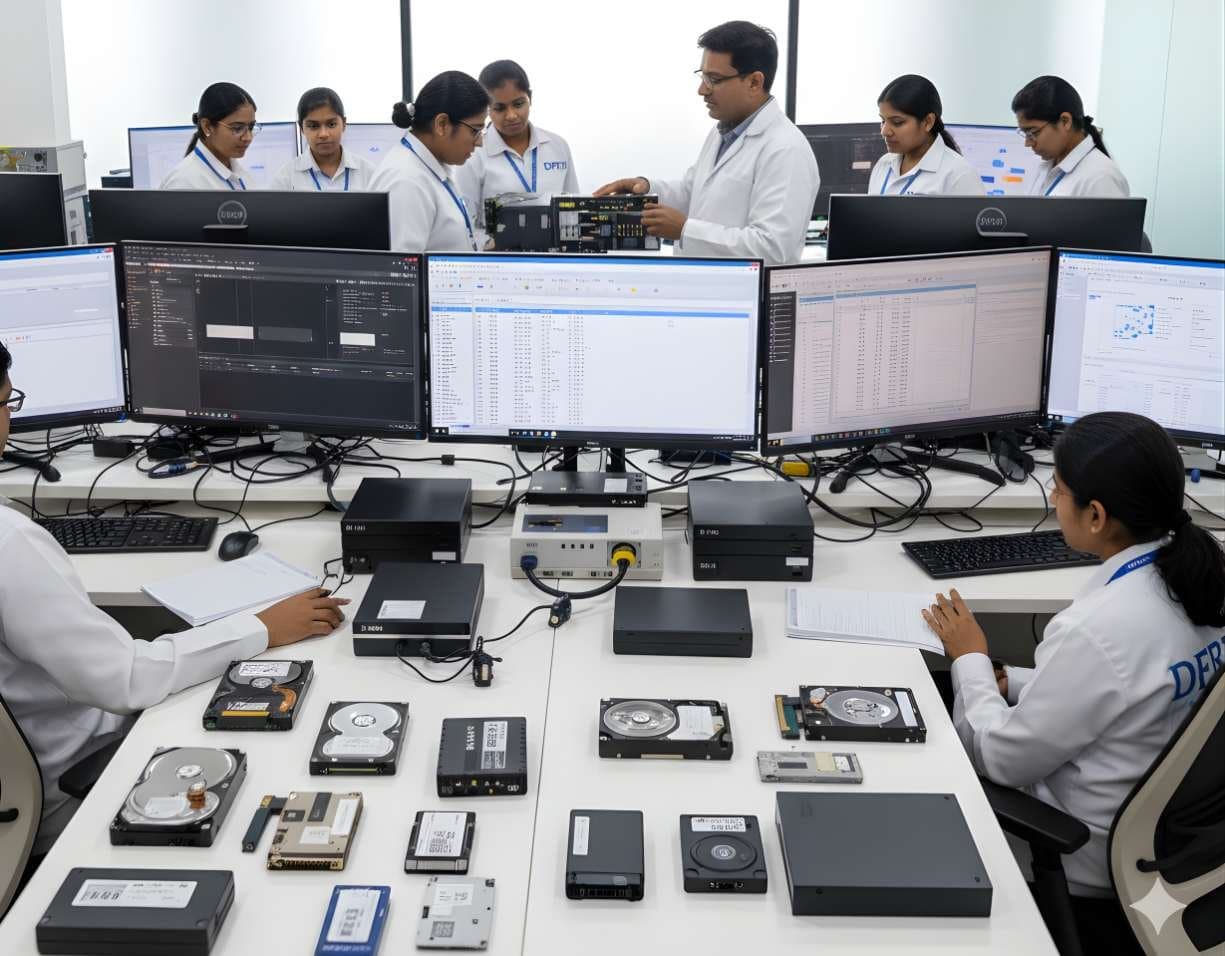 StorageDigital Storage ForensicsHDD ForensicsImage hard drives through a write-blocker, find hidden areas and recover deleted data.
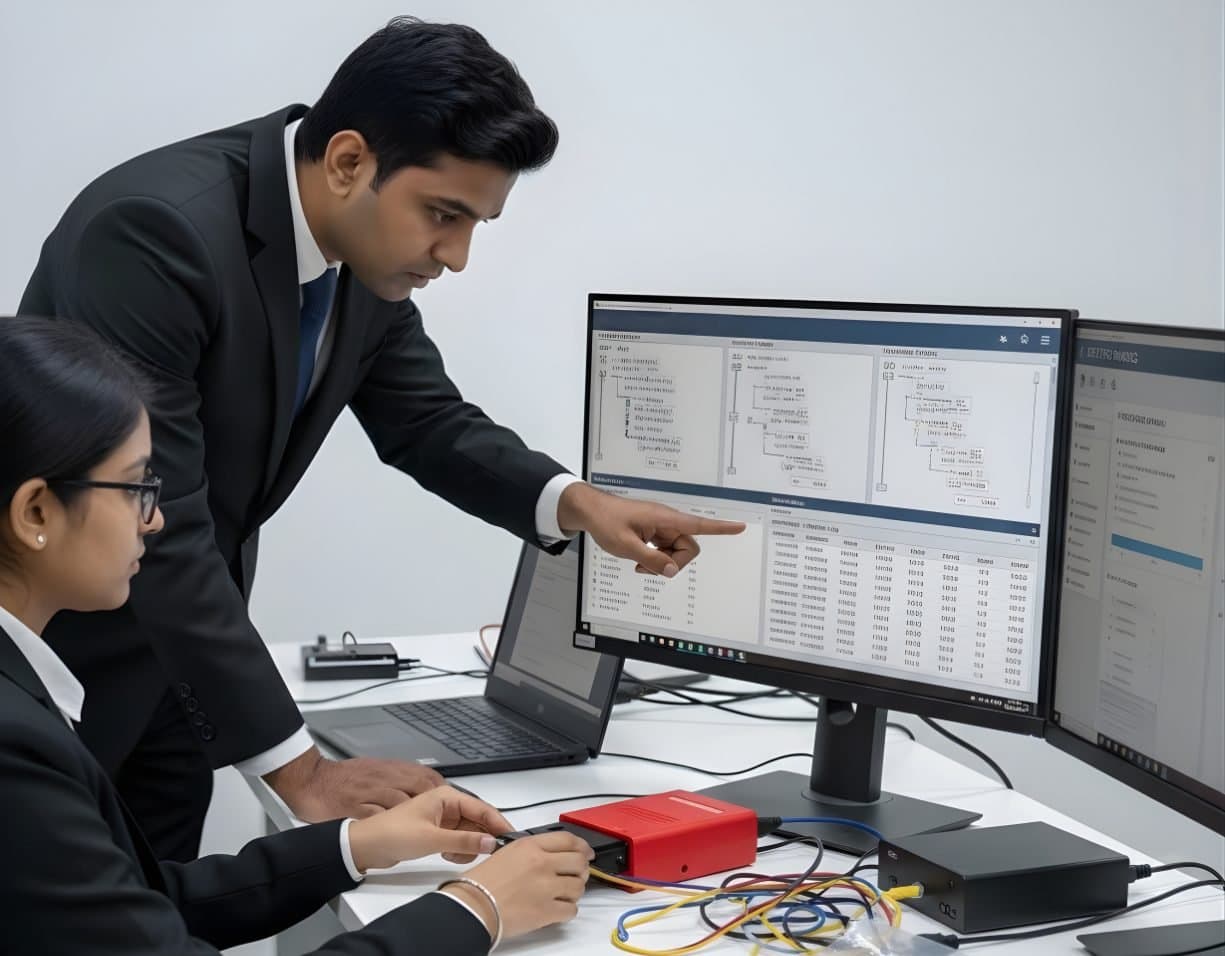 StorageDigital Storage ForensicsFile System AnalysisRead NTFS, FAT, exFAT, ext4 and APFS at the structure level and build timelines.
Related reading
- What NIST SP 800-88 Rev. 2 ChangedNIST published the final NIST SP 800-88 Rev. 2 in September 2025 and withdrew the 2014 revision. The new edition drops the media-by-media technique tables and asks organisations to run a sanitization programme instead. Here is what moved, what stayed and what it means for disposing of IT assets in India.Standards update
- SSDs, TRIM and What Happens to Deleted DataOn a hard disk a deleted file usually sits where it was until something overwrites it. On an SSD the drive itself may clear it within minutes. This explainer covers TRIM, garbage collection and wear levelling, what a forensic image of an SSD really contains and why file carving so often comes back empty.Explainer
Questions people ask
Can deleted files be recovered from an SSD?
Sometimes, but far less reliably than from a hard drive. If TRIM was active and the drive has had power since the deletion, the blocks may already be erased or return zeros. Recovery is more likely from file system journals, shadow copies, caches and backups than from unallocated space.
Why does my SSD image hash differ from the earlier one?
The controller may have zeroed trimmed blocks between reads. This is drive behaviour, not a sign of tampering, and it should be anticipated and documented. The hash of a given image still proves that image has not changed.
Is a write-blocker enough to freeze an SSD?
It stops the host writing, but it cannot stop the controller's own garbage collection. Keep power-on time short and image as soon as the drive is connected.
Does chip-off work on SSDs?
Rarely. Most SSD controllers spread, scramble or encrypt data across many flash chips, so the chips read individually give nothing usable. Controller-level tools on supported models are the usual route when the interface fails.
Further reading
More in Devices and storage
Go deeper with DFRTI
Free pages explain the ground. Structured courses, lab work and a mentor take you from knowing about it to doing it on a case.