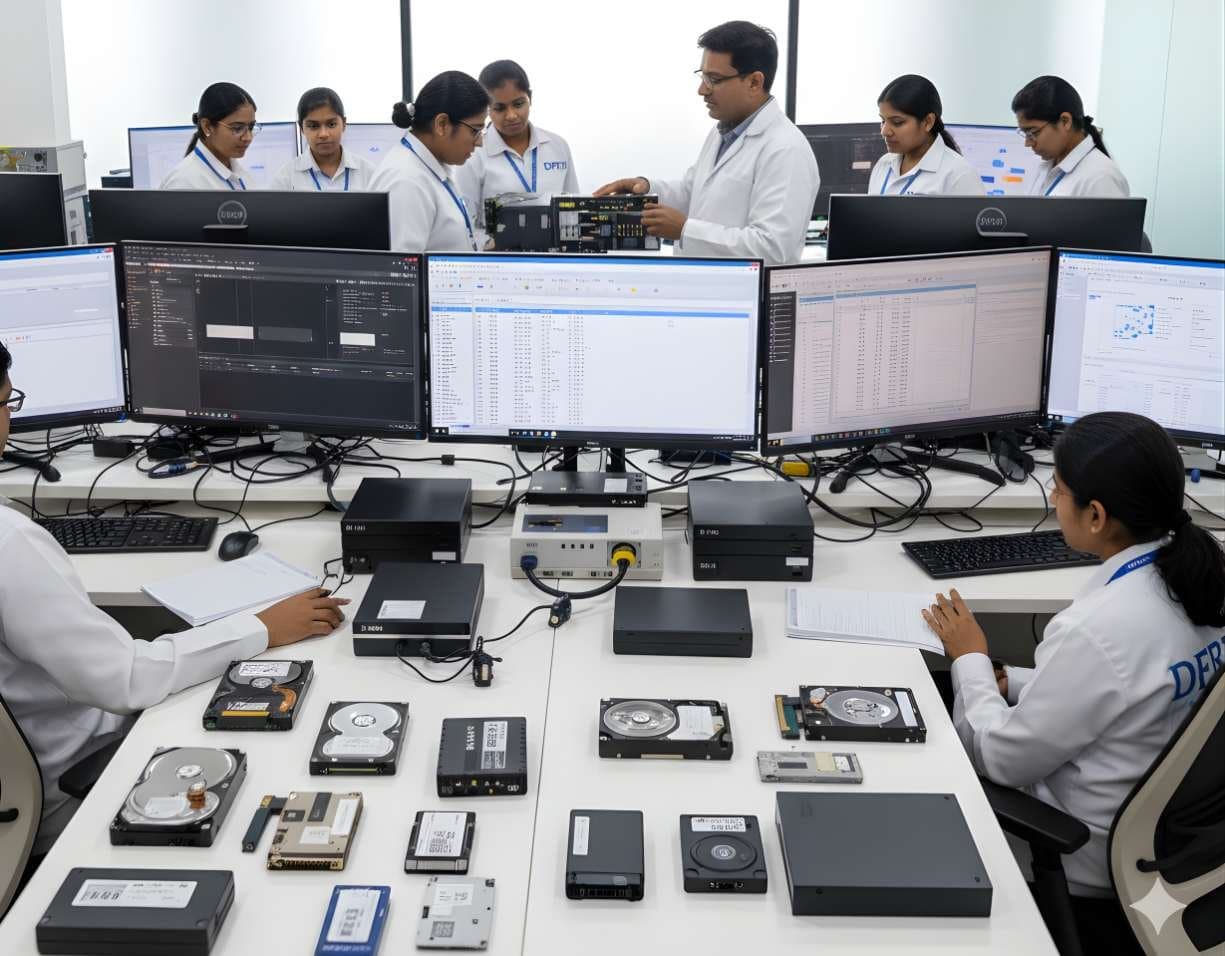
 StorageDigital Storage ForensicsHDD ForensicsImage hard drives through a write-blocker, find hidden areas and recover deleted data.
DFRTI · Available
Data Sanitization Pro
Erase storage media to a written standard and prove it with a certificate anyone can check.
What Data Sanitization Pro is
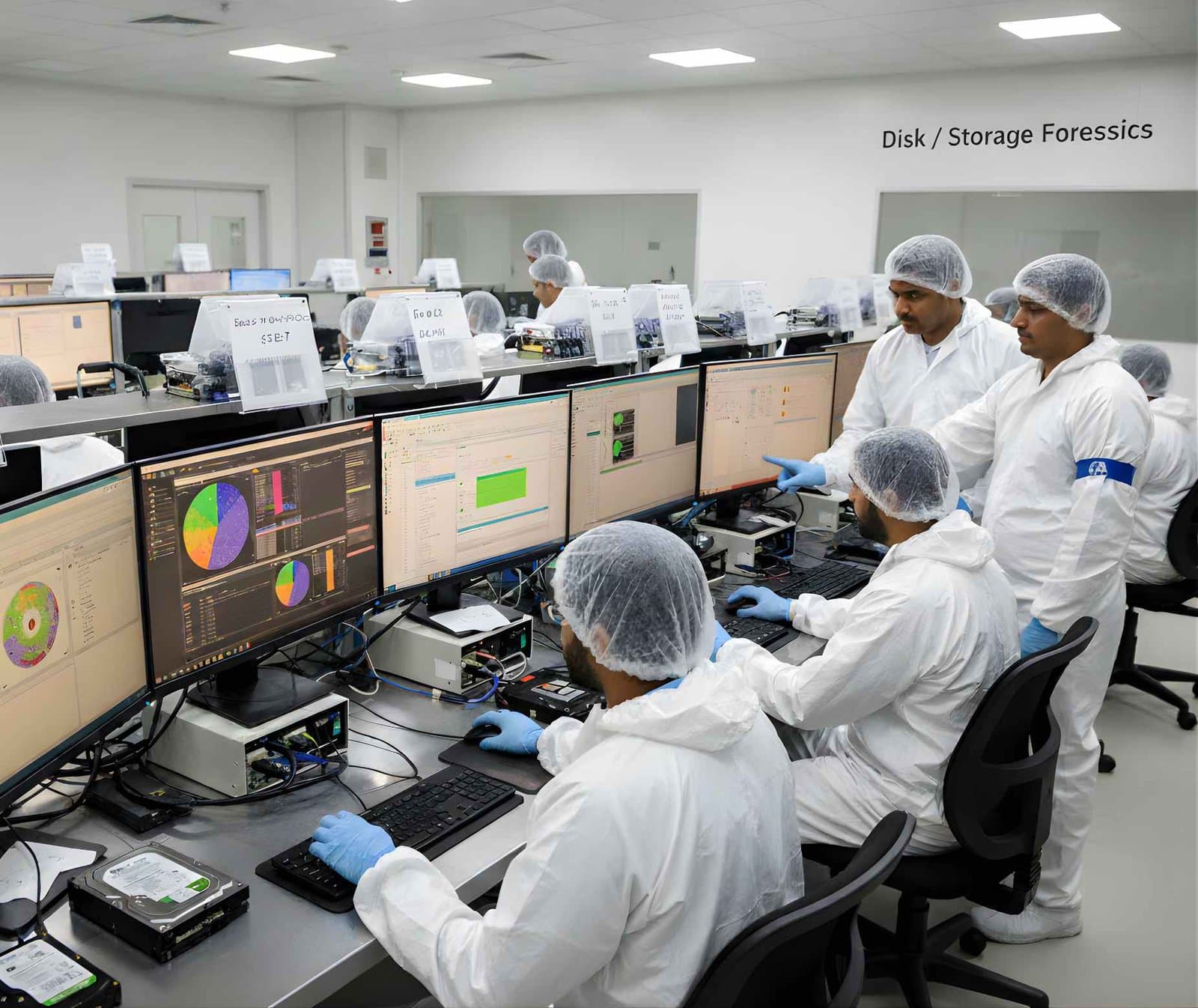
Data Sanitization Pro is a Windows application that overwrites storage media so the data on it cannot be read back, then checks its own work and records the result. It runs on a working Windows PC for the drives connected to it, from a bootable USB stick for computers that cannot start Windows and over the network (PXE boot) for a room full of machines at once.
Every run ends in two documents: a report of what was done to each drive and a certificate with a signed QR code. Scanning the code opens a check page on the Data Sanitization Pro website that confirms the certificate was issued by the software and has not been edited. Certificates issued from the USB stick or over the network are filed to the same account once the machine is online.
The method library covers the published standards an auditor is likely to ask for, from a single-pass NIST SP 800-88 Rev. 2 Clear to the older multi-pass patterns some contracts still name. Each method is listed with the number of passes the engine runs and whether the standard itself calls for a verification read.
The problem it addresses
Deleting files, formatting a drive or resetting a laptop leaves most of the data in place. Anyone with a recovery tool can read it back. When a company retires a batch of laptops or a lab returns a loaned drive, the organisation needs more than a promise that the data is gone. It needs a record that says which drive, which method, which result, signed and dated.
India's Digital Personal Data Protection Act, 2023 requires personal data to be erased when its purpose is served but does not say how. NIST SP 800-88 Rev. 2 says how, in three levels: Clear, Purge and Destroy. Data Sanitization Pro gives an IT team a way to meet the first two with software and to document it.
Supported media and inputs
- Internal and external hard disk drives (SATA)
- SATA solid-state drives
- NVMe solid-state drives
- USB pen drives and external USB drives
- Individual files and folders
- Free space on a volume
- Whole partitions
Confirmed features
Each item below has been checked against the software. Nothing is listed that the product does not do today.
- Published Methods
A library of overwrite methods that includes NIST SP 800-88 Rev. 2 Clear and Purge profiles, NIST SP 800-88 Rev. 1 profiles, DoD 5220.22-M and other multi-pass patterns, plus a DPDP India profile. Each shows its pass count honestly.
- Verification Read
After the overwrite, the drive is read back and compared with what was written. Where the published method calls for verification, the software treats it as mandatory.
- Signed Certificate With QR
A certificate for each device carries a QR code signed by the software. Scanning it opens a public check page that confirms the certificate is genuine and unaltered.
- Per-Device Report
A PDF report records the drive model, serial number, capacity, the method used, start and end time, the examiner and the result for every device in the run.
- Bootable USB
A bootable stick runs the same engine on a computer with no operating system or one that will not start, so the internal drives can be sanitised in place.
- Network Boot (PXE)
Machines on the same network can boot the sanitisation environment from a server, so a batch of computers is handled together without a stick in each one.
- Files, Folders and Free Space
Besides whole drives, the software can overwrite chosen files and folders, the free space on a volume or a single partition while the rest of the system stays in use.
- Unreadable Sectors Handled
Drives with failing sectors are walked sector by sector with timeouts rather than aborting the whole run, and the run records what could and could not be written.
- Account Portal
Reports, certificates, licence use and an activity log sit in the customer's online account, so an auditor can be shown the record for any device later.
How a job runs
- 01Connect or Boot
Attach the drives to a Windows PC, or start the target machine from the USB stick or over the network.
- 02Choose the Media
Pick whole drives, partitions, free space or files and folders. The software shows model, serial number and capacity for each drive.
- 03Pick a Method
Select the standard the policy or contract asks for. The pass count and verification requirement are shown before anything starts.
- 04Run
Progress is shown per drive. Several drives run at the same time.
- 05Verify
The drive is read back and compared. A run that fails verification is reported as failed, never as done.
- 06Document
The report and the signed certificate are saved and, when online, filed to the account portal.
Verification and reporting
- Verification read after every method that calls for one, with the result shown per drive
- PDF report per device with drive identity, method, timings, examiner and result
- Certificate per device with a signed QR code and a public check page on the product website
- Certificates from the bootable stick and network boot filed to the account when the machine is online
- Activity log and report archive in the customer account
Standards it refers to
- NIST SP 800-88 Rev. 2
The current NIST guideline for media sanitisation. Software overwriting meets its Clear level. Purge relies on the drive's own sanitise commands or cryptographic erase; the software states this plainly rather than relabelling an overwrite.
Read the guide - Digital Personal Data Protection Act, 2023
Requires erasure of personal data once its purpose is served. The DPDP India profile is a one-pass overwrite with verification, written for this requirement.
Read the guide - IEEE 2883
The IEEE standard for storage sanitisation that NIST SP 800-88 Rev. 2 refers to for technique.
- DoD 5220.22-M and Other Legacy Patterns
Older multi-pass patterns are included because contracts still name them, with a note that modern guidance treats one verified pass as sufficient for Clear.
Features listed here are the ones confirmed by the product team at the time of writing. DFRTI does not claim certification, government approval or guaranteed unrecoverability for any software. Whether a tool meets a policy or a contract is a decision for the organisation using it.
Technical specifications
| Operating System | Windows desktop application, with a bootable environment for machines without Windows |
|---|---|
| Deployment | Installed application, bootable USB, PXE network boot |
| Media | SATA HDD and SSD, NVMe SSD, USB drives, files, folders, free space, partitions |
| Verification | Read-back comparison after the overwrite |
| Outputs | PDF report and PDF certificate per device, signed QR code, online check page |
| Licensing Unit | Counted per device sanitised, with internal disks of one computer counted as one device |
| Product Website | datasanitizationpro.com |
Questions people ask
Does the software make a drive NIST certified?
No. NIST publishes guidelines, not certifications. The software follows the methods described in NIST SP 800-88 Rev. 2 and records what it did. Whether that meets your organisation's policy is a decision for your compliance team.
Is an overwrite the same as Purge?
Not under Rev. 2. A software overwrite meets Clear. Purge needs the drive's own sanitise command or a cryptographic erase. The method list says which level each profile reaches.
What happens if a drive has bad sectors?
The run continues sector by sector with timeouts and the report records what could not be written. A drive that cannot be fully overwritten should be physically destroyed, which is the Destroy level in NIST SP 800-88 Rev. 2.
Can the certificate be checked by someone outside my company?
Yes. Anyone who scans the QR code reaches the public check page, which confirms the certificate is genuine without needing an account.
Does DFRTI train people on this software?
Yes. Media sanitisation is taught in the storage track and the data sanitisation learning path uses this software for the practical work.
Learn the subject
Related tools
- Hardware Write BlockersA hardware write blocker sits between an evidence drive and the examiner's computer and refuses every write command. It is the first device a new examiner should understand.Various manufacturers
- Forensic DuplicatorsA forensic duplicator is a standalone imaging device. It copies a source drive to a destination drive or image file, hashes the result and verifies it, without a computer in between.Various manufacturers
Training that uses it
StorageDigital Storage ForensicsHDD ForensicsImage hard drives through a write-blocker, find hidden areas and recover deleted data. StorageDigital Storage ForensicsSSD / NVMe ForensicsHow TRIM, garbage collection and wear levelling change evidence on SSD and NVMe drives.
 StorageDigital Storage ForensicsUSB / Pen Drive ForensicsExamine pen drives and memory sticks and prove which USB device touched which computer.
 StorageDigital Storage ForensicsFile System AnalysisRead NTFS, FAT, exFAT, ext4 and APFS at the structure level and build timelines.
See Data Sanitization Pro working
A demonstration takes under an hour. Bring your own scenario and the team will walk through it on a real device.