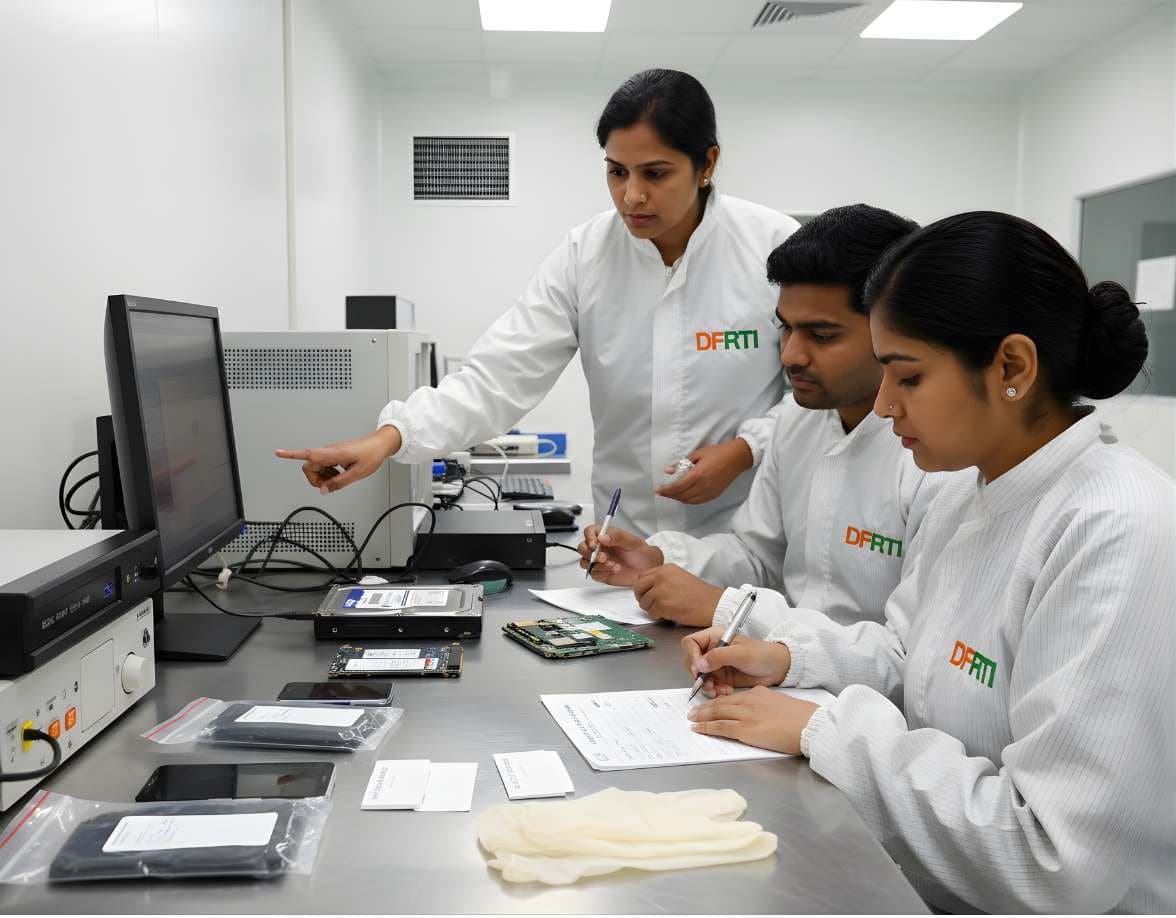
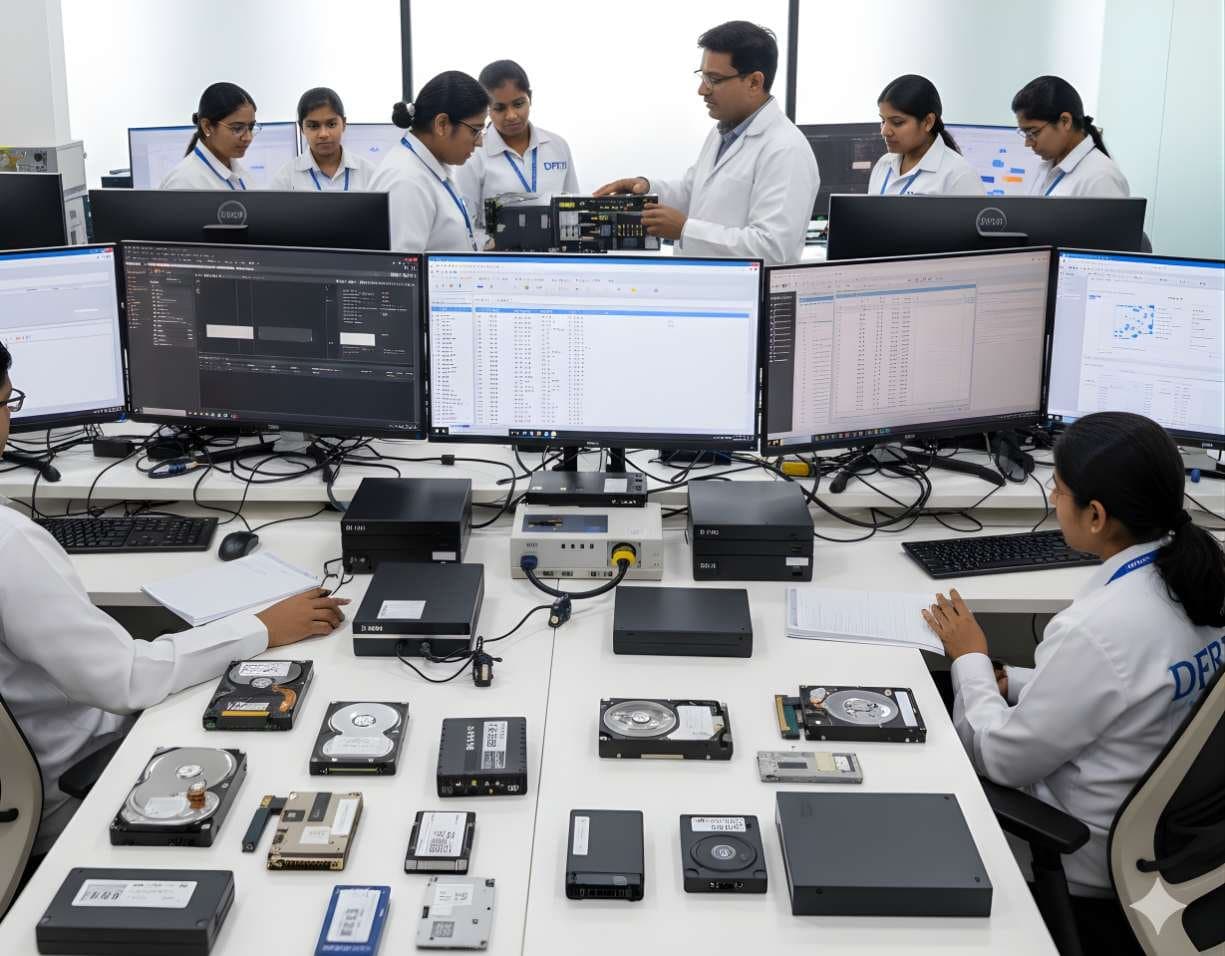
 StorageHDD ForensicsImage hard drives through a write-blocker, find hidden areas and recover deleted data.
SSD / NVMe Forensics
How TRIM, garbage collection and wear levelling change evidence on SSD and NVMe drives.
- Advanced
- Online or on campus
- 5 hands-on labs
- 7 modules
About this course
An SSD does not behave like a hard drive. Many examiners learn this the hard way. A file deleted from a hard drive often stays on the platter for months. Delete the same file on a modern laptop SSD and the operating system sends a TRIM command. Within minutes the controller may treat those blocks as empty and return zeros when you read them. Carving finds nothing. You need to be able to explain why in your report.
This course explains what happens inside the drive. The flash translation layer maps logical blocks to physical NAND pages, garbage collection erases blocks in the background and wear levelling spreads writes across the chip. You learn when deleted data can still be recovered (TRIM disabled, USB enclosures that do not pass TRIM, older systems) and when it almost certainly cannot.
The second half is about acquisition. You image SATA SSDs, M.2 NVMe and U.2 drives through suitable write-blockers, check every NVMe namespace, read the NVMe SMART log and deal with self-encrypting drives, BitLocker and machines where storage is soldered to the board and encrypted, such as Apple T2 and Apple silicon Macs.
TRIM and garbage collectionWear levellingNVMe namespacesEncrypted drives
After this course you can
- Explain TRIM, garbage collection and wear levelling to an investigating officer or a judge in simple words
- Decide from the system, file system and drive whether TRIM was likely active on a seized SSD
- Image SATA SSDs and M.2 NVMe drives through a write-blocker and verify the image with hashes
- List and image every namespace on an NVMe device using nvme-cli
- Read SMART and NVMe health logs and use power-on hours and unsafe shutdown counts as supporting facts
- Plan acquisition of encrypted and soldered storage, including live logical capture while the system is unlocked
Syllabus
7 modules · 29 topics
01Inside an SSD4 topics
- NAND flash, pages, blocks and why flash cannot overwrite in place
- The controller and the flash translation layer (FTL)
- Over-provisioning and spare blocks the host cannot see
- SLC cache, TLC and QLC and what they mean for long imaging jobs
02TRIM, garbage collection and wear levelling5 topics
- What the OS does when a file is deleted on an SSD
- TRIM on SATA, Deallocate on NVMe and UNMAP over USB and SCSI
- Deterministic read after TRIM and why reads come back as zeros
- Cases where deleted data survives: TRIM disabled, unsupported enclosures, older systems
- Wear levelling and why chip-off rarely helps on modern SSDs
03Interfaces and form factors4 topics
- 2.5-inch SATA, mSATA, M.2 SATA and M.2 NVMe: telling them apart by keying and label
- U.2 and enterprise NVMe drives
- Adapters, enclosures and PCIe write-blockers for imaging
- Heat and throttling during long NVMe acquisitions
04NVMe in detail4 topics
- Controllers, namespaces and why one drive can hold more than one
- Reading identify data with nvme-cli (id-ctrl, id-ns)
- The SMART / health log: data units written, power-on hours, unsafe shutdowns
- Imaging each namespace and recording it separately
05Acquisition and verification4 topics
- Write-blocked imaging of SSDs with FTK Imager, Guymager and dc3dd
- Why a second image of the same SSD can sometimes give a different hash and how to document it
- Live acquisition when powering off would lose access
- Logical acquisition of selected folders when a full image is not possible
06Encryption on solid-state storage4 topics
- Self-encrypting drives and the TCG Opal standard
- BitLocker device encryption on new Windows laptops and where recovery keys are often kept
- Soldered and encrypted storage on Apple T2 and Apple silicon Macs
- Spotting encryption early so the scene team does not power off an unlocked machine
07Analysis and reporting4 topics
- Checking TRIM status from the Windows registry and fsutil output
- What to write when carving returns zeros
- Using SSD health data alongside file system timestamps
- Wording that keeps opinion separate from fact
Hands-on labs
- Lab 1
Delete files on a test SSD with TRIM on and then off, image both and compare what carving recovers
- Lab 2
Identify an unknown M.2 drive as SATA or NVMe, connect it to the right write-blocker and image it
- Lab 3
List namespaces on a lab NVMe drive with nvme-cli, image each one and record the hashes
- Lab 4
Read the NVMe health log of a seized drive and compare power-on hours with the user's claimed usage
- Lab 5
Capture a logical image from a running laptop with BitLocker unlocked and document every step
Tools you will use
- FTK Imager
- Guymager
- dc3dd
- nvme-cli
- smartctl (smartmontools)
- Autopsy and The Sleuth Kit
- X-Ways Forensics
- Magnet AXIOM
- PhotoRec
Who it suits
- Examiners who already image hard drives and now face SSD laptops
- Forensic lab staff who need to explain empty carving results in court
- Corporate incident response teams handling modern endpoints
- Data recovery engineers moving into forensic work
Before you join
- HDD Forensics or practical experience of write-blocked imaging
- Basic understanding of NTFS or another file system
- Comfort with simple Linux commands
Questions about this course
Can deleted data be recovered from an SSD at all?
Sometimes. If TRIM was off, the drive sat in an enclosure that did not pass TRIM or the system was old, deleted data may still be there. On a modern laptop with TRIM working, deleted file content is usually gone soon after deletion. File system records, logs and other artefacts may still show the file existed.
Will connecting an SSD to a write-blocker stop garbage collection?
No. A write-blocker stops the computer writing to the drive. It cannot stop the drive's own controller from doing internal housekeeping once it has power. That is why we image quickly and document what we see.
Is chip-off an option for SSDs?
Rarely. Data on most modern SSDs is spread across chips by wear levelling and often scrambled or encrypted by the controller. Reading chips directly seldom gives usable data, so the course focuses on what works.
Do I need to finish HDD Forensics first?
It is the best path. This course assumes you can already image a drive through a write-blocker and verify the hashes.
More courses in Digital Storage Forensics
StorageHDD ForensicsImage hard drives through a write-blocker, find hidden areas and recover deleted data. StorageUSB / Pen Drive ForensicsExamine pen drives and memory sticks and prove which USB device touched which computer.
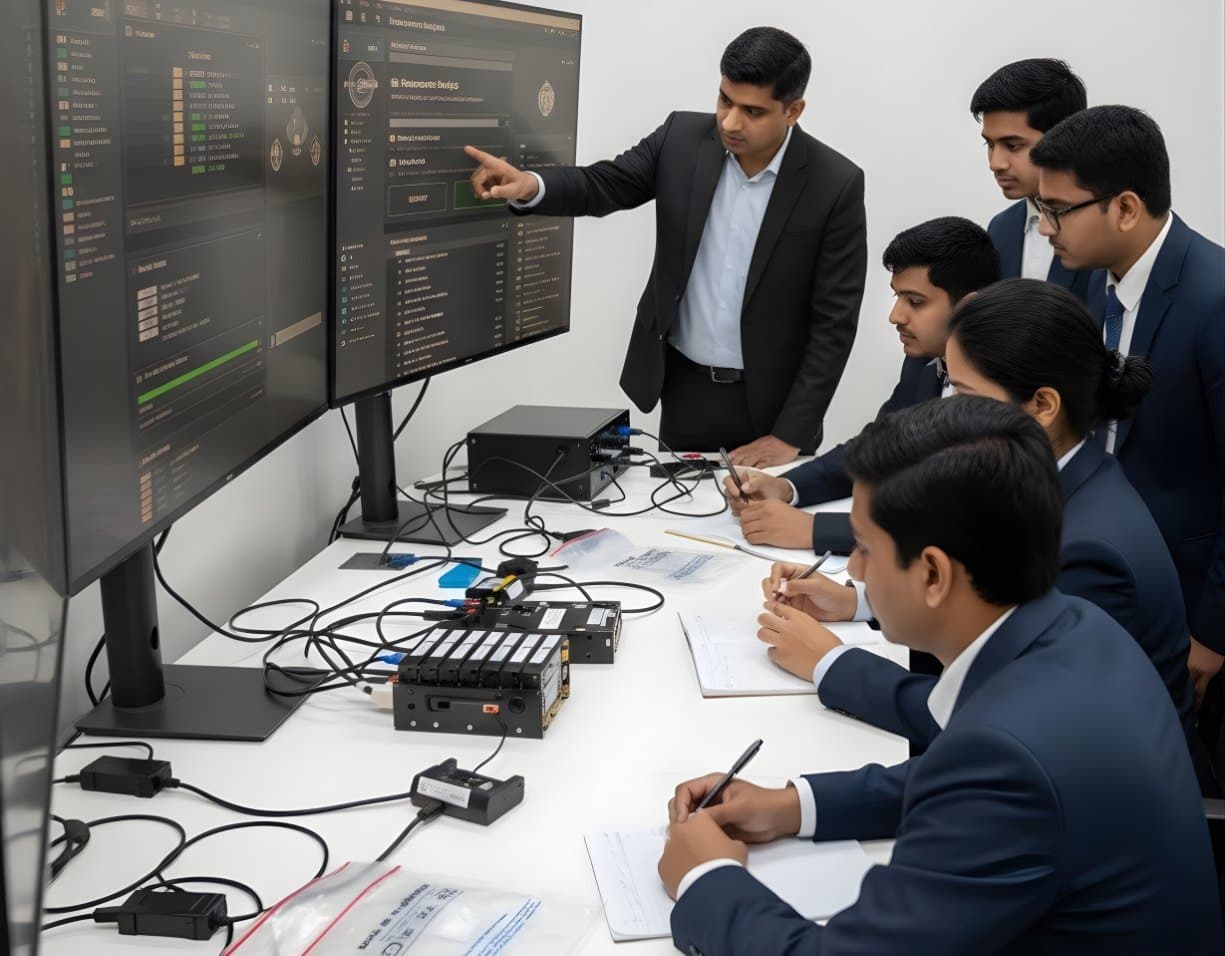 StorageRAID / NAS ForensicsImage RAID members, rebuild arrays virtually and examine NAS boxes after ransomware.
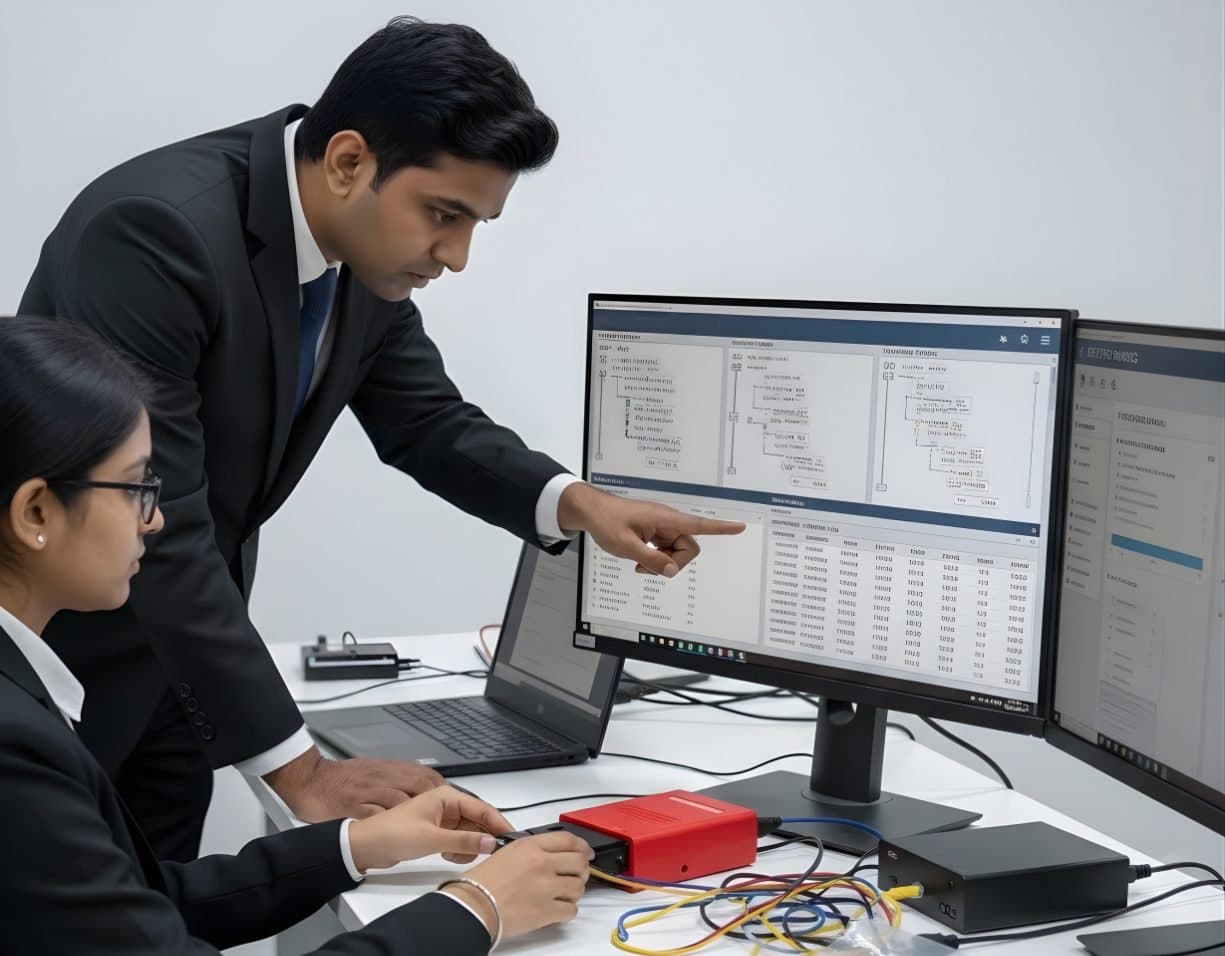 StorageFile System AnalysisRead NTFS, FAT, exFAT, ext4 and APFS at the structure level and build timelines.
Not sure this is the right one for you?
Tell us your background and what you want to do next. A counsellor will suggest a course and the next batch.