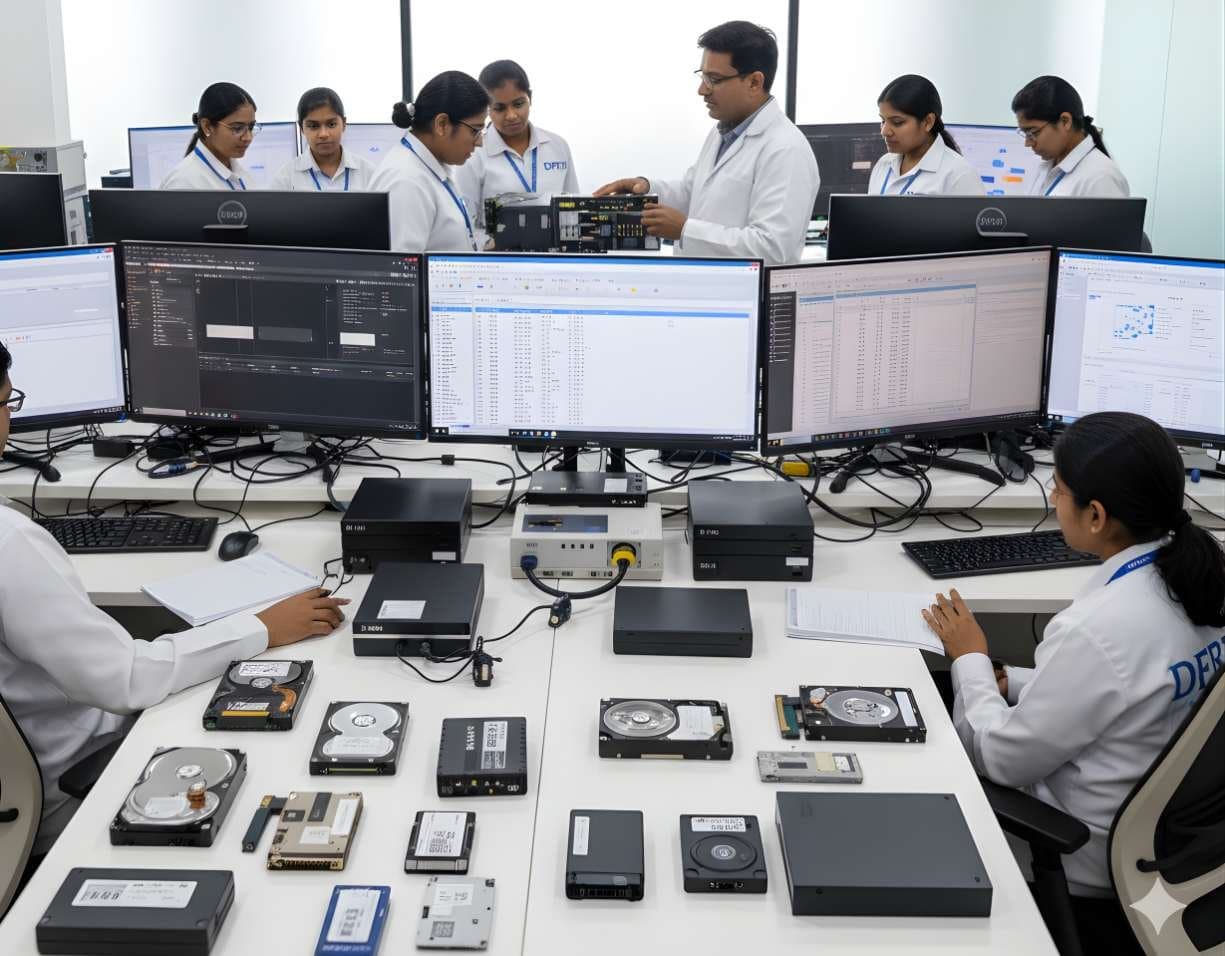
 StorageDigital Storage ForensicsHDD ForensicsImage hard drives through a write-blocker, find hidden areas and recover deleted data.
Data Recovery and Evidence Recovery
Data recovery gets files back for their owner. Evidence recovery does the same job under forensic controls, so that every recovered item can be traced to its origin and defended.
Devices and storage8 evidence types13 tools4 coursesReviewed 2 November 2026
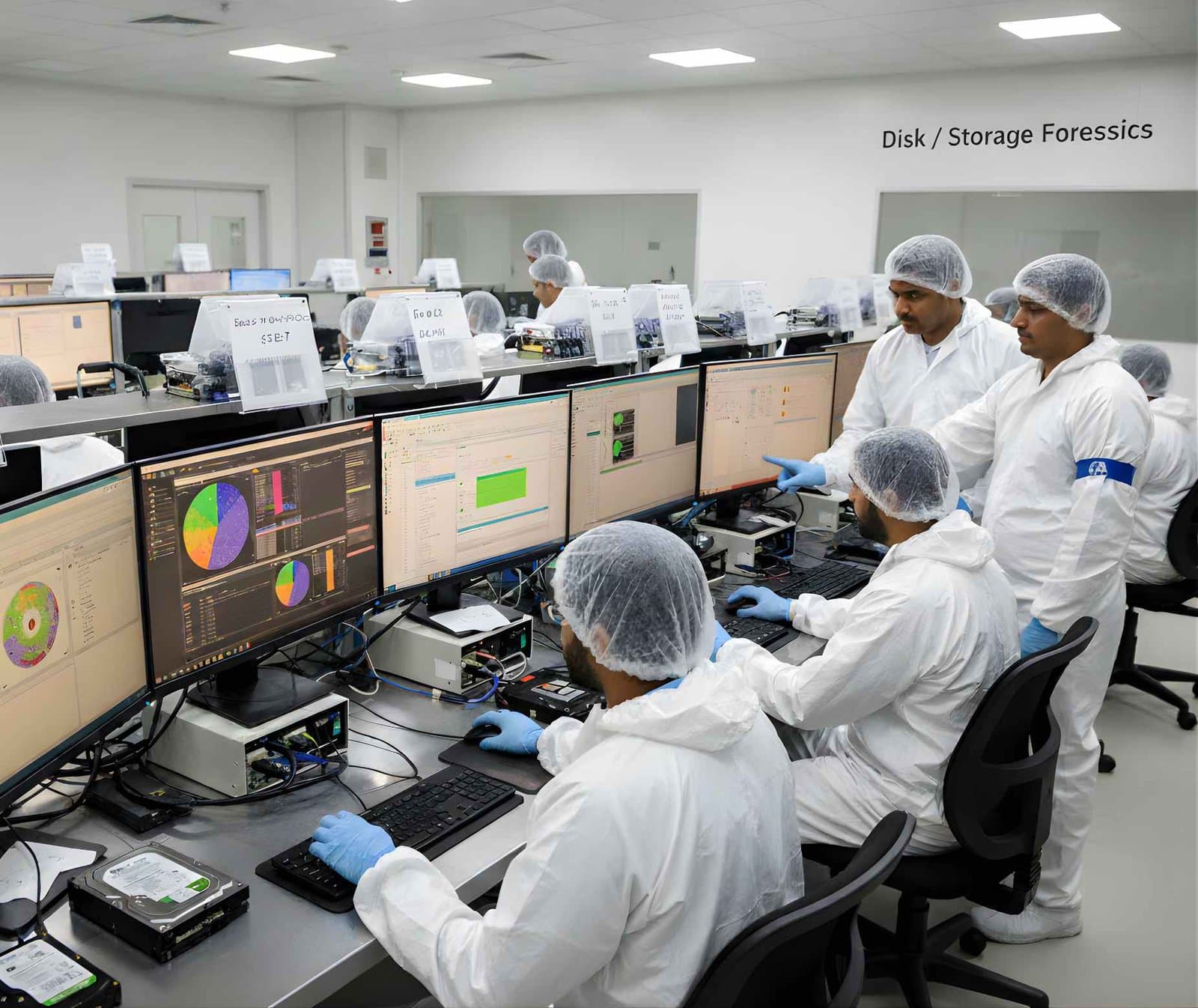
What it is and why it matters
When a file is deleted the operating system usually removes the pointer to it, not the content. The clusters are marked free and the data sits there until something else is written over it. Recovery is the craft of reading those orphaned clusters back into files, using whatever the file system left behind: an unused directory entry, a journal record, a copy in a snapshot or, failing all of those, the recognisable header of the file itself.
Data recovery and evidence recovery use the same techniques and reach different standards. A recovery shop works on the customer's drive, tries whatever gets results and hands back the files. A forensic examiner works only on a verified image, records every method, keeps the recovered items linked to the sectors they came from and reports how confident the recovery is. A carved photo with no file name and no timestamp is still useful, but it must be described honestly.
Recovery also has an end. Data that has been overwritten is gone, and so is data on a trimmed SSD or behind encryption without the key. NIST SP 800-88 Rev. 2 makes the point from the other side: a single proper overwrite defeats recovery on a hard drive. An examiner who understands sanitisation knows when to stop searching and say so.
Types of digital evidence
- Deleted Files With Intact Records
Files whose NTFS $MFT entry or FAT directory entry still exists but is marked unused. Name, size, timestamps and cluster pointers are all available, so recovery is exact.
- Journal Copies
Metadata and sometimes data preserved in the NTFS $LogFile and USN journal, the ext4 journal or the APFS checkpoint history, showing a file's name and changes after the main record is gone.
- Carved Files
Files rebuilt from unallocated space by recognising headers and footers such as JFIF for JPEG or %PDF for PDF. No name or timestamp travels with them.
- Snapshots and Shadow Copies
Earlier versions of files kept by Volume Shadow Copy, APFS snapshots, Time Machine or NAS snapshots that still hold what the live volume has lost.
- Recycle Bin and Trash Records
Windows $I and $R files and macOS Trash metadata that record the original path and deletion time of items moved there.
- Slack and Fragment Data
Partial content in the slack of allocated files and in isolated unallocated clusters, enough for keyword hits and sometimes for partial documents.
- Recovered Media From Failed Drives
Data read from a mechanically or electronically failed drive after head swap, firmware repair or controller-level recovery.
- Application Caches and Thumbnails
Thumbnail databases, browser caches and sync client databases that keep small copies of files deleted elsewhere.
Devices and data sources
- Hard drives from computers, DVRs and external enclosures
- SSDs and NVMe drives, with the limits that TRIM imposes
- USB pen drives and memory cards, including those with failed controllers
- RAID and NAS volumes after virtual reconstruction
- Mobile phone file system extractions and chip-off dumps
- Virtual machine disk files and their snapshots
- Cloud sync client databases and local caches
- Backup media and archives that hold earlier versions
How an examination runs
The order matters. Each step protects the one after it.
- 01Work From the Image
Every recovery runs against a verified forensic image or a hardware-level clone, never against the original. If the drive is failing, the image is made with a recovery-aware tool first.
- 02Read the File System Records
Parse the $MFT, FAT tables, ext4 inodes or APFS trees for entries marked deleted but still intact. Recover these first, since they carry names and timestamps.
- 03Use the Journals
Read the NTFS $LogFile and USN journal, the ext4 journal and APFS checkpoints for records of files that have lost their main entry, to recover names, paths and times of deletion.
- 04Check Snapshots and Bins
Mount Volume Shadow Copies, APFS and NAS snapshots and read Recycle Bin and Trash metadata before carving, because they often give complete files with context.
- 05Carve Unallocated Space
Run signature-based carving for the file types that matter to the case. Validate carved results by opening them, and expect fragmented and partial files.
- 06Record Provenance
For every recovered item record where it came from: the file system entry, the journal record or the sector range carved. Mark carved items as having no original name or timestamp.
- 07Grade Confidence
Separate exact recoveries from reconstructed and partial ones in the report, and say what could not be recovered and why.
Tools used in this discipline
Independent profiles: what each tool does, where it stops and what you need to know before using it.
- Storage and hardwareCurrentPC-3000 ExpressACE Lab
The PC-3000 Express is the laboratory version of the PC-3000 family, a tester board fitted inside a workstation for hard drive diagnostics, firmware repair and data recovery.
- Storage and hardwareCurrentPC-3000 Portable PROACE Lab
The PC-3000 Portable PRO is ACE Lab's field unit for working with damaged hard drives and solid state drives. It is the portable branch of the PC-3000 family and the current generation after the Portable III.
- Storage and hardwareCurrentPC-3000 FlashACE Lab
The PC-3000 Flash reads raw NAND memory chips and rebuilds the user data that a dead or damaged controller can no longer present.
- Storage and hardwareCurrentPC-3000 SSDACE Lab
PC-3000 SSD is the solid state drive module of the PC-3000 family. It runs on ACE Lab's hardware and gives the examiner access to the drive's technological mode, where the controller can be made to reveal user data it will no longer serve through the normal interface.
- Storage and hardwareCurrentData ExtractorACE Lab
Data Extractor is the software that turns a PC-3000 board or portable unit into an imager for drives that are unstable, slow or partly unreadable.
- Storage and hardwareCurrentMRT Ultra 3.0MRT Lab
MRT Ultra is MRT Lab's multi-port recovery card. The current generation, released in 2026, is the MRT Ultra 3.0 Six-Port Card, used with the MRT data recovery software for firmware repair and imaging of hard drives.
- Computer forensicsCurrentExterro FTK ImagerExterro
FTK Imager is the free tool most learners meet first. It makes forensic images of drives, folders and memory, verifies them with hashes and lets an examiner preview evidence before committing to a full acquisition.
- Computer forensicsCurrentX-Ways ForensicsX-Ways Software Technology AG
X-Ways Forensics is the German examination tool that runs light, starts fast and gives the examiner the raw disk alongside the parsed view. Version 21.9 was current when this page was checked.
- Computer forensicsCurrentAutopsySleuth Kit Labs
Autopsy is a free, open source examination platform that puts a graphical interface and ingest modules on top of The Sleuth Kit. For a student it is the first tool that shows a whole case from image to report at no cost.
- Computer forensicsCurrentThe Sleuth KitSleuth Kit Labs
The Sleuth Kit, usually written TSK, is a C library and a set of command line tools for examining disk images and file systems. Autopsy is its graphical face. Working with TSK directly teaches what the graphical tools hide.
- Computer forensicsCurrentOpenText Forensic (EnCase)OpenText
EnCase Forensic, one of the oldest names in computer forensics, is now called OpenText Forensic (EnCase). OpenText says it is the same product, renamed to fit its cybersecurity portfolio.
- Computer forensicsCurrentMagnet AxiomMagnet Forensics
Axiom is Magnet Forensics' main examination platform. It takes images and extractions from computers, phones, cloud accounts and vehicles into a single case and presents the artefacts side by side.
- Computer forensicsCurrentBelkasoft X ForensicBelkasoft
Belkasoft X is a single tool for computer, mobile, drone, vehicle and cloud evidence. Belkasoft sells X Forensic to government customers and X Corporate to businesses, both on a perpetual licence.
Terminology
- Logical Recovery
- Recovering data from a readable device by reading file system structures and unallocated space. No hardware repair is involved.
- Physical Recovery
- Making a failed device readable again, by head swap, firmware repair, controller-level access or chip-off, so that an image can be taken.
- File Carving
- Reconstructing files from raw data by header and footer signatures, without help from the file system.
- Fragmentation
- A file stored in non-contiguous clusters. Carving assumes contiguity, so fragmented files come back corrupted or incomplete unless the file system records survive.
- Overwrite
- New data written to a sector that held old data. The old content is not recoverable by software, and on modern drives not by any practical means.
- Journal
- A log the file system keeps of metadata changes, used to recover after a crash. It also preserves records of deleted files for a while.
- Snapshot
- A point-in-time view of a volume kept by the file system or backup software. Deleted files often survive in a snapshot taken before the deletion.
- Provenance
- The documented origin of a recovered item: which record, journal entry or sector range it came from.
- Secure Erase and Cryptographic Erase
- Drive commands that erase all cells or destroy the encryption key. After either, there is nothing to recover, and recognising this saves wasted effort.
Challenges and limits
What makes it hard
- Overwritten data is unrecoverable, and the only question is how much was overwritten
- TRIM on SSDs removes deleted content on the drive's own schedule, so recovery from flash is unpredictable
- Encryption without the key leaves nothing to recover even from a perfect image
- Fragmented files defeat carving and come back as mixed or truncated content
- Carved files have no name, path or timestamp, which limits what can be said about them
- Failing drives may allow only one imaging attempt, so the first method must be the right one
- Recovery tools produce false positives, and every important recovered file must be opened and checked
Keeping the evidence intact
- Recover from a verified image or clone, never from the original device
- Record the source of every recovered item at the sector or record level
- Hash recovered files individually and keep them with the record of how they were recovered
- Mark carved and partial recoveries clearly and never present them with invented names or dates
- Document every tool, version and setting so the recovery can be repeated
Standards and legal considerations
- ISO/IEC 27042:2015
Guidance on the analysis and interpretation of digital evidence, including how to present reconstructed data and state confidence.
Read the guide - ISO/IEC 27037:2012
The preservation rules that keep the original intact while recovery runs on a copy.
Read the guide - NIST SP 800-88 Rev. 2
Media sanitisation guidance. It defines what makes data unrecoverable, which tells an examiner where recovery honestly ends.
Read the guide - SWGDE Best Practices
SWGDE guidance on examination and reporting that covers recovered and carved data.
Read the guide - Digital Evidence Lifecycle
Recovery sits in the examination stage, between acquisition and analysis, and its output must carry the same custody as the original.
Read the guide
In practice
- Deleted Invoices With Names Intact
An employee deleted a folder of invoices the day before an audit. The $MFT still holds the entries marked unused, with names, sizes and cluster pointers. The examiner recovers all of them exactly and shows from the USN journal the time each was deleted.
- Photos From a Formatted Card
A memory card was quick-formatted. The FAT tables are blank, so the examiner carves the data area for JPEG headers and recovers several hundred photos. The report explains that the file names are lost but that EXIF timestamps inside each photo survive.
- Nothing to Recover
A drive handed in as evidence turns out to have been sanitised with the drive's secure erase command, confirmed by the SMART data and a uniform pattern across every sector. The examiner reports that no data is recoverable and why, rather than running tool after tool.
This page is educational material, not legal advice. Laws and standards change, commence on different dates and are interpreted differently across jurisdictions. Always read the official text linked on this page and take advice from a qualified professional for a real matter.
Learn it at DFRTI
Free pages explain. These courses teach it on real devices with a mentor.
StorageDigital Storage ForensicsHDD ForensicsImage hard drives through a write-blocker, find hidden areas and recover deleted data. StorageDigital Storage ForensicsSSD / NVMe ForensicsHow TRIM, garbage collection and wear levelling change evidence on SSD and NVMe drives.
 StorageDigital Storage ForensicsFile System AnalysisRead NTFS, FAT, exFAT, ext4 and APFS at the structure level and build timelines.
 StorageDigital Storage ForensicsUSB / Pen Drive ForensicsExamine pen drives and memory sticks and prove which USB device touched which computer.
Related reading
- What NIST SP 800-88 Rev. 2 ChangedNIST published the final NIST SP 800-88 Rev. 2 in September 2025 and withdrew the 2014 revision. The new edition drops the media-by-media technique tables and asks organisations to run a sanitization programme instead. Here is what moved, what stayed and what it means for disposing of IT assets in India.Standards update
- SSDs, TRIM and What Happens to Deleted DataOn a hard disk a deleted file usually sits where it was until something overwrites it. On an SSD the drive itself may clear it within minutes. This explainer covers TRIM, garbage collection and wear levelling, what a forensic image of an SSD really contains and why file carving so often comes back empty.Explainer
Careers that use it
Questions people ask
What is the difference between recovering a file and carving one?
A recovered file comes back through its file system record, with name, path and timestamps. A carved file is rebuilt from raw data by its signature and arrives with none of that. Both are useful, but they are reported differently.
Can overwritten data be recovered?
No. Once a sector has been rewritten the old content is gone. Claims of recovering overwritten data from modern drives are not supported by evidence, and NIST SP 800-88 Rev. 2 treats a single overwrite as sufficient for clearing a hard drive.
Why does recovery on an SSD give so little?
Because the drive erases or zeros trimmed blocks on its own. Unless TRIM was off or the drive had no power since deletion, the deleted content is usually gone. Journals, snapshots and caches become the main source.
Is a data recovery company's output acceptable as evidence?
It can be, if the drive was handled under custody, the work was documented and the recovered items can be tied to their origin. Without those controls the output is useful information but harder to defend.
Further reading
More in Devices and storage
Go deeper with DFRTI
Free pages explain the ground. Structured courses, lab work and a mentor take you from knowing about it to doing it on a case.