 LegalFoundation & Legal CoursesBasics of Cyber ForensicsStart here. Evidence handling, imaging, hashing, chain of custody and your first analysis.
Various manufacturers
Hardware Write Blockers
A hardware write blocker sits between an evidence drive and the examiner's computer and refuses every write command. It is the first device a new examiner should understand.
HardwareCommercialCurrentHardware
Profile
- Manufacturer
- Various manufacturers
- Category
- Storage and hardware
- Product type
- Hardware
- Platforms
- Hardware
- Licensing
- Commercial
- Product status
- Current
- Educational level
- Beginner
- Last verified
- 2 November 2026
This is a category page, not one product. Product names given as examples were checked on the OpenText Forensic Bridges data sheet (April 2025), which lists the T356789iu, T3iu, T35u, T6u, T7u and T8u models.
What Hardware Write Blockers is
Operating systems write to a drive the moment it is connected. Windows updates timestamps, creates system folders and may try to repair a file system it thinks is damaged. A hardware write blocker, also called a forensic bridge, is a small device that passes read commands through and blocks every write, so the drive can be examined and imaged without a single sector changing. The best known product line is the OpenText Forensic Bridges family, sold under the Tableau name for many years. Its data sheet lists portable units for SATA and IDE, SAS, PCIe and USB drives, and drive bay units such as the T356789iu Universal Bridge for the laboratory bench. Other makers sell similar devices and most professional imagers, such as the OpenText Forensic TX2 Imager and the Logicube Falcon-NEO2, have write-blocked source ports built in.
The device is simple to use but still needs care. The examiner checks the write-block indicator before connecting the drive, confirms the DIP switch or mode setting if the unit can be switched to read and write, and records the model, serial number and firmware version in the case notes. A laboratory should validate each blocker by trying to write to a test drive through it and hashing the drive before and after. Some drives also carry a host protected area or device configuration overlay, which a blocker will reveal but not remove, so the imaging tool must be told how to handle them.
Primary applications
Where it is used
- Connecting a suspect hard drive or SSD to a workstation without altering it
- Live preview or triage of a drive before a full image is taken
- Imaging with software tools such as FTK Imager behind a blocked connection
- Laboratory validation exercises that prove the acquisition chain is sound
- Teaching the difference between a logical copy and a forensic image
Who uses it
- Every digital forensic examiner
- First responders collecting computers
- Laboratory technicians running imaging benches
- Students in a first forensic acquisition course
Capabilities and limits
Major capabilities
- Blocks all write commands while allowing reads at full interface speed
- Portable models for SATA, IDE, SAS, PCIe and USB source drives
- Drive bay models for permanent installation in a forensic workstation
- Status indicators for power, host, device, write block and activity
- Adapters for mSATA, M.2 NVMe and other small form factors
- USB host connection to any imaging workstation
Technical limitations
- A blocker protects the drive, not the examiner's method. A wrong image setting still gives a wrong image
- Switchable units can be left in read and write mode by mistake, so the indicator must be checked every time
- Hidden areas such as HPA and DCO need the imaging tool's attention. The blocker only passes what the drive reports
- Does not help with encrypted drives, damaged drives or mobile devices
- Firmware updates change behaviour, so the version used must be recorded
Learning with DFRTI
Independent professional education covering the principles and workflows of Hardware Write Blockers. DFRTI is not a vendor training centre and its courses are not vendor certifications.
Before you learn it
- What a forensic image is and why the original must not change
- Drive interfaces: SATA, IDE, SAS, PCIe NVMe and USB
- Basic hashing and how to verify an acquisition
Disciplines
Related tools
- Forensic DuplicatorsA forensic duplicator is a standalone imaging device. It copies a source drive to a destination drive or image file, hashes the result and verifies it, without a computer in between.Various manufacturers
- Exterro FTK ImagerFTK Imager is the free tool most learners meet first. It makes forensic images of drives, folders and memory, verifies them with hashes and lets an examiner preview evidence before committing to a full acquisition.Exterro
- OpenText Forensic (EnCase)EnCase Forensic, one of the oldest names in computer forensics, is now called OpenText Forensic (EnCase). OpenText says it is the same product, renamed to fit its cybersecurity portfolio.OpenText
- PC-3000 Portable PROThe PC-3000 Portable PRO is ACE Lab's field unit for working with damaged hard drives and solid state drives. It is the portable branch of the PC-3000 family and the current generation after the Portable III.ACE Lab
Courses that cover this tool
LegalFoundation & Legal CoursesBasics of Cyber ForensicsStart here. Evidence handling, imaging, hashing, chain of custody and your first analysis.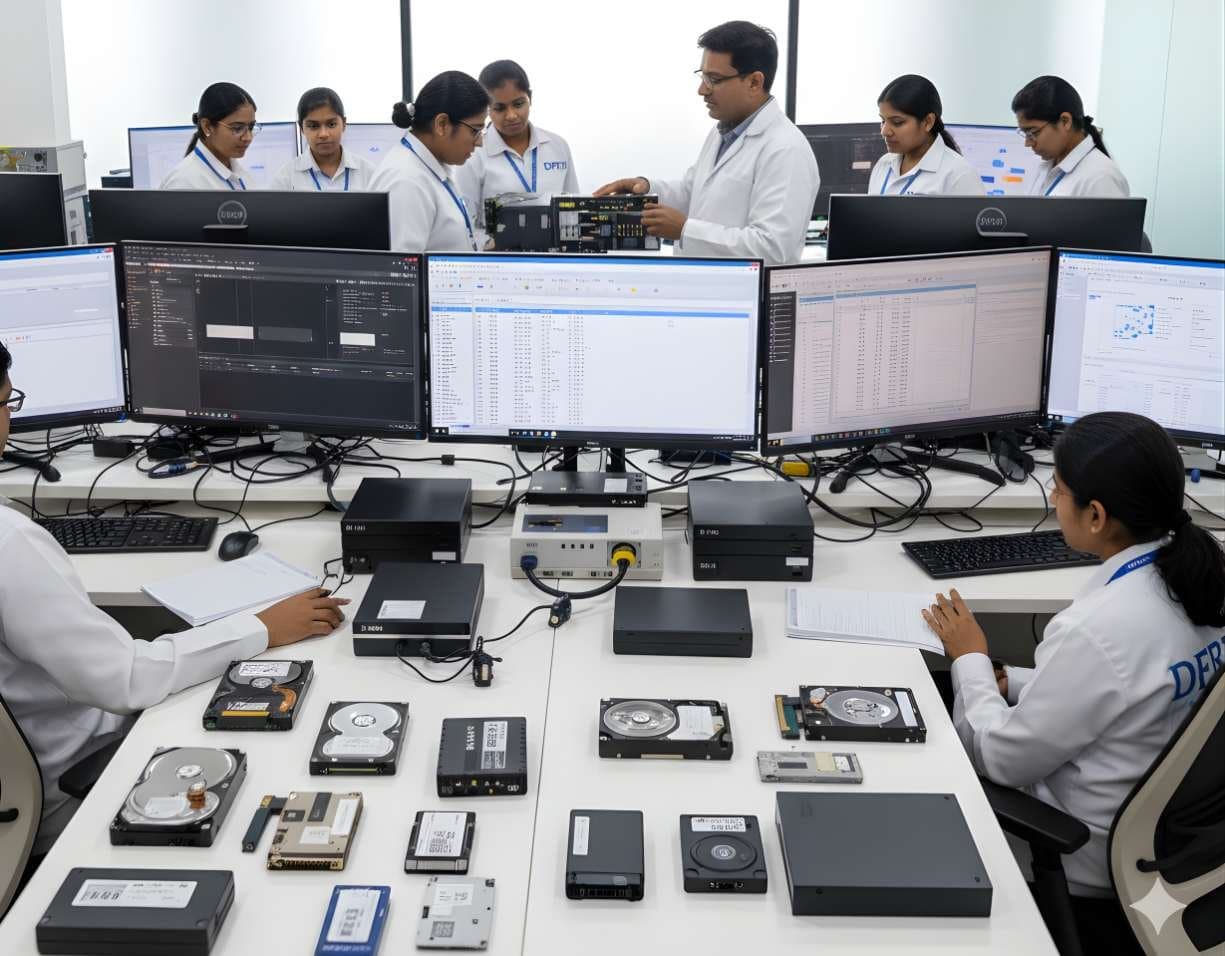 StorageDigital Storage ForensicsHDD ForensicsImage hard drives through a write-blocker, find hidden areas and recover deleted data.
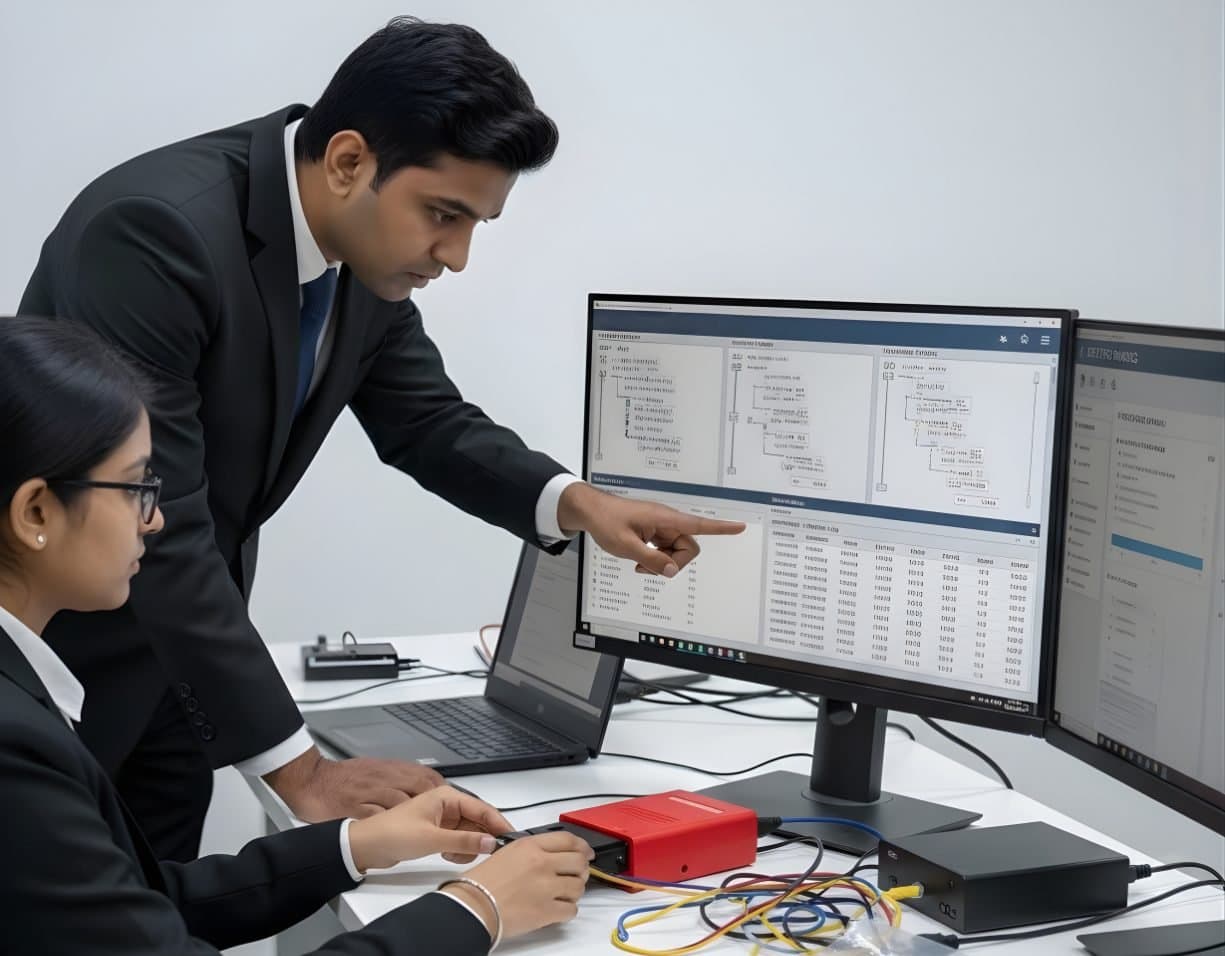 StorageDigital Storage ForensicsFile System AnalysisRead NTFS, FAT, exFAT, ext4 and APFS at the structure level and build timelines.
Related reading
- What NIST SP 800-88 Rev. 2 ChangedNIST published the final NIST SP 800-88 Rev. 2 in September 2025 and withdrew the 2014 revision. The new edition drops the media-by-media technique tables and asks organisations to run a sanitization programme instead. Here is what moved, what stayed and what it means for disposing of IT assets in India.Standards update
- SSDs, TRIM and What Happens to Deleted DataOn a hard disk a deleted file usually sits where it was until something overwrites it. On an SSD the drive itself may clear it within minutes. This explainer covers TRIM, garbage collection and wear levelling, what a forensic image of an SSD really contains and why file carving so often comes back empty.Explainer
- Hash Verification in Digital EvidenceA hash value is the one number that lets a court trust that the copy examined is the copy seized. This tutorial covers which algorithms to use and why, when to hash, how hash sets work, how to verify an image against its source and how to write hashes into the chain of custody and the report, with a worked synthetic example.Technical tutorial
- Why CCTV and DVR Evidence Is Hard to ExportA DVR export is rarely a simple video file. It is a proprietary container that needs the maker's own player, with a clock that may be minutes off and a frame rate that changes with motion. This explainer covers what makes DVR evidence difficult, how to verify an export with hashes, when to image the whole disk and what to document.Explainer
Product names and trademarks belong to their respective owners. DFRTI is an independent educational and research institute. Inclusion in this directory does not imply manufacturer endorsement, partnership or authorisation. Facts are checked against the manufacturer's public documentation on the date shown and may have changed since.
Go deeper with DFRTI
Free pages explain the ground. Structured courses, lab work and a mentor take you from knowing about it to doing it on a case.