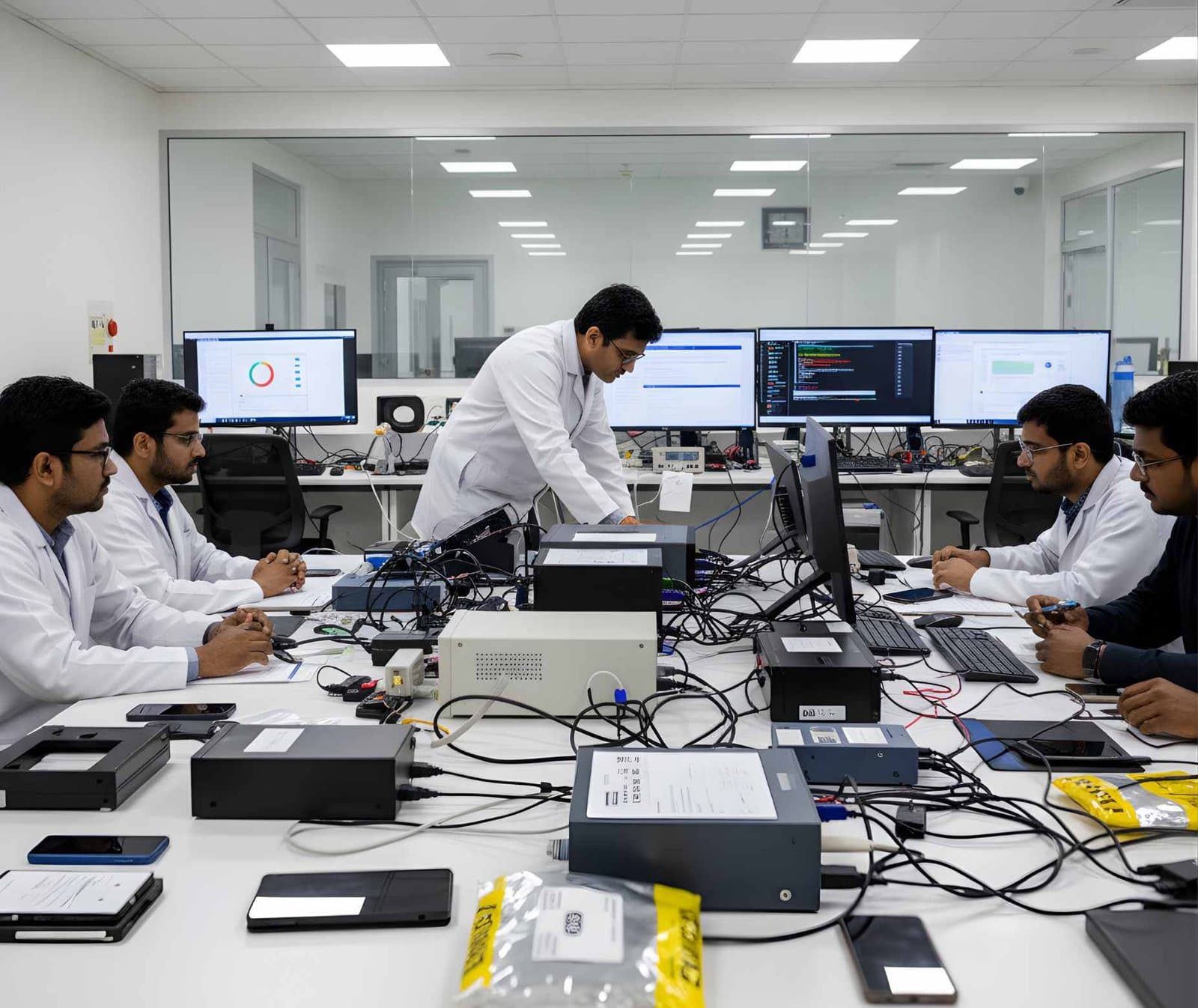
 LegalFoundation & Legal CoursesBasics of Cyber ForensicsStart here. Evidence handling, imaging, hashing, chain of custody and your first analysis.
Computer Forensics
Computer forensics is the examination of desktops, laptops and servers to find out what happened on them, done in a way that a court or an employer can trust.
Devices and storage8 evidence types14 tools4 coursesReviewed 2 November 2026
What it is and why it matters
A computer records far more than its owner realises. Every file opened, every USB stick plugged in, every program run and every website visited leaves marks in the file system, the registry and the logs. Computer forensics is the discipline of collecting those marks without altering them, reading them correctly and explaining them in plain language to the people who will decide a case.
The work has two halves. The first is acquisition, where the examiner makes an exact copy of the storage and proves it is exact with a cryptographic hash. The second is analysis, where the copy is searched, deleted material is recovered and events are placed on a timeline. Both halves are documented so that another examiner could repeat them and reach the same result.
It matters because computers sit at the centre of most disputes today. A fraud leaves spreadsheets and emails. A data theft leaves USB connection records and cloud sync logs. A harassment case leaves browser history and chat databases. The examiner's job is to turn these traces into facts that can be tested.
Types of digital evidence
- File System Metadata
Names, sizes, timestamps and allocation records such as the NTFS $MFT, which show when a file was created, changed and last written and whether it still exists.
- Deleted and Unallocated Data
Content the file system no longer points to but has not yet overwritten. It is recovered from unallocated clusters and from the slack at the end of allocated files.
- Registry and Configuration
Windows registry hives, macOS property lists and Linux configuration files record user accounts, installed software, connected devices and recently used items.
- Logs
Windows Event Logs, Linux journald and syslog, macOS unified logs and application logs that record logons, service starts, errors and shutdowns with timestamps.
- User Activity Artefacts
Shortcut (LNK) files, jump lists, shellbags, prefetch files and browser history that show what a person opened, ran and visited.
- Communications
Email stores such as PST, OST and mbox files, chat application databases and the attachments that travelled with them.
- Volatile Memory
The contents of RAM at the time of seizure, which can hold passwords, encryption keys, running processes and network connections that never reach the disk.
- Backups and Shadow Copies
Volume Shadow Copies, Time Machine snapshots and backup files that preserve earlier versions of files the user later changed or deleted.
Devices and data sources
- Internal hard drives and SSDs in desktops, laptops and servers
- External USB drives, pen drives and memory cards
- RAM captured from a running machine
- Optical discs and older removable media still found in offices
- Virtual machine disk files such as VMDK, VHDX and QCOW2
- Cloud sync folders for OneDrive, Google Drive and Dropbox and their local databases
- Printers, routers and network shares the computer connected to
- System and application backups kept on other media or servers
How an examination runs
The order matters. Each step protects the one after it.
- 01Authorisation and Scope
Confirm the legal basis for the examination, who owns the device and what questions the examiner is asked to answer. Write the scope down before touching anything.
- 02Scene Documentation
Photograph the computer, its cables, screen and surroundings. Record make, model and serial numbers. Note whether it is on, asleep or off.
- 03Live Decisions
If the machine is running, decide whether to capture RAM and check for full disk encryption before shutting down. Pulling the plug on an encrypted laptop can lock the data away for good.
- 04Write-Blocked Acquisition
Remove or connect the storage through a hardware write-blocker and create a bitstream image in raw or E01 format. Hash the source and the image and record both values.
- 05Verification
Compare the hashes, confirm the image opens and store the original in sealed evidence storage. All further work is done on copies.
- 06Analysis
Parse the file system, recover deleted material, read registry and logs, build a timeline and answer the scoped questions. Keep notes of every tool, version and setting used.
- 07Reporting
Write a report that separates what was found from what it means, states the limits of the method and lets a reader follow each conclusion back to the evidence.
Tools used in this discipline
Independent profiles: what each tool does, where it stops and what you need to know before using it.
- Storage and hardwareCurrentHardware Write BlockersVarious manufacturers
A hardware write blocker sits between an evidence drive and the examiner's computer and refuses every write command. It is the first device a new examiner should understand.
- Storage and hardwareCurrentForensic DuplicatorsVarious manufacturers
A forensic duplicator is a standalone imaging device. It copies a source drive to a destination drive or image file, hashes the result and verifies it, without a computer in between.
- Computer forensicsCurrentExterro FTK ImagerExterro
FTK Imager is the free tool most learners meet first. It makes forensic images of drives, folders and memory, verifies them with hashes and lets an examiner preview evidence before committing to a full acquisition.
- Computer forensicsCurrentOpenText Forensic (EnCase)OpenText
EnCase Forensic, one of the oldest names in computer forensics, is now called OpenText Forensic (EnCase). OpenText says it is the same product, renamed to fit its cybersecurity portfolio.
- Computer forensicsCurrentExterro FTK Forensic ToolkitExterro
FTK is the Forensic Toolkit that AccessData built and Exterro has owned since late 2020. Today Exterro sells it as Exterro FTK in a standalone form and as FTK Central for teams, with FTK Imager alongside.
- Computer forensicsCurrentX-Ways ForensicsX-Ways Software Technology AG
X-Ways Forensics is the German examination tool that runs light, starts fast and gives the examiner the raw disk alongside the parsed view. Version 21.9 was current when this page was checked.
- Computer forensicsCurrentMagnet AxiomMagnet Forensics
Axiom is Magnet Forensics' main examination platform. It takes images and extractions from computers, phones, cloud accounts and vehicles into a single case and presents the artefacts side by side.
- Computer forensicsCurrentAutopsySleuth Kit Labs
Autopsy is a free, open source examination platform that puts a graphical interface and ingest modules on top of The Sleuth Kit. For a student it is the first tool that shows a whole case from image to report at no cost.
- Computer forensicsCurrentThe Sleuth KitSleuth Kit Labs
The Sleuth Kit, usually written TSK, is a C library and a set of command line tools for examining disk images and file systems. Autopsy is its graphical face. Working with TSK directly teaches what the graphical tools hide.
- Computer forensicsCurrentArsenal Image MounterArsenal Recon
Arsenal Image Mounter, or AIM, mounts a disk image in Windows as a complete disk rather than a share, so Windows itself sees partitions, shadow copies and BitLocker volumes. The free mode covers mounting; Professional Mode adds virtual machine launch and more.
- Network and enterpriseCurrentKAPE (Kroll Artifact Parser and Extractor)Kroll
KAPE copies the files an examiner needs from a Windows system or image in minutes and then runs other programs over them. It is the quickest route from a live machine to parsed artefacts.
- Network and enterpriseCurrentEric Zimmerman's ToolsEric Zimmerman
A set of free, signed Windows forensic utilities, one per artefact, that turn registry hives, the master file table, event logs, prefetch, shellbags and jump lists into CSV an examiner can read in Timeline Explorer.
- Network and enterpriseCurrentPlasolog2timeline project
Plaso pulls every timestamp it can recognise out of a disk image or folder and writes them to one storage file. Sorted, that file is the super timeline investigators use to see what happened in what order.
- Network and enterpriseCurrentTimesketchGoogle (open source project)
Timesketch is a web application where several analysts work on the same timeline. Events from Plaso or CSV go into a sketch and the team searches, tags, comments and builds its account of events from them.
Terminology
- Bitstream Image
- A sector-by-sector copy of a storage device that includes unallocated space and slack, not just the visible files.
- Hash Value
- A fixed-length fingerprint such as SHA-256 computed from data. A single changed bit changes the hash, which is how examiners prove a copy is exact.
- Write-Blocker
- A hardware or software control that lets the examiner read a device while stopping every write command from reaching it.
- Unallocated Space
- Clusters the file system marks as free. They often still hold the content of deleted files until something overwrites them.
- Slack Space
- The unused part of the last cluster of a file, which can hold fragments of whatever occupied that cluster before.
- File Carving
- Recovering files from raw data by their header and footer signatures when no file system record points to them.
- Timeline
- A single ordered list of events drawn from file timestamps, logs, registry and browser records so that the sequence of actions can be seen.
- Triage
- A quick first look at a device to decide whether it holds relevant material and how urgently it needs a full examination.
- Chain of Custody
- The documented record of who held an item of evidence, when and why, from seizure to court.
Challenges and limits
What makes it hard
- Full disk encryption such as BitLocker and FileVault makes an image useless without the recovery key or a live capture of the unlocked system
- Multi-terabyte drives and many devices per case stretch imaging time and storage
- SSDs can erase deleted data on their own through TRIM and garbage collection, so recovery expectations must be lowered
- More user data lives in cloud accounts than on the device, and reaching it needs separate legal authority
- Anti-forensic tools can wipe free space, alter timestamps and clear logs, so the examiner looks for signs of that activity as well
- Clock errors, time zones and daylight saving must be resolved before any timeline is trusted
- Tools have bugs and gaps, so important findings are checked with a second tool or by hand
Keeping the evidence intact
- Use a tested write-blocker for every acquisition and record its make, model and firmware
- Hash the source and the image with at least one strong algorithm, record both values and verify again before analysis
- Keep the original sealed and work only on verified copies
- Write contemporaneous notes with dates, times, tool versions and the reason for every step that departs from normal procedure
- Log every person who handled the evidence and every transfer in the chain of custody record
Standards and legal considerations
- ISO/IEC 27037:2012
Guidelines for identification, collection, acquisition and preservation of digital evidence. The reference for how a seizure and an imaging should be carried out.
Read the guide - NIST SP 800-86
Guide to Integrating Forensic Techniques into Incident Response. Sets out the collection, examination, analysis and reporting phases used on this page.
Read the guide - SWGDE Best Practices
Practical documents from the Scientific Working Group on Digital Evidence on computer forensic acquisition, examination and reporting.
Read the guide - Digital Evidence Lifecycle
How identification, collection, examination, analysis, presentation and disposal fit together and what each stage demands.
Read the guide
In practice
- Files Copied Before Resignation
A company suspects a departing engineer copied design files. The examiner images the laptop, reads the USBSTOR registry key and the setupapi log to list every USB device ever connected, then matches LNK files and shellbags to folder names on a removable drive during the engineer's last week.
- A Backdated Document
A contract PDF claims to be two years old. The $MFT shows the file was created last month, the PDF metadata names a software version that did not exist on the claimed date and a Volume Shadow Copy from six weeks ago does not contain the file.
- An Encrypted Laptop at the Scene
A running laptop shows a BitLocker-protected volume. The team captures RAM and documents the open session before an orderly shutdown, which keeps the chance of recovering the volume key instead of losing the data to encryption.
This page is educational material, not legal advice. Laws and standards change, commence on different dates and are interpreted differently across jurisdictions. Always read the official text linked on this page and take advice from a qualified professional for a real matter.
Learn it at DFRTI
Free pages explain. These courses teach it on real devices with a mentor.
LegalFoundation & Legal CoursesBasics of Cyber ForensicsStart here. Evidence handling, imaging, hashing, chain of custody and your first analysis.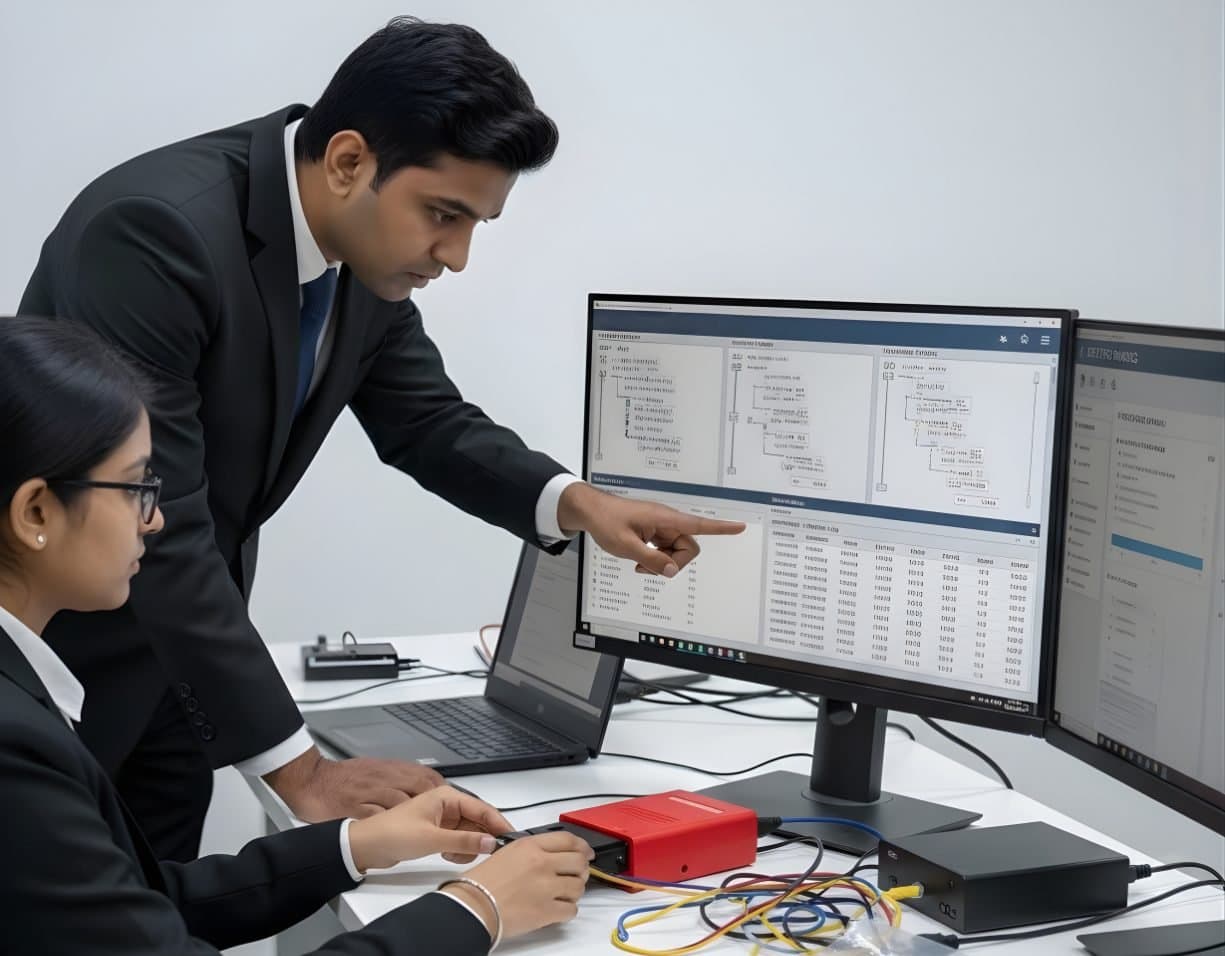 StorageDigital Storage ForensicsFile System AnalysisRead NTFS, FAT, exFAT, ext4 and APFS at the structure level and build timelines.
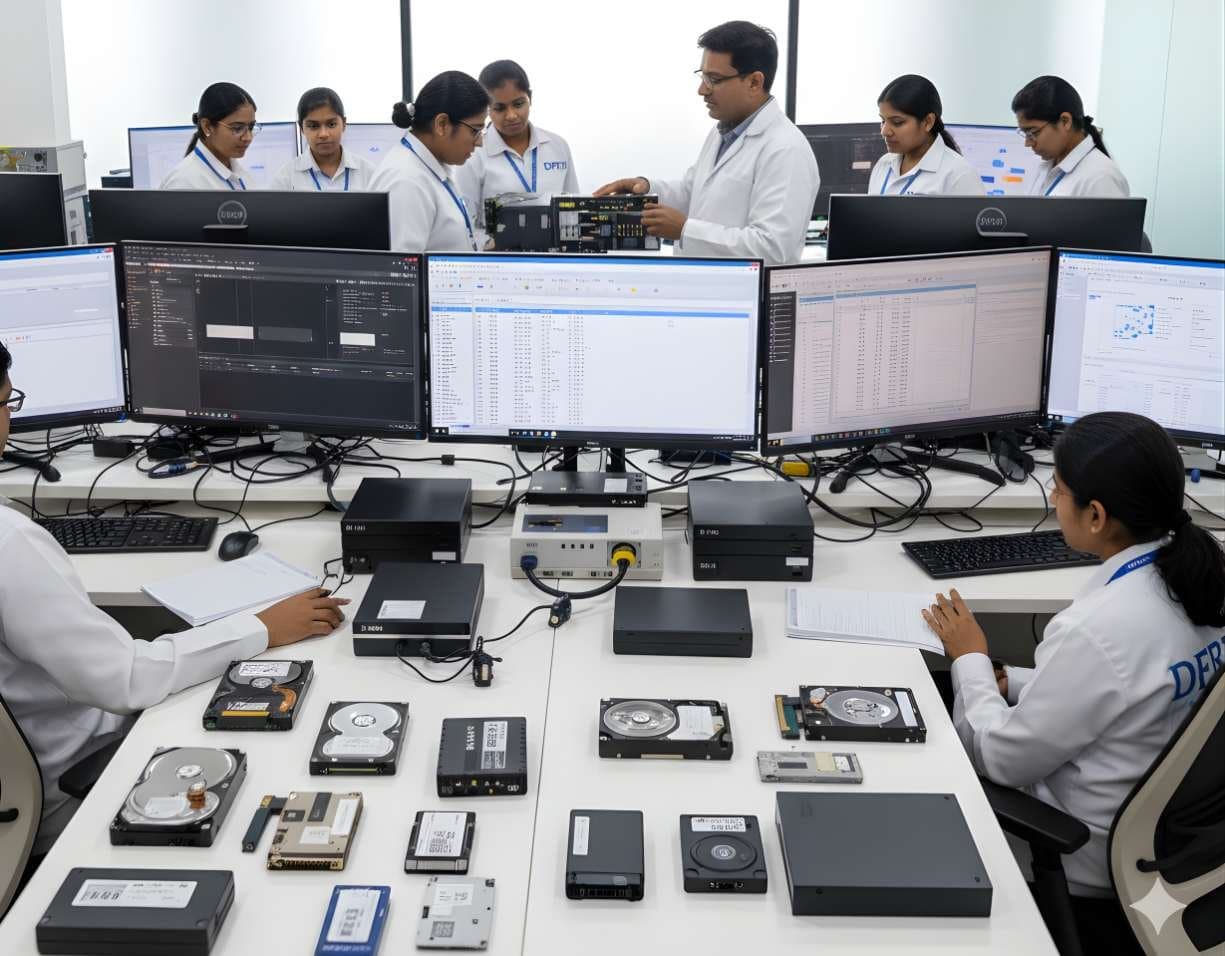 StorageDigital Storage ForensicsHDD ForensicsImage hard drives through a write-blocker, find hidden areas and recover deleted data.
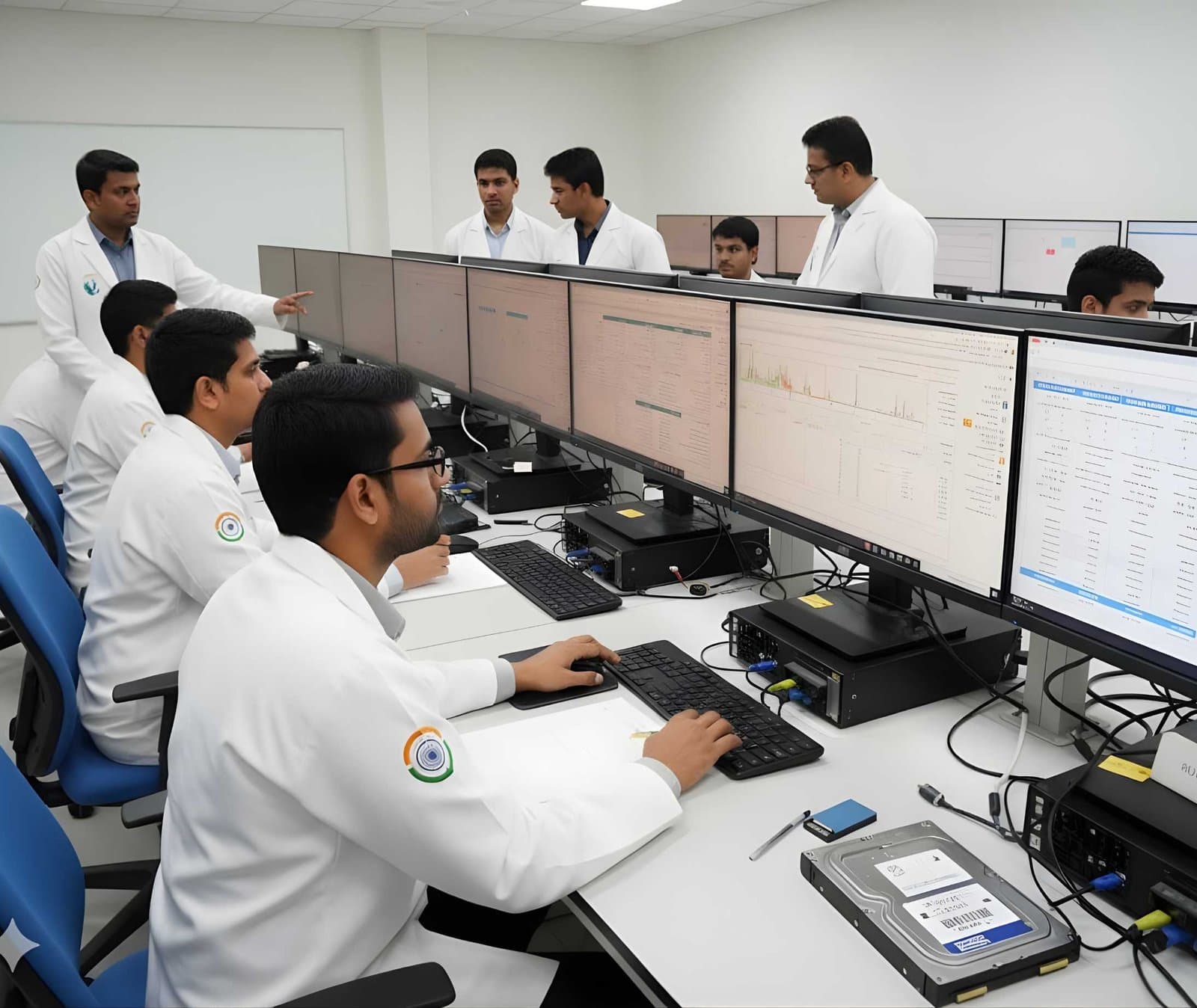 LegalFoundation & Legal CoursesForensic Report WritingWrite clear forensic reports that answer the questions asked and survive cross-examination.
Standards for this area
- IT Act 2000The IT Act gave electronic records legal standing, created India's computer offences and set up CERT-In and the Examiner of Electronic Evidence. Most cybercrime cases an examiner touches are charged under it alongside the general criminal law.Act
- Evidence LifecycleDigital evidence passes through twelve stages between the moment someone realises a device matters and the day its copies are destroyed. Each stage protects the next, and every weak link is found by the other side.Guide
- ISO/IEC 27037:2012ISO/IEC 27037:2012 is the international standard for the first hours of digital evidence handling, from spotting a device to keeping it unchanged. This page explains what it asks for and how a laboratory in India puts it to work.Standard
- ISO/IEC 27041:2015ISO/IEC 27041:2015 answers the question every court eventually asks: how do you know your method works? It is the assurance standard of the ISO/IEC digital investigation family.Standard
- ISO/IEC 27042:2015ISO/IEC 27042:2015 picks up where ISO/IEC 27037:2012 stops. It covers what an examiner does with a preserved copy, how to keep analysis separate from opinion and what a report must let a reviewer check.Standard
- NIST SP 800-86NIST SP 800-86 is the guide that gave incident responders a forensic process they could write into policy. Twenty years on, its four phases still shape how laboratories describe their work.Standard
- SWGDE Best PracticesSWGDE publishes the free, practical documents that most digital forensic procedures are quietly built on. This page explains how the library is organised, which documents matter for each kind of work and how they relate to the OSAC Registry.Best practice
Questions people ask
Does turning on a computer destroy evidence?
It changes things. Booting writes to logs, updates timestamps and can trigger updates or cloud sync. That is why examiners image the storage through a write-blocker instead of booting the original. A machine that is already running is a different case, where the volatile data may be worth more than the risk.
Can deleted files always be recovered?
No. Recovery depends on whether the clusters have been reused, whether the drive is an SSD that has already trimmed them and whether the data was encrypted. The examiner reports what was recovered and what could not be.
What is the difference between computer forensics and data recovery?
Data recovery aims to get files back for their owner. Computer forensics aims to find out what happened and to prove it, with documentation and integrity controls that make the result usable as evidence.
How long does an examination take?
It depends on the size of the storage, the state of the device and the questions asked. Imaging alone can take hours for a large drive. DFRTI does not quote fixed times because every case is different.
Further reading
More in Devices and storage
Go deeper with DFRTI
Free pages explain the ground. Structured courses, lab work and a mentor take you from knowing about it to doing it on a case.