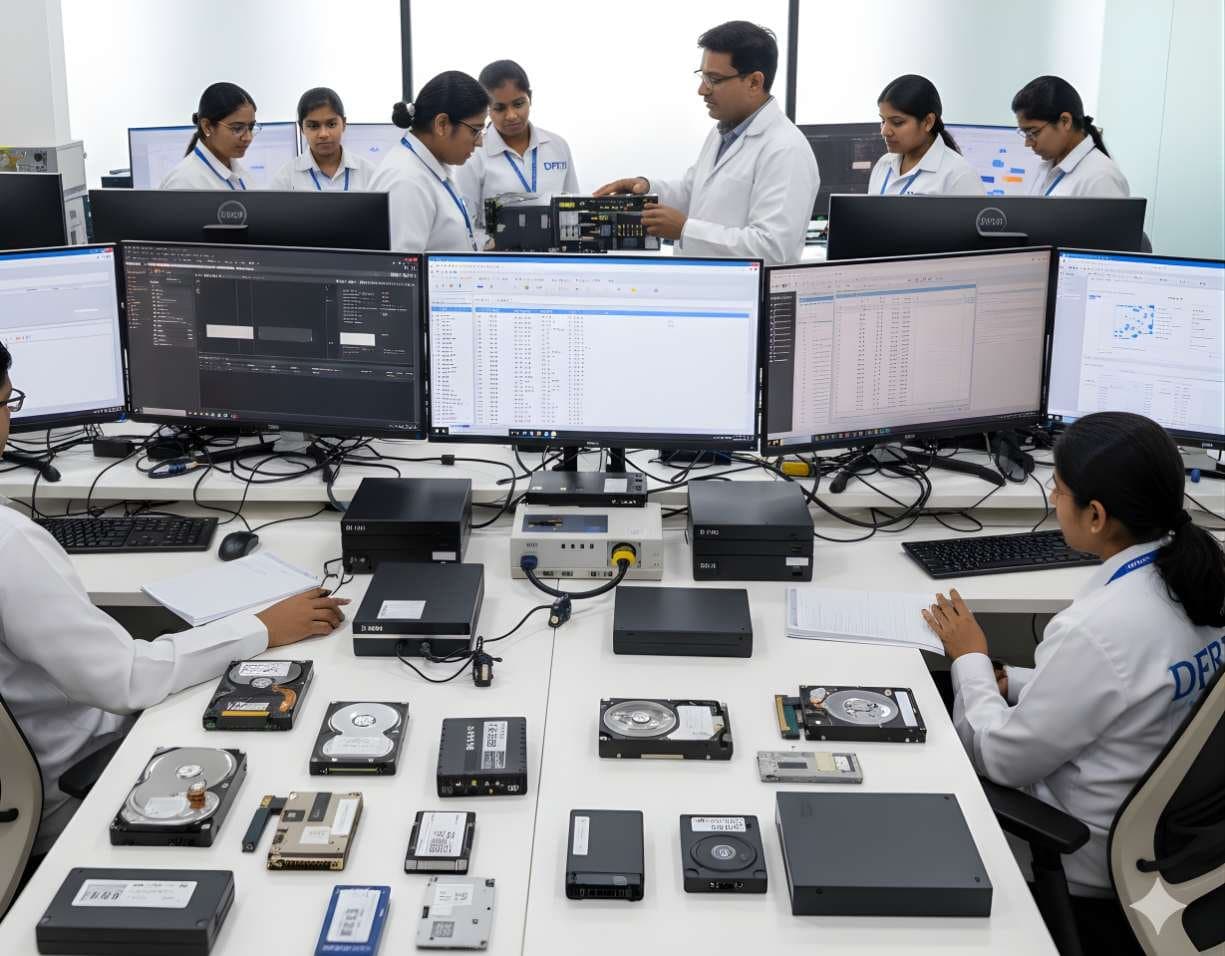
 StorageDigital Storage ForensicsHDD ForensicsImage hard drives through a write-blocker, find hidden areas and recover deleted data.
Labs & Infrastructure
Each DFRTI lab follows the workflows and tools used by forensic investigation agencies. Students and researchers work on dedicated setups for storage, mobile, network and cloud, malware and video evidence.
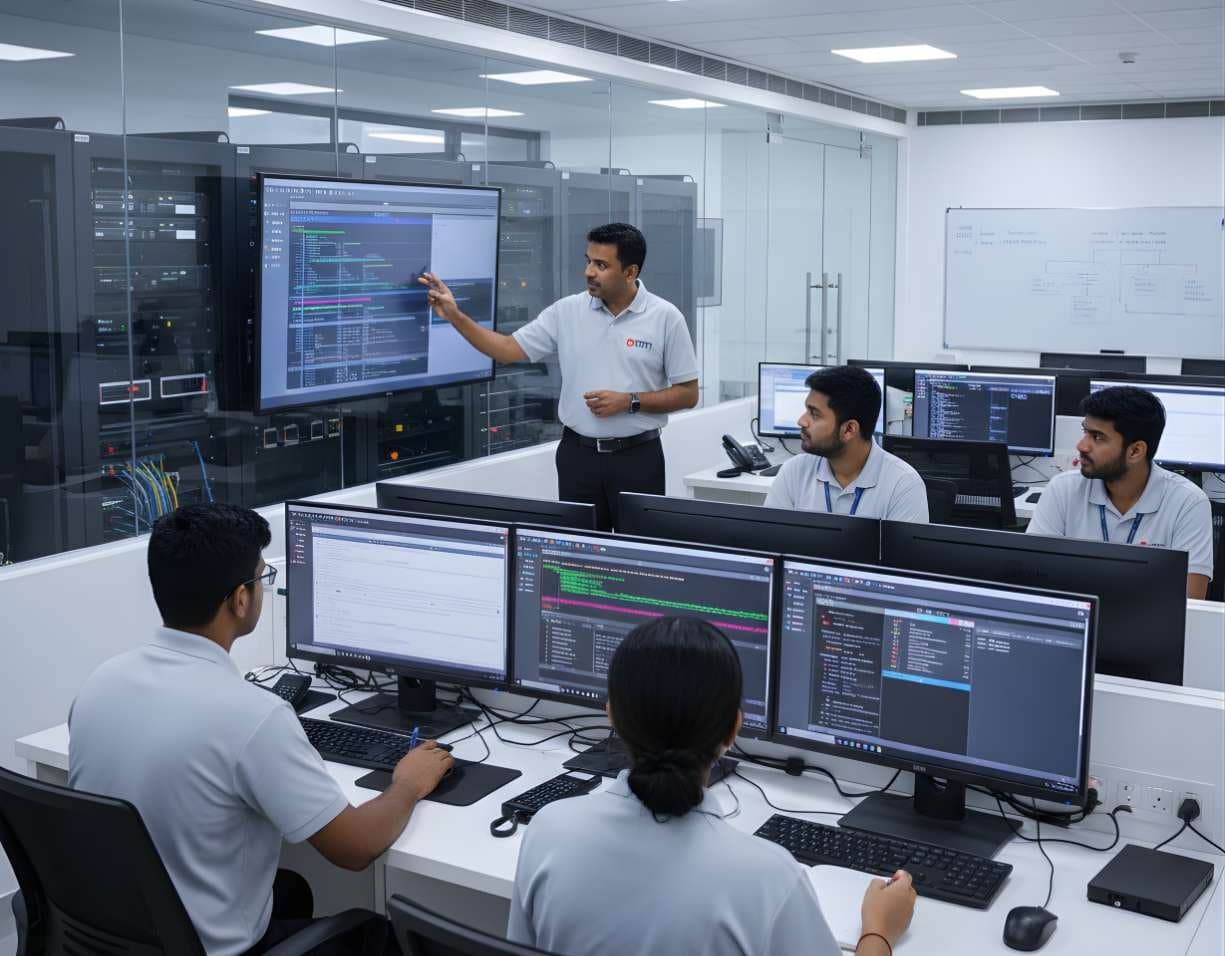
A lab built only for digital forensics
Our labs are set up the way a forensic unit works. Evidence comes in through a controlled intake, is acquired on write-protected stations, analysed on dedicated workstations and reported in a format that can be checked. Students practise this whole chain, from intake to report.
There are separate setups for each kind of evidence, so training stays focused and practical.
Digital storage forensics lab
Equipped for data recovery and storage media analysis. Here students learn to image drives safely, rebuild arrays and recover deleted and fragmented data.
Infrastructure includes write-blockers, forensic duplicators, imaging stations and high-throughput forensic workstations.
- HDD, SSD, NVMe and hybrid storage devices
- RAID and NAS reconstruction
- Deleted and fragmented data recovery
- File system forensics on NTFS, APFS, ext4 and exFAT
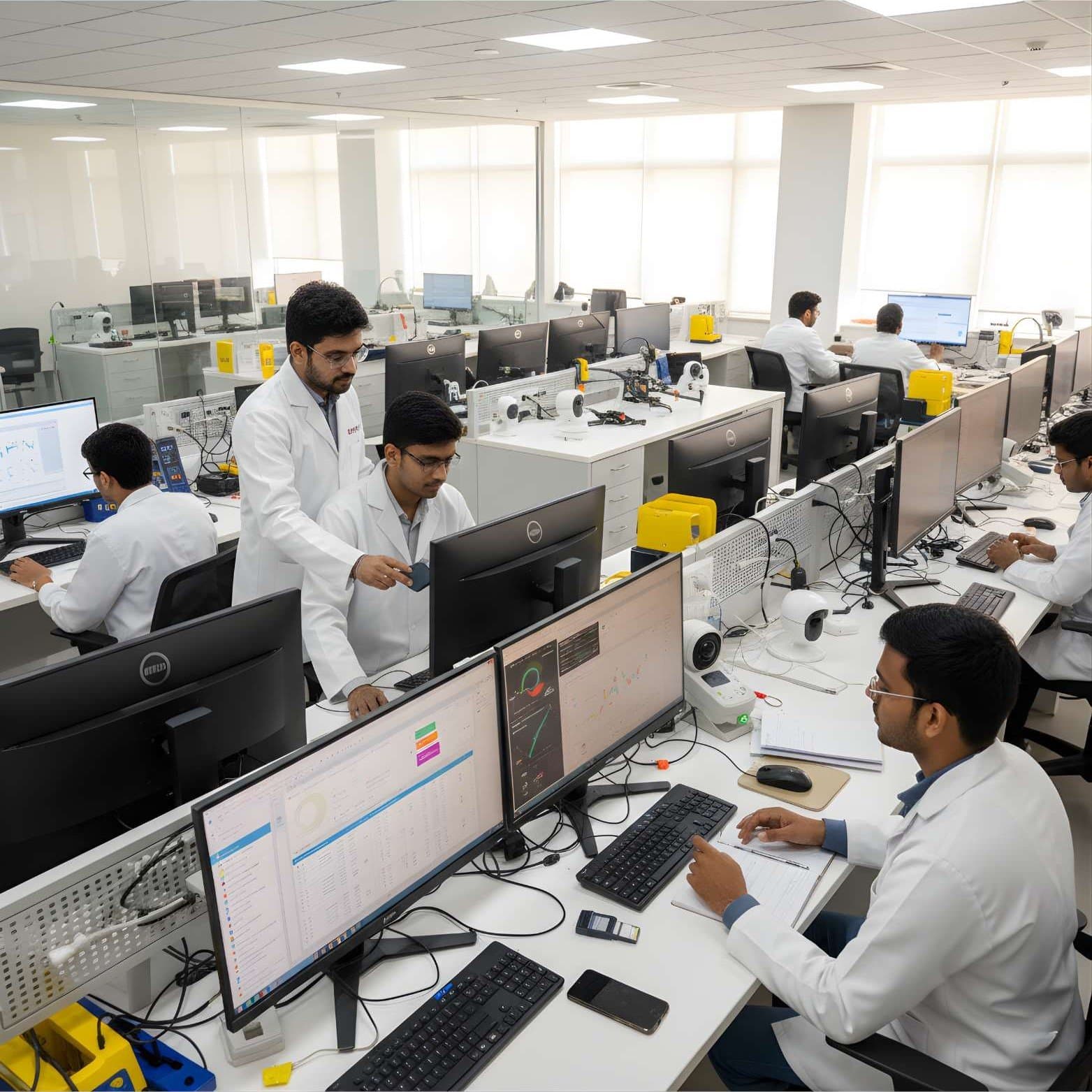
Mobile and IoT forensics lab
Set up for extracting and analysing data from phones and connected devices, with care taken to keep the evidence intact.
Students work through Android and iOS extractions, read SIM and memory cards and pull flight records from drones.
- Android and iOS devices: messages, apps and device information
- SIM and memory card analysis
- Smart home and IoT devices
- Drone logs and telemetry
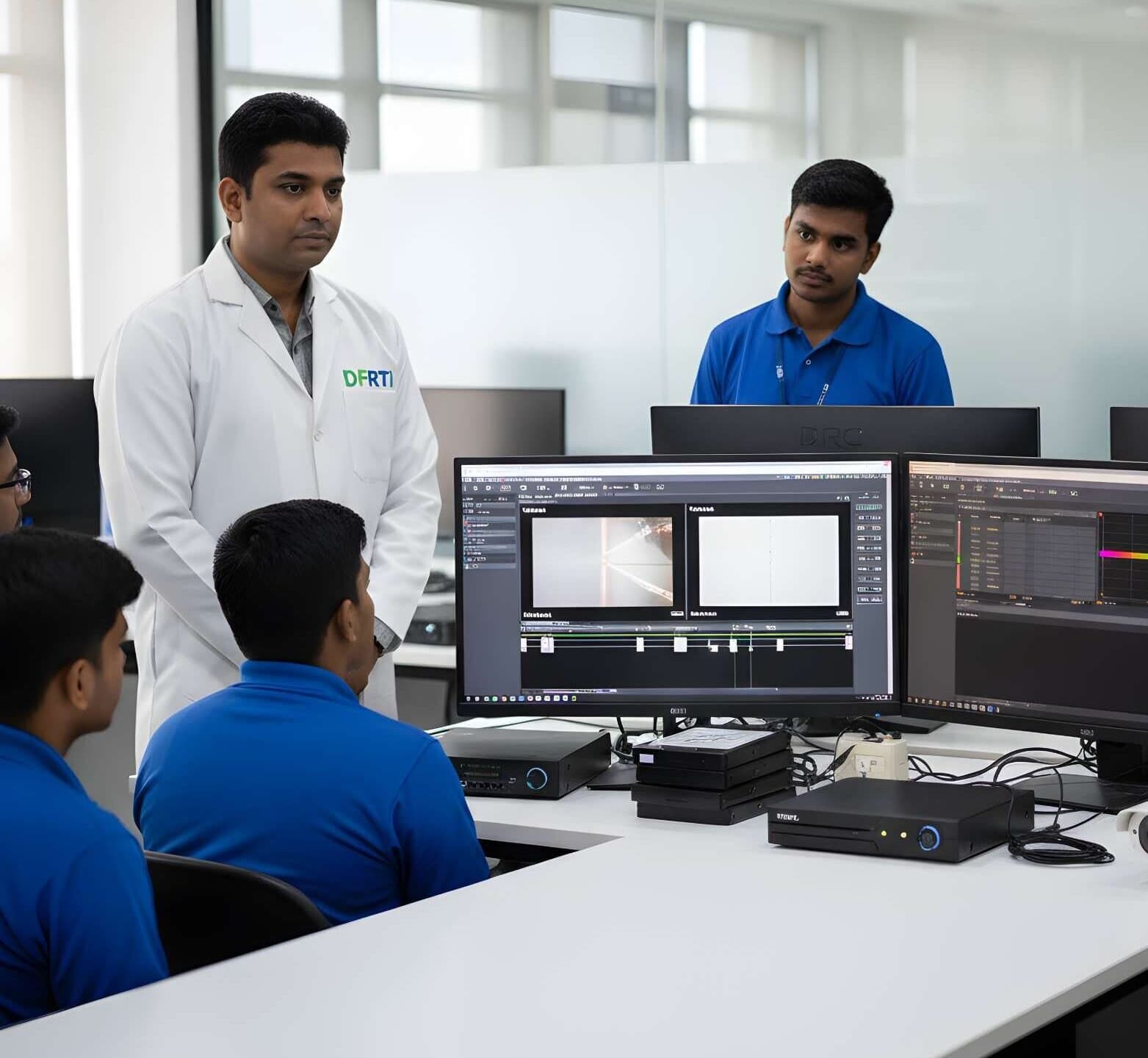
Network and cloud forensics lab
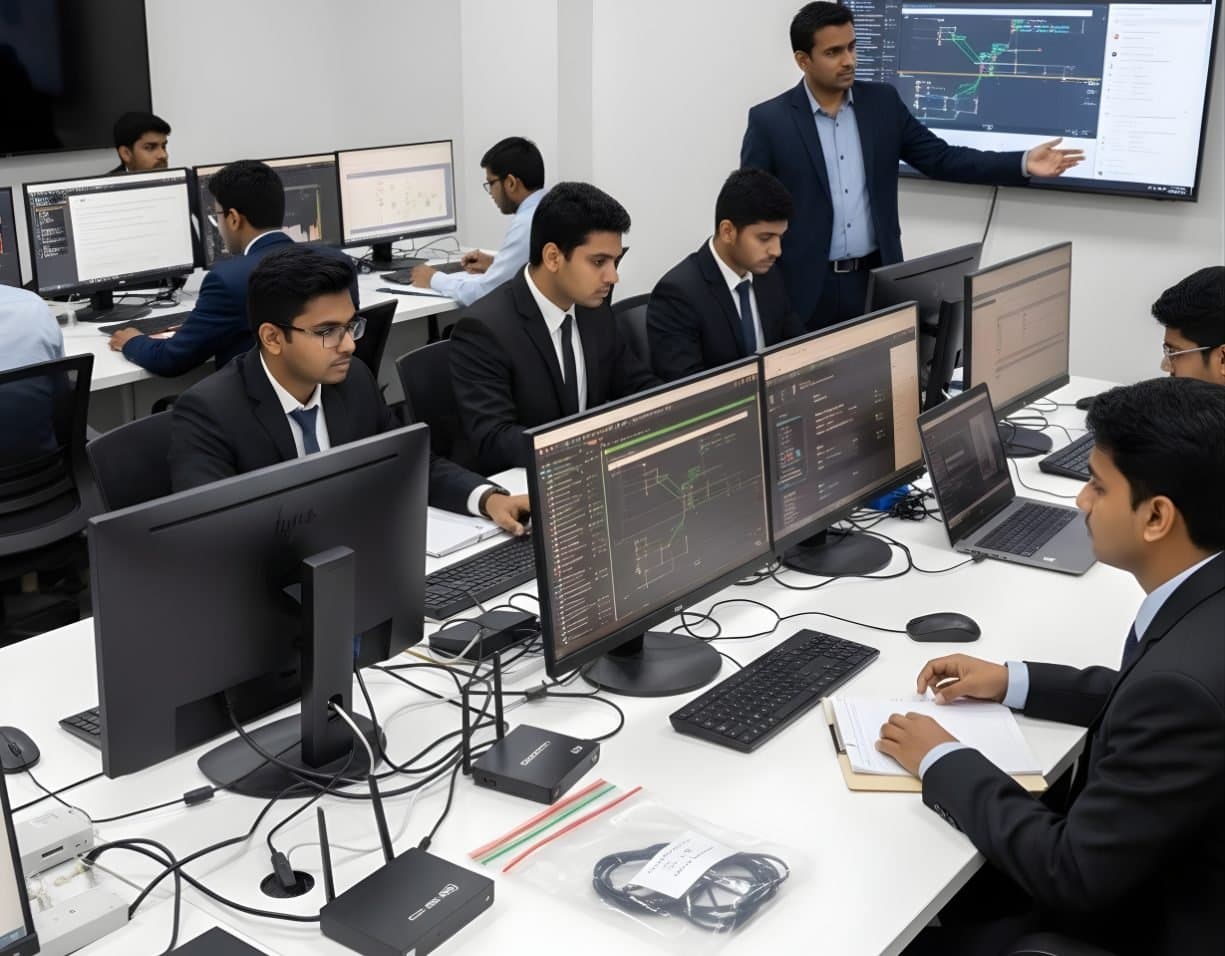
Built for modern network and cloud investigations, with tools for traffic capture, packet analysis and virtual environments.
Students capture and rebuild sessions from traffic, look for signs of intrusion at packet level and collect evidence from cloud platforms such as AWS, Google Workspace and OneDrive.
- Traffic capture and reconstruction
- Packet analysis and intrusion detection
- Cloud storage investigations
- Virtual machine and hypervisor forensics
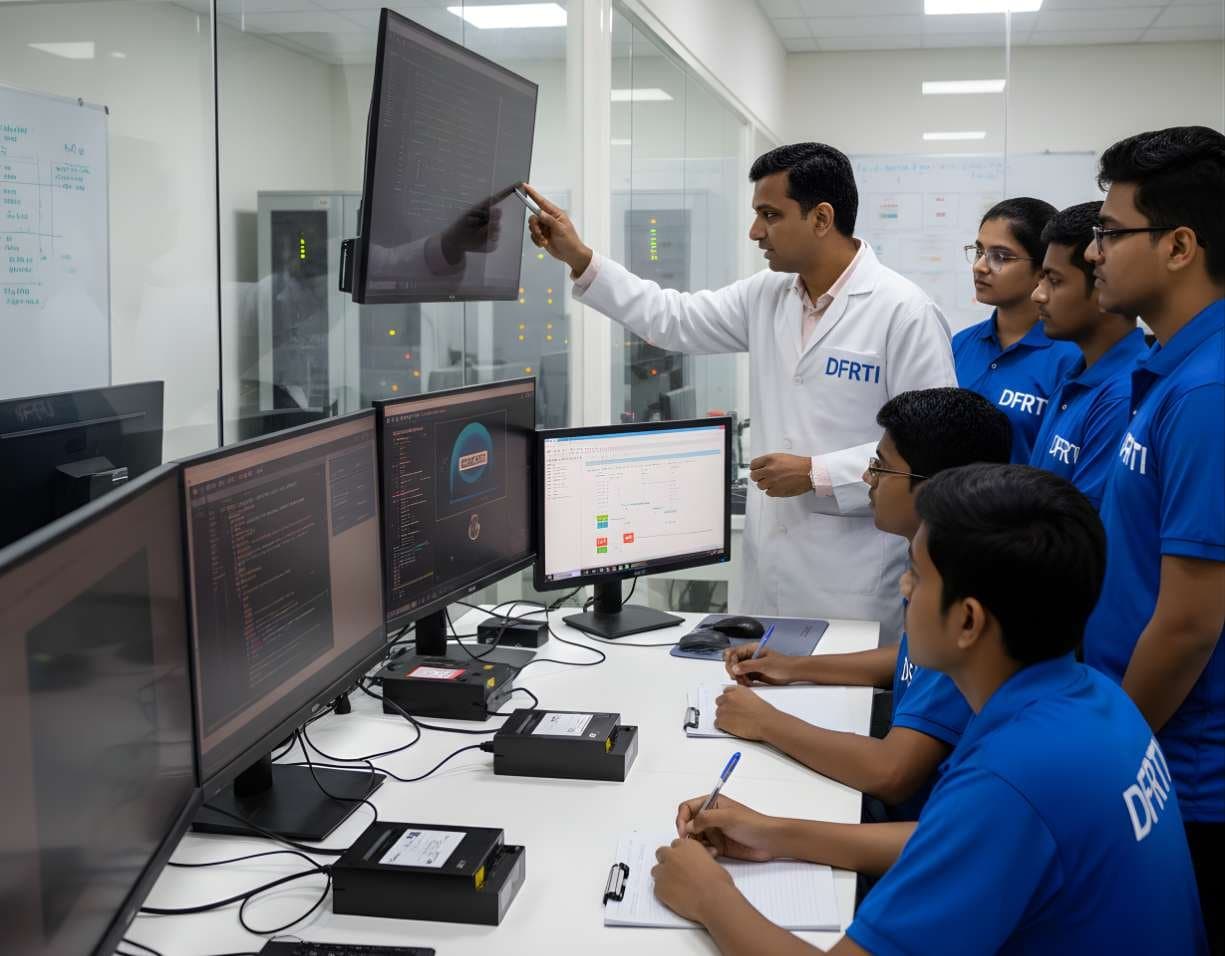
Malware and incident response lab
A secure, isolated lab for studying malware, ransomware and advanced threats using real forensic methods. Because it is cut off from other systems, live samples can be run and observed safely.
Students take malware apart, watch how it behaves in a sandbox and look for its traces in memory.
- Malware reverse engineering
- Static and dynamic analysis
- Memory forensics
- Ransomware behaviour studies
- AI-assisted threat detection
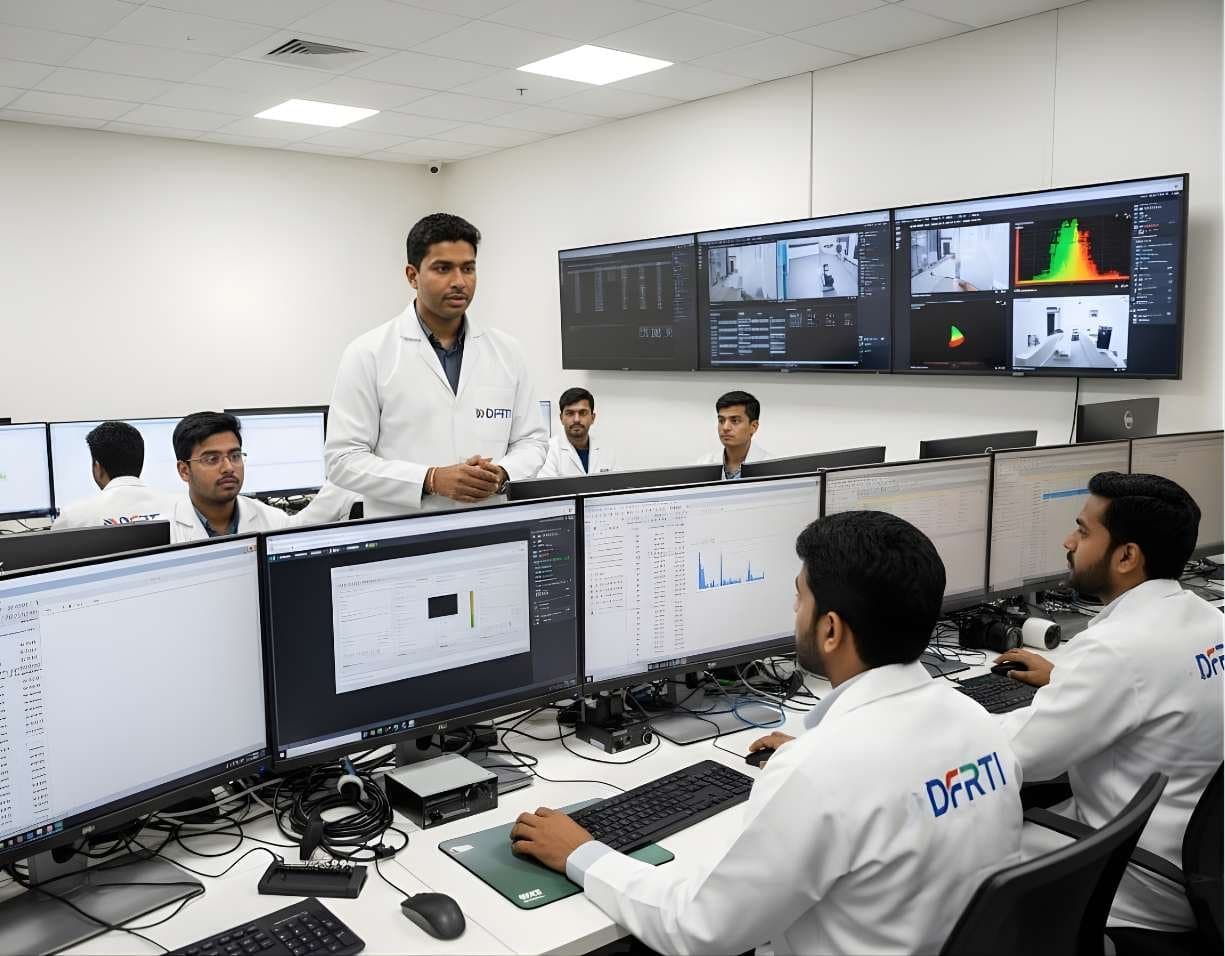
Image, video and CCTV forensics lab
Set up for checking and enhancing images and video, with a focus on authenticity and deepfake detection.
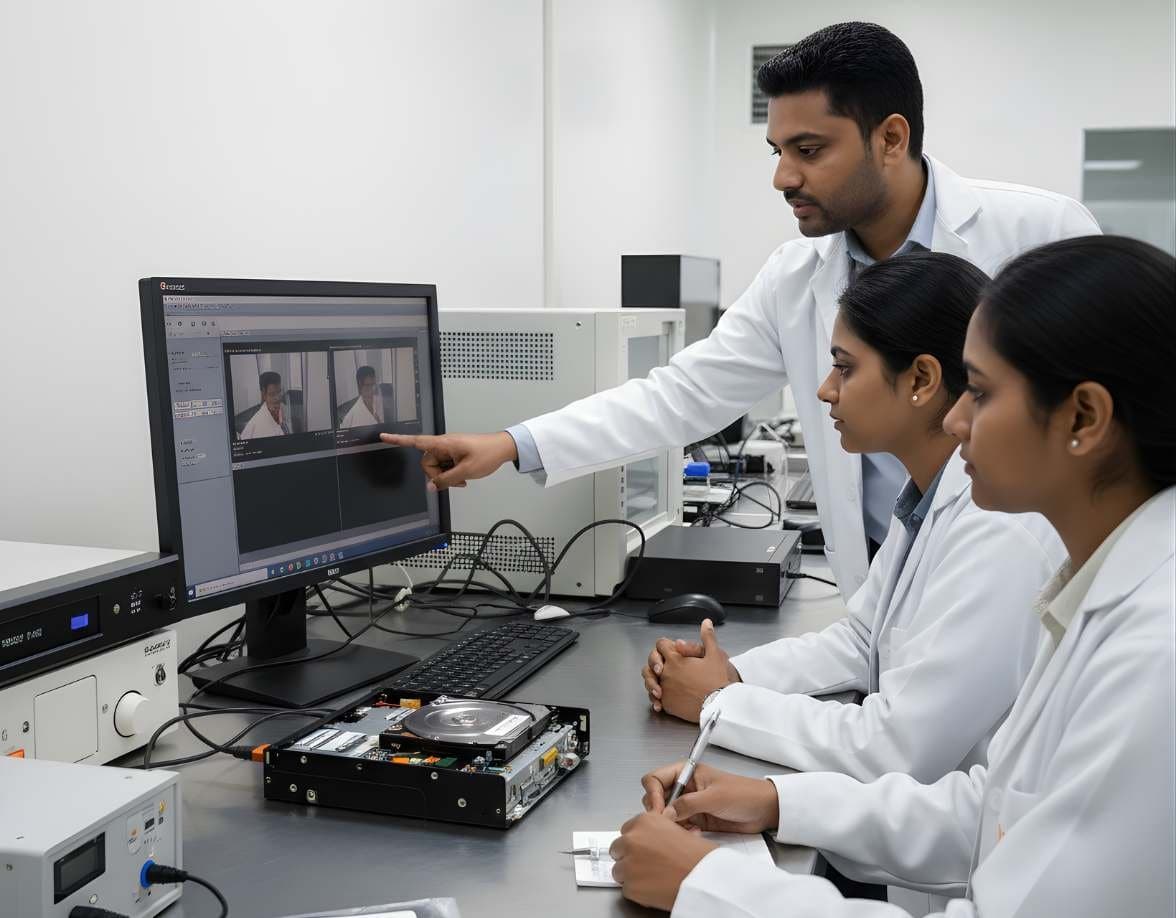
A common exercise starts with a DVR from a shop theft. Students recover the footage, work out its format and timestamps and check whether it has been edited.
- CCTV and DVR extraction
- Video authenticity checks
- Deepfake and AI manipulation detection
- Metadata, EXIF and codec analysis
Campus infrastructure
- Forensic workstations
Custom-built systems with powerful CPUs, GPU acceleration and large memory for heavy datasets and virtual environments.
- Secure evidence handling
Controlled intake areas, write-protected acquisition stations and encrypted storage for sensitive data.
- Smart classrooms
High-definition displays, instructor-led live investigations and direct lab access for demonstrations.
- Virtual forensic labs
Forensic tools, preconfigured case datasets and guided practice scenarios you can reach remotely.
What makes the lab setup work
- Built only for digital forensics
- Current versions of industry forensic tools
- Room for research and tool development
- Real cases can be simulated from acquisition to reporting
- Capacity that scales to enterprise-sized investigations
Related courses
StorageDigital Storage ForensicsHDD ForensicsImage hard drives through a write-blocker, find hidden areas and recover deleted data.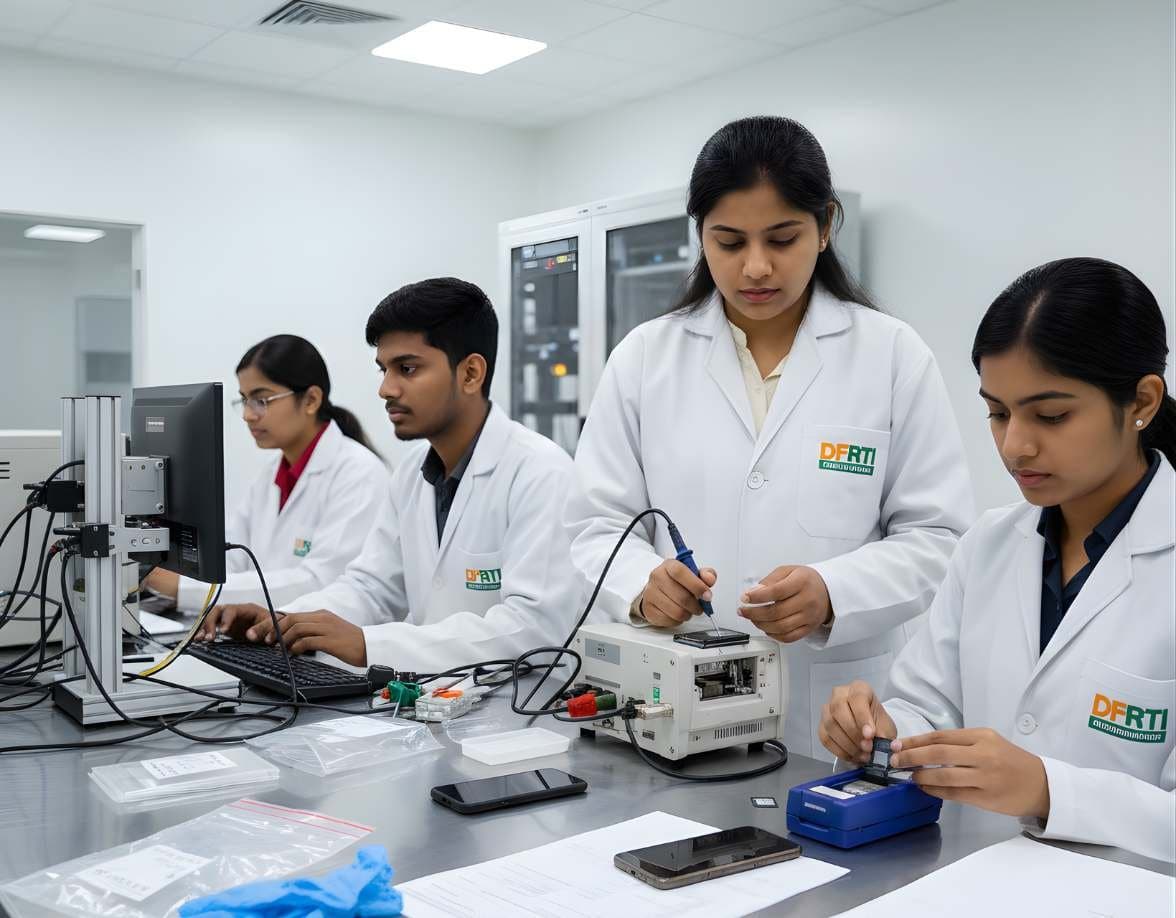 MobileMobile & IoT ForensicsAndroid ForensicsExtract and examine Android phones, from ADB pulls to WhatsApp databases and ALEAPP reports
 NetworkNetwork & Cloud ForensicsNetwork Traffic AnalysisRead flows, logs and packets to trace intrusions, beaconing and data theft.MalwareIncident Response & Malware AnalysisMalware Reverse EngineeringTake malware apart safely with static and dynamic analysis, Ghidra, x64dbg and YARA.
 VideoSurveillance & Image / Video ForensicsCCTV / DVR AnalysisExport footage from Hikvision, Dahua and other DVRs with correct times, frames and hashes
Not sure this is the right one for you?
Tell us your background and what you want to do next. A counsellor will suggest a course and the next batch.