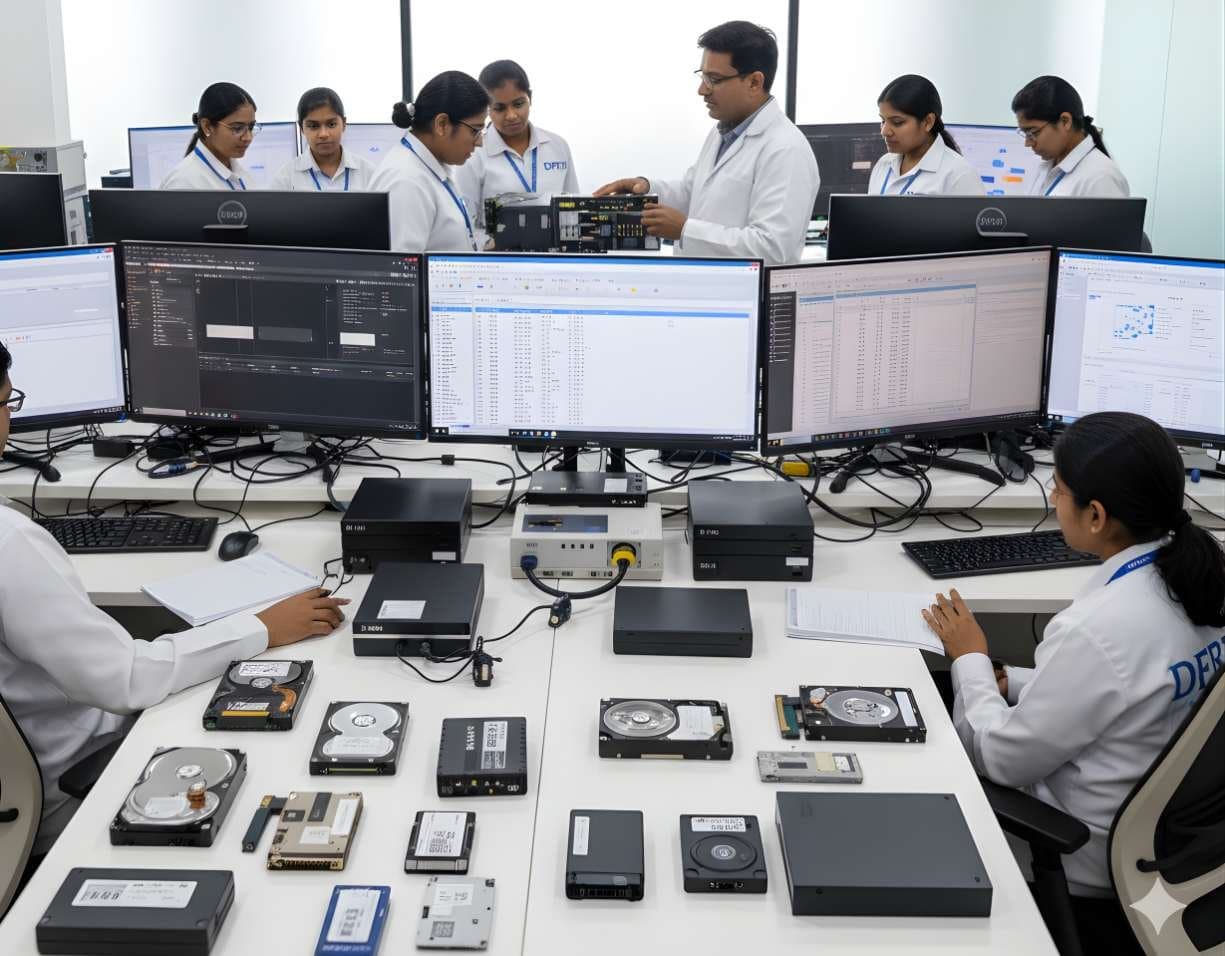
 StorageDigital Storage ForensicsHDD ForensicsImage hard drives through a write-blocker, find hidden areas and recover deleted data.
DataRecoverix · Available from DataRecoverix
DRE Pro
Data recovery software for Windows that reads the drive, never writes to it and reports what came back.

DRE Pro is a product of DataRecoverix (datarecoverix.com). DFRTI describes it here as an educational reference and teaches the recovery concepts behind it. No partnership, common ownership or distribution relationship is claimed.
What DRE Pro is
DRE Pro is a data recovery application for Windows 10 and 11. It scans a drive, memory card or USB stick for files that were deleted, lost in a format or left behind when a partition disappeared, shows what it found and writes the recovered copies to a different drive.
The software only reads the drive it is recovering from. It refuses to save recovered files back onto the same drive, because every write risks overwriting the very data that is being recovered. Each file it writes is fingerprinted with a SHA-256 hash and listed in a report, so the person who ran the recovery can show exactly what came back.
A quick scan reads the file system for recently deleted entries. A deep scan reads the whole drive and recognises files by their signatures, which is how photos come back from a camera card even when the folder names are gone. Long scans can be paused, the application closed and the scan resumed later from the same point.
The problem it addresses
Most data loss is ordinary: a folder emptied in a hurry, a card formatted in the camera, a drive that shows as RAW after a bad cable. The data is usually still on the media. What destroys it is what people do next, such as installing recovery software onto the same drive, creating a new partition in the empty space or running a repair tool that writes.
DRE Pro is built around the rule that a recovery tool should read, preview and only then write somewhere else. It is a recovery tool, not a forensic tool. It helps a user get files back; it does not by itself produce evidence that a court would accept. The difference is explained below and taught in DFRTI's storage courses.
Supported media and inputs
- Internal hard disks and SSDs
- External USB drives
- USB pen drives
- SD and other memory cards
- Lost or formatted partitions
Confirmed features
Each item below has been checked against the software. Nothing is listed that the product does not do today.
- Quick Scan
Reads the file system for deleted entries and gives a fast first list, with the original folder tree where it survives.
- Deep Scan by File Signature
Reads the whole drive and recognises files by their headers, so photos, documents and videos come back even after a format or when the file system is gone.
- Pause and Resume
A long scan can be paused and the application closed. It resumes from the same point, and a finished scan reopens later without reading the drive again.
- Preview Before Recovery
Files can be previewed before they are recovered, with a confidence grade for each one and the reason behind it.
- File Type and Tree View
Results can be browsed by original folder or grouped by file type, which suits camera cards where folder names never mattered.
- Recovers Somewhere Safe
The software refuses to write recovered files onto the drive they came from and records a SHA-256 fingerprint of every file it writes.
- Drive Health View
Every connected drive is listed with its health indicators, so a failing disk can be spotted before a long scan is started on it.
- Case Report
Each recovery produces a report of what was found, what came back complete or partial and where it was saved.
- PC Hardware Test
A set of checks on the processor, memory, graphics, drives and battery, graded and saved as a report for the machine.
How a job runs
- 01Choose the Drive
Pick the drive, card or partition. The software shows its health before the scan starts.
- 02Scan
Run a quick scan first. If the files are not there, run a deep scan. Pause and resume as needed.
- 03Pick the Files
Browse by type or folder, preview and check the confidence grade.
- 04Recover to Another Drive
Save to a different drive. The source drive is refused.
- 05Keep the Report
Export the report that lists every recovered file with its hash and where it was saved.
Verification and reporting
- SHA-256 hash recorded for every recovered file
- Report of what was found, what came back complete or partial and the destination
- Confidence grade per file with the reason shown
- Saved scans that reopen without reading the drive again
Standards it refers to
- Recovery Is Not Forensic Acquisition
A forensic examination starts with a verified image of the whole media made behind a write blocker, so the original is never touched. DRE Pro reads the live drive directly. That is right for getting files back and wrong for evidence that may be challenged.
Read the guide - Recovered Data and Evidential Weight
A recovered file shows that data was present on the media. On its own it does not show who put it there or when. Those questions need the wider examination taught in the storage and legal courses.
Features listed here are the ones confirmed by the product team at the time of writing. DFRTI does not claim certification, government approval or guaranteed unrecoverability for any software. Whether a tool meets a policy or a contract is a decision for the organisation using it.
Technical specifications
| Operating System | Windows 10 and Windows 11 |
|---|---|
| Scan Types | Quick scan of the file system, deep scan by file signature |
| Media | Internal and external drives, USB sticks, memory cards, lost partitions |
| Safety | Read-only access to the source drive; recovery to the same drive is refused |
| Records | SHA-256 per recovered file, case report, saved scan sessions |
| Product Website | datarecoverix.com |
Questions people ask
Can I use DRE Pro for a police case?
Use it to recover your own files. For a case, the media should first be imaged behind a write blocker and the image examined with forensic tools, so the original is never changed. DFRTI's storage courses teach the difference.
Why does it refuse to save to the same drive?
Every write to the source drive can overwrite sectors that still hold the files you want. Saving elsewhere is the single most important rule in recovery.
Will a deep scan bring back the file names?
Not always. A deep scan recognises files by their content, so a photo may come back as a numbered file. A quick scan keeps names when the file system entry still exists.
Does DFRTI sell or support DRE Pro?
No. DRE Pro is sold and supported by DataRecoverix. DFRTI teaches the data recovery concepts and uses recovery software in its labs.
Learn the subject
Related tools
- PC-3000 Portable PROThe PC-3000 Portable PRO is ACE Lab's field unit for working with damaged hard drives and solid state drives. It is the portable branch of the PC-3000 family and the current generation after the Portable III.ACE Lab
- Data ExtractorData Extractor is the software that turns a PC-3000 board or portable unit into an imager for drives that are unstable, slow or partly unreadable.ACE Lab
- Hardware Write BlockersA hardware write blocker sits between an evidence drive and the examiner's computer and refuses every write command. It is the first device a new examiner should understand.Various manufacturers
Training that uses it
StorageDigital Storage ForensicsHDD ForensicsImage hard drives through a write-blocker, find hidden areas and recover deleted data.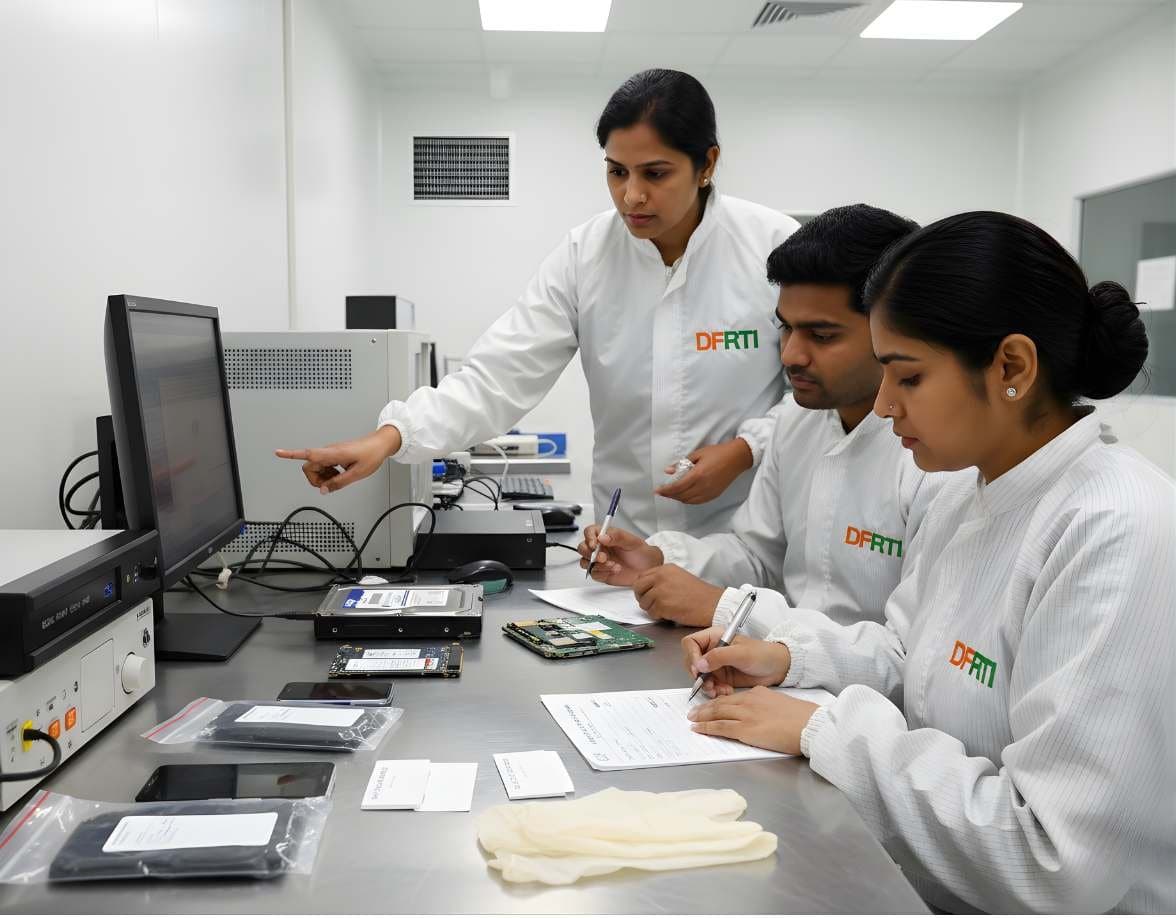 StorageDigital Storage ForensicsSSD / NVMe ForensicsHow TRIM, garbage collection and wear levelling change evidence on SSD and NVMe drives.
 StorageDigital Storage ForensicsUSB / Pen Drive ForensicsExamine pen drives and memory sticks and prove which USB device touched which computer.
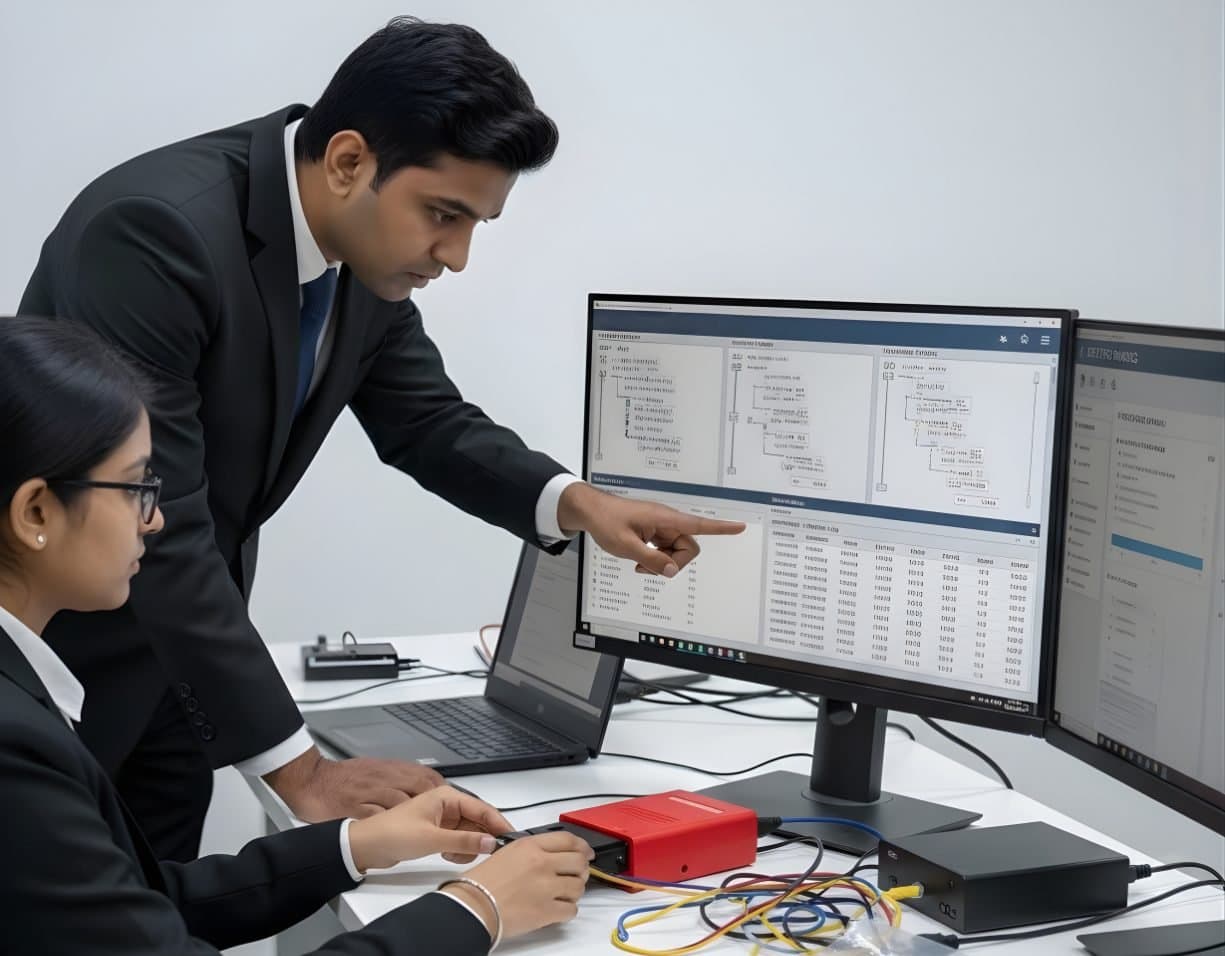 StorageDigital Storage ForensicsFile System AnalysisRead NTFS, FAT, exFAT, ext4 and APFS at the structure level and build timelines.
See DRE Pro working
A demonstration takes under an hour. Bring your own scenario and the team will walk through it on a real device.