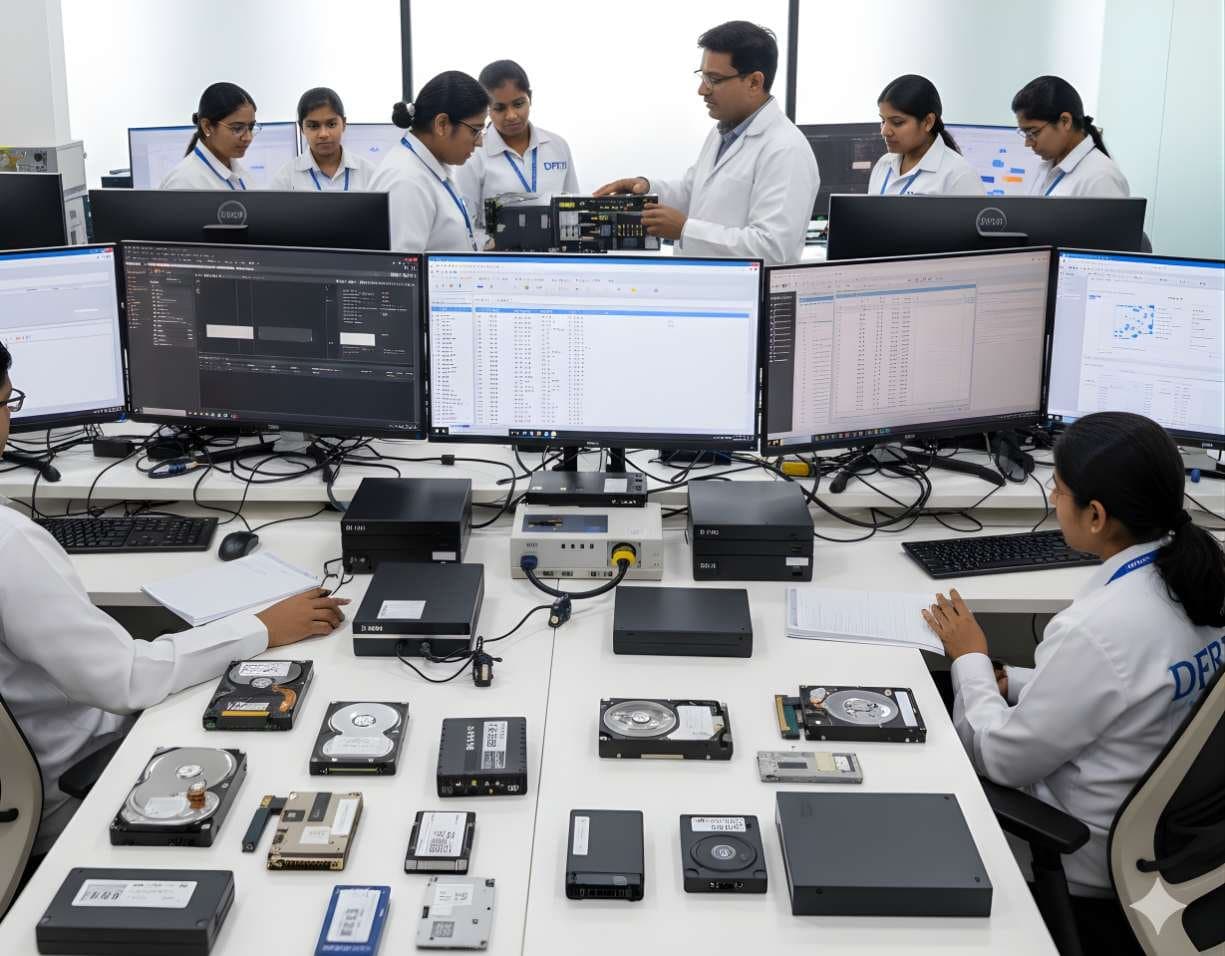
 StorageSSD / NVMe ForensicsHow TRIM, garbage collection and wear levelling change evidence on SSD and NVMe drives.
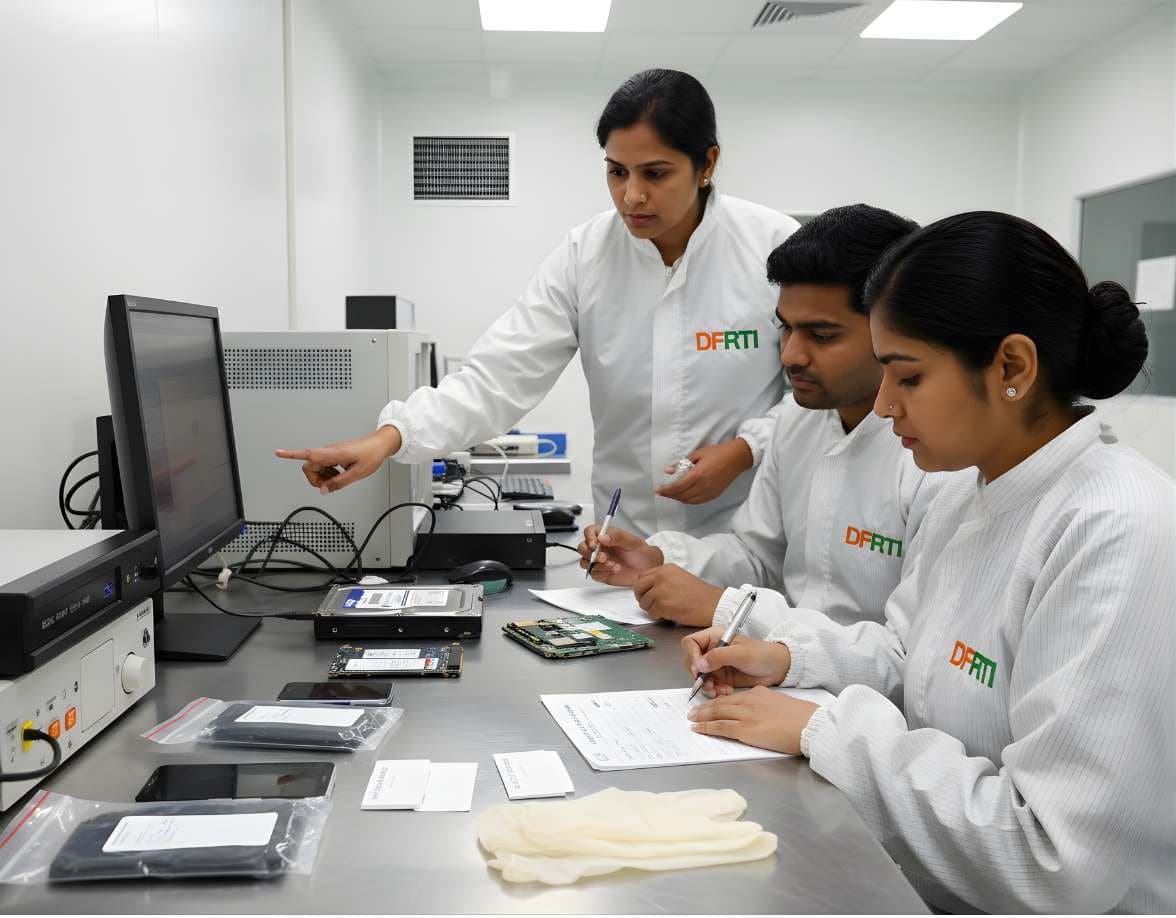
HDD Forensics
Image hard drives through a write-blocker, find hidden areas and recover deleted data.
- Intermediate
- Online or on campus
- 5 hands-on labs
- 7 modules
About this course
A hard disk drive is still the most common item in an evidence locker. Desktops from a cash-handling office, old laptops from a disputed partnership, the 2 TB external drive found in a suspect's cupboard. This course teaches you to handle every one of them the same careful way. You connect the drive through a write-blocker, read it sector by sector into a forensic image and hash both the source and the image so anyone can check your work later.
Real drives are rarely clean. Some hide space behind a Host Protected Area or a Device Configuration Overlay. Some have bad sectors that stall ordinary copy tools. Some click, do not spin up or have a burnt PCB. You learn to read the drive's identity and SMART data first, spot these problems early and choose the right path, which sometimes means stopping and handing the drive to a clean-room recovery lab with the chain of custody intact.
Once the image is safe, you open it. You read MBR and GPT partition tables by hand, find deleted and lost partitions, carve files from unallocated space by their signatures and look into slack space. Every lab ends with notes good enough to go into a report.
Write-blockingBitstream imagingHPA and DCOData carving
After this course you can
- Connect a SATA, IDE or SAS drive through a hardware write-blocker and confirm that nothing is written to it
- Create raw (dd) and E01 images and verify them with MD5 and SHA-256 hashes
- Detect an HPA or DCO, compare the visible size with the native size and record what you did about it
- Image a drive with bad sectors using a mapfile and multiple passes without stressing the drive further
- Read MBR and GPT partition tables in a hex editor and recover a deleted partition
- Carve deleted files from unallocated space and explain the limits of carving in your report
Syllabus
7 modules · 29 topics
01How a hard drive stores data4 topics
- Platters, heads, tracks and sectors in plain terms
- LBA addressing, 512-byte, 512e and 4Kn sector sizes
- SATA, IDE (PATA) and SAS interfaces and the adapters you will need
- SMR and CMR drives and why it matters for imaging speed
02Seizure, handling and write-blocking4 topics
- Labelling, photographing and bagging a drive at the scene
- Hardware write-blockers and how to test one before use
- Software write-blocking on Linux and why labs prefer hardware
- Reading drive identity, serial number and SMART data before imaging
03Bitstream imaging and hash verification4 topics
- Raw (dd), E01 and AFF4 formats and when to use each
- Imaging with FTK Imager, Guymager and dc3dd
- MD5, SHA-1 and SHA-256: hashing the source and the image
- Splitting, compressing and logging an image without losing integrity
04Hidden areas: HPA and DCO4 topics
- What the Host Protected Area and Device Configuration Overlay are
- Detecting them with hdparm and imaging tool reports
- Accessing hidden space and documenting every change you make
- Why a reported size that does not match the label needs a closer look
05Failing drives: bad sectors, heads and PCBs5 topics
- Symptoms of a weak drive: slow reads, clicking, not spinning, not detected
- Imaging with GNU ddrescue: skip first, retry later, keep a mapfile
- Head failure, stuck spindle, burnt PCB and firmware faults, and why a PCB swap needs the original ROM data
- What hardware imagers such as Atola TaskForce, DeepSpar Disk Imager and PC-3000 do
- When to stop and send a drive to a clean-room lab and how to keep custody through it
06Partition tables and volumes4 topics
- MBR layout, the 0x55AA signature, primary and extended partitions
- GPT: protective MBR, primary and backup headers, partition entries and CRC32
- Finding deleted or overwritten partitions with mmls and TestDisk
- Spotting BitLocker and other encrypted volumes before analysis
07Recovery and carving4 topics
- Allocated, unallocated and slack space
- File signatures (headers and footers) for JPEG, PDF, ZIP and Office files
- Carving with PhotoRec, Scalpel and bulk_extractor
- Fragmented files, false positives and how to report carved results honestly
Hands-on labs
- Lab 1
Image a seized 500 GB SATA drive through a write-blocker into E01 and match the acquisition and verification hashes
- Lab 2
Find and document an HPA on a lab drive that reports less space than its label
- Lab 3
Image a practice drive with bad sectors using ddrescue and read the mapfile to show what could not be read
- Lab 4
Rebuild a deleted GPT partition by hand in a hex editor and confirm it with mmls
- Lab 5
Carve photos and documents from the unallocated space of a formatted drive and separate real files from junk
Tools you will use
- FTK Imager
- Guymager
- dc3dd
- GNU ddrescue
- hdparm and smartctl
- The Sleuth Kit and Autopsy
- X-Ways Forensics
- TestDisk and PhotoRec
- bulk_extractor
- HxD hex editor
Who it suits
- Students who want to work in a forensic lab or data recovery firm
- Police and cybercrime cell staff who seize and image computers
- Lab assistants and scientific staff in forensic science laboratories
- IT and security teams who handle internal investigations
Before you join
- Comfort with Windows and basic computer hardware
- Basics of Cyber Forensics or the same level of knowledge is helpful
- No Linux experience needed, the commands you need are taught in class
Questions about this course
Will I open hard drives in this course?
No. Opening a drive needs a clean room and specialist skills. You learn to recognise head, motor and PCB faults, what not to do with such a drive and when to hand it to a recovery lab without breaking the chain of custody.
Why do we hash both the drive and the image?
The hash of the source taken at acquisition and the hash of the image must match. Anyone, including the other side in court, can hash your image again and get the same value. That is how you show the copy is exact and nothing changed later.
Is E01 better than a raw dd image?
Both are accepted. E01 stores case notes and hashes inside the file and can be compressed. Raw images open in almost any tool. The course shows you both and when each one makes more sense.
Does this course count towards a certification?
Yes. HDD Forensics counts towards the DCFA (Digital Forensic Analyst) certification along with the other storage, file system and foundation courses.
More courses in Digital Storage Forensics
StorageSSD / NVMe ForensicsHow TRIM, garbage collection and wear levelling change evidence on SSD and NVMe drives.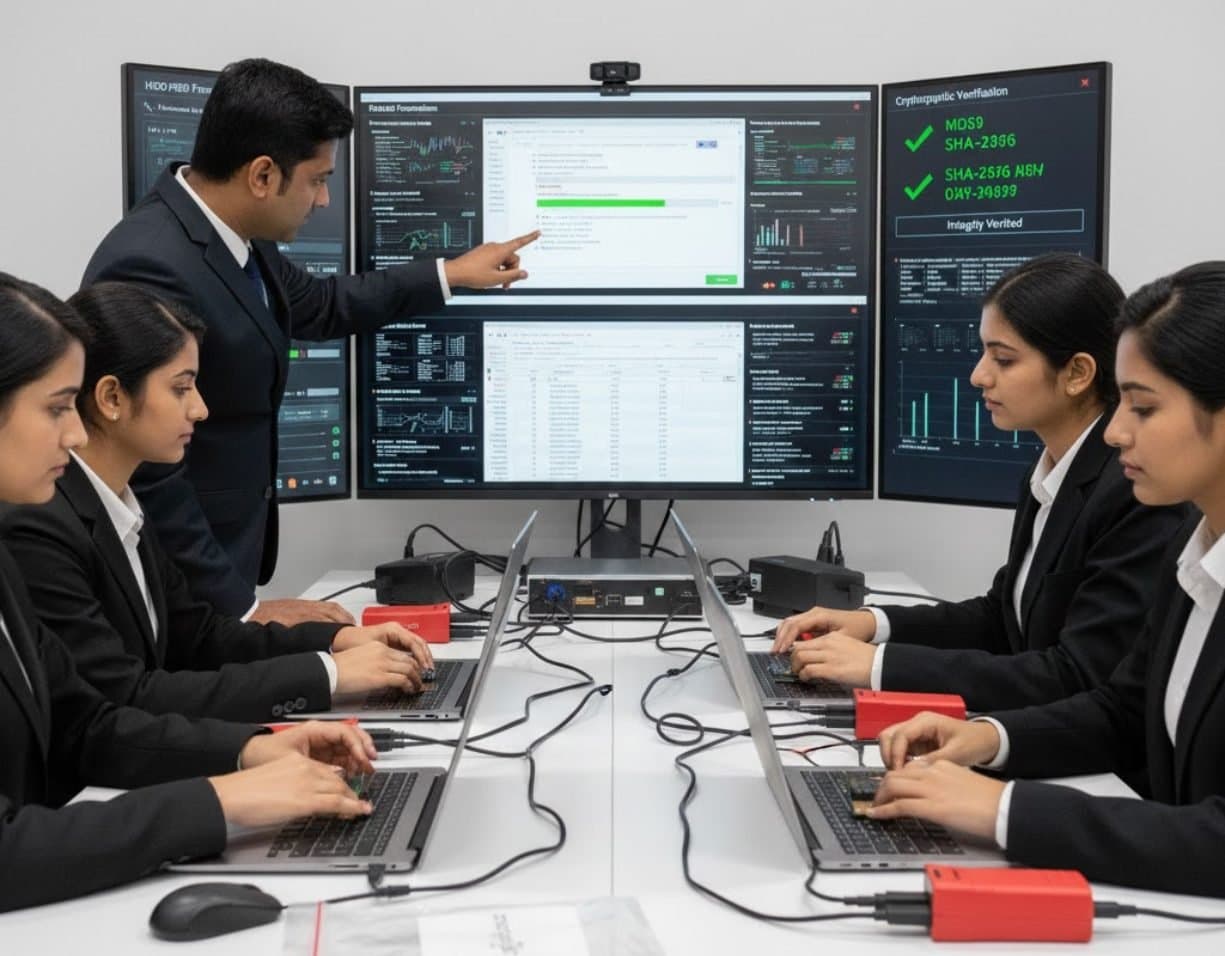 StorageUSB / Pen Drive ForensicsExamine pen drives and memory sticks and prove which USB device touched which computer.
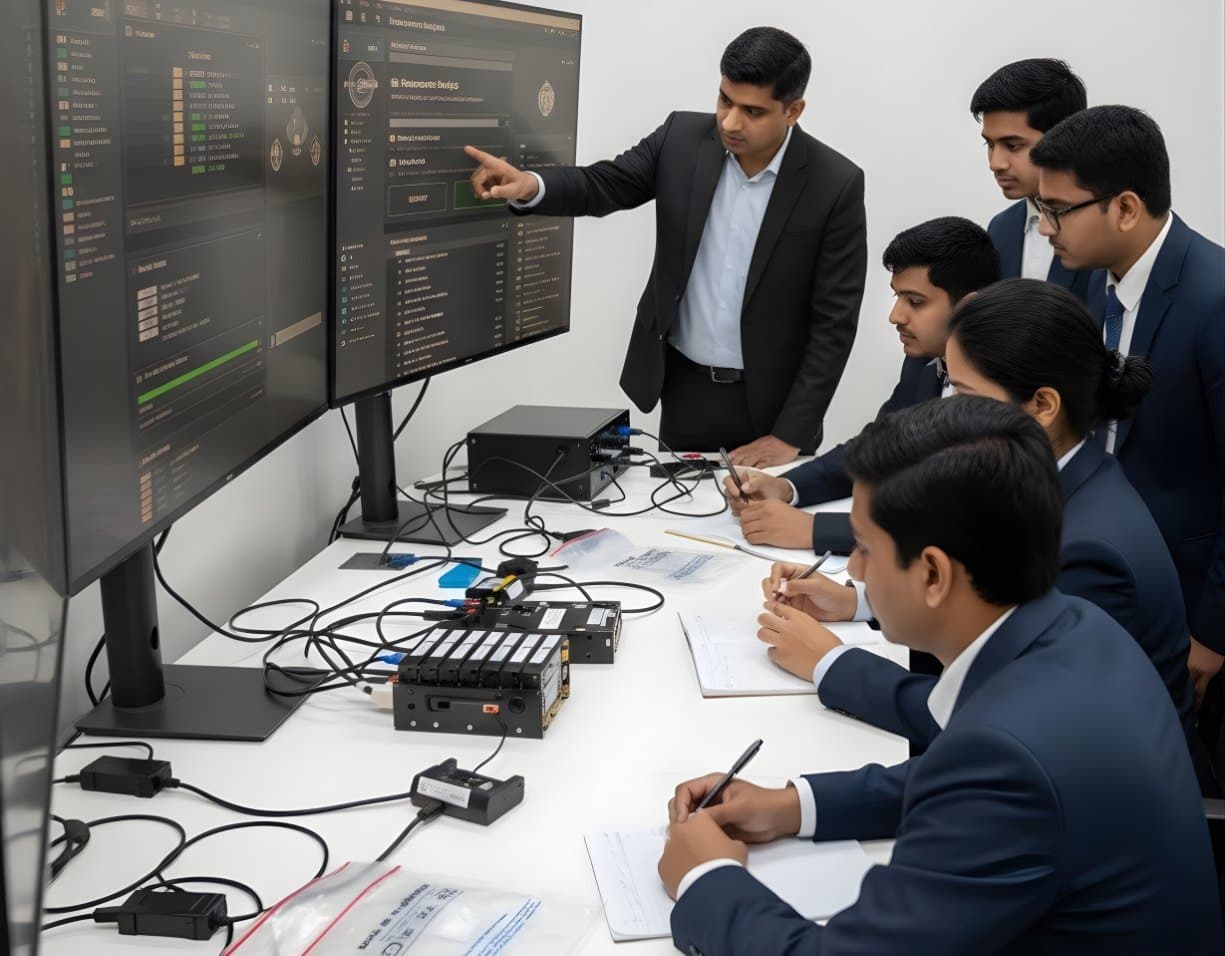 StorageRAID / NAS ForensicsImage RAID members, rebuild arrays virtually and examine NAS boxes after ransomware.
 StorageFile System AnalysisRead NTFS, FAT, exFAT, ext4 and APFS at the structure level and build timelines.
Not sure this is the right one for you?
Tell us your background and what you want to do next. A counsellor will suggest a course and the next batch.