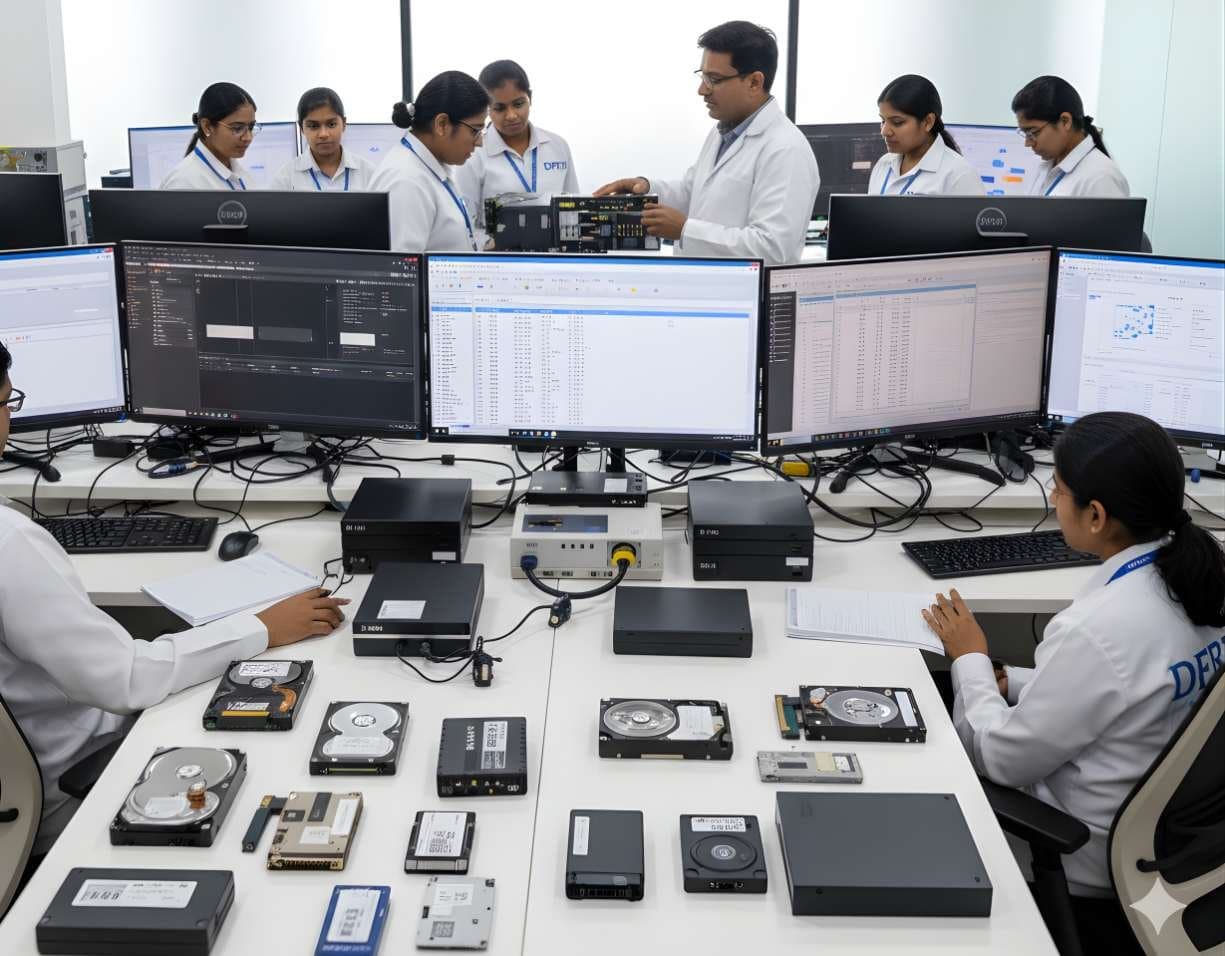
 StorageDigital Storage ForensicsHDD ForensicsImage hard drives through a write-blocker, find hidden areas and recover deleted data.
OpenText
OpenText Forensic (EnCase)
EnCase Forensic, one of the oldest names in computer forensics, is now called OpenText Forensic (EnCase). OpenText says it is the same product, renamed to fit its cybersecurity portfolio.
SoftwareCommercialCurrent
Profile
- Manufacturer
- OpenText
- Category
- Computer forensics
- Product type
- Software
- Platforms
- Not stated by the manufacturer
- Licensing
- Commercial
- Product status
- Current
- Educational level
- Intermediate
- Last verified
- 2 November 2026
OpenText's page heading reads OpenText Forensic (EnCase). Its FAQ states that OpenText Forensic is the same product as EnCase Forensic and that EnCase Forensic was renamed to align with the OpenText cybersecurity portfolio. The page names E01, L01 and AFF4 but not Ex01. OpenText Endpoint Investigator and OpenText Mobile Investigator are separate products on the same site. No host operating system is stated.
What OpenText Forensic (EnCase) is
EnCase gave the field its most widely used evidence file format. An E01 file holds a bit-for-bit copy of a drive in compressed segments with hash values embedded, so any examiner can later prove the copy has not changed. L01 holds a logical collection of selected files in the same protected way. OpenText's current page keeps both formats and adds AFF4. The product acquires evidence from Windows, Mac and Linux systems, from mobile devices and from cloud platforms, with Microsoft 365 and Facebook named as examples. It can also acquire encrypted volumes protected by BitLocker or FileVault where the credentials are available.
Processing and review happen in the same application. OpenText lists a timeline view, an indexing engine, Volume Shadow Copy analysis for recovering earlier versions of files, optical character recognition for scanned documents and AI image classification that flags categories such as weapons. Mobile work covers iOS and Android backup files, with a separate add-on, OpenText Mobile Investigator, for deeper phone analysis. Reports come from templates. OpenText's own FAQ says the tool is deployed on premises with one-year term licences by USB key, network or electronic key. The renaming is the point for learners: a job advertisement or a court record that says EnCase refers to this product.
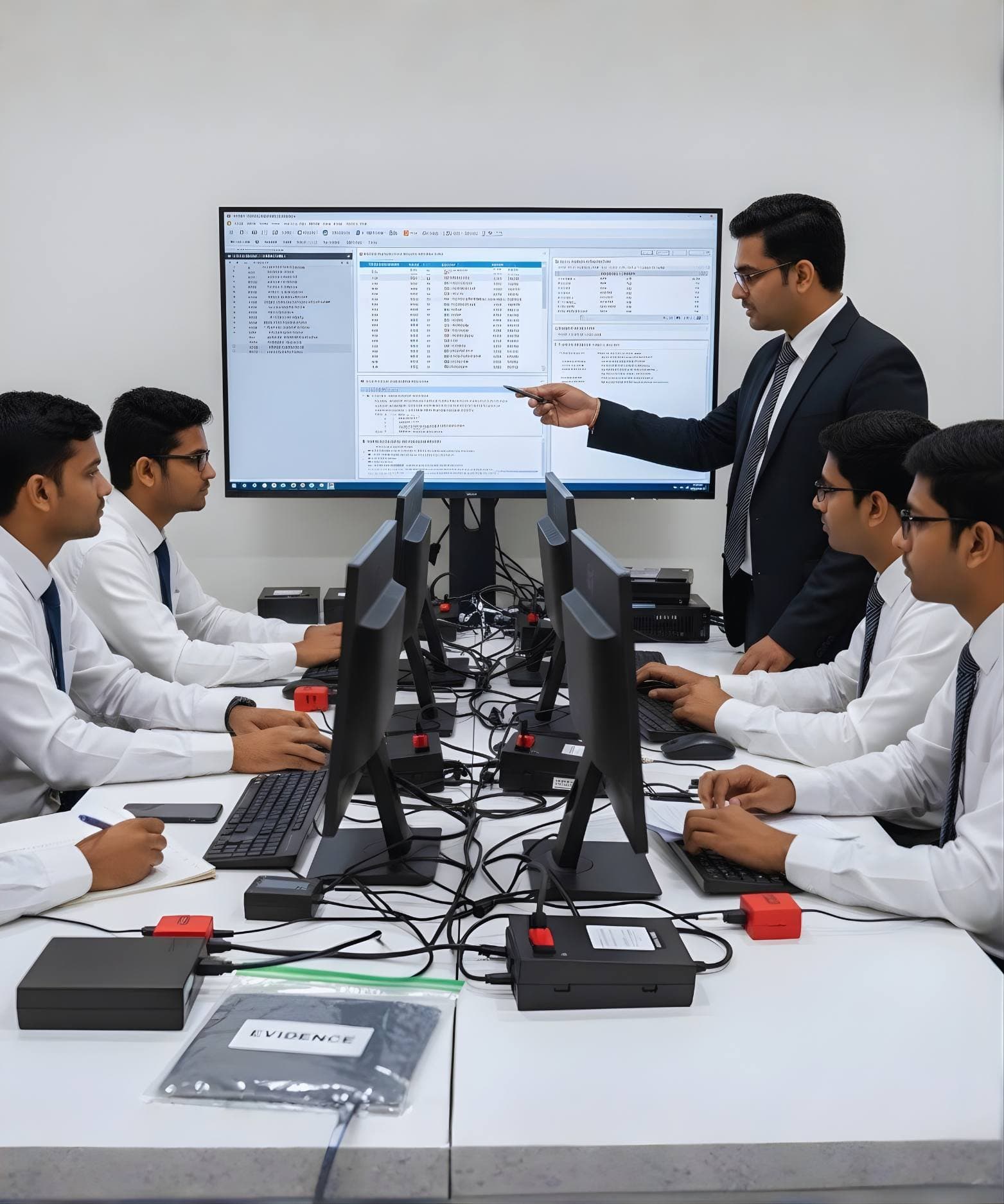
Primary applications
Where it is used
- Imaging drives into E01 or L01 evidence files with built-in hashing
- Collecting from Windows, Mac and Linux systems, encrypted volumes and selected cloud platforms
- Indexed search, timeline review and shadow copy recovery on a computer image
- Review of iOS and Android backup files
- Template-based reporting for investigators and courts
Who uses it
- Law enforcement and government forensic laboratories
- Enterprise investigation teams
- Examiners who learnt the field on EnCase and must map the new name
- Students learning evidence file formats and hashing
Capabilities and limits
Major capabilities
- Acquisition from Windows, Mac and Linux systems, mobile devices and cloud platforms
- E01, L01 and AFF4 evidence formats with hash verification
- Acquisition of BitLocker and FileVault encrypted volumes where credentials are held
- Timeline view and an indexing engine for search
- Volume Shadow Copy analysis to recover historical files
- Optical character recognition and AI image classification
- iOS and Android backup analysis, extended by the OpenText Mobile Investigator add-on
- On-premises deployment with USB, network or electronic licence keys
Technical limitations
- The product was renamed, so documentation, training material and job descriptions use two names for one tool
- AI image classification is a flag for review, not a finding; every flagged item needs a human decision
- Deeper mobile analysis needs the separate Mobile Investigator add-on
- The page does not state the operating system the software itself runs on, so the platform is left empty
- One-year term licensing means a lab must budget for renewal to keep updates
Learning with DFRTI
Independent professional education covering the principles and workflows of OpenText Forensic (EnCase). DFRTI is not a vendor training centre and its courses are not vendor certifications.
Before you learn it
- Disk structures, file systems and what a bit-for-bit image contains
- Hashing and how an evidence file proves integrity
- Windows artefacts such as shadow copies and the registry
Disciplines
Related tools
- Exterro FTK Forensic ToolkitFTK is the Forensic Toolkit that AccessData built and Exterro has owned since late 2020. Today Exterro sells it as Exterro FTK in a standalone form and as FTK Central for teams, with FTK Imager alongside.Exterro
- Exterro FTK ImagerFTK Imager is the free tool most learners meet first. It makes forensic images of drives, folders and memory, verifies them with hashes and lets an examiner preview evidence before committing to a full acquisition.Exterro
- X-Ways ForensicsX-Ways Forensics is the German examination tool that runs light, starts fast and gives the examiner the raw disk alongside the parsed view. Version 21.9 was current when this page was checked.X-Ways Software Technology AG
- Magnet AxiomAxiom is Magnet Forensics' main examination platform. It takes images and extractions from computers, phones, cloud accounts and vehicles into a single case and presents the artefacts side by side.Magnet Forensics
- AutopsyAutopsy is a free, open source examination platform that puts a graphical interface and ingest modules on top of The Sleuth Kit. For a student it is the first tool that shows a whole case from image to report at no cost.Sleuth Kit Labs
- Arsenal Image MounterArsenal Image Mounter, or AIM, mounts a disk image in Windows as a complete disk rather than a share, so Windows itself sees partitions, shadow copies and BitLocker volumes. The free mode covers mounting; Professional Mode adds virtual machine launch and more.Arsenal Recon
- Hardware Write BlockersA hardware write blocker sits between an evidence drive and the examiner's computer and refuses every write command. It is the first device a new examiner should understand.Various manufacturers
Courses that cover this tool
StorageDigital Storage ForensicsHDD ForensicsImage hard drives through a write-blocker, find hidden areas and recover deleted data.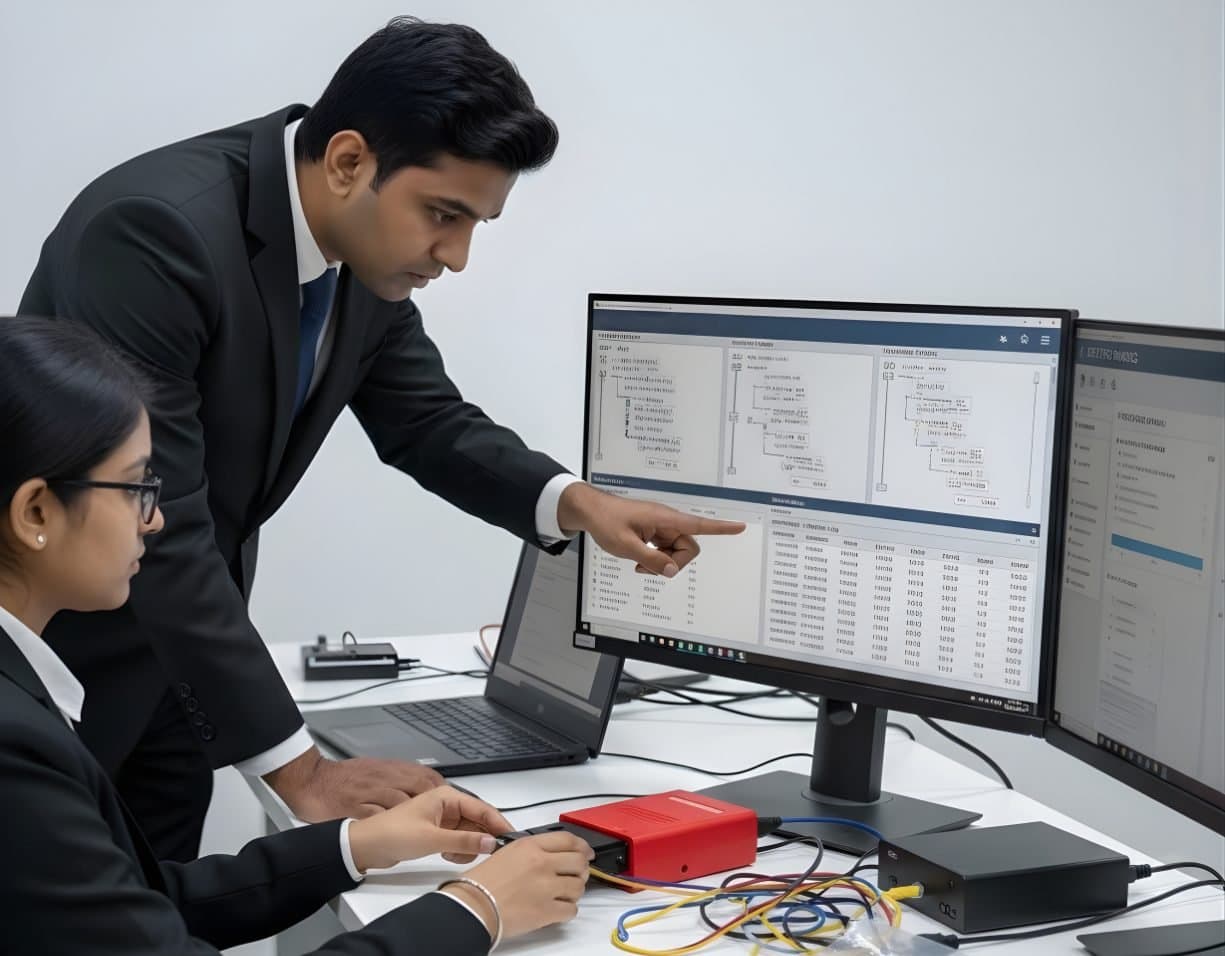 StorageDigital Storage ForensicsFile System AnalysisRead NTFS, FAT, exFAT, ext4 and APFS at the structure level and build timelines.
 NetworkNetwork & Cloud ForensicsCloud Storage InvestigationCollect and read AWS, Microsoft 365 and Google Workspace logs as sound evidence.
 LegalFoundation & Legal CoursesForensic Report WritingWrite clear forensic reports that answer the questions asked and survive cross-examination.
Official source
Product names and trademarks belong to their respective owners. DFRTI is an independent educational and research institute. Inclusion in this directory does not imply manufacturer endorsement, partnership or authorisation. Facts are checked against the manufacturer's public documentation on the date shown and may have changed since.
Go deeper with DFRTI
Free pages explain the ground. Structured courses, lab work and a mentor take you from knowing about it to doing it on a case.