Digital Storage Forensics
HDD, SSD, file systems and data recovery
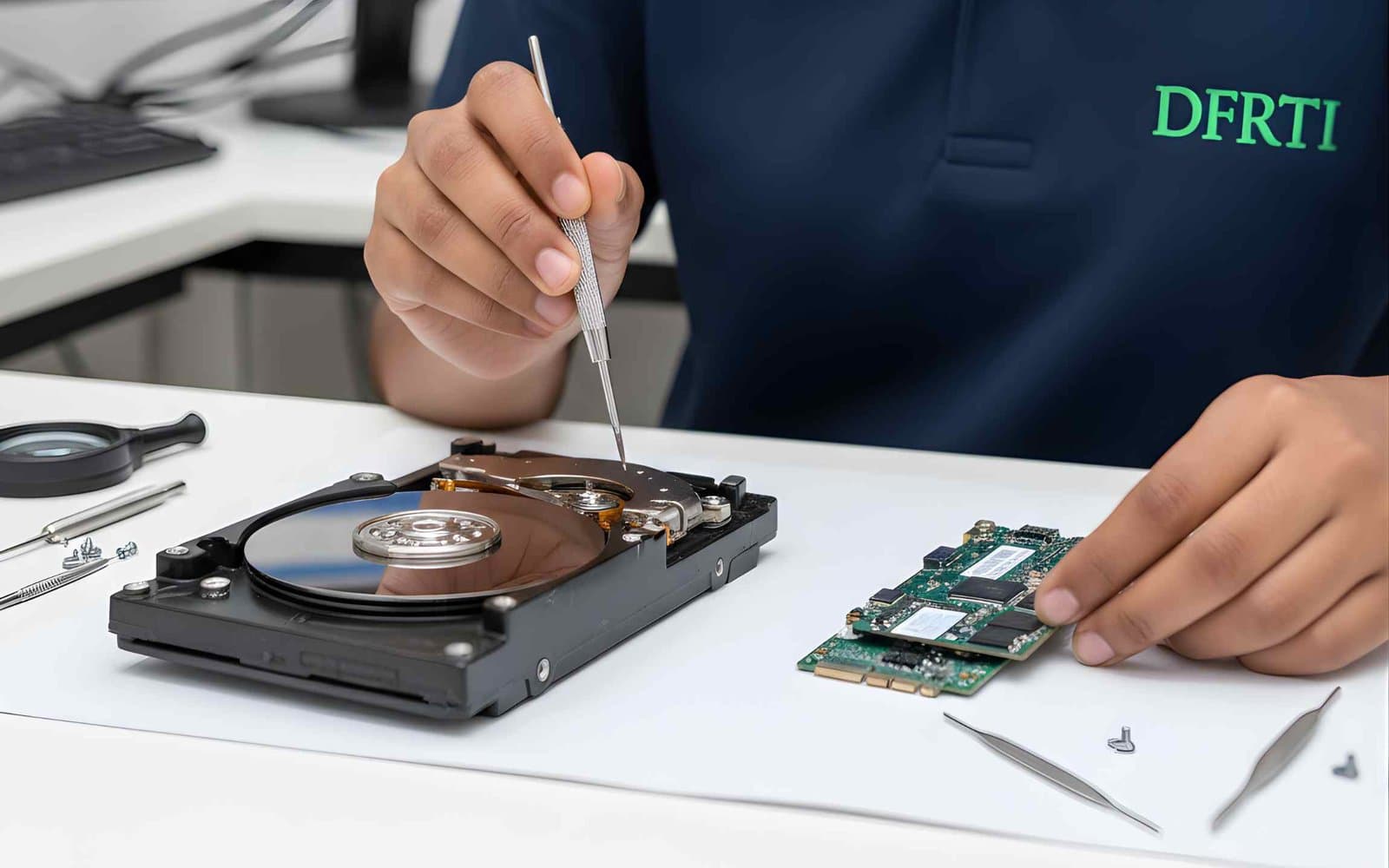
Most cases still come down to a disk. A laptop seized in a fraud case, a pen drive taken from an employee on his last day, a NAS box in an office that ransomware locked over the weekend. This track teaches you how to copy that storage without changing a single bit, prove the copy is exact and then find what the user did, what was deleted and when.
You work in the Digital Storage Forensics Lab with write-blockers, forensic duplicators, imaging stations and forensic workstations. The five courses cover hard drives, SSD and NVMe, USB and pen drives, RAID and NAS and the file systems that sit on all of them (NTFS, FAT32, exFAT, ext4 and APFS). Together they count towards the DCFA (Digital Forensic Analyst) certification.
Courses in Digital Storage Forensics
Open a course to see the full syllabus, labs, tools and who it suits.
- 01
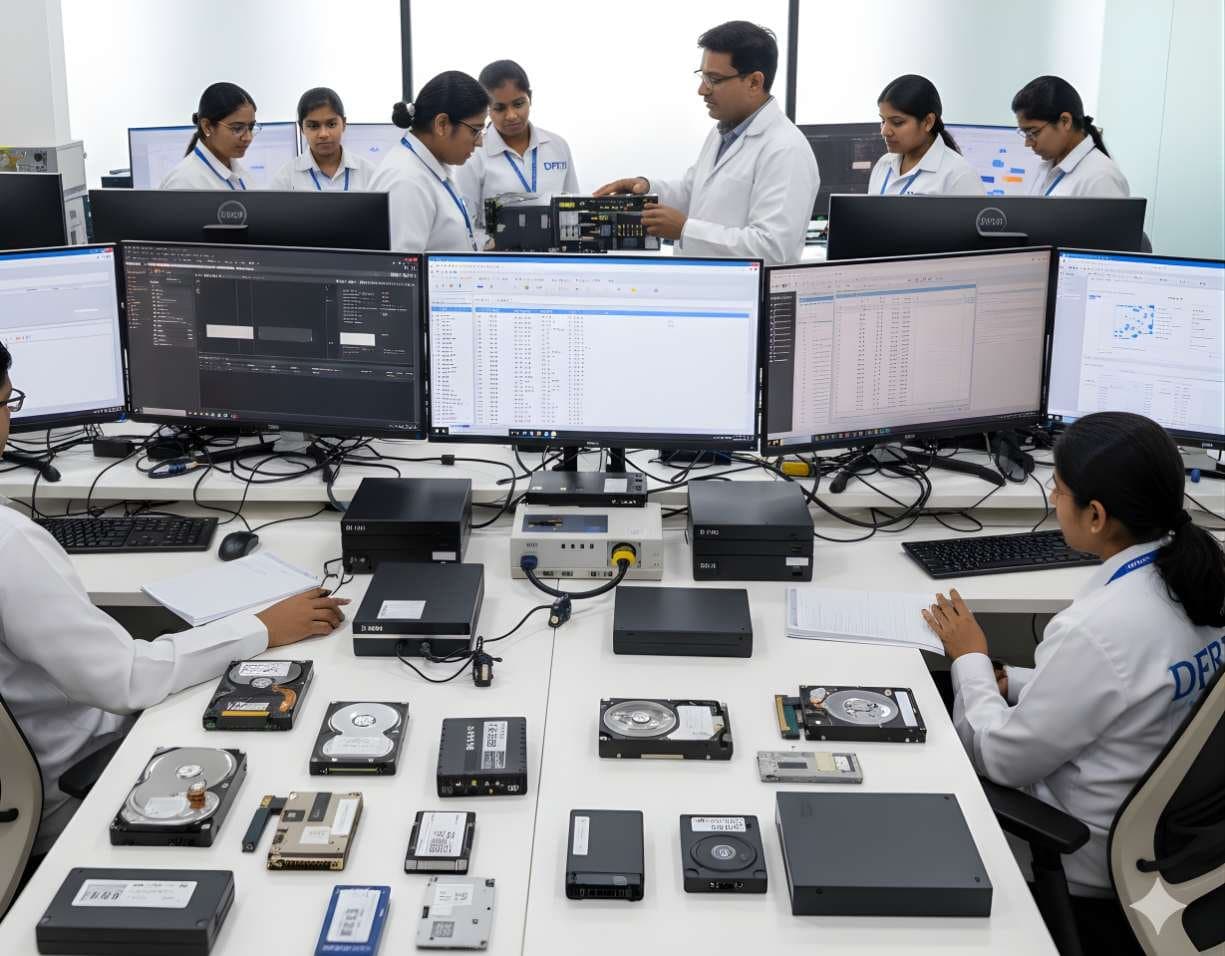 HDD ForensicsImage hard drives through a write-blocker, find hidden areas and recover deleted data.
 - 02
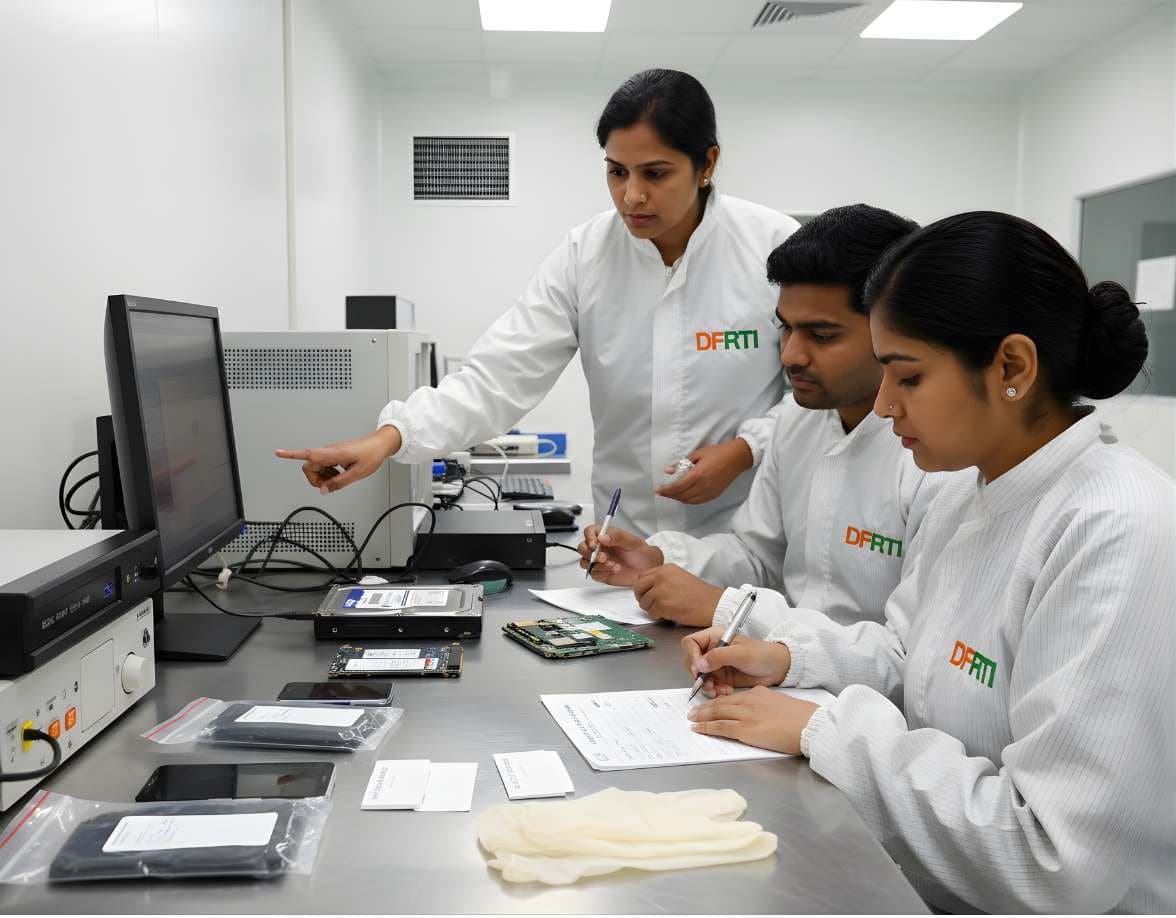 SSD / NVMe ForensicsHow TRIM, garbage collection and wear levelling change evidence on SSD and NVMe drives.
 - 03
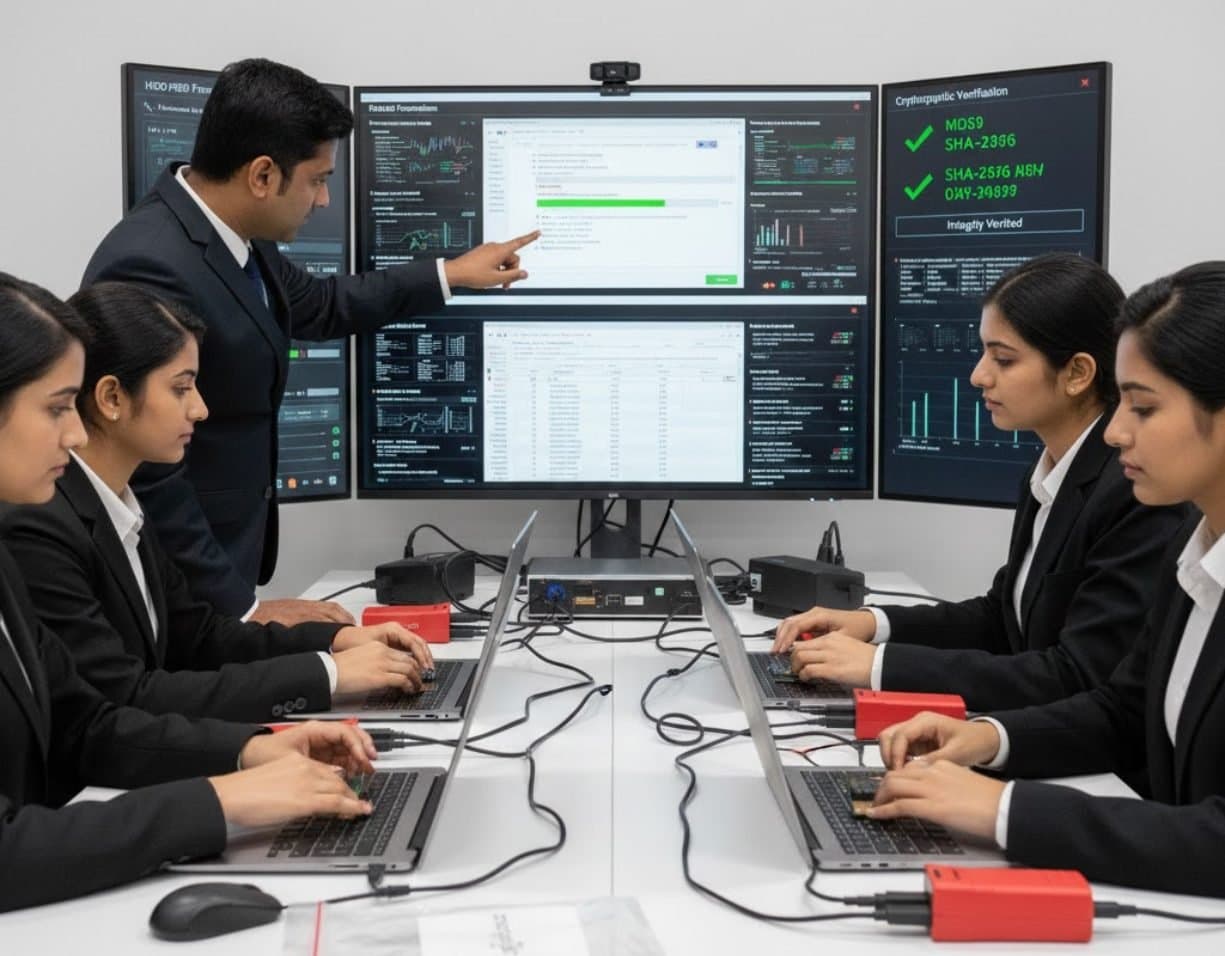 USB / Pen Drive ForensicsExamine pen drives and memory sticks and prove which USB device touched which computer.
 - 04
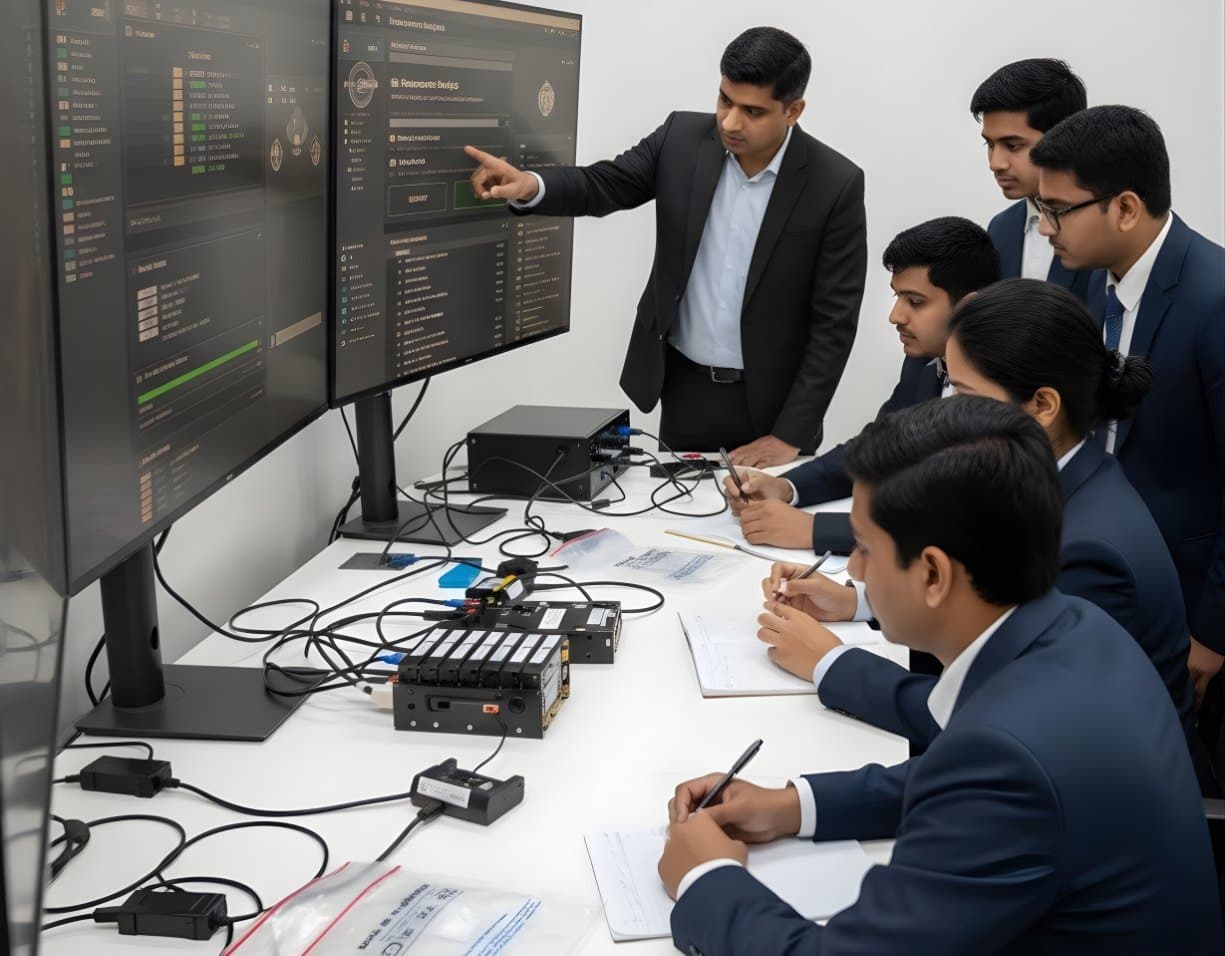 RAID / NAS ForensicsImage RAID members, rebuild arrays virtually and examine NAS boxes after ransomware.
 - 05
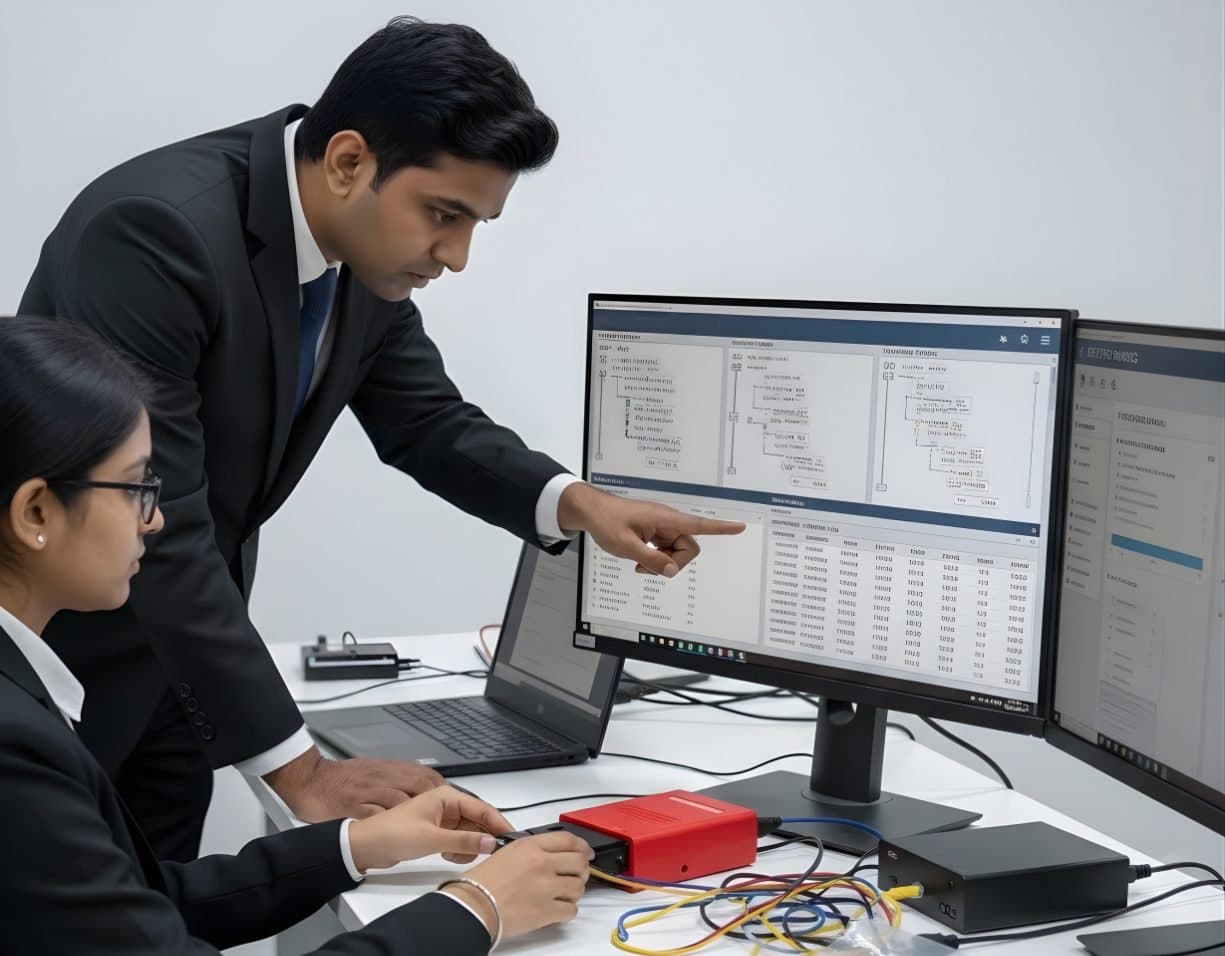 File System AnalysisRead NTFS, FAT, exFAT, ext4 and APFS at the structure level and build timelines.
Need help picking a course in Digital Storage Forensics?
Tell us your background and what you want to do next. A counsellor will suggest a course and the next batch.