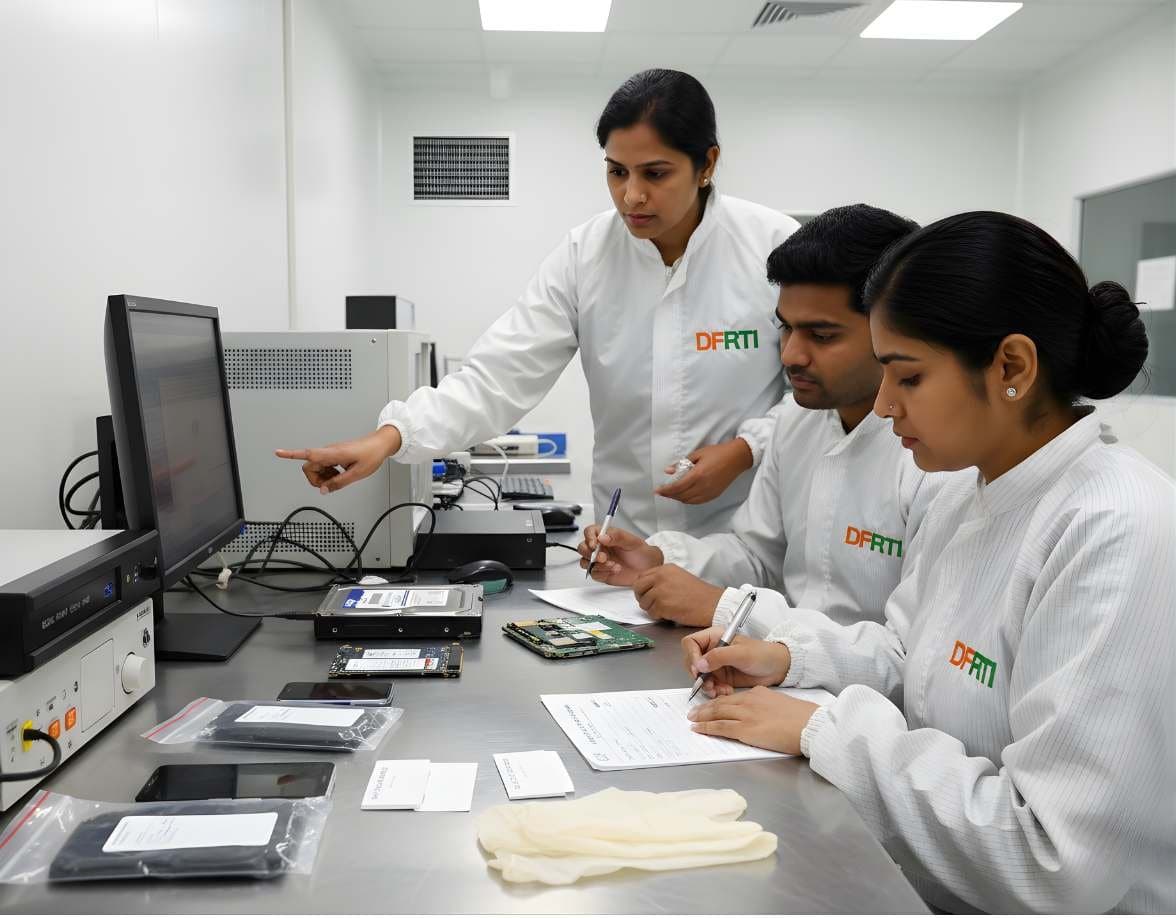
 StorageDigital Storage ForensicsSSD / NVMe ForensicsHow TRIM, garbage collection and wear levelling change evidence on SSD and NVMe drives.
Explainer · Storage and recovery
SSDs, TRIM and What Happens to Deleted Data
On a hard disk a deleted file usually sits where it was until something overwrites it. On an SSD the drive itself may clear it within minutes. This explainer covers TRIM, garbage collection and wear levelling, what a forensic image of an SSD really contains and why file carving so often comes back empty.
By DFRTI editorial teamPublished 2 November 2026Reviewed 2 November 2026

Every introductory forensics course teaches that deleting a file removes the pointer, not the data. That lesson was written for spinning disks. A hard disk has no reason to touch a sector until the file system asks it to write something there, so deleted data can survive for months. An SSD is different in kind. It is a small computer with its own firmware that decides where data physically lives, and it has a strong interest in cleaning up after deleted files because flash memory must be erased in large blocks before it can be written again.
The result is that the question an examiner asks of a hard disk, has this been overwritten yet, becomes a different question on an SSD: has the drive already cleaned this up on its own. This article explains the mechanisms, what the research found, and what it means for an image taken in the lab.
Four Mechanisms That Decide What Survives
F
- Flash translation layer (FTL)
- The firmware map between the logical block addresses the operating system sees and the physical NAND pages where data really sits. Everything the host reads passes through it. A forensic image taken over SATA, NVMe or USB is an image of the logical side of this map, not of the chips.
G
- Garbage collection
- The drive's background process that consolidates live pages and erases blocks that hold only stale data, so that future writes are fast. It runs whenever the drive has power and idle time. It does not need the operating system, a user or a mounted file system. Once TRIM has marked blocks as unused, garbage collection is free to erase them.
T
- TRIM
- A command the operating system sends to tell the drive which logical blocks no longer hold live data. Windows calls it delete notification. Microsoft's documentation for fsutil behavior states that for NTFS it is enabled by default unless an administrator disables it, that it takes effect at the next unmap, and that a drive which reports no TRIM support receives no notifications. You can check a system with fsutil behavior query DisableDeleteNotify.
W
- Wear levelling
- The firmware spreads writes across all cells so no block wears out early. A file rewritten in place on a hard disk goes to the same sectors. On an SSD it goes somewhere new and the old copy is left as stale data until garbage collection erases it. This is why old versions can sometimes be found on the chips and almost never through the interface.
What the Research Found
Two early research publications set the terms of the debate and are still cited. Graeme Bell and Richard Boddington, writing in the Journal of Digital Forensics, Security and Law in 2010, reported experiments in which SSDs destroyed evidence on their own, in the absence of any instruction from the computer, a behaviour they called self-corrosion. Christopher King and Timothy Vidas presented an empirical study at DFRWS USA 2011, also published in Digital Investigation, testing fifteen SSDs and one hard disk. Without TRIM nearly all deleted data was recoverable. With TRIM enabled, at most 27 percent of blocks were recoverable and the figure depended on the controller manufacturer.
Those are dated results on drives that are long out of production, and drive firmware has only grown more aggressive since. We quote them as research publications, not as a description of any current model. The lesson that has held up is the shape of the finding: the outcome depends on whether TRIM reached the drive, which controller it has and how long it had power afterwards. Nobody can promise a recovery percentage for an SSD they have not tested.

What a Forensic Image of an SSD Captures
A bit-stream image through a write blocker captures every logical block the drive is willing to present. For blocks that have been trimmed, most modern drives return zeros or another fixed pattern, so the image faithfully records that the data is gone from the logical view. The physical NAND, including stale copies left by wear levelling and the over-provisioned area the host can never address, is not in the image. Reaching it means chip-off or controller-level work with specialised equipment, and even then the data is scrambled by the controller's own encryption or compression on many drives.
A write blocker stops the host from writing. It does not stop the drive's own garbage collection, which continues the moment the drive has power. The image you take is therefore a snapshot of the drive's internal housekeeping at that moment. Hash it immediately, because a second image an hour later may differ in the trimmed areas and that difference is not a tool fault.
- Image captures the logical block space, not the chips
- Trimmed blocks usually read as zeros
- Write blocking does not pause garbage collection
- Two images taken at different times may not match
Why Timing Matters
A generic scenario: a laptop with an NVMe SSD is seized on a Monday and imaged on the following Monday. Here is what happens in between and what an examiner can do about it.
- 01At the moment of deletion
The file system marks clusters free and, on a default Windows installation with NTFS, sends TRIM for them. The drive marks the matching pages stale. Nothing is erased yet.
- 02While the machine is on
Garbage collection erases stale blocks as the drive sees fit. On an idle machine this can be minutes. Every extra hour of power after deletion lowers what is left.
- 03Power off, drive removed
With no power nothing changes. A seized SSD kept powered off is as good as it will ever be. Do not boot the machine to have a look, and keep the drive out of any dock that powers it before the write blocker is ready.
- 04Connected for imaging
The drive powers up and firmware resumes housekeeping. Start the acquisition at once rather than leaving the drive connected while you set up. Record the time of power-on and the start and end time of imaging in your notes.
- 05Verification
Hash the image as the tool completes it and record the value. If a second read of the source for verification gives a different hash, note it and explain the mechanism in the report rather than re-imaging until the hashes happen to agree.
The Limits of File Carving on SSDs
Carving searches unallocated space for file signatures. On an SSD the ground it searches has often already been cleared.
- Trimmed clusters return zeros, so the carver finds no headers at all. An empty carving result on an SSD is normal, not a sign of a wiping tool.
- Files that survive are the ones the file system never marked free, for example data inside live databases, journals, backups, shadow copies or hibernation files, not the deleted document itself.
- Many drives encrypt or compress internally. Even a chip-off read may yield data that cannot be interpreted without the controller's keys.
- Do not infer deliberate wiping from clean unallocated space on an SSD. Look for the tool, its logs and its artefacts before making that claim.
- File system metadata outlives file content. On NTFS the master file table, $LogFile and $UsnJrnl entries, link files, jump lists, registry keys and thumbnail caches may still prove that a file existed, its name, size and timestamps, long after its content is gone.
What This Means in Practice
Our advice to examiners and students is to change the promise, not the method. Image SSDs exactly as carefully as hard disks, hash at once, and document power-on time. Then build the case from the metadata and application artefacts that TRIM does not touch. When you are asked whether a deleted file can be recovered from an SSD, the honest answer is that the content probably cannot, that the record of its existence often can, and that no one should quote a percentage before examining the drive in question. The references below include the two research publications and Microsoft's documentation for TRIM behaviour on Windows.
This is an explainer written by the DFRTI editorial team from the sources below. It is not a vendor announcement and DFRTI has not independently tested any product named in it unless the text says so.
Sources
- fsutil behavior (disabledeletenotify, TRIM defaults for NTFS and ReFS)Microsoft Learn
- King and Vidas, Empirical Analysis of Solid State Disk Data Retention when used with Contemporary Operating Systems, DFRWS USA 2011DFRWS
- Bell and Boddington, Solid State Drives: The Beginning of the End for Current Practice in Digital Forensic Recovery?, JDFSL Vol. 5 (2010)Journal of Digital Forensics, Security and Law
- NIST SP 800-88 Rev. 2, Guidelines for Media Sanitization (on flash memory, spare cells and wear levelling)NIST
Disciplines
Tools mentioned
- Exterro FTK ImagerFTK Imager is the free tool most learners meet first. It makes forensic images of drives, folders and memory, verifies them with hashes and lets an examiner preview evidence before committing to a full acquisition.Exterro
- X-Ways ForensicsX-Ways Forensics is the German examination tool that runs light, starts fast and gives the examiner the raw disk alongside the parsed view. Version 21.9 was current when this page was checked.X-Ways Software Technology AG
- AutopsyAutopsy is a free, open source examination platform that puts a graphical interface and ingest modules on top of The Sleuth Kit. For a student it is the first tool that shows a whole case from image to report at no cost.Sleuth Kit Labs
- The Sleuth KitThe Sleuth Kit, usually written TSK, is a C library and a set of command line tools for examining disk images and file systems. Autopsy is its graphical face. Working with TSK directly teaches what the graphical tools hide.Sleuth Kit Labs
- PC-3000 SSDPC-3000 SSD is the solid state drive module of the PC-3000 family. It runs on ACE Lab's hardware and gives the examiner access to the drive's technological mode, where the controller can be made to reveal user data it will no longer serve through the normal interface.ACE Lab
- Hardware Write BlockersA hardware write blocker sits between an evidence drive and the examiner's computer and refuses every write command. It is the first device a new examiner should understand.Various manufacturers
Learn this properly
StorageDigital Storage ForensicsSSD / NVMe ForensicsHow TRIM, garbage collection and wear levelling change evidence on SSD and NVMe drives.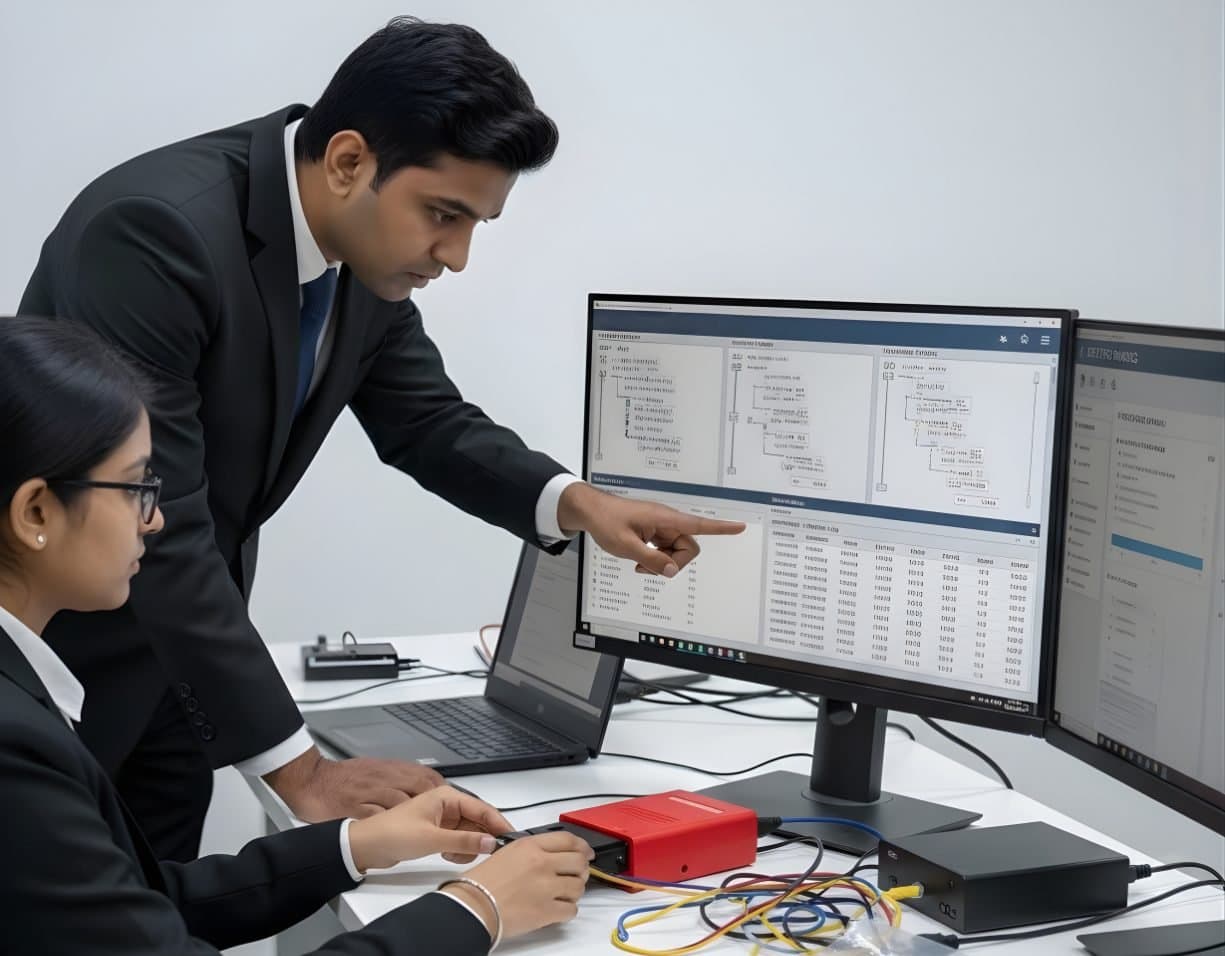 StorageDigital Storage ForensicsFile System AnalysisRead NTFS, FAT, exFAT, ext4 and APFS at the structure level and build timelines.
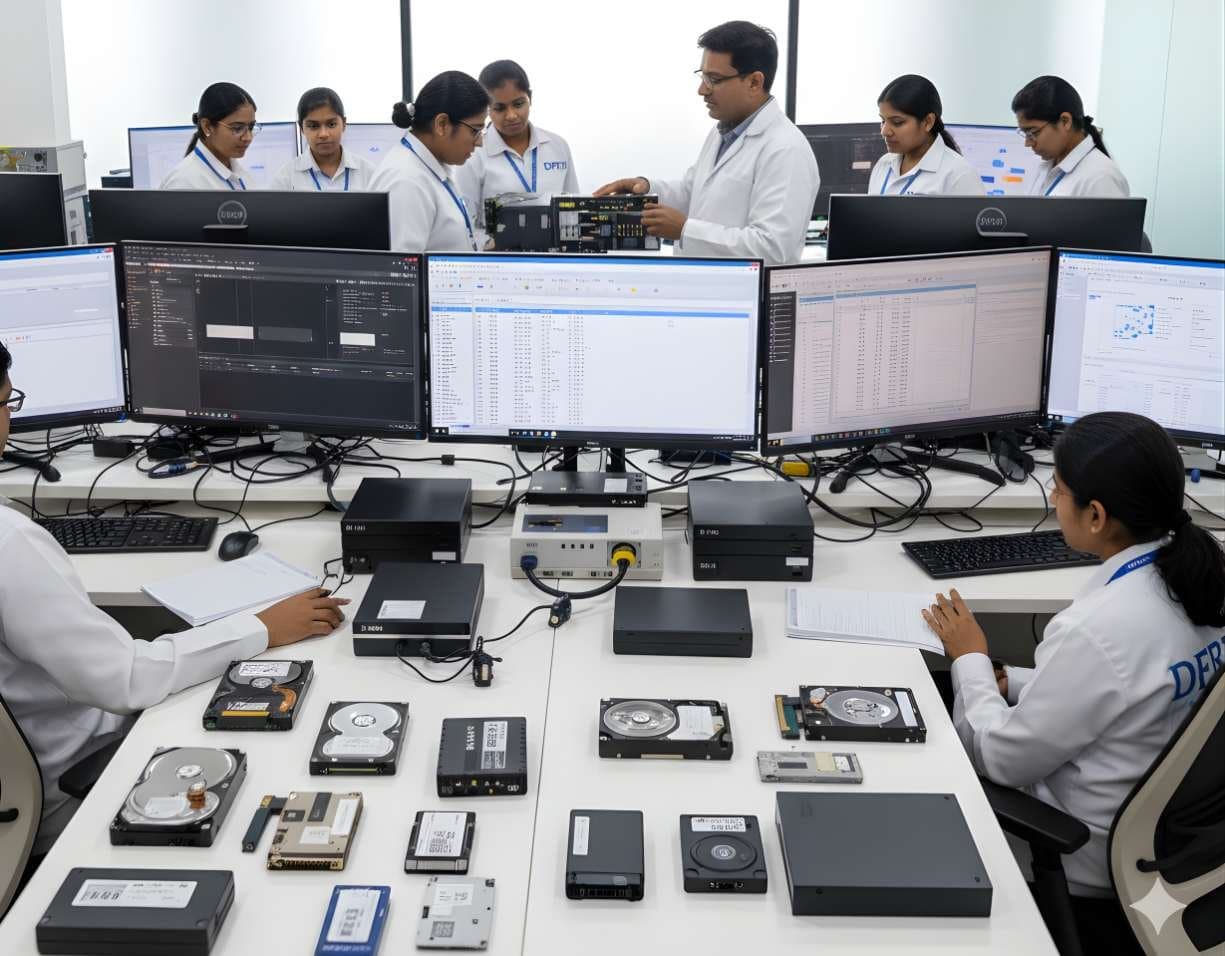 StorageDigital Storage ForensicsHDD ForensicsImage hard drives through a write-blocker, find hidden areas and recover deleted data.
Go deeper with DFRTI
Free pages explain the ground. Structured courses, lab work and a mentor take you from knowing about it to doing it on a case.