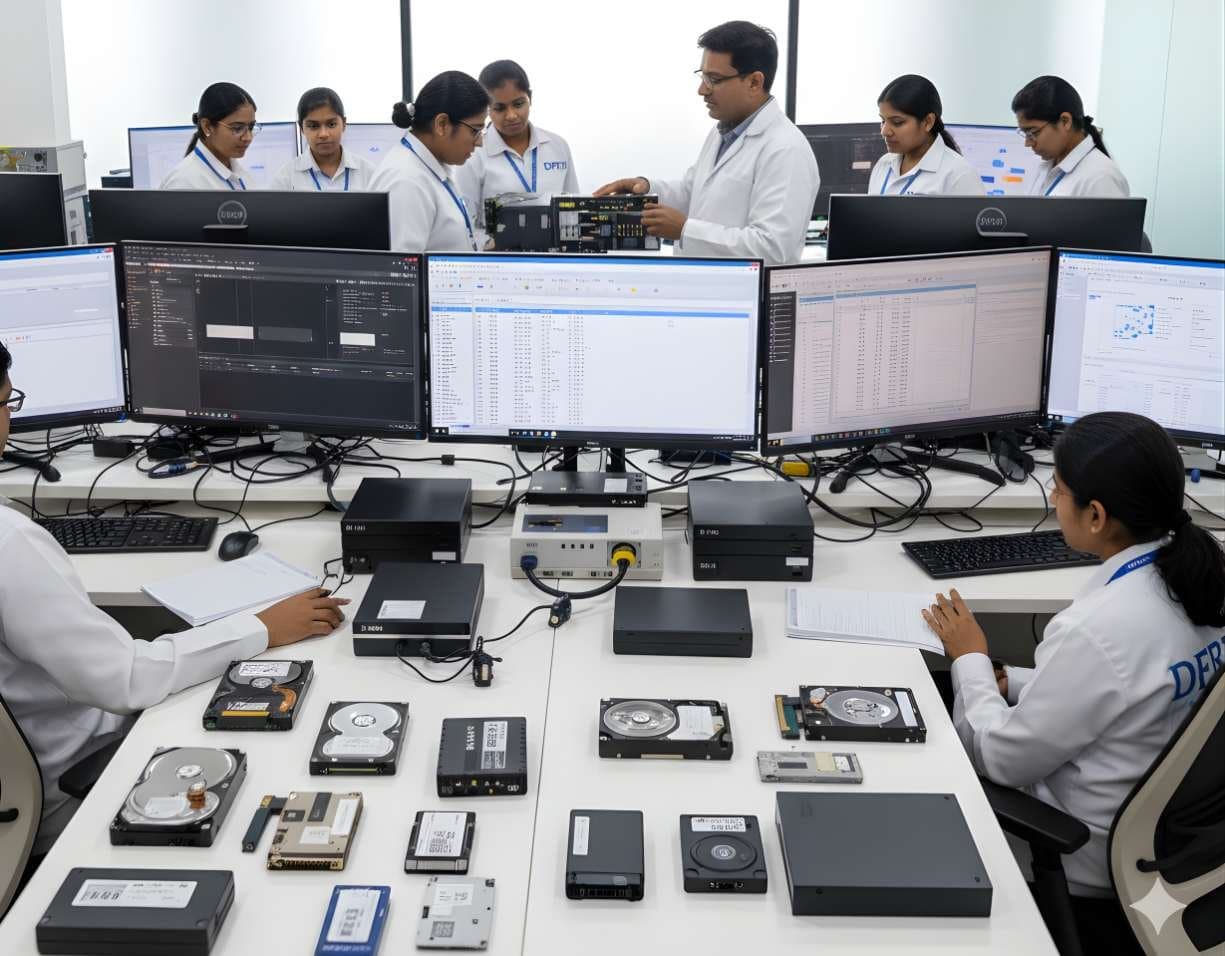
 StorageDigital Storage ForensicsHDD ForensicsImage hard drives through a write-blocker, find hidden areas and recover deleted data.
ACE Lab
Data Extractor
Data Extractor is the software that turns a PC-3000 board or portable unit into an imager for drives that are unstable, slow or partly unreadable.
SoftwareCommercialCurrent
Profile
- Manufacturer
- ACE Lab
- Category
- Storage and hardware
- Product type
- Software
- Platforms
- Not stated by the manufacturer
- Licensing
- Commercial
- Product status
- Current
- Educational level
- Advanced
- Last verified
- 2 November 2026
Editions follow the hardware: Data Extractor Express, UDMA, SAS and Portable, each available as a RAID Edition. Facts above were checked on the Express edition page.
What Data Extractor is
ACE Lab sells Data Extractor in editions matched to its hardware, such as Data Extractor Express, UDMA, SAS and Portable, each with a RAID Edition that adds array reconstruction. The job of the software is the same in each case. It makes a sector-by-sector or partial copy of a damaged drive to a good drive or to an image file, while keeping the source alive. To do that it offers reading options that an ordinary imager does not have, such as reading in factory mode, choosing the transfer mode, reading forward and backward, disabling read-ahead and automatic relocation, controlling retries, ignoring error correction and resetting or power cycling the drive when it hangs.
The forensic side matters as much as the recovery side. Data Extractor can read by head map, so a failing head is skipped and the rest of the drive is copied first. It can build a map of used and unused sectors and image only what the file system actually references, which cuts the load on a dying drive. It calculates MD5 and SHA1 hashes, mounts drives read-only, exports file lists to CSV and can read and write E01, AFF, S01 and DEFF image formats. Where file system structures are destroyed, a raw recovery mode carves files by signature.
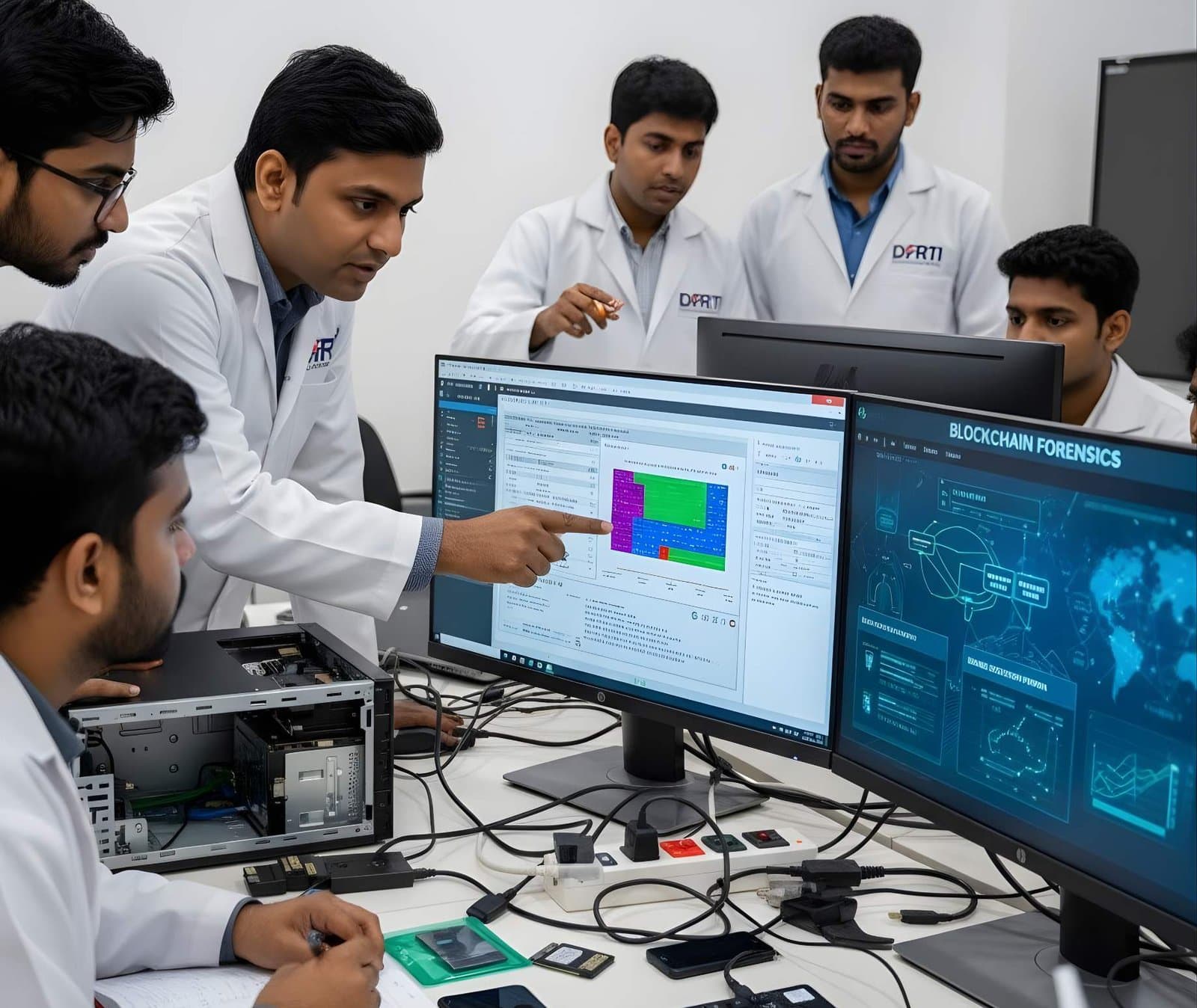
Primary applications
Where it is used
- Imaging drives that hang, click or time out under a normal imager
- Copying the healthy heads first, then returning to the damaged surface
- File-system-aware imaging that reads only sectors in use
- Producing E01 or other forensic images with MD5 and SHA1 hashes from a recovered drive
- RAID reconstruction from member images in the RAID Edition
- Raw signature recovery when the file system is beyond repair
Who uses it
- Data recovery engineers
- Forensic examiners imaging damaged evidence drives
- RAID and server recovery specialists
- Laboratory quality managers reviewing imaging logs
Capabilities and limits
Major capabilities
- Full or partial sector-level copies to a drive or an image file
- Factory mode reading, selectable transfer modes and forward or backward reading
- Read-ahead and auto-relocation disabled, retries, ECC ignore and power control
- Reading by head map and by used or unused sector map
- Logical file system analysis to limit what is read from a damaged drive
- Raw recovery mode for destroyed file systems
- MD5 and SHA1 hashing, read-only mounting and CSV export of catalogues
- Reading and export in E01, AFF, S01 and DEFF formats
- RAID Edition for arrays built from damaged members
Technical limitations
- Only works with the PC-3000 hardware. It is not a general-purpose imaging program
- A partial copy is a partial copy. The report must state which sectors were never read
- Changing MaxLBA or unlocking a drive alters the device and must be documented
- Hash values describe the image produced, not a drive that could never be fully read
Learning with DFRTI
Independent professional education covering the principles and workflows of Data Extractor. DFRTI is not a vendor training centre and its courses are not vendor certifications.
Before you learn it
- Forensic imaging principles and hash verification
- File system structures for NTFS, FAT, exFAT, ext and APFS
- Hard drive and SSD failure modes
- Experience with the matching PC-3000 hardware
Disciplines
Related tools
- PC-3000 ExpressThe PC-3000 Express is the laboratory version of the PC-3000 family, a tester board fitted inside a workstation for hard drive diagnostics, firmware repair and data recovery.ACE Lab
- PC-3000 Portable PROThe PC-3000 Portable PRO is ACE Lab's field unit for working with damaged hard drives and solid state drives. It is the portable branch of the PC-3000 family and the current generation after the Portable III.ACE Lab
- PC-3000 SSDPC-3000 SSD is the solid state drive module of the PC-3000 family. It runs on ACE Lab's hardware and gives the examiner access to the drive's technological mode, where the controller can be made to reveal user data it will no longer serve through the normal interface.ACE Lab
- Exterro FTK ImagerFTK Imager is the free tool most learners meet first. It makes forensic images of drives, folders and memory, verifies them with hashes and lets an examiner preview evidence before committing to a full acquisition.Exterro
- Forensic DuplicatorsA forensic duplicator is a standalone imaging device. It copies a source drive to a destination drive or image file, hashes the result and verifies it, without a computer in between.Various manufacturers
Courses that cover this tool
StorageDigital Storage ForensicsHDD ForensicsImage hard drives through a write-blocker, find hidden areas and recover deleted data.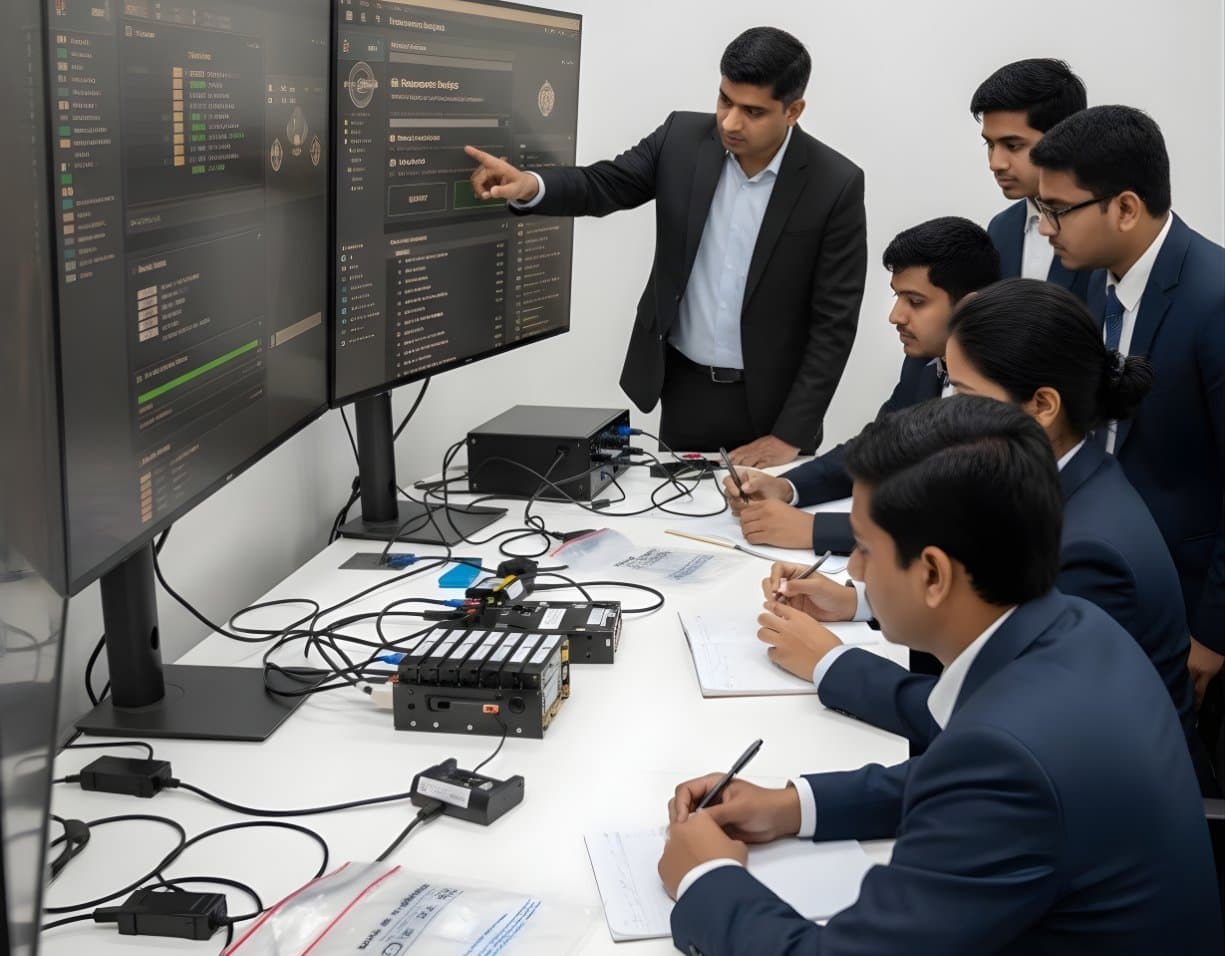 StorageDigital Storage ForensicsRAID / NAS ForensicsImage RAID members, rebuild arrays virtually and examine NAS boxes after ransomware.
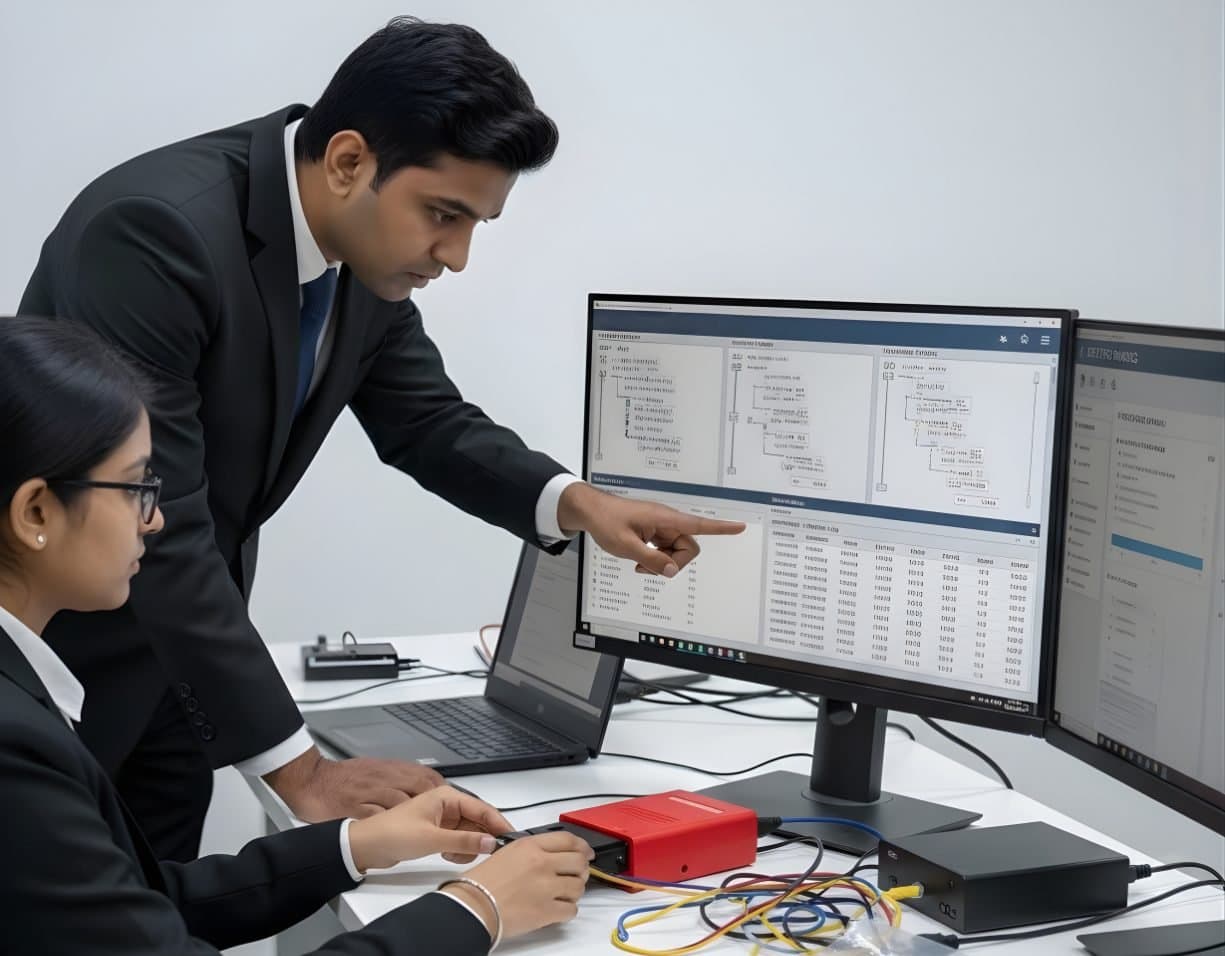 StorageDigital Storage ForensicsFile System AnalysisRead NTFS, FAT, exFAT, ext4 and APFS at the structure level and build timelines.
Official source
Product names and trademarks belong to their respective owners. DFRTI is an independent educational and research institute. Inclusion in this directory does not imply manufacturer endorsement, partnership or authorisation. Facts are checked against the manufacturer's public documentation on the date shown and may have changed since.
Go deeper with DFRTI
Free pages explain the ground. Structured courses, lab work and a mentor take you from knowing about it to doing it on a case.