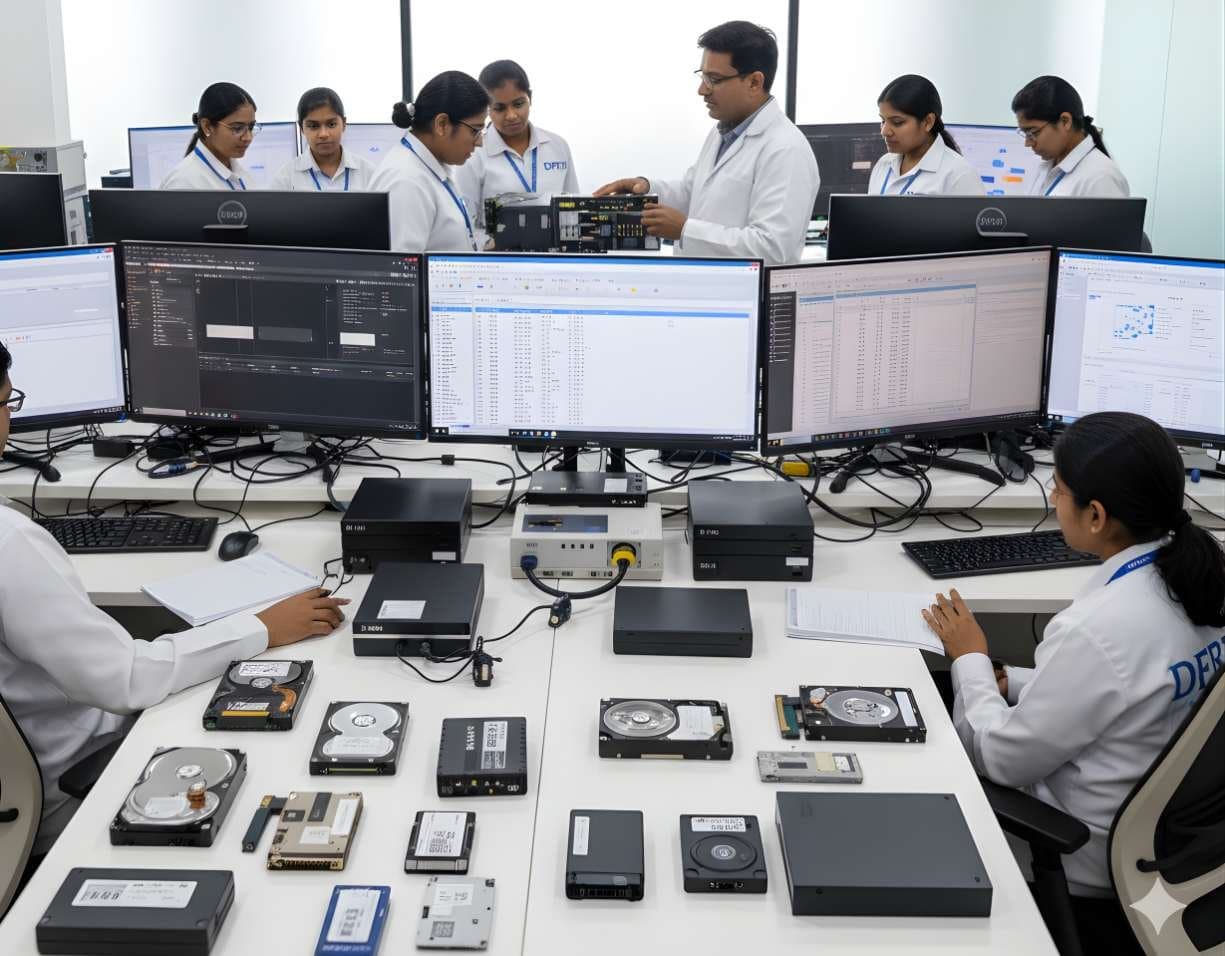
 StorageDigital Storage ForensicsHDD ForensicsImage hard drives through a write-blocker, find hidden areas and recover deleted data.
Arsenal Recon
Arsenal Image Mounter
Arsenal Image Mounter, or AIM, mounts a disk image in Windows as a complete disk rather than a share, so Windows itself sees partitions, shadow copies and BitLocker volumes. The free mode covers mounting; Professional Mode adds virtual machine launch and more.
UtilityFreemiumCurrentWindows
Profile
- Manufacturer
- Arsenal Recon
- Category
- Computer forensics
- Product type
- Utility
- Platforms
- Windows
- Licensing
- Freemium
- Product status
- Current
- Educational level
- Intermediate
- Last verified
- 2 November 2026
Arsenal Recon's page lists Free Mode and Professional Mode, which is why the licence is given as Freemium. It states that images are mounted as complete disks on Windows. The page does not say whether the current product is open source.
What Arsenal Image Mounter is
Many tools can open an image. AIM's difference is that it presents the image to Windows as a real disk, which means the operating system's own drivers handle the file system and features such as Volume Shadow Copies behave as they would on the original hardware. Writes are allowed in a temporary mode that records them in a differencing file, leaving the image untouched. The maker lists raw, forensic and virtual machine disk images, optical images and archives as inputs and the ability to identify, unlock, decrypt or suspend BitLocker volumes where the key or password is available.
Professional Mode is where the tool becomes an investigative platform. It can launch a disk image, a physical disk or a remote disk as a virtual machine, with bypasses for Windows authentication, DPAPI and S Mode so an examiner can see the system as the user saw it. It adds further shadow copy options, a file system driver bypass, Recon Reports and remote disk access through an agent. For an Indian lab the practical gain is in demonstration: showing a court what a desktop looked like is often more persuasive than a table of artefacts, provided the examiner records that the virtual machine is a reconstruction and not the original.
Primary applications
Where it is used
- Mounting an E01 or raw image so other Windows tools can read it
- Browsing Volume Shadow Copies inside an image to see earlier file versions
- Unlocking or decrypting BitLocker volumes with lawfully held credentials
- Booting an image as a virtual machine to view the user's desktop and applications
- Testing software behaviour against a copy of the evidence without touching the original
Who uses it
- Computer forensic examiners who need Windows to read an image natively
- Incident responders reconstructing a compromised system
- Examiners preparing courtroom demonstrations
- Students learning how mounting and virtualisation fit into an examination
Capabilities and limits
Major capabilities
- Mounts raw, forensic and virtual machine disk images as complete disks in Windows
- Temporary write support through replayable differencing files
- BitLocker identification, unlocking, full decryption and suspension
- Volume Shadow Copy mounting, including an NTFS driver bypass
- Optical image and archive mounting and command line tools in Free Mode
- Virtual machine launch from images, physical disks and remote disks with authentication, DPAPI and S Mode bypasses in Professional Mode
- Recon Reports, extra shadow copy options and AIM Remote Agent in Professional Mode
- Exposes mounted disks as virtual VHDX files
Technical limitations
- Windows only
- A launched virtual machine is a reconstruction; the examiner must document that it is not the original system
- Authentication bypasses apply to the copy inside the virtual machine and must sit within the legal authority for the examination
- Image formats are described in general terms on the page rather than listed
- Open source status of the current product is not stated on the page checked
Learning with DFRTI
Independent professional education covering the principles and workflows of Arsenal Image Mounter. DFRTI is not a vendor training centre and its courses are not vendor certifications.
Before you learn it
- Disk images, partitions and file systems
- Windows features such as BitLocker and Volume Shadow Copies
- Virtualisation basics
Disciplines
Related tools
- Exterro FTK ImagerFTK Imager is the free tool most learners meet first. It makes forensic images of drives, folders and memory, verifies them with hashes and lets an examiner preview evidence before committing to a full acquisition.Exterro
- X-Ways ForensicsX-Ways Forensics is the German examination tool that runs light, starts fast and gives the examiner the raw disk alongside the parsed view. Version 21.9 was current when this page was checked.X-Ways Software Technology AG
- OpenText Forensic (EnCase)EnCase Forensic, one of the oldest names in computer forensics, is now called OpenText Forensic (EnCase). OpenText says it is the same product, renamed to fit its cybersecurity portfolio.OpenText
- AutopsyAutopsy is a free, open source examination platform that puts a graphical interface and ingest modules on top of The Sleuth Kit. For a student it is the first tool that shows a whole case from image to report at no cost.Sleuth Kit Labs
- OSForensicsOSForensics is PassMark's Windows examination suite. It indexes and searches a drive or image, recovers deleted files, uncovers user activity and keeps everything in a case file, with a free edition for learning and paid editions for full use.PassMark Software
- VelociraptorVelociraptor puts a small agent on endpoints and lets an examiner ask them questions in a query language. A hunt sends the same question to every machine and the answers come back as tables.Rapid7
Courses that cover this tool
StorageDigital Storage ForensicsHDD ForensicsImage hard drives through a write-blocker, find hidden areas and recover deleted data.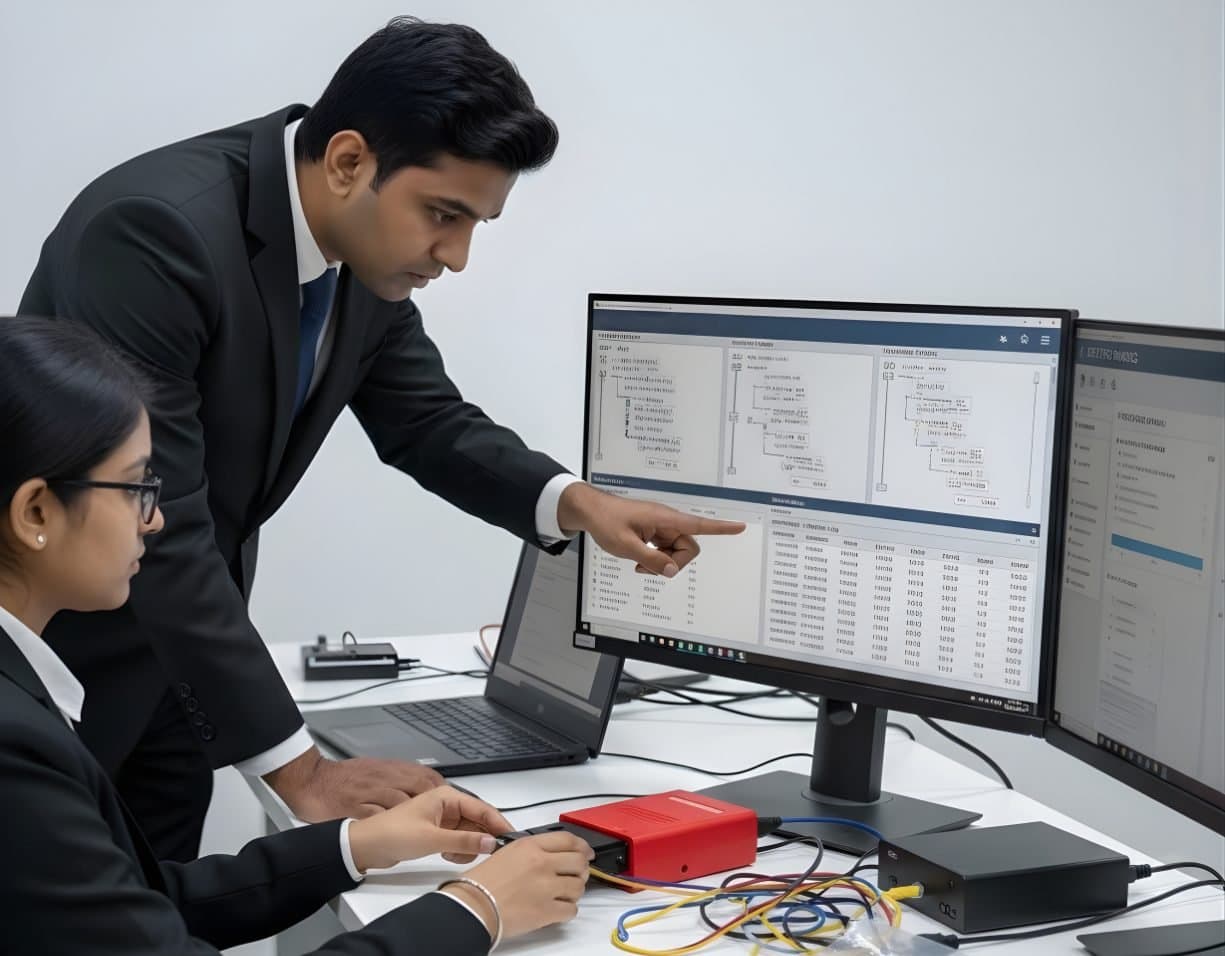 StorageDigital Storage ForensicsFile System AnalysisRead NTFS, FAT, exFAT, ext4 and APFS at the structure level and build timelines.
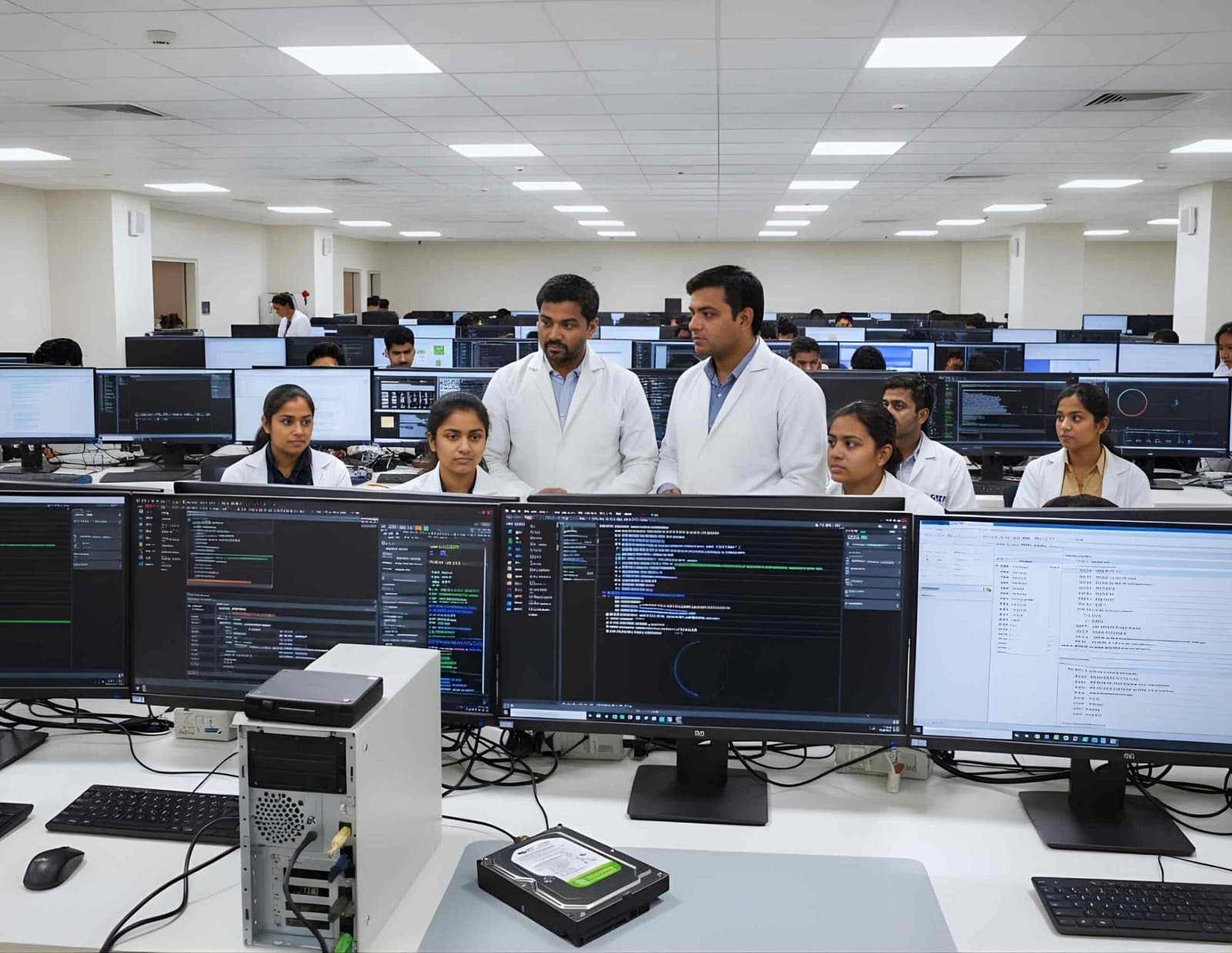 NetworkNetwork & Cloud ForensicsVirtual Machine / Hypervisor ForensicsExamine VMDK, VHDX and QCOW2 disks, snapshots, ESXi logs and VM memory files.
Product names and trademarks belong to their respective owners. DFRTI is an independent educational and research institute. Inclusion in this directory does not imply manufacturer endorsement, partnership or authorisation. Facts are checked against the manufacturer's public documentation on the date shown and may have changed since.
Go deeper with DFRTI
Free pages explain the ground. Structured courses, lab work and a mentor take you from knowing about it to doing it on a case.