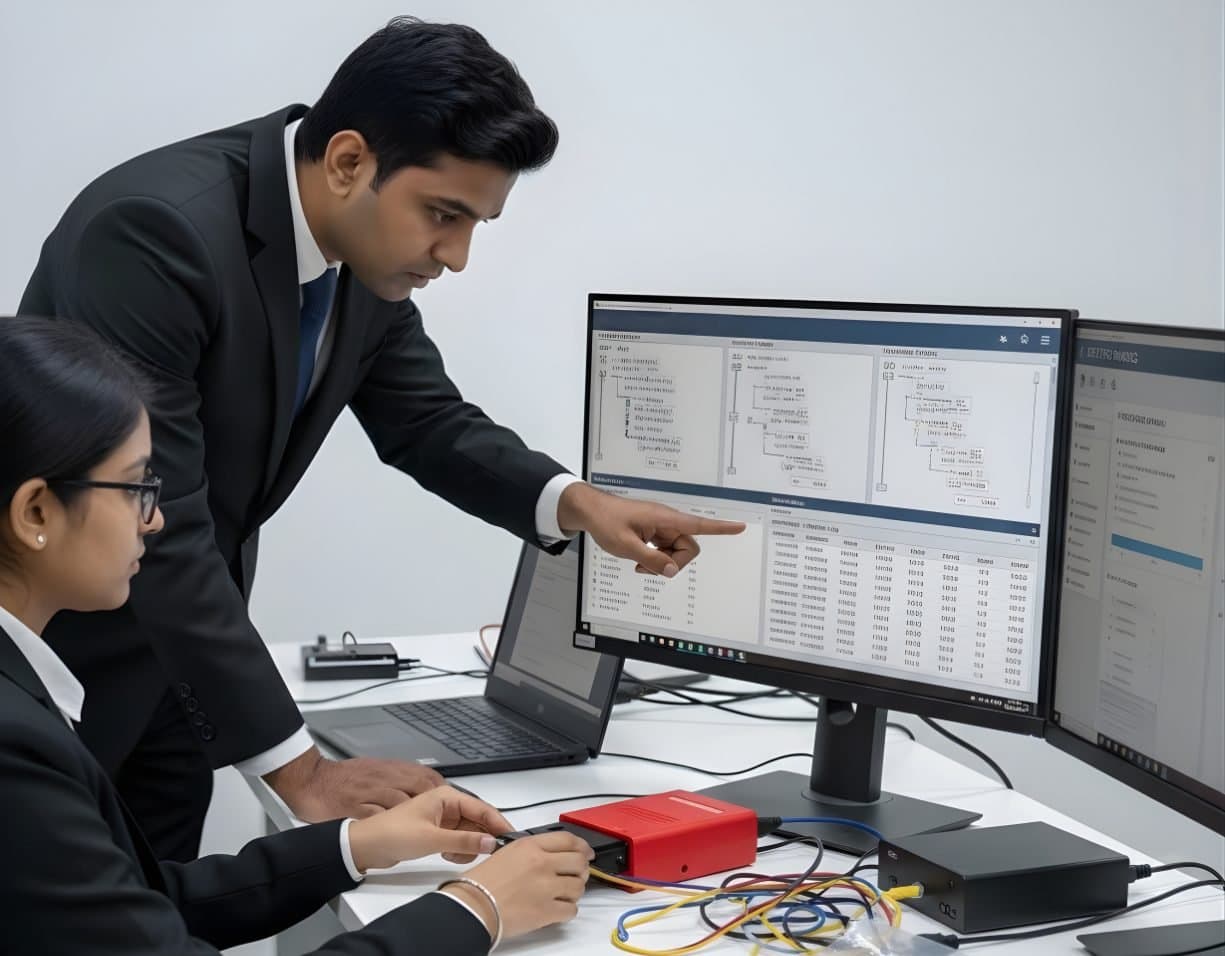
 StorageDigital Storage ForensicsFile System AnalysisRead NTFS, FAT, exFAT, ext4 and APFS at the structure level and build timelines.
log2timeline project
Plaso
Plaso pulls every timestamp it can recognise out of a disk image or folder and writes them to one storage file. Sorted, that file is the super timeline investigators use to see what happened in what order.
FrameworkOpen sourceCurrentWindows · Linux · macOS
Profile
- Manufacturer
- log2timeline project
- Category
- Network and enterprise
- Product type
- Framework
- Platforms
- Windows, Linux, macOS
- Licensing
- Open source
- Product status
- Current
- Educational level
- Intermediate
- Last verified
- 2 November 2026
log2timeline is the name of the GitHub organisation, of Plaso's extraction tool and of the original Perl program, which the project lists as legacy. Platforms follow the user guide, which lists Docker for Linux, macOS and Windows and packaged releases for Fedora, macOS and Ubuntu.
What Plaso is
log2timeline started as a Perl tool, which the project now lists as legacy. Plaso is its Python successor, hosted under the log2timeline organisation on GitHub and released under the Apache 2.0 licence. The name is an Icelandic phrase that the project translates as the wish to collect everything, and the project's own tagline is super timeline all the things. Five command line tools make up the suite. log2timeline extracts events from a file, a directory such as a mount point, a storage media image or a device and writes them to a Plaso storage file. psort filters, sorts and runs analysis on a storage file and writes the output. psteal does both in one run. pinfo describes what a storage file contains. image_export copies files out of an image by extension, path, signature or creation date range.
A typical job starts with log2timeline run against a forensic image with a chosen parser preset. On a large image this takes hours, because every recognised file type is parsed: file system metadata, registry hives, event logs, browser databases, prefetch, Linux and macOS logs and many application files. psort then narrows the result to a date window and writes CSV or sends it to Timesketch. The storage file also keeps collection metadata, tags from analysis plugins and reports. Two things catch newcomers. Time zones: a parser records what it finds and the examiner must know which zone each source used. Coverage: an artefact Plaso has no parser for is simply absent from the timeline, which is not evidence that nothing happened. The user guide offers Docker images for Linux, macOS and Windows and packaged releases for Fedora, macOS and Ubuntu.
Primary applications
Where it is used
- Building a super timeline from a disk image
- Producing a narrow timeline for a known date window
- Correlating registry, log and file system events from one machine
- Exporting files from an image by signature or date before deeper analysis
- Feeding Timesketch so a team can work on the timeline together
- Timelining a folder of artefacts collected by KAPE or Velociraptor
Who uses it
- Digital forensic examiners
- Incident responders building host timelines
- Researchers working with many systems
- Students learning timeline analysis
Capabilities and limits
Major capabilities
- Extraction from files, directories, mounted images, storage media images and devices
- Parsers for file system metadata, Windows registry and event logs, browser data and many application formats
- Parser presets to limit extraction to what a case needs
- A single storage file holding events, metadata, tags and analysis reports
- Filtering, sorting and analysis plugins in psort
- Output to CSV and other formats and direct export to Timesketch
- image_export for pulling files out of an image by filter
- Docker images and packaged releases for the main desktop operating systems
Technical limitations
- Slow on large images because everything recognised is parsed
- A timeline contains only what the parsers know. Gaps are not evidence of absence
- Time zone and clock skew handling is the examiner's job
- Millions of events need filtering before a person can read them
- Some artefacts are parsed more fully by single-purpose tools such as Eric Zimmerman's
- Storage file formats change between releases, so a file may need the version that wrote it
Learning with DFRTI
Independent professional education covering the principles and workflows of Plaso. DFRTI is not a vendor training centre and its courses are not vendor certifications.
Before you learn it
- File systems and the meaning of their timestamps
- Windows, Linux and macOS artefacts at a working level
- Command line use and time zone arithmetic
Disciplines
Related tools
- TimesketchTimesketch is a web application where several analysts work on the same timeline. Events from Plaso or CSV go into a sketch and the team searches, tags, comments and builds its account of events from them.Google (open source project)
- KAPE (Kroll Artifact Parser and Extractor)KAPE copies the files an examiner needs from a Windows system or image in minutes and then runs other programs over them. It is the quickest route from a live machine to parsed artefacts.Kroll
- Eric Zimmerman's ToolsA set of free, signed Windows forensic utilities, one per artefact, that turn registry hives, the master file table, event logs, prefetch, shellbags and jump lists into CSV an examiner can read in Timeline Explorer.Eric Zimmerman
- VelociraptorVelociraptor puts a small agent on endpoints and lets an examiner ask them questions in a query language. A hunt sends the same question to every machine and the answers come back as tables.Rapid7
- AutopsyAutopsy is a free, open source examination platform that puts a graphical interface and ingest modules on top of The Sleuth Kit. For a student it is the first tool that shows a whole case from image to report at no cost.Sleuth Kit Labs
- The Sleuth KitThe Sleuth Kit, usually written TSK, is a C library and a set of command line tools for examining disk images and file systems. Autopsy is its graphical face. Working with TSK directly teaches what the graphical tools hide.Sleuth Kit Labs
Courses that cover this tool
StorageDigital Storage ForensicsFile System AnalysisRead NTFS, FAT, exFAT, ext4 and APFS at the structure level and build timelines. LegalFoundation & Legal CoursesBasics of Cyber ForensicsStart here. Evidence handling, imaging, hashing, chain of custody and your first analysis.
 MalwareIncident Response & Malware AnalysisRansomware & Threat ResponseHandle a ransomware attack from first call to recovery, reporting and lessons learnt.
Product names and trademarks belong to their respective owners. DFRTI is an independent educational and research institute. Inclusion in this directory does not imply manufacturer endorsement, partnership or authorisation. Facts are checked against the manufacturer's public documentation on the date shown and may have changed since.
Go deeper with DFRTI
Free pages explain the ground. Structured courses, lab work and a mentor take you from knowing about it to doing it on a case.