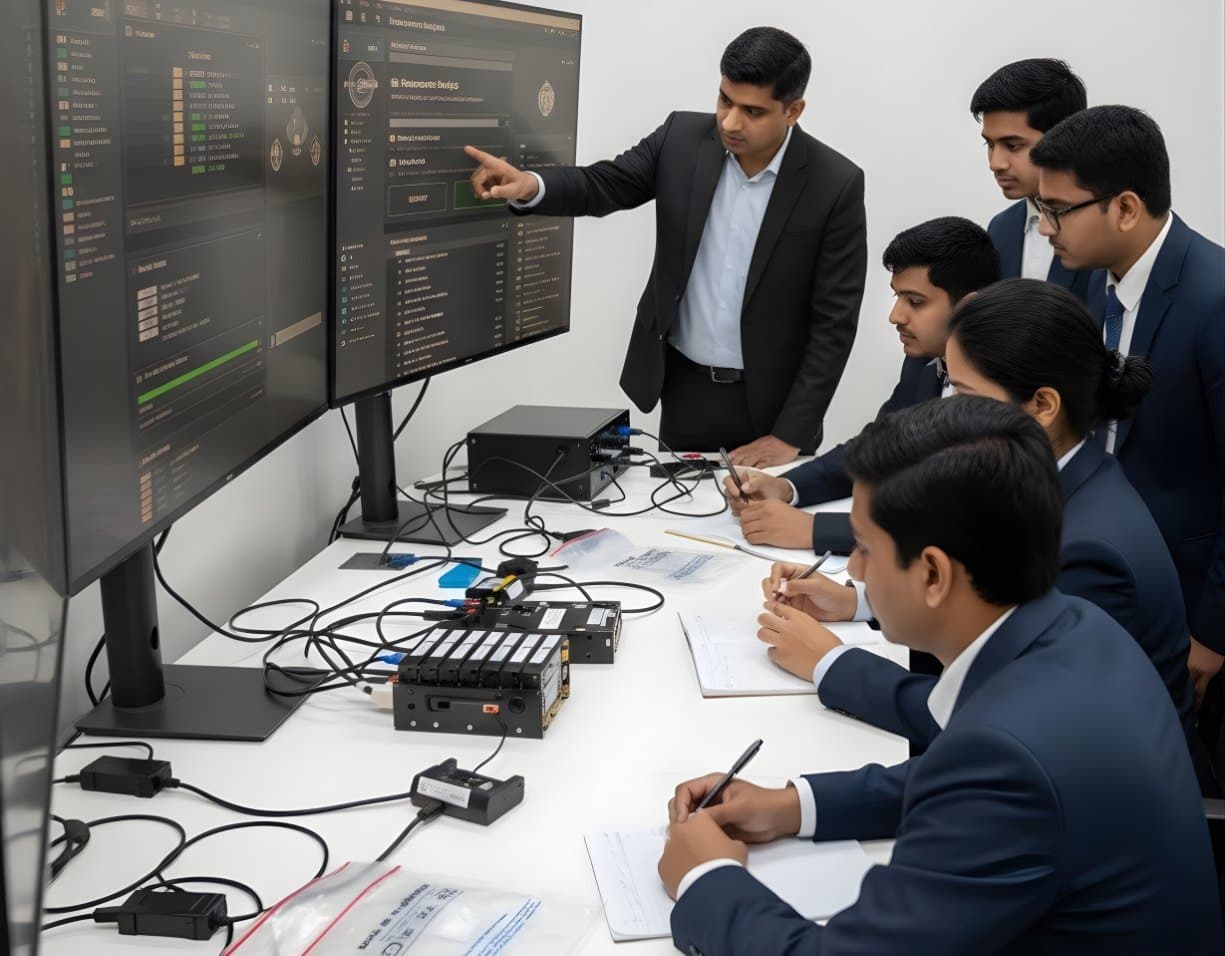
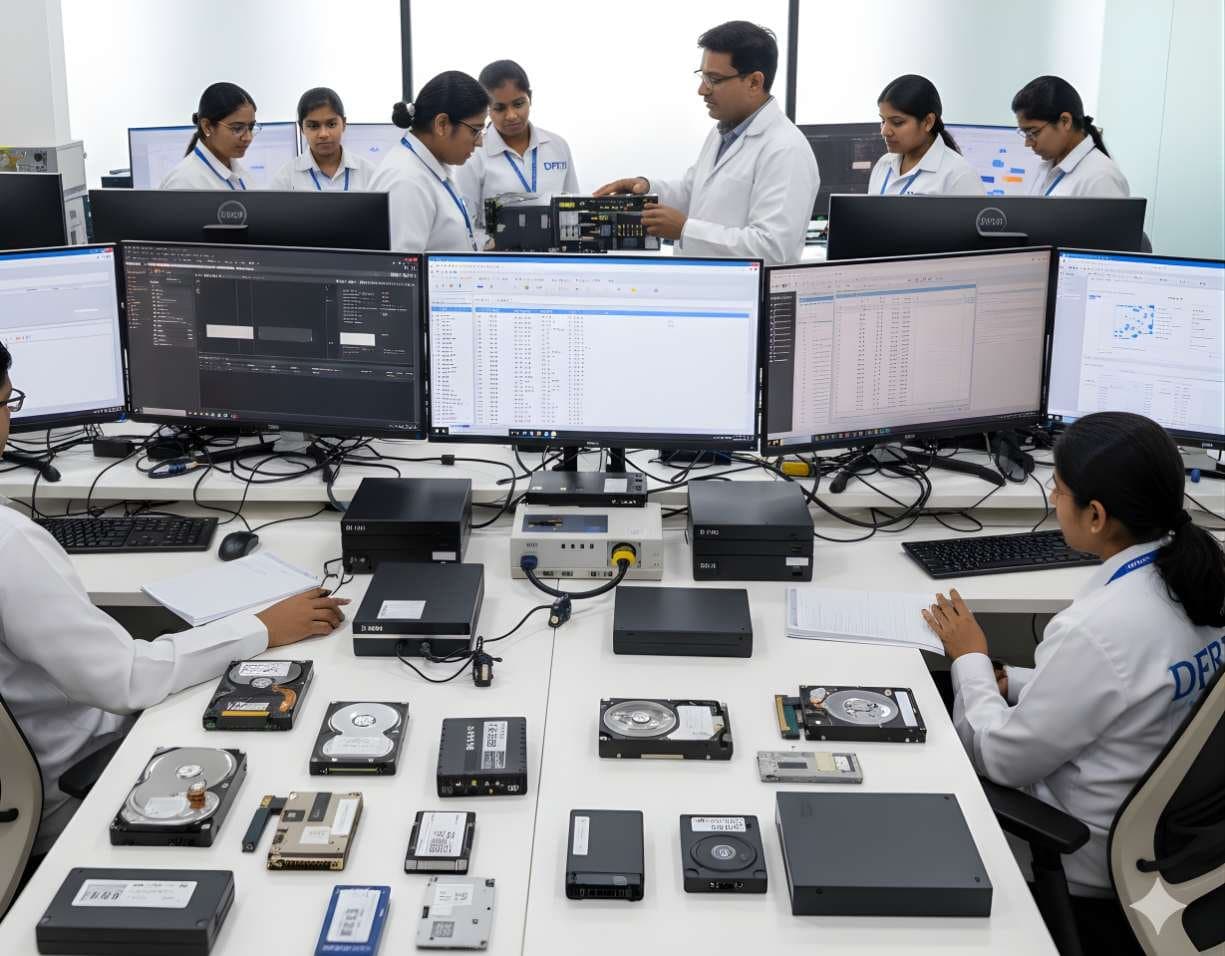
 StorageHDD ForensicsImage hard drives through a write-blocker, find hidden areas and recover deleted data.
RAID / NAS Forensics
Image RAID members, rebuild arrays virtually and examine NAS boxes after ransomware.
- Advanced
- Online or on campus
- 5 hands-on labs
- 6 modules
About this course
Servers and NAS boxes rarely hold one disk. A small office may run a four-bay NAS with RAID 5. A data centre server may use RAID 10 behind a hardware controller. Pull one disk and you get a meaningless slice of every file. This course teaches you to image each member disk on its own and put the array back together in software, without ever writing to the original drives.
You learn the parameters that decide whether a rebuild works: disk order, stripe size, parity rotation, start offset and missing members. You practise on arrays made from Linux mdadm, which most home and small business NAS boxes use underneath, and on hardware RAID where controller metadata is the starting point.
NAS boxes are also targets. Ransomware has hit many internet-facing NAS devices, encrypting shared folders and leaving notes behind. You examine NAS logs, user accounts, shared folder settings and Btrfs snapshots to work out how the attacker got in and what can be restored.
RAID reconstructionNAS acquisitionmdadm and LVMRansomware on NAS
After this course you can
- Image every member of a RAID set separately and keep their order and labels recorded
- Identify RAID 0, 1, 5, 6 and 10 layouts from disk contents and metadata
- Find stripe size, disk order and parity rotation and rebuild the array virtually from images
- Assemble a Linux mdadm and LVM array read-only from images on a forensic workstation
- Decide between a physical image, a logical capture over the network and a live acquisition for a NAS
- Trace a NAS ransomware attack from logs, accounts and snapshots
Syllabus
6 modules · 25 topics
01RAID levels and how data is laid out4 topics
- RAID 0, 1, 5, 6 and 10 and JBOD in plain terms
- Stripes, blocks and parity
- Hardware RAID, software RAID and fake (firmware) RAID
- What happens to evidence when a member disk fails
02Seizing and imaging an array4 topics
- Photographing the bay order and labelling each disk before removal
- Imaging each member through a write-blocker and hashing each image
- Why you never let a controller rebuild the original disks
- When to image the logical volume live instead
03Virtual reconstruction5 topics
- Reading controller metadata, including the SNIA DDF format and Intel RST
- Finding stripe size and disk order from file system structures
- Parity rotation (left and right, symmetric and asymmetric) and start offset
- Rebuilding with a missing disk using parity
- Checking the rebuild by opening known files
04Linux software RAID inside NAS boxes4 topics
- mdadm superblocks and how to read them
- Assembling arrays read-only from loop devices
- LVM volume groups and logical volumes on top of RAID
- Synology SHR and similar mixed-size layouts built on mdadm and LVM
05NAS file systems and snapshots4 topics
- ext4 and Btrfs on NAS devices, ZFS on TrueNAS
- Btrfs and ZFS snapshots as a source of older file versions
- Recycle bins and versioning features on shared folders
- Encrypted shared folders and what you need to open them
06NAS investigation and ransomware4 topics
- System, connection and file access logs on a NAS
- User accounts, admin logins and exposed services
- Ransom notes, changed file extensions and encryption timestamps
- Working out the entry point and what can be restored
Hands-on labs
- Lab 1
Image four disks from a lab RAID 5 NAS, rebuild the array virtually and open the shared folder
- Lab 2
Rebuild a RAID 5 with one member missing using parity and verify known files
- Lab 3
Work out disk order and stripe size for an undocumented RAID 0 by examining NTFS structures across members
- Lab 4
Assemble a Synology-style mdadm and LVM volume read-only from images on a Linux workstation
- Lab 5
Examine a ransomware-hit NAS image, find the first encrypted file and match it with login records
Tools you will use
- mdadm and LVM tools on Linux
- UFS Explorer RAID Recovery
- R-Studio
- ReclaiMe Free RAID Recovery
- X-Ways Forensics
- FTK Imager
- Autopsy and The Sleuth Kit
- btrfs-progs
Who it suits
- Forensic examiners who already image single drives
- Incident responders who deal with server and NAS breaches
- Data recovery engineers who rebuild arrays
- System administrators who manage storage and support investigations
Before you join
- HDD Forensics or equal experience in write-blocked imaging
- Working knowledge of Linux commands and file systems
- File System Analysis is useful but not required
Questions about this course
Why not plug the disks back into the NAS and copy the data?
Powering up the original NAS can start a rebuild or a scrub, write to the disks and change logs. It may also run attacker code if the box was compromised. Imaging each disk and rebuilding in software keeps the originals untouched.
What if the RAID controller is from an unknown brand?
You do not need the controller. The course teaches you to find the layout from the data itself, using known file system structures to work out disk order and stripe size.
Can encrypted files from a ransomware attack be decrypted?
Only in some cases, usually when a free decryptor exists for that strain or the attacker made a mistake. The course focuses on what investigators can do in every case: find snapshots and older versions, trace the attack and preserve evidence.
More courses in Digital Storage Forensics
StorageHDD ForensicsImage hard drives through a write-blocker, find hidden areas and recover deleted data.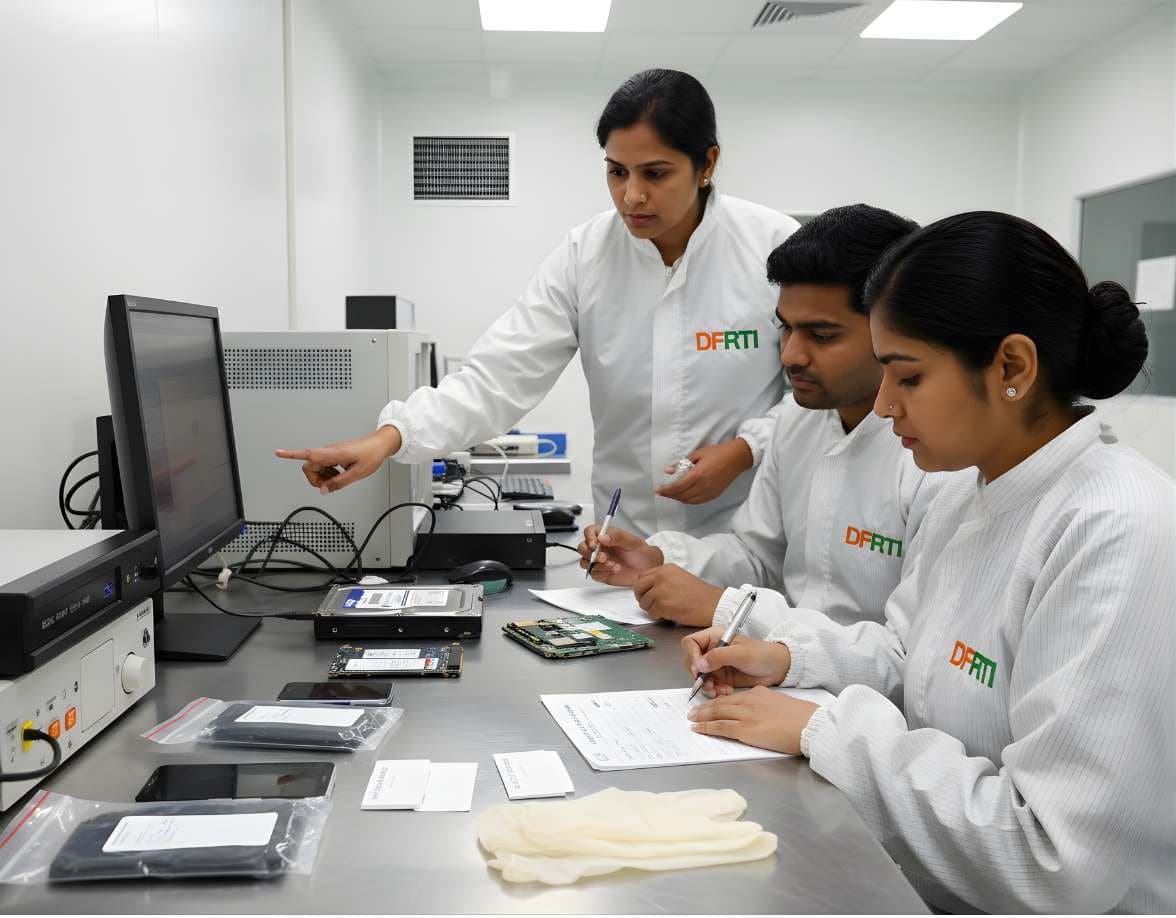 StorageSSD / NVMe ForensicsHow TRIM, garbage collection and wear levelling change evidence on SSD and NVMe drives.
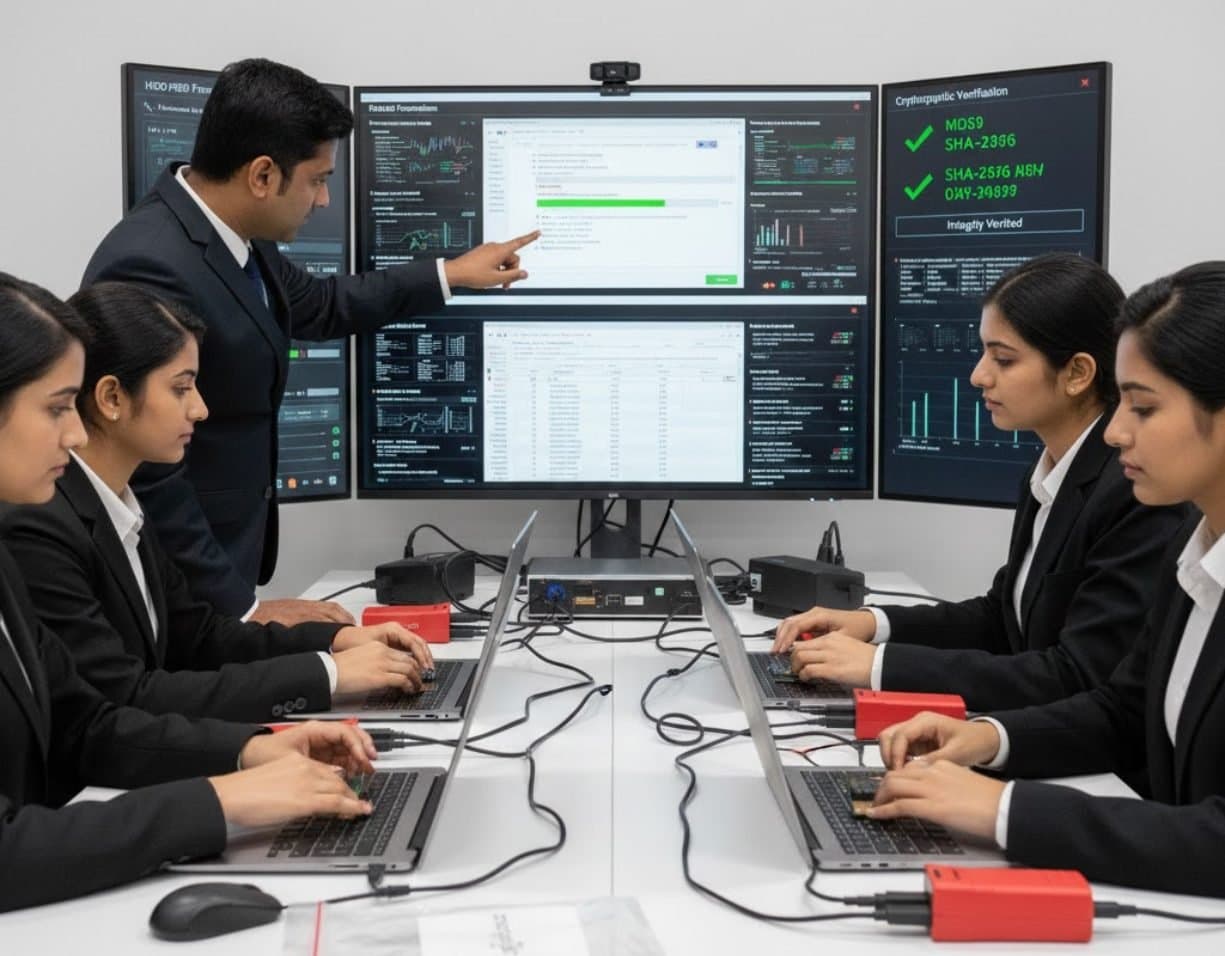 StorageUSB / Pen Drive ForensicsExamine pen drives and memory sticks and prove which USB device touched which computer.
 StorageFile System AnalysisRead NTFS, FAT, exFAT, ext4 and APFS at the structure level and build timelines.
Not sure this is the right one for you?
Tell us your background and what you want to do next. A counsellor will suggest a course and the next batch.