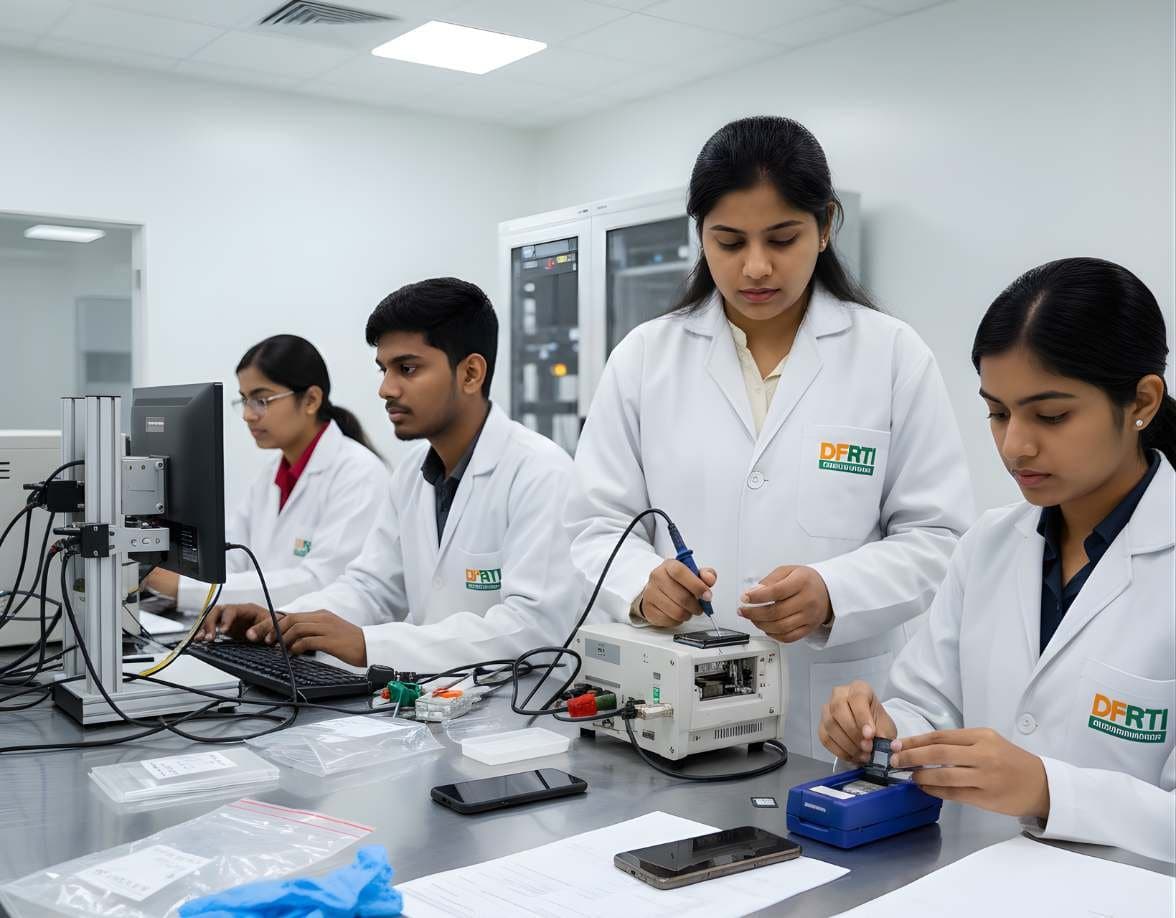
 MobileMobile & IoT ForensicsAndroid ForensicsExtract and examine Android phones, from ADB pulls to WhatsApp databases and ALEAPP reports
Cellebrite
Cellebrite Inseyets
Inseyets is Cellebrite's current flagship for mobile evidence. It puts the extraction side (Inseyets.UFED) and the decoding side (Inseyets.PA) under one name and one licence.
PlatformCommercialCurrent
Profile
- Manufacturer
- Cellebrite
- Category
- Mobile forensics
- Product type
- Platform
- Platforms
- Not stated by the manufacturer
- Licensing
- Commercial
- Product status
- Current
- Educational level
- Intermediate
- Last verified
- 2 November 2026
Current platform. Cellebrite's product update page dates Inseyets 10.0 to January 2024 and calls it an evolution of UFED and Physical Analyzer Ultra. The Inseyets FAQ says all users are being transitioned to Inseyets and lists UFED Ultimate, PA 7, Premium, Premium Enterprise, Premium SaaS and Cloud Analyzer as discontinued.
What Cellebrite Inseyets is
Cellebrite released Inseyets as version 10.0 in January 2024 and described it as an evolution of UFED and Physical Analyzer Ultra with a refreshed name and logo. In plain terms, a lab that earlier bought UFED for extraction and Physical Analyzer for decoding now buys one suite. Cellebrite's own FAQ lists the pieces: Physical Analyzer's decoding, UFED's extraction, plus Streamline, Triage, Quick View, Autonomy, UFED Cloud, Commander and Reader. The same engine also powers the Kiosk, CFID and C-TEK variants aimed at front-line units.
Two technical points matter to anyone planning a lab around it. Inseyets.PA 10.x works on a database rather than loading everything into memory, which is how it handles very large extractions and reopens cases quickly. Full functionality needs a network connection, although Cellebrite says an offline configuration exists. The suite needs a Cellebrite Max dongle and device unlocks are not included in the base licence. For a student the lesson is that the workflow is the same as before: extract, decode, review, report, with every step logged.
Primary applications
Where it is used
- End-to-end mobile examinations in a forensic laboratory, from extraction to report
- Decoding large full file system extractions without running out of memory
- Sharing findings with investigators through UFDR reports and Cellebrite Reader
- Front-line extraction through Kiosk and similar deployments run under lab policy
- Cloud data extraction using tokens found on a device or known credentials, where legally authorised
Who uses it
- Government and police forensic laboratories
- Mobile examiners moving from UFED and Physical Analyzer
- Investigators who review UFDR reports
- Trainers and students following current vendor naming
Capabilities and limits
Major capabilities
- Inseyets.UFED for device access and extraction, including full file system extraction where supported
- Inseyets.PA for decoding and analysis, sharing its decoding abilities with Physical Analyzer 7
- Database-backed case handling for large data volumes
- Built-in cloud extraction that Cellebrite says is no longer a separate component
- UFDR report output for review in the free Cellebrite Reader
- Integration with Guardian and Pathfinder for sharing and analytics
- Offline configuration available when a connected deployment is not acceptable
Technical limitations
- Advanced device unlocks are sold separately from the suite
- Full functionality needs a network connection, which some government labs cannot allow
- Older UFED Touch hardware is only partly supported
- A trial on an existing licence exposes only decoding and analysis, not extraction
- Decoded output still needs an examiner to interpret; the tool does not establish what a person did
Learning with DFRTI
Independent professional education covering the principles and workflows of Cellebrite Inseyets. DFRTI is not a vendor training centre and its courses are not vendor certifications.
Before you learn it
- Mobile extraction types and their evidential differences
- SQLite basics, since most app data decoded by the suite lives in SQLite databases
- Case documentation and chain of custody practice
Disciplines
Related tools
- Cellebrite UFEDUFED is the name most examiners know for Cellebrite's phone extraction tool. Today it continues as the access and extraction part of the Inseyets suite.Cellebrite
- Cellebrite Physical AnalyzerPhysical Analyzer is the decoding and analysis side of Cellebrite's mobile workflow. PA 7 is being discontinued and the database-backed PA Ultra has become Inseyets.PA 10.x.Cellebrite
- Cellebrite PremiumPremium is Cellebrite's advanced access capability for locked and encrypted handsets. Cellebrite has said the Premium name is going away as its capabilities are folded into Inseyets.Cellebrite
- Cellebrite ReaderCellebrite Reader is a free, portable viewer for UFDR files, the report format produced by Physical Analyzer and Inseyets. It lets people outside the lab review the evidence without a licence.Cellebrite
- Cellebrite PathfinderPathfinder is Cellebrite's analytics layer. It takes the output of many extractions and other data sources and lets a case team search, link and visualise them together, on a server the agency controls or in a cloud environment.Cellebrite
- MSAB XRYXRY is MSAB's mobile data extraction software, sold as a family of modules and delivered on office, field, kiosk and tablet platforms. Its output is analysed in XAMN and managed through XEC.MSAB
Courses that cover this tool
MobileMobile & IoT ForensicsAndroid ForensicsExtract and examine Android phones, from ADB pulls to WhatsApp databases and ALEAPP reports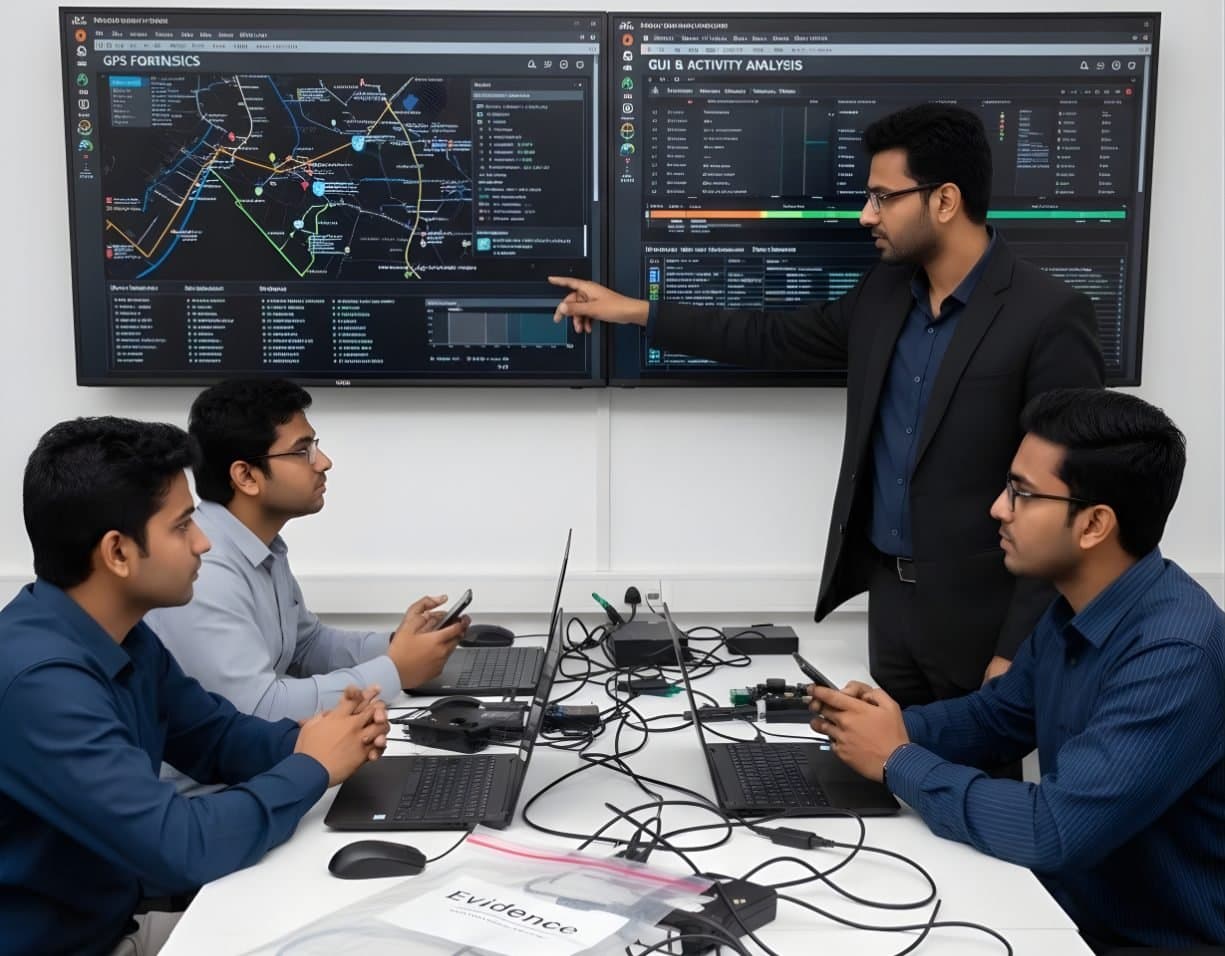 MobileMobile & IoT ForensicsiOS ForensicsBFU and AFU states, iTunes and Finder backups, the keychain and iLEAPP for iPhone cases
 NetworkNetwork & Cloud ForensicsCloud Storage InvestigationCollect and read AWS, Microsoft 365 and Google Workspace logs as sound evidence.
 LegalFoundation & Legal CoursesForensic Report WritingWrite clear forensic reports that answer the questions asked and survive cross-examination.
Official source
Product names and trademarks belong to their respective owners. DFRTI is an independent educational and research institute. Inclusion in this directory does not imply manufacturer endorsement, partnership or authorisation. Facts are checked against the manufacturer's public documentation on the date shown and may have changed since.
Go deeper with DFRTI
Free pages explain the ground. Structured courses, lab work and a mentor take you from knowing about it to doing it on a case.