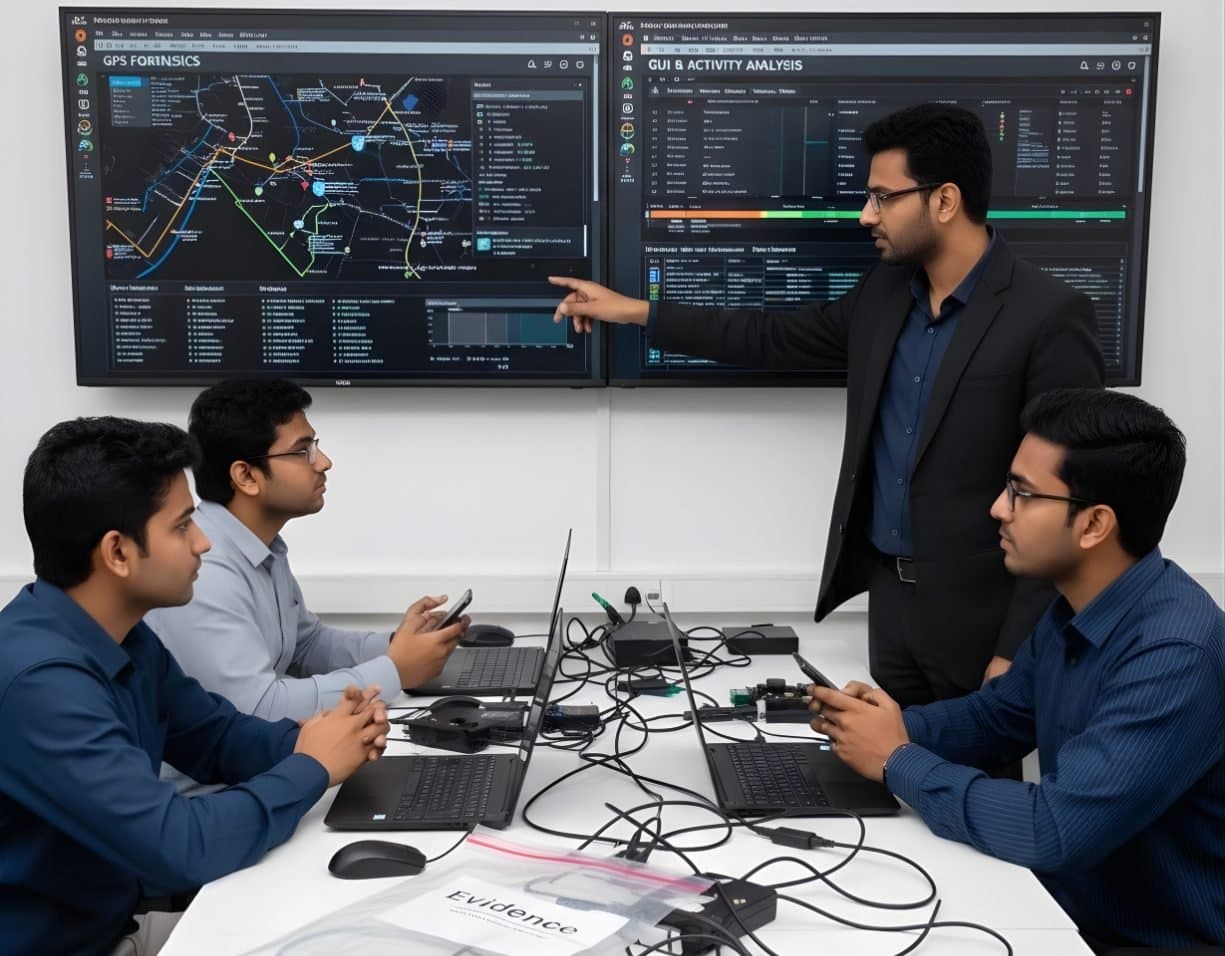
 MobileAndroid ForensicsExtract and examine Android phones, from ADB pulls to WhatsApp databases and ALEAPP reports
iOS Forensics
BFU and AFU states, iTunes and Finder backups, the keychain and iLEAPP for iPhone cases
- Intermediate
- Online or on campus
- 5 hands-on labs
- 7 modules
About this course
iPhones are hard to examine and easy to get wrong. A phone that was unlocked when seized can give far more data than the same phone after a restart and a few minutes of careless handling can move it from one state to the other. This course teaches you how iOS protects data and what that means for your choices at the scene and in the lab.
You learn the difference between Before First Unlock (BFU) and After First Unlock (AFU), the Data Protection classes behind it and why USB Restricted Mode and automatic restarts matter. You make and read iTunes and Finder backups and see why an encrypted backup holds more than a plain one. checkm8 is covered honestly. It is a bootrom flaw in older Apple chips that helps with extraction on those models but does not give you the passcode.
The last part is reading the data. You parse sms.db, call history, Photos.sqlite, KnowledgeC and Biome records and third-party app containers with iLEAPP, then check what it reports against the raw SQLite and plist files.
BFU and AFUEncrypted backupsKeychainiLEAPP
After this course you can
- Handle a seized iPhone so that it stays in its current lock state for as long as possible
- Explain BFU, AFU and the Data Protection classes to an investigating officer or a court
- Create, decrypt and examine iTunes and Finder backups, including encrypted ones
- Describe what the keychain holds and when its contents can be read
- State what checkm8 can and cannot do and on which devices it applies
- Parse iOS extractions with iLEAPP and verify key artefacts in SQLite and plist files
Syllabus
7 modules · 31 topics
01The iOS security model4 topics
- The Secure Enclave, the passcode and how encryption keys depend on it
- Data Protection classes A, B, C and D and which data sits in each
- BFU and AFU states and why the first unlock after boot matters so much
- USB Restricted Mode and the automatic restart of phones left locked for days on recent iOS versions
02Seizure and preservation4 topics
- Keeping the phone charged and isolated and not letting it restart
- Faraday bags, airplane mode and the risk of a remote erase through Find My
- Pairing records on a suspect's trusted computer and why they can help
- Recording model, iOS version and lock state with photographs
03Backups5 topics
- Where iTunes and the Apple Devices app on Windows and Finder on macOS store backups
- Manifest.db, hashed file names and the Info, Manifest and Status plists
- What an encrypted backup adds, such as keychain items, Health data and saved passwords
- Setting a known backup password with the owner's consent or proper legal authority
- iCloud backups and the legal route to reach them
04Extraction levels5 topics
- Logical extraction through the lockdown service and AFC
- Full file system extraction through agents and exploits
- checkm8, a bootrom flaw on A5 to A11 chips that software updates cannot fix
- What checkm8 cannot do. It gives no passcode, BFU data stays encrypted and A11 phones on iOS 16 or later are blocked once a passcode has been set
- Why there is no physical image in the old sense on modern iPhones
05The keychain4 topics
- keychain-2.db, access groups and protection classes
- Wi-Fi passwords, app tokens and saved website passwords stored in it
- Reading keychain items from encrypted backups and full file system extractions
- Items marked ThisDeviceOnly and why a backup alone cannot open them
06Core artefacts5 topics
- sms.db for SMS and iMessage and CallHistory.storedata for calls
- Photos.sqlite, the camera roll and items in Recently Deleted
- KnowledgeC.db and Biome records for app use and device state and how they change across iOS versions
- Significant and cached locations and what they do and do not prove
- Third-party apps, for example WhatsApp's ChatStorage.sqlite in its shared app group container
07Parsing and reporting4 topics
- Running iLEAPP and reading its report and timeline
- Apple timestamps counted from 1 January 2001 in seconds or nanoseconds
- Checking plist and SQLite records by hand
- Reporting lock state, extraction level and gaps clearly
Hands-on labs
- Lab 1
Make an encrypted backup of a test iPhone and compare it with an unencrypted one
- Lab 2
Parse a sample full file system extraction with iLEAPP and verify chats in sms.db by hand
- Lab 3
Build an app use timeline from KnowledgeC or Biome records
- Lab 4
List the keychain items an encrypted backup holds and explain why ThisDeviceOnly items stay unreadable
- Lab 5
Write a short note to an investigating officer explaining why a restarted iPhone gave limited data
Tools you will use
- iLEAPP
- Cellebrite UFED and Physical Analyzer
- Magnet AXIOM
- Elcomsoft iOS Forensic Toolkit
- Oxygen Forensic Detective
- libimobiledevice
- iTunes, Apple Devices app and Finder
- DB Browser for SQLite
Who it suits
- Mobile forensic examiners who already work on Android
- Police officers and cyber cell staff who seize iPhones
- Laboratory staff preparing iPhone examination reports
- Corporate investigators handling company iPhones
Before you join
- Basic computer skills and some familiarity with using an iPhone
- Evidence handling basics. The Android Forensics course helps but is not required
- Access to a Mac is useful but not needed
Questions about this course
Can an iPhone be opened without the passcode?
For current models on current iOS, usually not by any method a training course can show. Some commercial and law enforcement tools work on certain models and versions. That support changes often. The course teaches you what each lock state allows and how to plan around it.
Why does a restart matter so much?
After a restart the phone is in BFU state. Keys for most user data are not available until the passcode is entered, so even a good tool gets far less. That is why scene handling gets a full module.
Is an iTunes or Finder backup good enough?
It is a logical copy and often very useful, especially when encrypted. It does not hold everything. Many app caches and system logs are left out. You learn to state the scope of a backup clearly in your report.
More courses in Mobile & IoT Forensics
MobileAndroid ForensicsExtract and examine Android phones, from ADB pulls to WhatsApp databases and ALEAPP reports MobileSIM / Memory Card ForensicsICCID, IMSI and SMS from SIM cards, plus FAT and exFAT recovery from SD and microSD cards
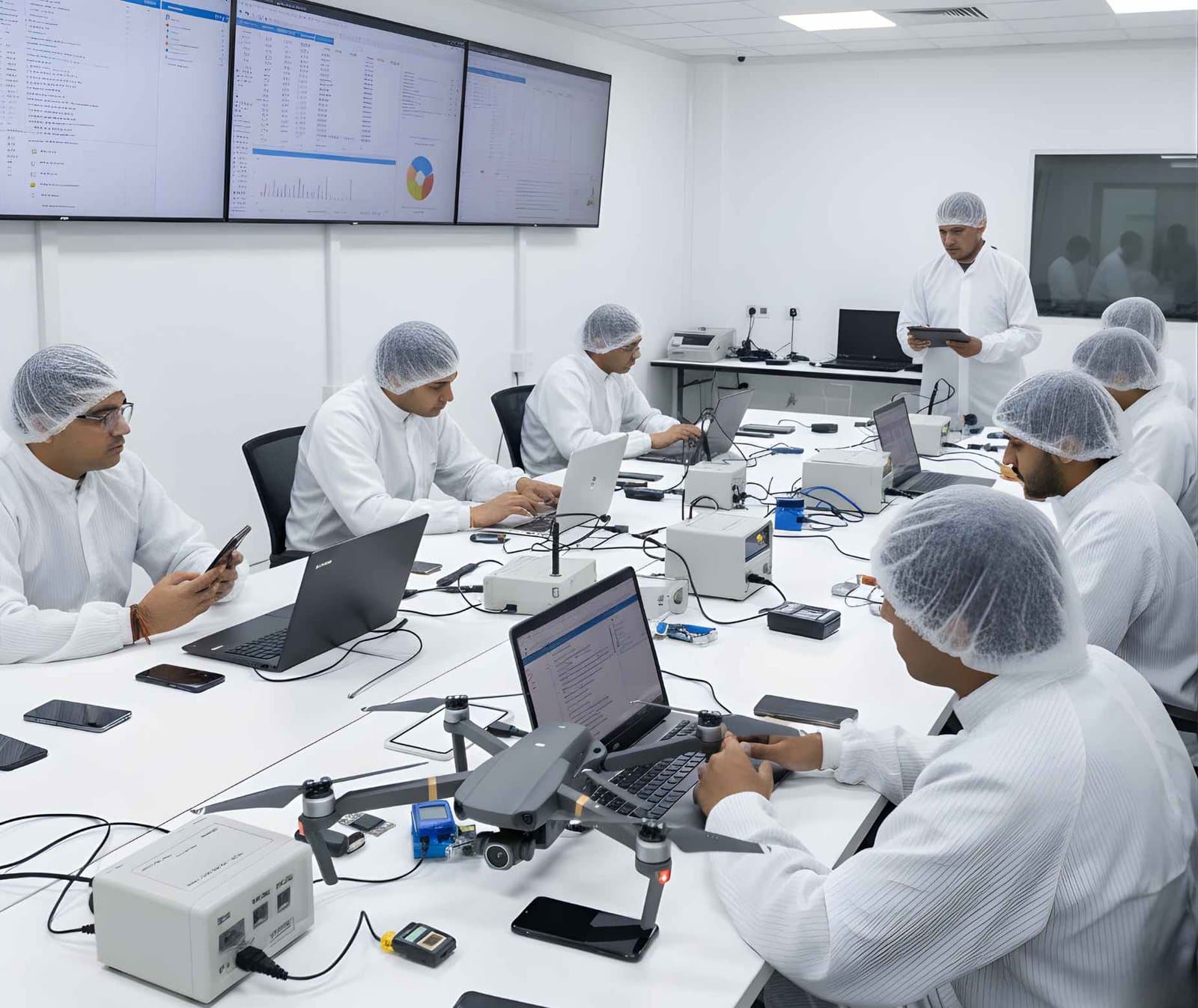 MobileDrone ForensicsRecover DJI flight logs, GPS tracks and home points from drones, controllers and phone apps
 MobileIoT Device ForensicsEvidence from smart speakers, cameras, wearables and routers, plus firmware extraction basics
Not sure this is the right one for you?
Tell us your background and what you want to do next. A counsellor will suggest a course and the next batch.