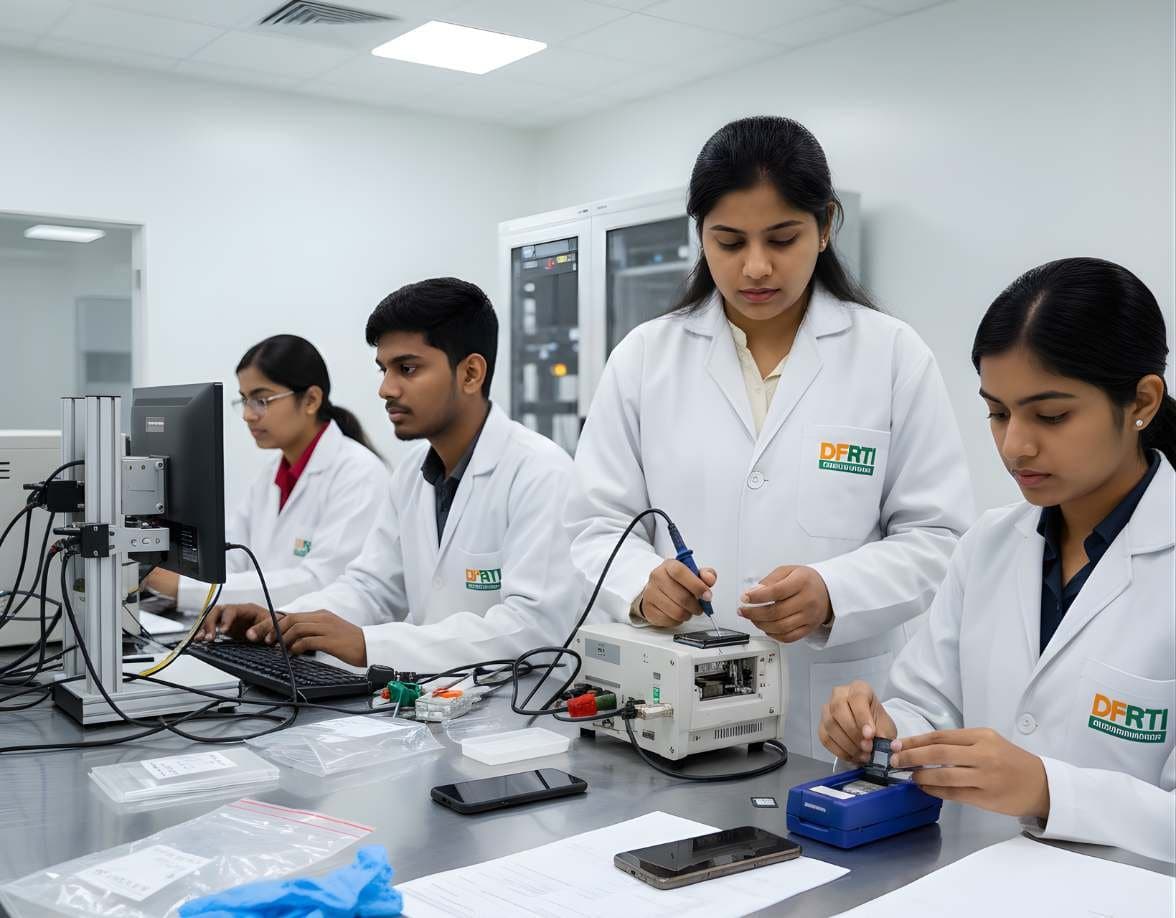
 MobileMobile & IoT ForensicsAndroid ForensicsExtract and examine Android phones, from ADB pulls to WhatsApp databases and ALEAPP reports
Android Forensics
Android runs on most phones in India, from budget handsets to flagships, in hundreds of hardware variants. Android forensics is about getting as much of the userdata partition as the device lawfully allows and then reading the app databases inside it.
Operating systems8 evidence types9 tools3 coursesReviewed 2 November 2026
What it is and why it matters
Android is one operating system built by many manufacturers on many chipsets, and that diversity shapes every examination. Two phones with the same Android version can differ in bootloader, security chip, vendor additions and the paths where apps keep their data. The examiner starts by identifying the exact model, build and security patch level, because those three facts decide which extraction routes exist.
Encryption sets the ceiling. Every Android device sold today uses file-based encryption, with keys protected by the user's lock screen credential and the hardware. Before the first unlock after boot almost nothing in the credential-protected area is readable. After the first unlock the keys are in memory and a supported tool can reach far more. The lock state at seizure therefore matters as much as the model.
Below the encryption sits a rich store of evidence. Apps keep their data in SQLite databases, XML preference files and media folders under /data. Messaging apps, browsers, payment apps, maps and the system's own usage statistics each leave their own records. The craft lies in knowing where they are, what their timestamps mean and how to verify what a tool has decoded.
Types of digital evidence
- System Databases
Contacts and call logs in the contacts provider, SMS and MMS in mmssms.db under the telephony provider, accounts in accounts_ce.db and system settings in settings XML files under /data/system.
- Application Data
Each app's private directory under /data/data or /data/user/0, holding its databases, shared_prefs XML, caches and files. Messaging, banking, UPI, social media and dating apps all live here.
- Shared Storage
Photos, videos, downloads, WhatsApp media and app-visible folders under /data/media/0, the area the user sees as internal storage, along with any removable SD card.
- Usage and Activity Records
Usage statistics under /data/system/usagestats, recent task snapshots, notification history, Digital Wellbeing data and the battery and power logs that show when the screen was on and which app was in front.
- Location Traces
GPS coordinates in photo EXIF data, map application caches and histories, Wi-Fi and cell records and location history held by Google services where the account has it enabled.
- Network and Device Records
Saved Wi-Fi networks in WifiConfigStore.xml, Bluetooth pairings, USB debugging keys in /data/misc/adb and the device identifiers that tie the handset to the SIM and the network.
- Package and Install History
packages.xml with install times and signing certificates, the Play Store library records and APK files for sideloaded apps, which matter in fraud and malware cases.
- Cloud Backup and Sync Tokens
Google account tokens, backup settings and sync databases that show which cloud services hold more data, reachable only with separate authority.
Devices and data sources
- Smartphones and tablets from every manufacturer, across many Android versions and security patch levels
- Budget and feature-style Android handsets that still make up a large share of Indian devices
- Removable microSD cards and the eSIM or SIM inside the device
- Local backups made with manufacturer tools or older adb backup methods
- Google account data such as backups, photos and location history, obtained through a separate legal process
- Smartwatches, TVs, car head units and set-top boxes running Android variants
- Chip-off and ISP dumps from older or damaged devices without file-based encryption
- Screenshots and screen recordings taken under authority when no extraction route exists
How an examination runs
The order matters. Each step protects the one after it.
- 01Confirm Authority and Isolate
Check the warrant or consent covers the handset and any accounts named. Put the device in airplane mode if it is unlocked and accessible, or in a Faraday bag, and keep it charged. Record whether it is locked, unlocked, on or off.
- 02Identify the Device Precisely
Record make, model number, Android version, security patch level, bootloader state and the type of screen lock. The extraction options for the handset depend on this combination, and the tool's support list is checked against it.
- 03Choose the Least Invasive Route
Start with a logical or agent-based extraction if the device is unlocked. Move to a full file system extraction where the tool supports the model under a vendor-approved workflow. Reserve hardware methods for devices where encryption does not stop them and the case justifies the risk.
- 04Document Every Interaction
Any passcode entry, setting change or agent installation is logged with the time, the reason and the authority. Tools that install an agent write to the device, and the report says so.
- 05Extract and Hash
Run the extraction, keep the tool log, hash the output container and store the raw files with the decoded report. Repeat with a second method where the first is known to miss app data.
- 06Verify at Database Level
Open the key SQLite databases with their WAL files and confirm that message counts, timestamps and deleted-record recoveries match what the tool displayed. Convert Unix millisecond timestamps with the device's time zone.
- 07Report What Was Not Reached
State the extraction level, the apps whose data could not be decoded and the cloud sources that would need separate authority.
Tools used in this discipline
Independent profiles: what each tool does, where it stops and what you need to know before using it.
- Mobile forensicsTransitioningCellebrite UFEDCellebrite
UFED is the name most examiners know for Cellebrite's phone extraction tool. Today it continues as the access and extraction part of the Inseyets suite.
- Mobile forensicsCurrentCellebrite InseyetsCellebrite
Inseyets is Cellebrite's current flagship for mobile evidence. It puts the extraction side (Inseyets.UFED) and the decoding side (Inseyets.PA) under one name and one licence.
- Mobile forensicsTransitioningCellebrite Physical AnalyzerCellebrite
Physical Analyzer is the decoding and analysis side of Cellebrite's mobile workflow. PA 7 is being discontinued and the database-backed PA Ultra has become Inseyets.PA 10.x.
- Mobile forensicsCurrentMSAB XRYMSAB
XRY is MSAB's mobile data extraction software, sold as a family of modules and delivered on office, field, kiosk and tablet platforms. Its output is analysed in XAMN and managed through XEC.
- Mobile forensicsCurrentMSAB XAMNMSAB
XAMN is where an XRY extraction becomes readable evidence. MSAB sells XAMN Pro for analysis and gives away XAMN Viewer so that others in the case team can open the same files.
- Mobile forensicsUnverifiedOxygen Forensic DetectiveOxygen Forensics
Oxygen Forensic Detective is an all-in-one extraction and analysis tool for phones, cloud accounts, drones and other connected devices. On 2 November 2026 the maker's website could not be checked, so this profile is marked unverified.
- Mobile forensicsCurrentMOBILedit ForensicCompelson
Compelson now sells its phone forensics tool as MOBILedit Forensic. The Forensic Express name survives only in old web addresses. The product comes in editions, from a single-phone licence to the ULTRA edition that the maker classes as a dual-use item.
- Mobile forensicsLegacyMagnet ACQUIREMagnet Forensics
Magnet ACQUIRE was Magnet Forensics' free acquisition tool for Android and iOS devices, later extended to computers. It no longer appears on Magnet's product or free tools pages. Its acquisition engine now lives inside Magnet Axiom.
- Computer forensicsCurrentMagnet AxiomMagnet Forensics
Axiom is Magnet Forensics' main examination platform. It takes images and extractions from computers, phones, cloud accounts and vehicles into a single case and presents the artefacts side by side.
Terminology
- File-Based Encryption
- The Android scheme that encrypts each file with keys derived from the user credential and the hardware keystore. It has been required on new devices since Android 10 and replaces the older full-disk encryption.
- Credential Encrypted and Device Encrypted Storage
- Two storage areas under file-based encryption. Credential encrypted data needs the user's unlock. Device encrypted data is available after boot, which is why a few things such as alarms work before the first unlock.
- Before First Unlock
- The state of a device that has been powered on but not yet unlocked. Credential encrypted data is sealed and most extraction routes return little.
- Verified Boot and Bootloader Lock
- The chain of checks that stops modified system images from loading. An unlocked bootloader allows custom images but wipes user data when it is unlocked, so it is not a forensic route on a seized phone.
- Logical Extraction
- Data obtained through Android's own interfaces, such as content providers, backup services and MTP media transfer. Safe and fast, but limited to what apps expose.
- Agent-Based Extraction
- A method where the tool installs a small app on the device to read more than the standard interfaces give. It writes to the device and is documented as such.
- Full File System Extraction
- A copy of the decrypted userdata file system obtained through elevated access on supported devices. It includes app databases, caches and system records.
- Write-Ahead Log
- The WAL file beside a SQLite database, which holds recent changes and often deleted rows that the main database file no longer shows.
- Factory Reset Protection
- A Google account lock that survives a reset. It stops a wiped device being set up by someone else, and it also means a reset phone may still hold the account identity.
Challenges and limits
What makes it hard
- File-based encryption with hardware-backed keys means a locked device before first unlock may give almost nothing without a lawful route to the credential
- Support for full file system extraction depends on the chipset, model and patch level, and new patches close routes that worked last month
- Manufacturers change paths, databases and security features, so a procedure for one brand fails on another
- Apps update their database schemas constantly and tools lag behind, leaving newer app versions partly decoded
- Disappearing messages, app locks and remote wipe can remove evidence before or during seizure
- Agent-based and some full file system methods write to the device, which must be explained and defended
- Google account data such as backups and location history sits in the cloud under separate legal process and foreign jurisdiction
Keeping the evidence intact
- Isolate the device from every network before any other step and record the method
- Record the model, build, patch level and lock state before choosing an extraction route
- Log every touch of the screen and every setting changed under authority, with the time
- Hash the extraction container and keep the tool's own log and version with it
- Confirm key findings in the raw SQLite database and its WAL rather than from the decoded view alone
Standards and legal considerations
- NIST SP 800-101 Rev. 1
Guidelines on Mobile Device Forensics. The reference for handling, isolation, extraction levels and reporting on Android handsets.
Read the guide - ISO/IEC 27037:2012
Identification, collection and preservation of digital evidence, applied to a device that changes its own data when left connected.
Read the guide - SWGDE Best Practices
SWGDE mobile device documents on collection, examination and the handling of locked and encrypted devices.
Read the guide - Bharatiya Sakshya Adhiniyam 2023
The Indian evidence law whose provisions on electronic records and certificates decide how an extraction is presented in court.
Read the guide
In practice
- Threats Sent and Deleted
A complainant reports threatening messages that no longer appear on the suspect's phone. An unlocked device allows a full file system extraction. The messaging database shows no rows, but its write-ahead log still holds the deleted records with timestamps that match the complaint, and the thumbnail cache holds the image that was sent.
- The Fraud App on a Victim's Phone
A victim's bank account is emptied after installing an app from a link. packages.xml shows a sideloaded APK installed the day before, with permissions for SMS reading and accessibility services. The app's own database holds the forwarded OTP messages and the server address they were sent to.
- A Locked Phone, Never Unlocked
A handset is seized switched off and arrives in the before-first-unlock state. The examiner checks the model and patch level against the tool's support matrix, finds no full file system route, documents the position and reports which lawful options remain rather than attempting an unsupported method.
This page is educational material, not legal advice. Laws and standards change, commence on different dates and are interpreted differently across jurisdictions. Always read the official text linked on this page and take advice from a qualified professional for a real matter.
Learn it at DFRTI
Free pages explain. These courses teach it on real devices with a mentor.
MobileMobile & IoT ForensicsAndroid ForensicsExtract and examine Android phones, from ADB pulls to WhatsApp databases and ALEAPP reports MobileMobile & IoT ForensicsSIM / Memory Card ForensicsICCID, IMSI and SMS from SIM cards, plus FAT and exFAT recovery from SD and microSD cards
 LegalFoundation & Legal CoursesBasics of Cyber ForensicsStart here. Evidence handling, imaging, hashing, chain of custody and your first analysis.
Careers that use it
Questions people ask
Why does a tool support one Android phone fully and the next one barely?
Because extraction routes depend on the chipset, bootloader, security chip and patch level, not just the Android version. The tool vendors test routes device by device, and a security update can close one. The support matrix is checked for the exact model before any promise is made.
Does airplane mode protect the evidence?
It stops remote wipe commands and new messages arriving, which is the aim. It does not stop apps from deleting data on a timer or the user from having set disappearing messages. Isolation is the first step, not the whole answer.
Can a factory reset phone be examined?
After a reset the user data keys are destroyed and the old data is unrecoverable. What remains is the new installation, factory reset protection records, the device identifiers and possibly the time of the reset, which may itself be relevant.
What does a logical extraction miss?
Deleted records, most app private databases, caches and system logs. It gives contacts, calls, messages, media and the data that apps choose to expose or back up. Where the question needs more, a full file system extraction on a supported device is the next step.
Further reading
More in Operating systems
Go deeper with DFRTI
Free pages explain the ground. Structured courses, lab work and a mentor take you from knowing about it to doing it on a case.