 MobileiOS ForensicsBFU and AFU states, iTunes and Finder backups, the keychain and iLEAPP for iPhone cases
Android Forensics
Extract and examine Android phones, from ADB pulls to WhatsApp databases and ALEAPP reports
- Intermediate
- Online or on campus
- 5 hands-on labs
- 7 modules
About this course
Most cases that reach a cyber cell today have an Android phone somewhere in them. A fraud call, a threat on WhatsApp, a photo shared in a group, a UPI payment. This course teaches you to get that data out of the phone in a sound way and to read it correctly, so that what goes into your report holds up when someone questions it.
You start with seizure and isolation, then work through the three kinds of extraction (logical, file system and physical) and learn what each one can and cannot give you on a modern phone. File-based encryption gets proper time because it decides what is possible on a locked or restarted device. The second half is about the data itself. You open SQLite databases by hand, read WhatsApp's msgstore.db and understand why its backups are encrypted, then compare your findings with what ALEAPP and commercial suites report.
By the end you can take a seized phone with a cracked screen and a pattern lock, decide what is realistic, extract what you can and explain your choices in plain words.
Extraction methodsFile-based encryptionSQLite and WhatsAppALEAPP
After this course you can
- Seize and isolate an Android phone so that it cannot receive a remote wipe or new data
- Choose between logical, file system and physical extraction and explain the trade-off for a given device
- Use ADB to identify a device, check its Android version and patch level and pull the data it allows
- Explain how file-based encryption and the CE and DE storage areas affect a locked or restarted phone
- Query SQLite databases such as mmssms.db and WhatsApp's msgstore.db, including their WAL files
- Run ALEAPP on an extraction, check its output against the raw data and report the findings
Syllabus
7 modules · 29 topics
01Seizure, isolation and documentation4 topics
- Photographing the phone, its screen state, SIM tray and visible damage before handling it
- Faraday bags, airplane mode and the risk of a remote wipe or incoming data
- Keeping the battery alive and why a restart can lock you out of user data
- Recording IMEI, model and build number for the chain of custody
02Android under the hood4 topics
- Partitions and how app data is laid out under /data/data and /data/media
- Application sandboxing, package names and shared storage on /sdcard
- File systems on Android phones, mainly ext4 and F2FS
- Android versions, security patch levels and why they decide which methods work
03Extraction methods5 topics
- Logical extraction through ADB, content providers and vendor agents
- File system extraction and why it usually needs root, an exploit or an agent
- Physical extraction through bootloader modes, Qualcomm EDL, JTAG, ISP and chip-off
- ADB in practice with USB debugging, the RSA authorisation prompt, adb shell and adb pull
- Why adb backup returns very little on recent Android versions
04Encryption and locked devices4 topics
- Full-disk encryption compared with file-based encryption
- Credential Encrypted and Device Encrypted storage and what is readable before the first unlock
- Hardware-backed keys held in the TEE or a secure element
- Passcode attempt limits, lockout timers and realistic expectations for locked phones
05SQLite and core phone data4 topics
- SQLite structure with tables, the WAL and journal files and freelist pages
- Recovering deleted records and the limits of that recovery
- mmssms.db for SMS, contacts2.db and calllog.db for contacts and calls
- Timestamps in Unix milliseconds and converting them correctly to IST
06WhatsApp and other messaging apps4 topics
- msgstore.db and wa.db in the app's private folder and what each one holds
- Local backups saved as msgstore.db.crypt14 or crypt15 and the key needed to open them
- Media folders and linking sent and received files to their messages
- What Telegram, Signal and Instagram keep on the phone
07Parsing, validation and reporting4 topics
- Running ALEAPP and reading its HTML report and timeline
- Cross-checking parsed results against the raw database
- Location records from Google services, photos and Wi-Fi history
- Writing findings that a non-technical reader can follow
Hands-on labs
- Lab 1
Connect a test phone over ADB, document the device and pull shared storage with hashes recorded
- Lab 2
Query mmssms.db and msgstore.db by hand in DB Browser for SQLite and build a message timeline
- Lab 3
Run ALEAPP on a sample full file system extraction and verify five findings against the raw files
- Lab 4
Find a deleted chat record in a WAL file and explain why it survived
- Lab 5
Write a short examination report for a phone seized in a cheating case
Tools you will use
- Android Debug Bridge (ADB)
- ALEAPP
- DB Browser for SQLite
- Cellebrite UFED and Physical Analyzer
- Magnet AXIOM
- Oxygen Forensic Detective
- MSAB XRY
- Autopsy
Who it suits
- Police officers and cyber cell staff who handle seized phones
- Laboratory examiners moving into mobile work
- Students of digital forensics or cyber security
- Corporate investigators dealing with company-issued phones
Before you join
- Comfort with files, folders and the Windows command prompt
- Basics of evidence handling and hashing, or the Basics of Cyber Forensics course
- No coding needed. The simple SQL queries you use are taught in the course
Questions about this course
Can you get data from an Android phone without the PIN?
Sometimes. It depends on the model, chipset, Android version and patch level. On a modern phone with file-based encryption most user data stays encrypted until the PIN has been entered once after boot. The course teaches you to judge what is realistic for a given phone instead of promising results.
Is ALEAPP enough or do I need commercial tools?
ALEAPP is free and parses a large number of Android artefacts well. It does not pull data from the phone, so you still need a way to extract it, which may be ADB, a commercial tool or a lab method. Whatever you use, you learn to check its output against the raw files.
Can deleted WhatsApp messages be recovered?
Sometimes, from free pages in the database, WAL files, older backups or the other person's phone. Often they are gone for good. The course shows where to look and how to report honestly when nothing is found.
Does this course cover iPhones?
No. iPhones are taught in the iOS Forensics course. Both courses count towards the DCMFE certification.
More courses in Mobile & IoT Forensics
MobileiOS ForensicsBFU and AFU states, iTunes and Finder backups, the keychain and iLEAPP for iPhone cases MobileSIM / Memory Card ForensicsICCID, IMSI and SMS from SIM cards, plus FAT and exFAT recovery from SD and microSD cards
 MobileDrone ForensicsRecover DJI flight logs, GPS tracks and home points from drones, controllers and phone apps
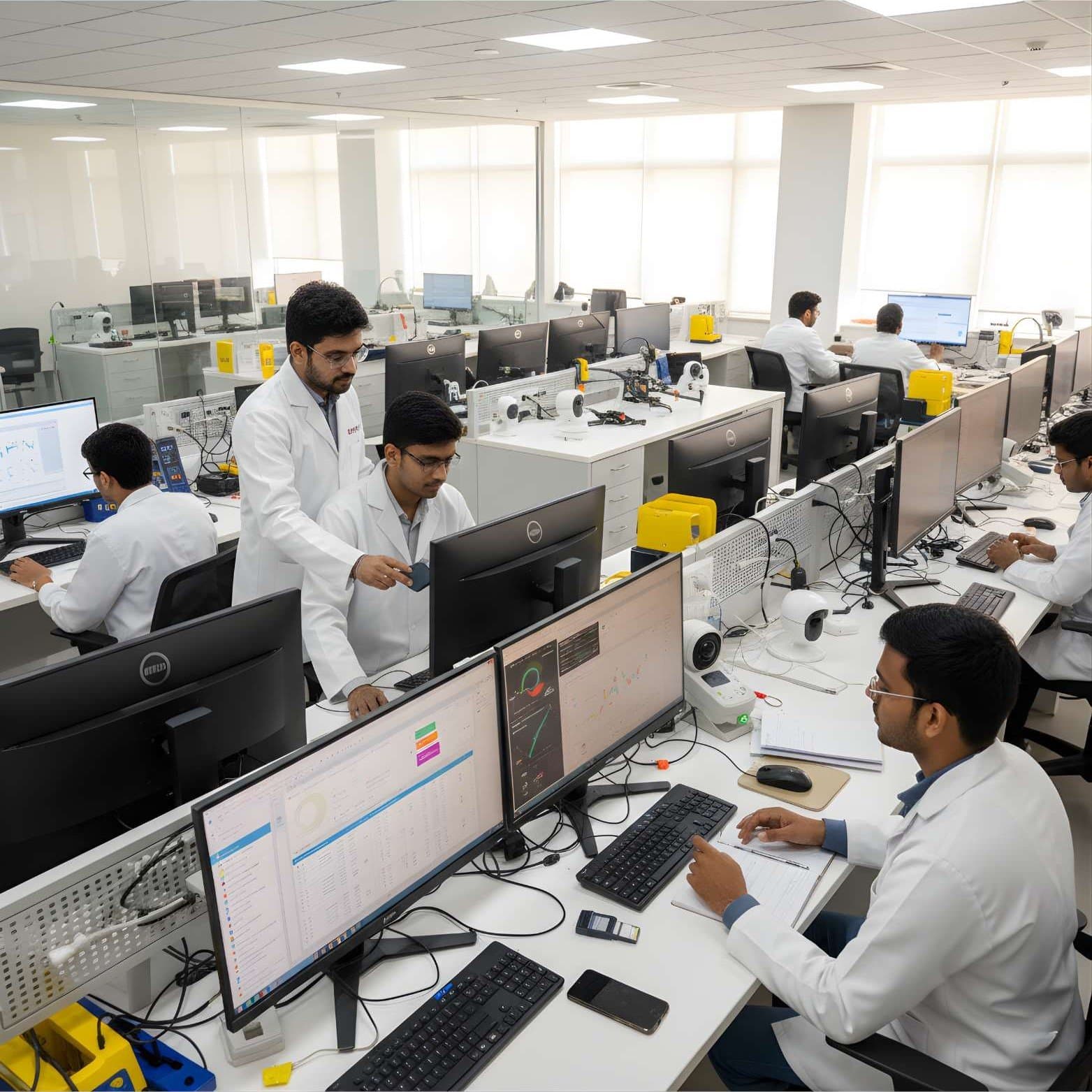 MobileIoT Device ForensicsEvidence from smart speakers, cameras, wearables and routers, plus firmware extraction basics
Not sure this is the right one for you?
Tell us your background and what you want to do next. A counsellor will suggest a course and the next batch.