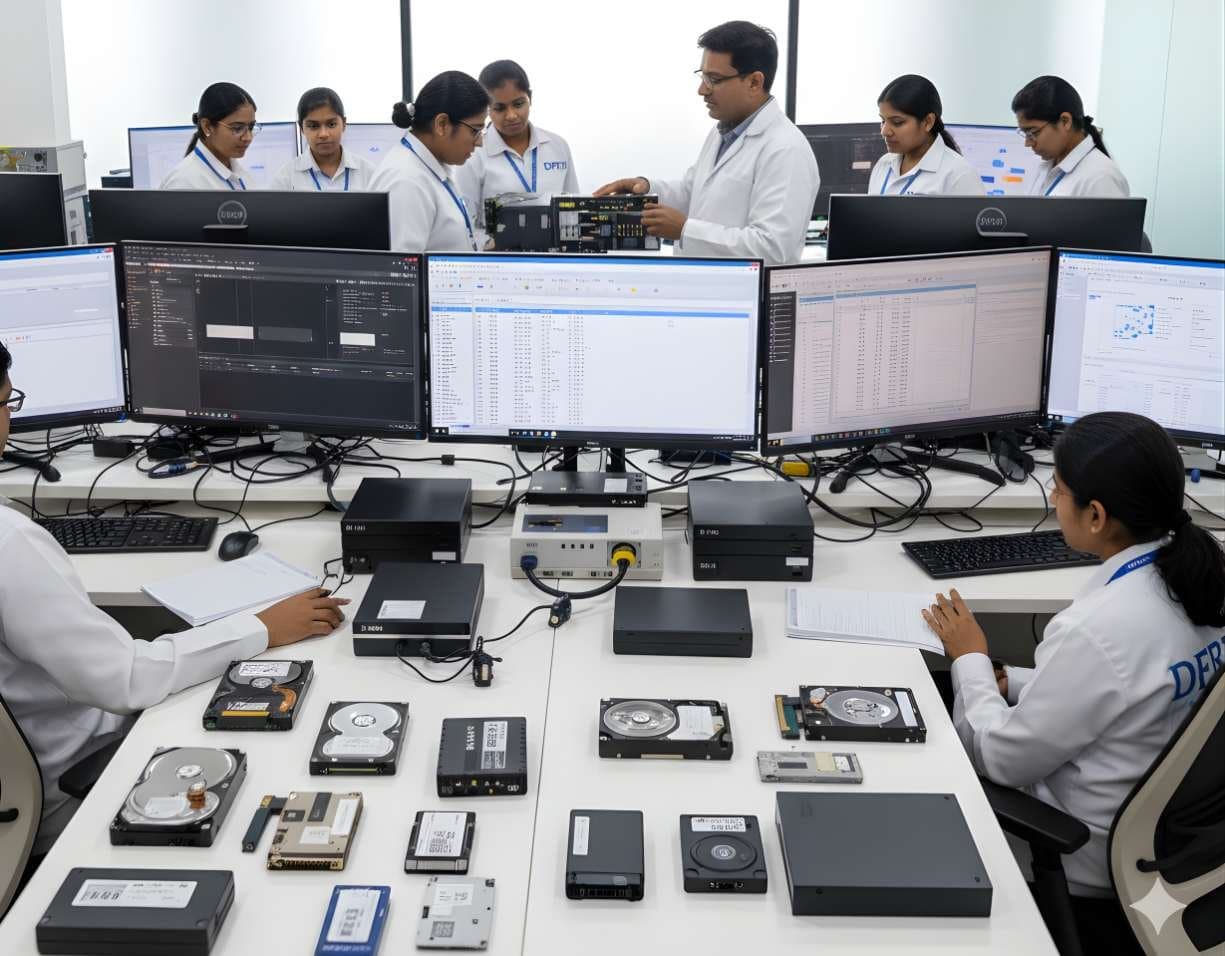
 StorageDigital Storage ForensicsHDD ForensicsImage hard drives through a write-blocker, find hidden areas and recover deleted data.
PassMark Software
OSForensics
OSForensics is PassMark's Windows examination suite. It indexes and searches a drive or image, recovers deleted files, uncovers user activity and keeps everything in a case file, with a free edition for learning and paid editions for full use.
SoftwareFreemiumCurrentWindows
Profile
- Manufacturer
- PassMark Software
- Category
- Computer forensics
- Product type
- Software
- Platforms
- Windows
- Licensing
- Freemium
- Product status
- Current
- Educational level
- Intermediate
- Last verified
- 2 November 2026
The maker's page is headed PassMark OSForensics, marks the product For Windows and names V11, with 11.1 on the download page for Windows 7, 8, 10 and 11 and Windows Server 2012 to 2022 in 64-bit. It lists Free, Subscription, Perpetual and Bootable editions, which is why the licence is given as Freemium.
What OSForensics is
PassMark is better known for benchmarks and OSForensics shows the same taste for speed. Its indexing engine searches inside documents, email archives, images with OCR, ZIP files and even unallocated clusters, with relevance ranking and date range filters. Around that core the suite recovers deleted files, scans for recent activity such as visited websites, connected USB drives, wireless networks and saved logins, recovers passwords stored by browsers and Windows, exposes hidden HPA and DCO areas on a disk and browses Volume Shadow Copies to see how a disk looked earlier.
Verification tools include hashing with MD5, SHA-1 and SHA-256, file signature mismatch detection and drive signatures that record a disk's file structure for later comparison. Viewers cover the registry, email, SQLite, ESE databases, Prefetch, Plist, ThumbCache and the NTFS USN journal. Cases are stored as a single file with an audit trail, reports are exported from them and the suite can image drives, rebuild RAID from member images and run from a USB stick. The maker lists Free, Subscription, Perpetual and Bootable editions, with the free edition limited in cases, indexing size and some features. Version 11.1 was offered for download on Windows 7 to 11 and Server 2012 to 2022, 64-bit.
Primary applications
Where it is used
- Indexed search of a Windows image for documents, email and keywords
- Recovering deleted files and reviewing Volume Shadow Copies
- Reconstructing user activity from browsers, USB history and logins
- Password recovery from browsers and Windows under lawful authority
- Hash verification and file signature analysis
- Teaching with the free edition before moving to paid tools
Who uses it
- Small laboratories and private examiners
- Students using the free edition
- Corporate IT investigators on Windows estates
- Examiners who need a quick second opinion on a Windows image
Capabilities and limits
Major capabilities
- Indexing engine with content search across many file types, including OCR of images
- Deleted file recovery and Volume Shadow Copy browsing
- User activity scan covering websites, USB devices, wireless networks and logins
- Password recovery for browsers, Windows and Microsoft products, plus hash cracking with rainbow tables
- HPA and DCO detection on hard disks
- Hashing with MD5, SHA-1 and SHA-256, file signature checks and drive signatures
- Registry, email, SQLite, ESE, Prefetch, Plist, ThumbCache and USN journal viewers
- Case management with audit trail, reporting, disk imaging and RAID rebuild
- Free companion tools OSFMount, OSFClone, Volatility Workbench and ImageUSB
Technical limitations
- Windows only, both for the host and for most of the artefacts it understands
- The free edition caps cases and indexing and withholds features such as memory acquisition
- Mobile support is limited to Android and does not match a dedicated mobile tool
- Password recovery is lawful only within the authority for the examination
- Disk imaging runs through the separate OSFClone utility rather than the main suite
Learning with DFRTI
Independent professional education covering the principles and workflows of OSForensics. DFRTI is not a vendor training centre and its courses are not vendor certifications.
Before you learn it
- Windows artefacts: registry, Prefetch, shadow copies and browser storage
- Imaging and hashing basics
Disciplines
Related tools
- AutopsyAutopsy is a free, open source examination platform that puts a graphical interface and ingest modules on top of The Sleuth Kit. For a student it is the first tool that shows a whole case from image to report at no cost.Sleuth Kit Labs
- Exterro FTK Forensic ToolkitFTK is the Forensic Toolkit that AccessData built and Exterro has owned since late 2020. Today Exterro sells it as Exterro FTK in a standalone form and as FTK Central for teams, with FTK Imager alongside.Exterro
- OpenText Forensic (EnCase)EnCase Forensic, one of the oldest names in computer forensics, is now called OpenText Forensic (EnCase). OpenText says it is the same product, renamed to fit its cybersecurity portfolio.OpenText
- X-Ways ForensicsX-Ways Forensics is the German examination tool that runs light, starts fast and gives the examiner the raw disk alongside the parsed view. Version 21.9 was current when this page was checked.X-Ways Software Technology AG
- Volatility 3Volatility 3 reads a memory image and rebuilds what the operating system knew at the moment of capture: processes, connections, loaded modules, handles and code that never touched the disk. It replaced Volatility 2, which is now archived.The Volatility Foundation
- Arsenal Image MounterArsenal Image Mounter, or AIM, mounts a disk image in Windows as a complete disk rather than a share, so Windows itself sees partitions, shadow copies and BitLocker volumes. The free mode covers mounting; Professional Mode adds virtual machine launch and more.Arsenal Recon
Courses that cover this tool
StorageDigital Storage ForensicsHDD ForensicsImage hard drives through a write-blocker, find hidden areas and recover deleted data.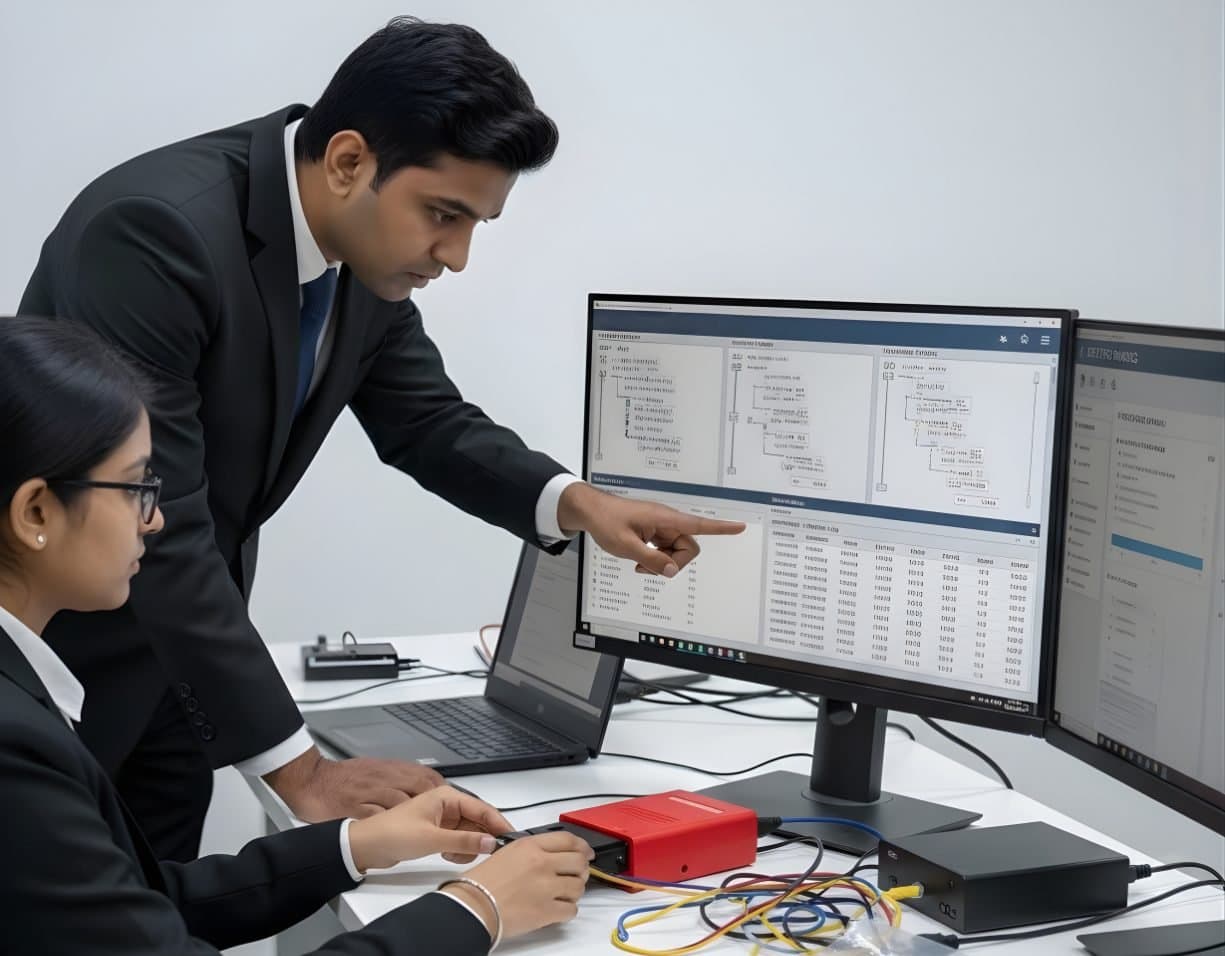 StorageDigital Storage ForensicsFile System AnalysisRead NTFS, FAT, exFAT, ext4 and APFS at the structure level and build timelines.
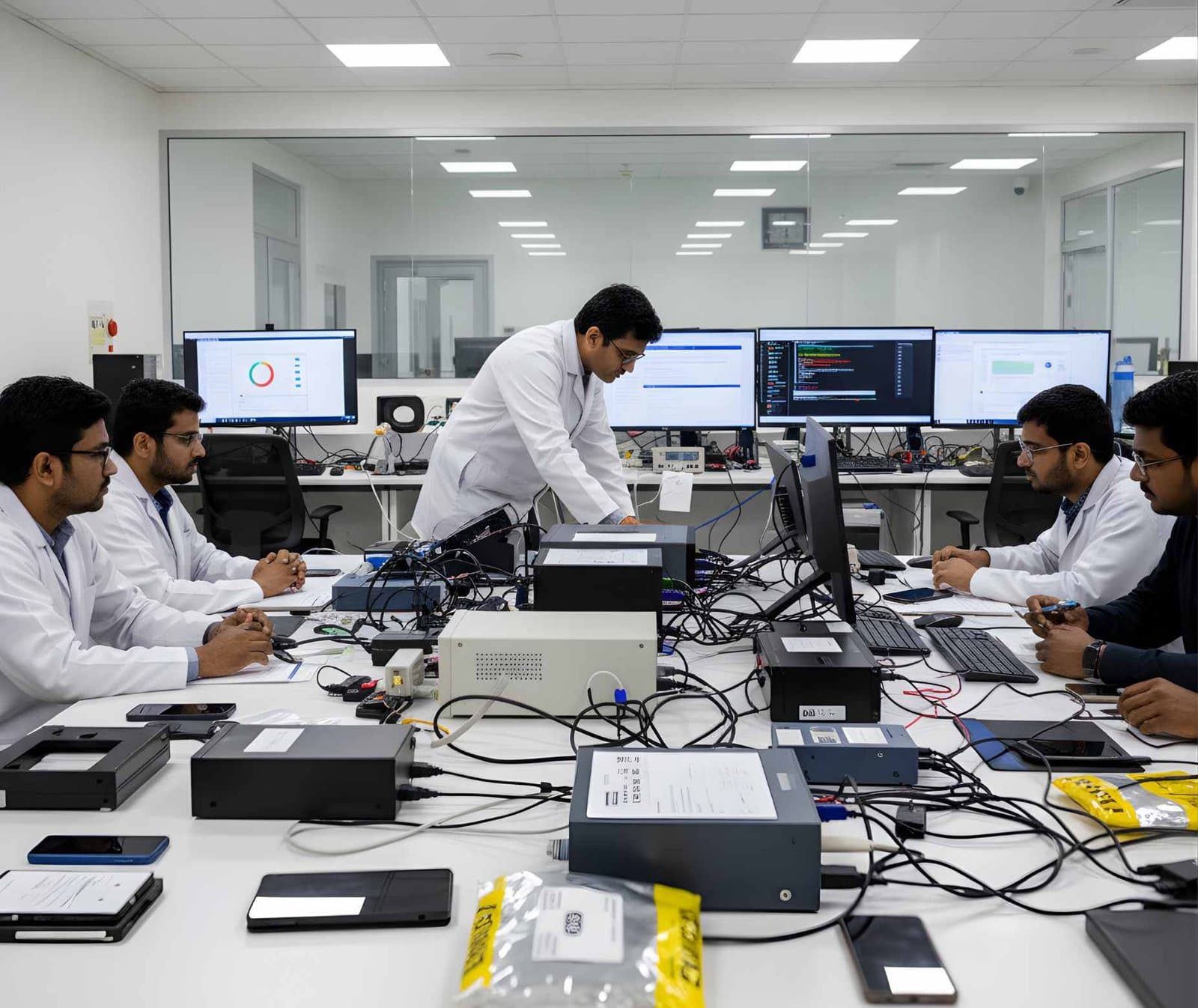 LegalFoundation & Legal CoursesBasics of Cyber ForensicsStart here. Evidence handling, imaging, hashing, chain of custody and your first analysis.
Product names and trademarks belong to their respective owners. DFRTI is an independent educational and research institute. Inclusion in this directory does not imply manufacturer endorsement, partnership or authorisation. Facts are checked against the manufacturer's public documentation on the date shown and may have changed since.
Go deeper with DFRTI
Free pages explain the ground. Structured courses, lab work and a mentor take you from knowing about it to doing it on a case.