Forensic tools directory
Independent profiles of the software and hardware used in digital investigations. Each one says what the tool is for, what it can do, where it stops and what you need to know before you use it on a case.
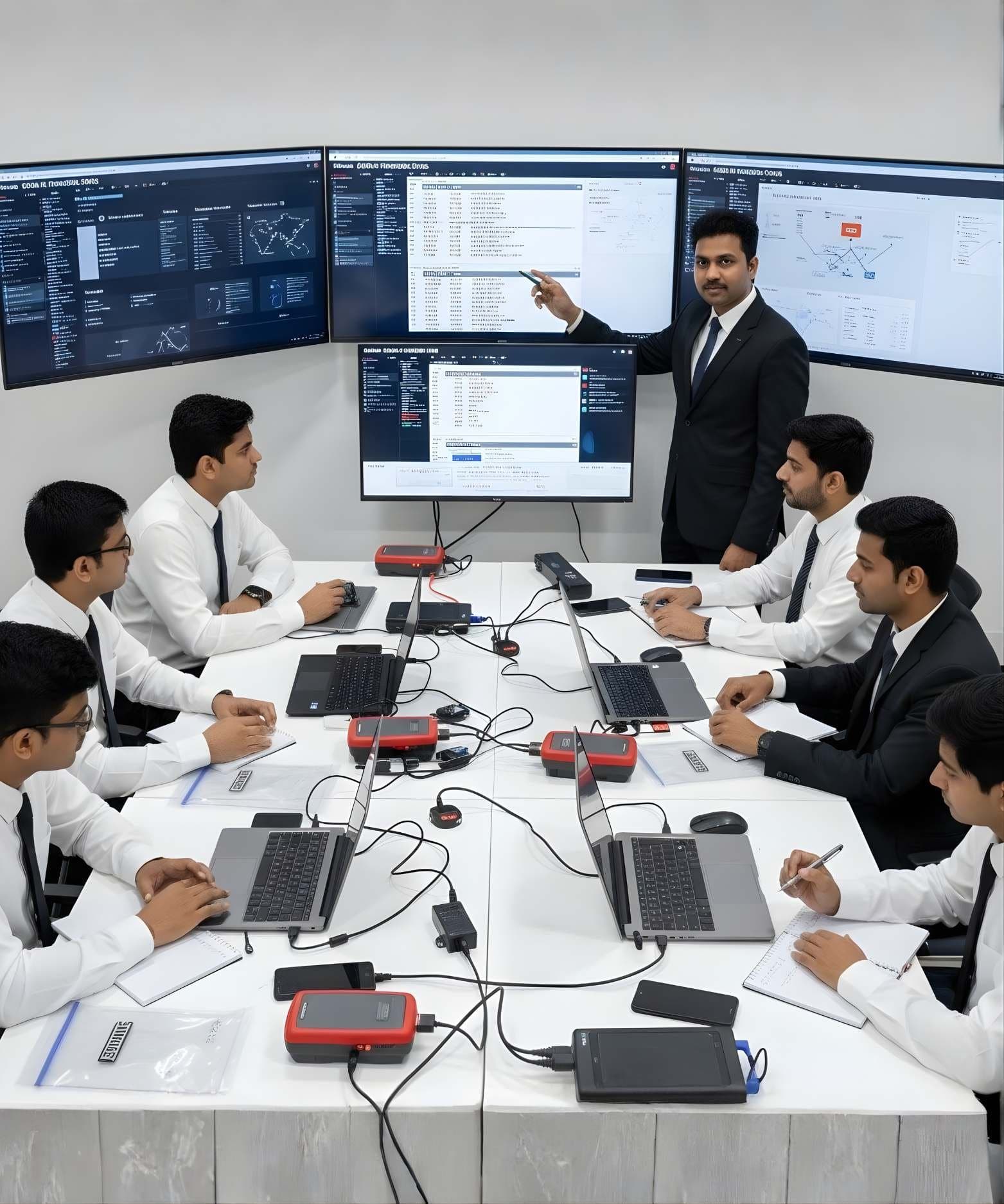
- Storage and hardwareCurrentPC-3000 Portable PROACE Lab
The PC-3000 Portable PRO is ACE Lab's field unit for working with damaged hard drives and solid state drives. It is the portable branch of the PC-3000 family and the current generation after the Portable III.
- Storage and hardwareCurrentPC-3000 ExpressACE Lab
The PC-3000 Express is the laboratory version of the PC-3000 family, a tester board fitted inside a workstation for hard drive diagnostics, firmware repair and data recovery.
- Storage and hardwareCurrentPC-3000 FlashACE Lab
The PC-3000 Flash reads raw NAND memory chips and rebuilds the user data that a dead or damaged controller can no longer present.
- Storage and hardwareCurrentPC-3000 SSDACE Lab
PC-3000 SSD is the solid state drive module of the PC-3000 family. It runs on ACE Lab's hardware and gives the examiner access to the drive's technological mode, where the controller can be made to reveal user data it will no longer serve through the normal interface.
- Storage and hardwareCurrentData ExtractorACE Lab
Data Extractor is the software that turns a PC-3000 board or portable unit into an imager for drives that are unstable, slow or partly unreadable.
- Storage and hardwareCurrentMRT Ultra 3.0MRT Lab
MRT Ultra is MRT Lab's multi-port recovery card. The current generation, released in 2026, is the MRT Ultra 3.0 Six-Port Card, used with the MRT data recovery software for firmware repair and imaging of hard drives.
- Storage and hardwareCurrentHardware Write BlockersVarious manufacturers
A hardware write blocker sits between an evidence drive and the examiner's computer and refuses every write command. It is the first device a new examiner should understand.
- Storage and hardwareCurrentForensic DuplicatorsVarious manufacturers
A forensic duplicator is a standalone imaging device. It copies a source drive to a destination drive or image file, hashes the result and verifies it, without a computer in between.
How to read a profile
Every profile was written from the maker’s own documentation and checked on the date shown. Where a page did not state something, such as the operating system or a licence term, the field is left empty rather than guessed. Product status matters: tool families change names, and a page that calls a product current, legacy or transitioning saves you learning something that is already being replaced.
The profiles are educational. They do not say that one product is better than another and they do not promise results. A tool only does what the examiner understands, so each profile lists the knowledge you need first and the DFRTI courses that teach it.
Product names and trademarks belong to their respective owners. DFRTI is an independent educational and research institute. Inclusion in this directory does not imply manufacturer endorsement, partnership or authorisation. Facts are checked against the manufacturer's public documentation on the date shown and may have changed since.
Go deeper with DFRTI
Free pages explain the ground. Structured courses, lab work and a mentor take you from knowing about it to doing it on a case.