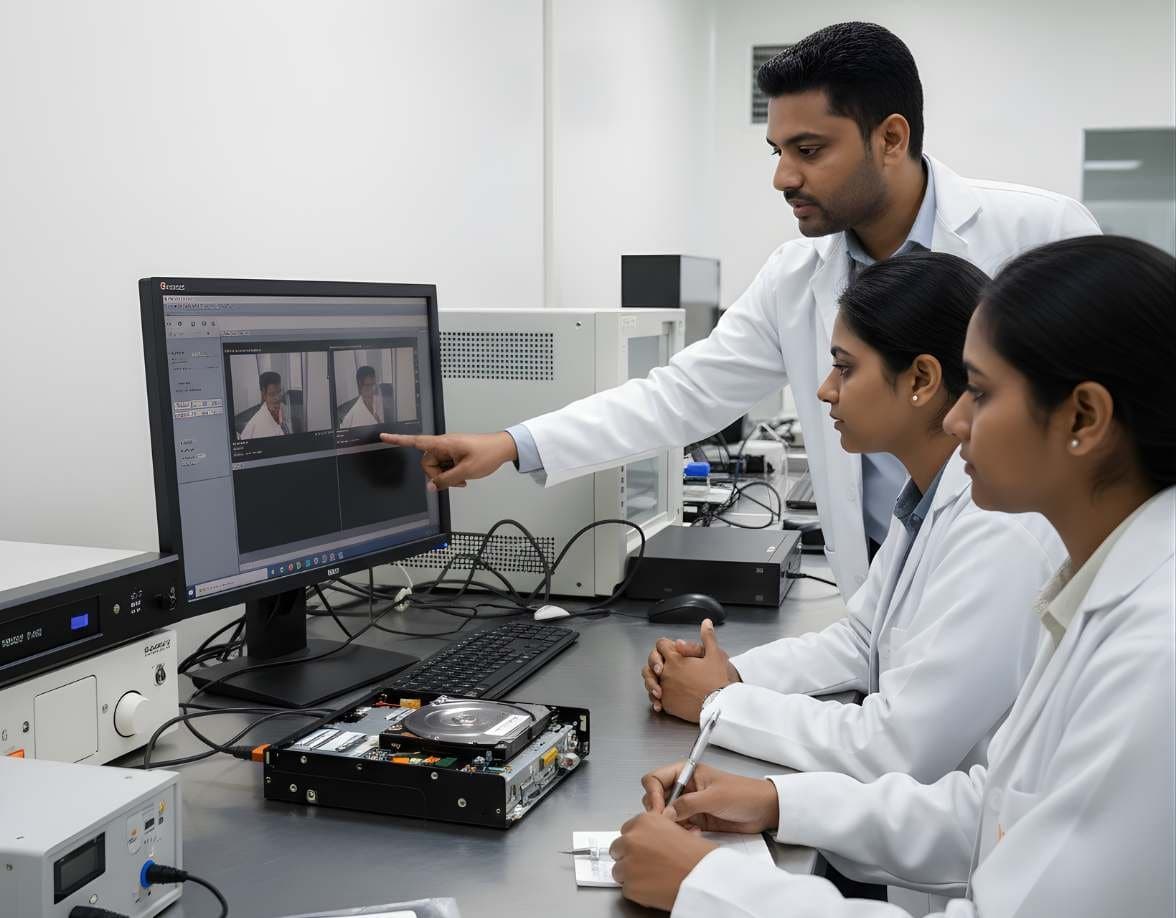
 VideoSurveillance & Image / Video ForensicsCCTV / DVR AnalysisExport footage from Hikvision, Dahua and other DVRs with correct times, frames and hashes
DFRTI · Demonstrations by enquiry
CCTV Forensics Pro
Image a recorder disk, carve the footage, put every camera on one timeline and report it with a hash-chained record.
What CCTV Forensics Pro is
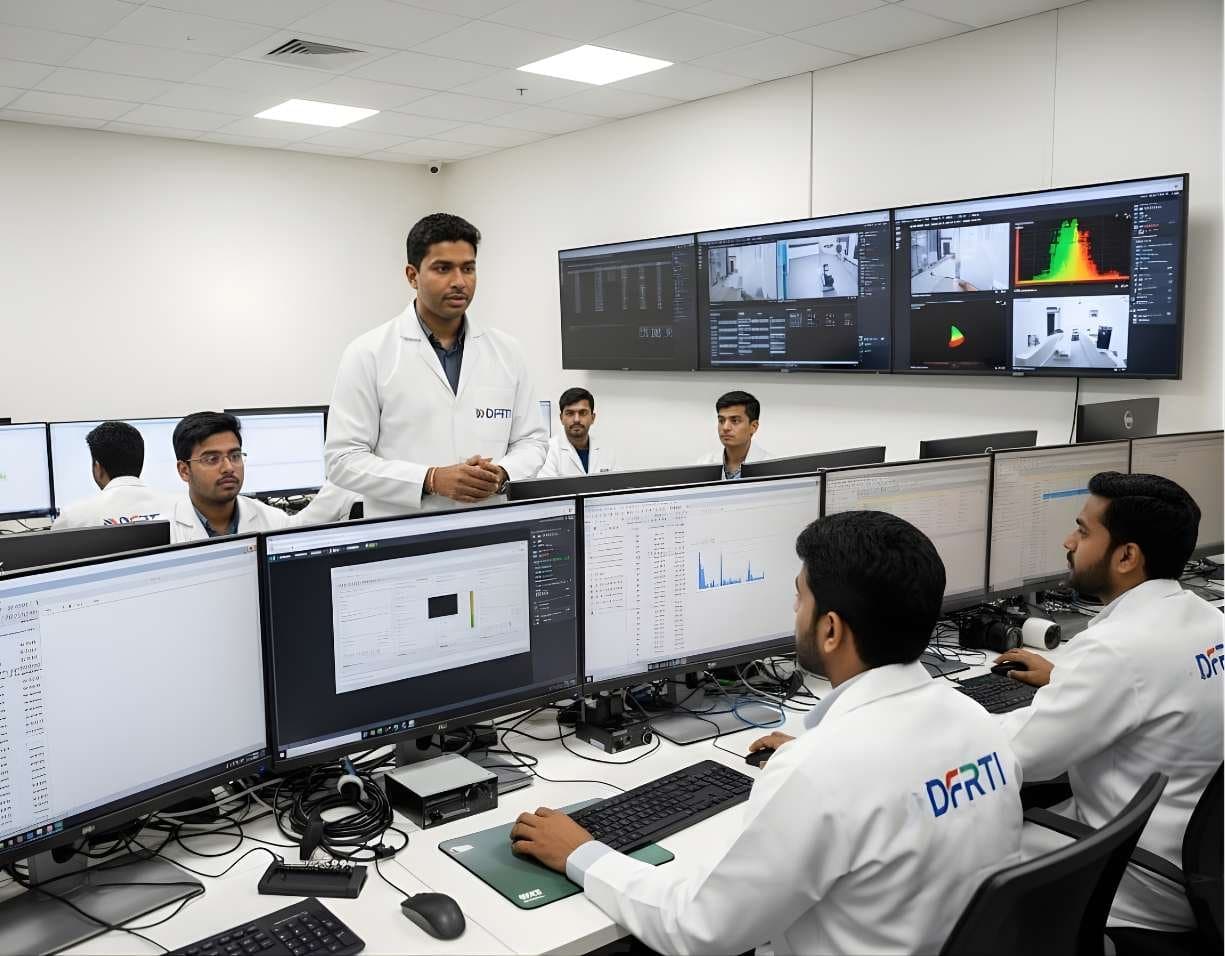
CCTV Forensics Pro is a Windows application for examiners who receive a DVR or NVR hard disk rather than a neat export. It copies the disk to an image file while hashing it, carves the video recordings out of the recorder's own storage format, lines up every camera on one time axis and produces reports and certificates from a single case file.
Everything an examiner does inside a case is written to a custody log where each entry is hash-linked to the one before it. A frame that is brightened for review is saved as a derived copy with the input and output hashes and the settings used, so the original is never changed and the enhancement is never confused with the evidence.
The AI analysis module can flag people, vehicles and Indian number plates in footage as leads for an examiner to check. It runs on the lab PC, no model ships with the product and every model a lab adds is registered, hash-checked and named in the report. The software presents these as leads, not proof.
The problem it addresses
A DVR export is often a player-only file with the recorder's own clock, missing gaps and no way to check it later. When the recorder itself is seized, the disk holds the recordings in a proprietary layout that ordinary video tools cannot read. Examiners end up with footage they cannot verify and timelines they cannot defend.
CCTV Forensics Pro starts from the disk. It images it read-only with three hashes, carves the recordings with exact offsets rather than guessed lengths and reports clock skew and gaps instead of repairing them quietly. The output is a timeline and a report a court can follow, with a certificate whose QR code is checked online.
Supported media and inputs
- DVR and NVR hard disks
- Disk images (RAW, split RAW, fixed VHD)
- Video files exported from recorders
Confirmed features
Each item below has been checked against the software. Nothing is listed that the product does not do today.
- Cases
Case number, title, examiner and agency on every output. One case file per case, saved automatically, with a sample case to learn on.
- Acquire
Read-only imaging of the recorder disk to RAW, split RAW or fixed VHD with MD5, SHA-1 and SHA-256 computed in one pass, a read-back check and unreadable sectors listed by range.
- Scan
Carves video from disks and images, several sources at once, with exact start offsets and no guessed lengths.
- Results
Every find with its offset, length and a confidence score from fixed rules, so the same disk scores the same every time. Items needing manual review are flagged.
- Timeline
All cameras on one time axis. Gaps are shown in seconds and clock skew is reported, never repaired silently.
- Enhance
Brightens a frame as a derived copy. The original never changes; input and output SHA-256 and the settings are recorded.
- AI Analysis
People, vehicles and Indian number plates flagged as leads, on the lab PC, with each model registered and hash-checked before it runs.
- Reports and Certificates
HTML, CSV and JSON reports, a draft certificate in the form used under section 63 of the Bharatiya Sakshya Adhiniyam, 2023 and a hash certificate with a signed QR code.
- Custody Log
Append-only, each entry hash-linked to the previous one, exported to CSV and JSON.
How a job runs
- 01Open a Case
Enter the case number, title, examiner and agency.
- 02Acquire
Image the recorder disk behind a hardware write blocker. The image is sealed only when every hash matches on read-back.
- 03Scan and Review
Carve the recordings, review the results and their scores, build the timeline across cameras.
- 04Analyse
Run lead detection if the lab has registered a model. Brighten frames as derived copies where needed.
- 05Report
Export the reports, the custody log and the certificate. Only case details and hash values go to the check page, never footage.
Verification and reporting
- MD5, SHA-1 and SHA-256 on acquisition with read-back verification
- Hash-chained custody log of every step, exported to CSV and JSON
- HTML, CSV and JSON reports from the case
- Hash certificate with a signed QR code checked on the website
- Draft certificate in the form used under section 63 of the Bharatiya Sakshya Adhiniyam, 2023, for the examiner to complete
Standards it refers to
- Bharatiya Sakshya Adhiniyam, 2023, Section 63
Electronic records produced in court are accompanied by a certificate about the device and the process. The software drafts it from the case data; the examiner remains responsible for its content.
Read the guide - ISO/IEC 27037:2012
Identification, collection, acquisition and preservation of digital evidence. Read-only imaging, hashing and the custody log follow its approach.
Read the guide - SWGDE Video Guidance
Enhancement is kept separate from the original and documented, in line with best practice on forensic video analysis.
Read the guide
Features listed here are the ones confirmed by the product team at the time of writing. DFRTI does not claim certification, government approval or guaranteed unrecoverability for any software. Whether a tool meets a policy or a contract is a decision for the organisation using it.
Technical specifications
| Operating System | Windows desktop application |
|---|---|
| Image Formats | RAW, split RAW, fixed VHD |
| Hashes | MD5, SHA-1, SHA-256 |
| Reports | HTML, CSV, JSON, certificate with signed QR |
| AI Models | None included; the lab registers its own, each hash-checked before use |
| Write Protection | Software opens disks read-only; a hardware write blocker is still required on every physical disk |
Questions people ask
Does it read every DVR brand?
It carves video from the disk by content rather than relying on brand-specific support, so it does not depend on a list of recorder models. Results vary by recorder and are scored so the examiner knows what needs manual review.
Is the AI output evidence?
No. Detections are leads for an examiner to check against the footage. The report names the model and its hash so the step can be reviewed.
Does enhancement change the evidence?
No. An enhanced frame is a new derived file with its own hash and recorded settings. The original stays as acquired.
Can I connect to a live recorder?
Connecting to a DVR, NVR or IP camera over the network is planned and is not part of the application today.
Related tools
- Hardware Write BlockersA hardware write blocker sits between an evidence drive and the examiner's computer and refuses every write command. It is the first device a new examiner should understand.Various manufacturers
- FFmpegFFmpeg is the engine behind most media software. For an examiner its three commands inspect a file's streams, extract frames without guessing and convert footage for viewing with every setting on record.FFmpeg project
- Amped FIVEAmped FIVE is a workstation for CCTV and image evidence. It opens proprietary DVR files, applies documented filters to make what is there easier to see and writes a report of every step. Clarifying a picture is a different job from proving it is genuine.Amped Software
Training that uses it
VideoSurveillance & Image / Video ForensicsCCTV / DVR AnalysisExport footage from Hikvision, Dahua and other DVRs with correct times, frames and hashesVideoSurveillance & Image / Video ForensicsImage & Video MetadataRead EXIF, XMP, GPS tags and MP4 atoms with ExifTool and know what each field can prove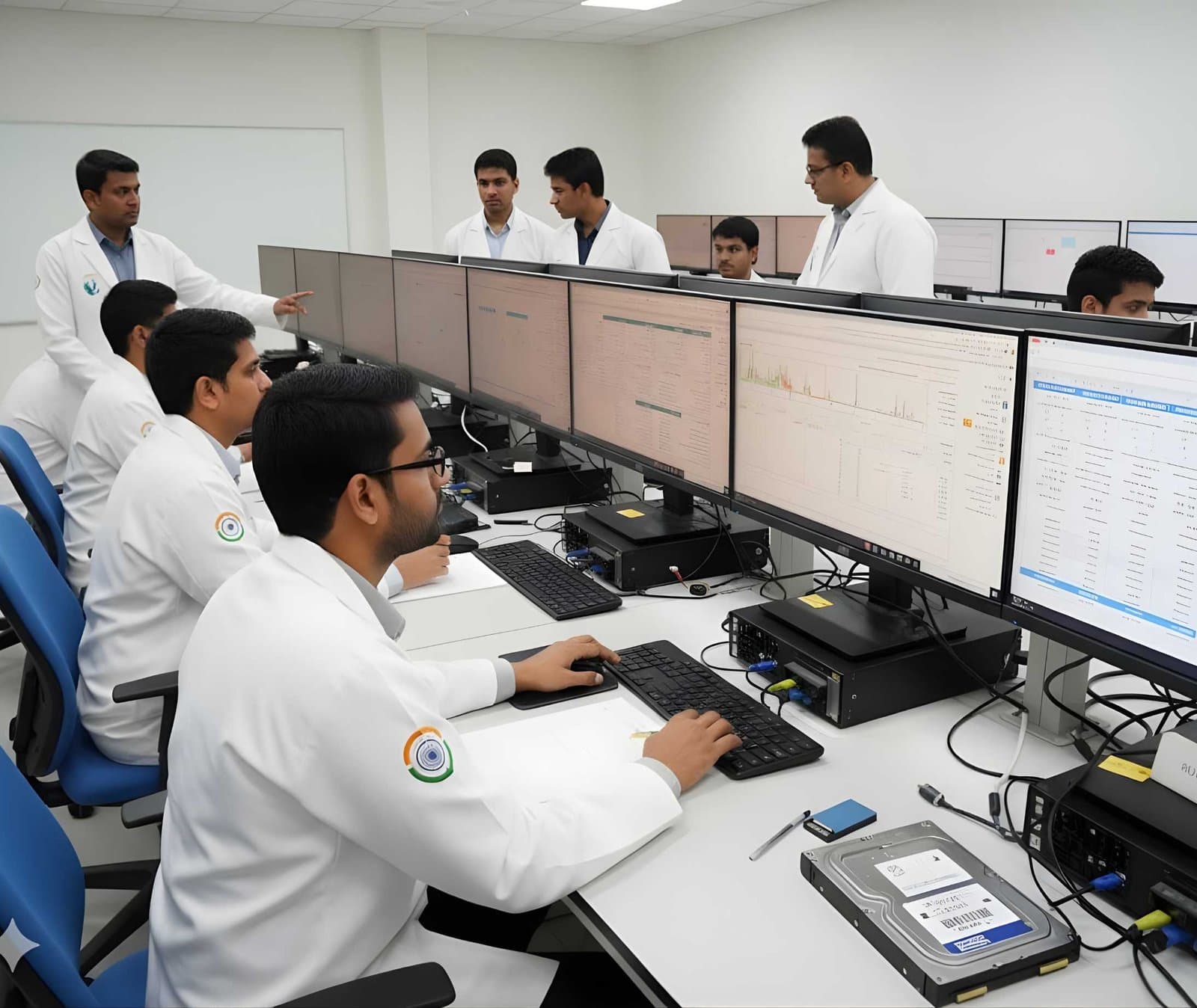 LegalFoundation & Legal CoursesForensic Report WritingWrite clear forensic reports that answer the questions asked and survive cross-examination.
See CCTV Forensics Pro working
A demonstration takes under an hour. Bring your own scenario and the team will walk through it on a real device.