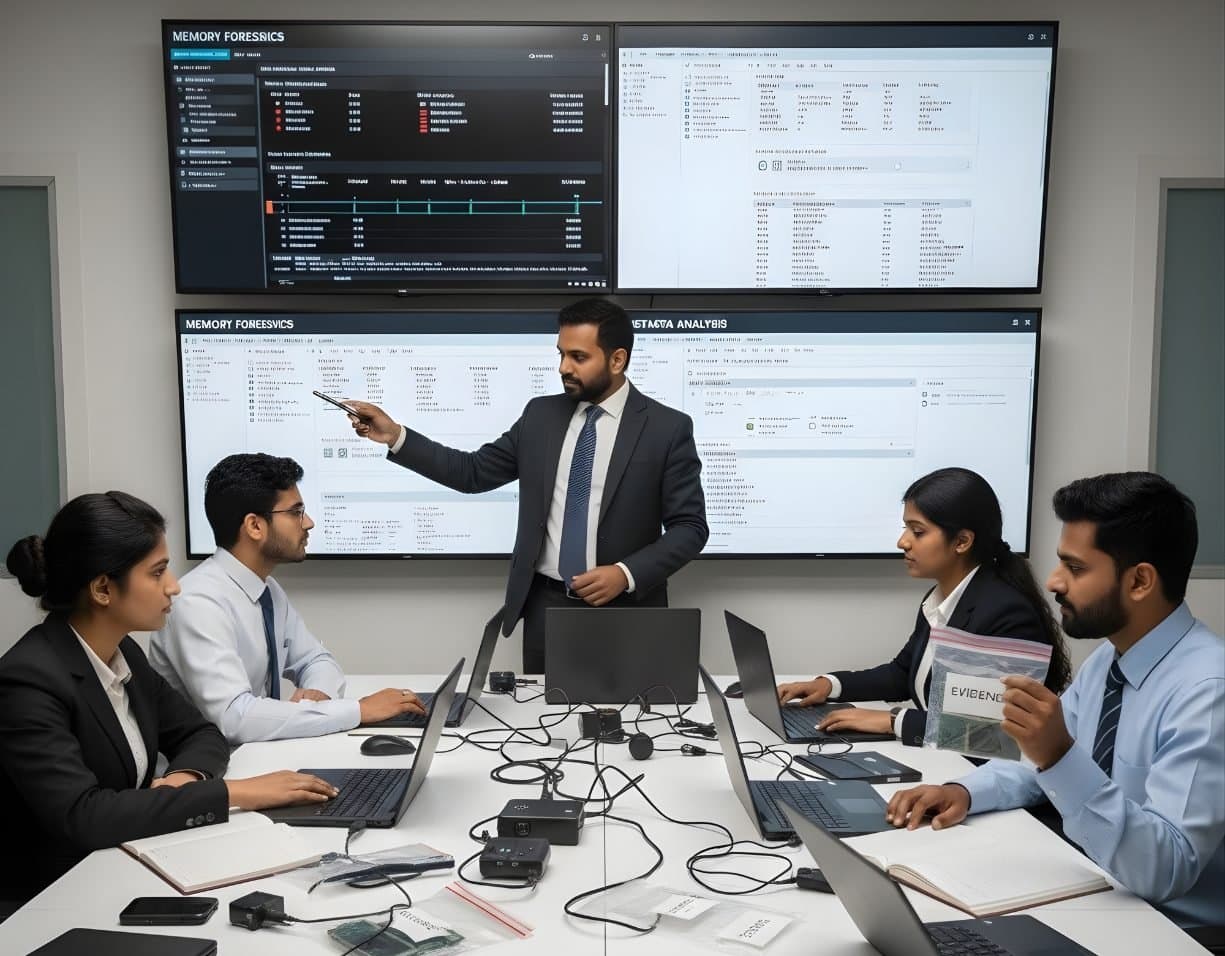
 MalwareIncident Response & Malware AnalysisMemory ForensicsCapture RAM and use Volatility 3 to find hidden processes, injected code and connections.
Memory Forensics
RAM holds what a computer is doing right now: the processes, connections, keys and decrypted data that never reach the disk. Memory forensics captures that moment and reads it after the fact.
Memory, malware and incident response8 evidence types6 tools3 coursesReviewed 2 November 2026
What it is and why it matters
A disk image shows what a computer stored. A memory capture shows what it was doing. Running programs, the libraries they loaded, open files, network connections, typed commands, clipboard contents, encryption keys and passwords all sit in RAM in plain form while the machine is on. Switch it off and most of that is gone within seconds.
Memory forensics grew up alongside malware analysis, because modern malware tries not to touch the disk at all. A process injected into a legitimate program, a driver that hides itself from the operating system or a script that runs only in memory leaves nothing for a disk examiner to find. In the memory capture they are visible, because the operating system's own structures must still describe them for the processor to run them.
The discipline has two halves. Acquisition is the art of copying RAM from a live system with the least disturbance, or of finding memory contents already saved to disk in hibernation files, page files, crash dumps and virtual machine snapshots. Analysis is the reconstruction of operating system structures from that raw copy, for which the Volatility framework is the standard open source tool.
Types of digital evidence
- Process and Thread Lists
Every running process with its parent, start time, command line, user and loaded modules, including processes unlinked from the operating system's lists by rootkits and found by scanning for their structures.
- Injected and Hidden Code
Memory regions with execute permission that belong to no file on disk, hollowed processes whose image was replaced and hooks placed on system functions.
- Network State
Open sockets and recent connections with addresses, ports, owning processes and timestamps, including connections closed shortly before capture that still linger in memory.
- Credentials and Keys
Password hashes and cached credentials in the security subsystem, BitLocker, FileVault and VeraCrypt master keys, TLS session keys and tokens for cloud services.
- Registry and File Cache
Registry hives as loaded in memory, including volatile keys that never exist on disk, and cached file contents, which can include documents, images and scripts that were opened or deleted.
- User Activity Remnants
Console command history, clipboard contents, chat messages and web pages that were on screen, private browsing content and typed text in application buffers.
- Kernel Objects and Drivers
Loaded kernel modules and drivers, callback registrations, timers and the system service table, where rootkits make their changes.
- Memory Saved to Disk
hiberfil.sys, pagefile.sys and swapfile.sys on Windows, swap partitions on Linux, kernel crash dumps and the .vmem and snapshot files of virtual machines.
Devices and data sources
- Running Windows desktops, laptops and servers captured with a kernel-mode acquisition tool
- Running Linux systems captured through a loadable kernel module or a hypervisor-based method
- Virtual machines, where the hypervisor can write a memory snapshot without touching the guest
- Hibernation files and page files on an imaged disk, which preserve older memory contents
- Windows crash dumps written at a blue screen, from the small minidump to the complete memory dump
- Linux kernel dumps produced by kdump after a crash
- Memory of embedded systems and some phones through hardware debug interfaces, under laboratory conditions
- Cloud instance snapshots where the provider exposes memory state, obtained under authority
How an examination runs
The order matters. Each step protects the one after it.
- 01Decide Before Touching
Confirm authority for a live capture and weigh what will be gained against the changes a capture makes. Record the machine's state, the time and the reason for the decision. Capture memory before any other live action and before any shutdown.
- 02Choose the Capture Method
On a physical Windows or Linux machine use a tested acquisition tool run from external media, writing the dump to external storage. On a virtual machine prefer a hypervisor snapshot, which disturbs the guest least. Note the tool, version and output format.
- 03Acquire and Hash at Once
Capture the full physical memory, hash the dump immediately and record the capture duration. A capture of a busy system is not a single instant, and the smear between its start and end is explained in the report.
- 04Collect the On-Disk Companions
Image the disk afterwards and extract the hibernation file, page file, swap file and any crash dumps, since they extend the memory evidence backwards in time.
- 05Identify the Operating System
Determine the exact kernel version and build so that the analysis framework can load the correct symbol tables. Windows symbols are fetched by build, Linux and macOS need tables built for that kernel.
- 06Analyse in Layers
List processes, compare the list with a scan for unlinked structures, examine command lines, loaded modules, handles and network connections, then look for injected code and hooks. Extract suspicious code and files for malware analysis.
- 07Correlate and Report
Match memory findings with disk artefacts and logs, state which findings depend on scanning versus the operating system's own lists and explain any inconsistencies caused by the capture itself.
Tools used in this discipline
Independent profiles: what each tool does, where it stops and what you need to know before using it.
- Memory and malwareCurrentVolatility 3The Volatility Foundation
Volatility 3 reads a memory image and rebuilds what the operating system knew at the moment of capture: processes, connections, loaded modules, handles and code that never touched the disk. It replaced Volatility 2, which is now archived.
- Computer forensicsCurrentExterro FTK ImagerExterro
FTK Imager is the free tool most learners meet first. It makes forensic images of drives, folders and memory, verifies them with hashes and lets an examiner preview evidence before committing to a full acquisition.
- Network and enterpriseCurrentVelociraptorRapid7
Velociraptor puts a small agent on endpoints and lets an examiner ask them questions in a query language. A hunt sends the same question to every machine and the answers come back as tables.
- Network and enterpriseCurrentKAPE (Kroll Artifact Parser and Extractor)Kroll
KAPE copies the files an examiner needs from a Windows system or image in minutes and then runs other programs over them. It is the quickest route from a live machine to parsed artefacts.
- Computer forensicsCurrentMagnet AxiomMagnet Forensics
Axiom is Magnet Forensics' main examination platform. It takes images and extractions from computers, phones, cloud accounts and vehicles into a single case and presents the artefacts side by side.
- Computer forensicsCurrentBelkasoft X ForensicBelkasoft
Belkasoft X is a single tool for computer, mobile, drone, vehicle and cloud evidence. Belkasoft sells X Forensic to government customers and X Corporate to businesses, both on a perpetual licence.
Terminology
- Physical Memory Dump
- A copy of the computer's RAM as the hardware addresses it, including kernel and user space of every process. Raw, LiME, crash dump and hypervisor formats are the common containers.
- Order of Volatility
- The principle of collecting the most short-lived data first: registers and cache, then memory, then network state, then disk. It is why memory is captured before anything else on a live system.
- Smear
- The inconsistency inside a memory capture caused by the system changing while the copy was being made. Structures read at the end may not match pointers read at the start.
- Symbol Table
- The description of operating system structures for one exact kernel build. Without it an analysis framework cannot find processes or any other object in the dump.
- Process Injection
- Placing code into the memory of another process so that it runs under that process's name. It shows in memory as executable regions not backed by a file.
- Process Hollowing
- Starting a legitimate program in a suspended state, replacing its code in memory with malicious code and resuming it. The process list looks normal, the memory does not.
- Direct Kernel Object Manipulation
- A rootkit technique that unlinks a process or driver from the operating system's lists. Scanning memory for the object's signature finds what the list no longer shows.
- Hibernation File
- hiberfil.sys, a compressed copy of memory written when Windows hibernates. It preserves the memory state of an earlier session and can be decompressed for analysis.
- Volatility 3
- The current version of the Volatility framework, an open source Python tool that reconstructs Windows, Linux and macOS structures from a memory dump through plugins such as process, network and module listings.
Challenges and limits
What makes it hard
- A capture needs a running, accessible machine and some privilege, and a locked screen or unknown password may stop it
- Every capture changes the system, loading a driver and consuming memory, and those changes must be understood and documented
- Windows memory compression and page-outs mean parts of a process may be unreadable in the dump without the page file and the right tooling
- Security features such as virtualisation-based security and strict driver signing can block or limit acquisition tools on modern Windows
- Linux and macOS analysis needs symbol tables for the exact kernel, which may have to be built, and Apple silicon Macs offer no practical general-purpose capture
- A dump of 32 or 64 GB takes time to capture, store and process, and a slow capture increases smear
- Memory is a snapshot, so anything that finished before the capture may be gone, and absence from the dump is not proof of absence
Keeping the evidence intact
- Run the capture tool from external media, write the output to external storage and record the tool, version, driver and time
- Hash the dump immediately after capture and again before each analysis session
- Note the capture duration and the system load so that smear can be explained
- Keep the hibernation, page and swap files with the dump, with their own hashes and sources
- Document which findings came from the operating system's own lists and which from signature scanning, and why they differ
Standards and legal considerations
- NIST SP 800-86
Covers the collection of volatile data, the order of volatility and the trade-off between live collection and preservation that memory capture embodies.
Read the guide - ISO/IEC 27037:2012
Includes guidance on handling powered-on systems and on recording the actions taken during a live acquisition.
Read the guide - ISO/IEC 27041:2015
Assurance that the method and tools used are suitable, which a laboratory meets by validating its capture and analysis tools.
Read the guide - SWGDE Best Practices
SWGDE documents on the collection of volatile data and on computer forensic examination that address live response.
Read the guide - RFC 3227
Guidelines for Evidence Collection and Archiving, an older but widely cited statement of the order of volatility and the care needed with live systems.
In practice
- The Key That Opened the Drive
A running laptop is found with a locked screen but a BitLocker volume still mounted. The team captures memory through a supported tool under authority, images the disk and uses the volume key recovered from the dump to open the image. The report records both the capture and the key recovery step by step.
- A Process That Was Not on the List
A server's live process list looks clean but the network team sees outbound traffic. In the memory dump, a scan for process structures finds one that has been unlinked from the list, with an open connection to the outbound address and an executable region that matches no file on disk. The region is extracted and sent for malware analysis.
- The Hibernation File After the Fact
A laptop is seized switched off, so no capture is possible. The disk image holds a hibernation file from the last session. Decompressed and analysed, it shows a messaging application running with the decrypted conversation in memory, which the disk alone did not hold.
This page is educational material, not legal advice. Laws and standards change, commence on different dates and are interpreted differently across jurisdictions. Always read the official text linked on this page and take advice from a qualified professional for a real matter.
Learn it at DFRTI
Free pages explain. These courses teach it on real devices with a mentor.
MalwareIncident Response & Malware AnalysisMemory ForensicsCapture RAM and use Volatility 3 to find hidden processes, injected code and connections. MalwareIncident Response & Malware AnalysisMalware Reverse EngineeringTake malware apart safely with static and dynamic analysis, Ghidra, x64dbg and YARA.
 MalwareIncident Response & Malware AnalysisRansomware & Threat ResponseHandle a ransomware attack from first call to recovery, reporting and lessons learnt.
Questions people ask
Does capturing memory alter the evidence?
Yes, slightly and unavoidably. The tool loads into memory and overwrites a small amount of free space, and the system keeps running while the copy is taken. Courts accept this when the examiner used a tested tool, kept the footprint small and documented the process. The alternative is losing the memory entirely.
Should a machine always be captured live?
No. It depends on the questions, the state of the machine and the risk. A machine with full disk encryption or signs of active malware strongly favours capture. A powered-off machine cannot be captured at all, and a machine that might destroy data on interaction may need a different plan.
Can memory forensics work on a phone?
Not in the general way it does on computers. Phones encrypt and protect memory with hardware, and consumer tools do not capture RAM. Some data that was in memory reaches the file system through caches and logs, which is where mobile examiners look.
How long is memory useful after shutdown?
Almost not at all. RAM loses its contents within seconds of power loss. The useful remnants are the ones written to disk earlier: the hibernation file, page file, crash dumps and virtual machine snapshots.
Further reading
More in Memory, malware and incident response
Go deeper with DFRTI
Free pages explain the ground. Structured courses, lab work and a mentor take you from knowing about it to doing it on a case.