 MalwareMalware Reverse EngineeringTake malware apart safely with static and dynamic analysis, Ghidra, x64dbg and YARA.
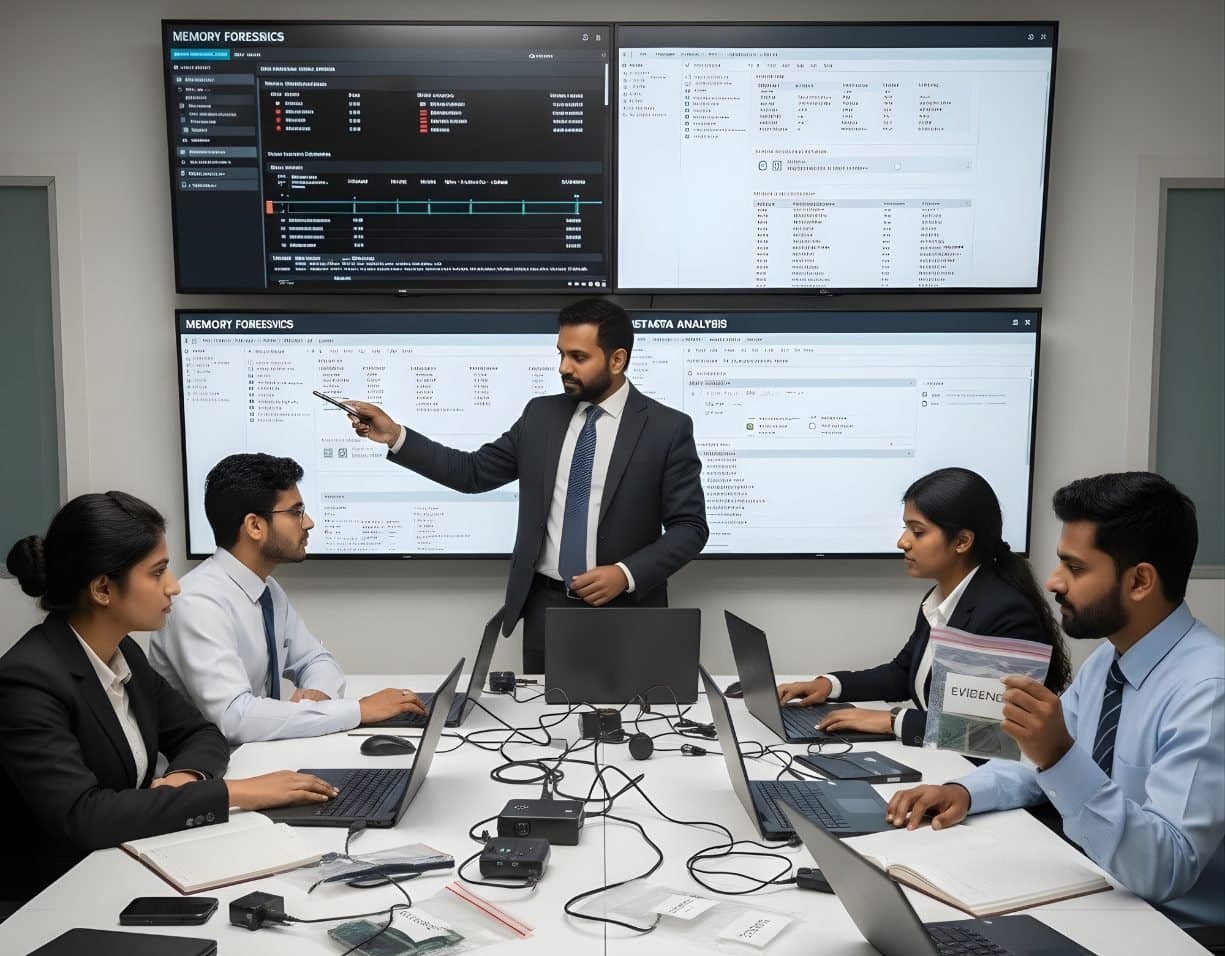
Memory Forensics
Capture RAM and use Volatility 3 to find hidden processes, injected code and connections.
- Intermediate
- Online or on campus
- 5 hands-on labs
- 6 modules
About this course
Some of the most useful evidence on a computer never touches the disk. Fileless malware runs only in memory. Network connections, command lines, decrypted strings and sometimes encryption keys exist only while the machine is on. Pull the plug and they are gone.
This course teaches you to capture RAM correctly and then read it. You learn the order of volatility, the choice between tools such as WinPmem and Magnet RAM Capture, and how to record the capture so it can be explained later. Then you spend most of the course in Volatility 3, working through real analysis steps on Windows memory images and covering Linux images as well.
By the end you can open a memory dump from an infected machine and show which process was malicious, how it started, what it injected into and which IP address it was talking to.
RAM acquisitionVolatility 3Code injectionOrder of volatility
After this course you can
- Explain the order of volatility and decide when to capture memory before anything else
- Acquire RAM from a live Windows system with WinPmem or Magnet RAM Capture and document the process
- List and compare processes with pslist, psscan and pstree to find hidden or unlinked processes
- Find injected code with malfind and dump suspicious memory regions for further analysis
- Recover network connections with netscan and link them to processes and command lines
- Pull files, registry hives and other artefacts from memory and add them to a case timeline
Syllabus
6 modules · 24 topics
01Why memory matters4 topics
- The order of volatility as set out in RFC 3227
- What lives only in RAM: processes, connections, command lines, keys and clipboard data
- Fileless malware and living-off-the-land attacks
- Hibernation files and page files as extra sources
02Acquiring memory4 topics
- Live capture on Windows with WinPmem, Magnet RAM Capture and DumpIt
- Linux capture with LiME and AVML
- Footprint of the capture tool and how to keep it small
- Hashing, naming and recording the capture
03Volatility 3 setup and basics4 topics
- Installing Volatility 3 and its symbol tables
- windows.info and checking that the image is read correctly
- Plugin output, renderers and saving results as CSV
- Symbol files for Linux images built with dwarf2json
04Processes and execution4 topics
- windows.pslist, windows.psscan and windows.pstree, and why their results differ
- Parent and child relationships that look wrong, such as Word starting PowerShell
- windows.cmdline, windows.dlllist and windows.handles
- Services and drivers with windows.svcscan and windows.modules
05Malware in memory4 topics
- windows.malfind and executable memory that is not backed by a file
- Process hollowing and DLL injection
- Dumping processes and regions for YARA scanning and reverse engineering
- Scanning memory with yarascan
06Network and other artefacts4 topics
- windows.netscan for TCP and UDP connections and listening ports
- windows.filescan and windows.dumpfiles to recover files from memory
- Registry hives and keys read from memory
- Building a timeline from memory and disk evidence together
Hands-on labs
- Lab 1
Capture RAM from a test Windows machine with WinPmem and verify the hash
- Lab 2
Find a hidden process in a memory image by comparing pslist and psscan output
- Lab 3
Locate injected shellcode with malfind and scan the dumped region with YARA
- Lab 4
Link a suspicious outbound connection from netscan to the process and command line that made it
- Lab 5
Write a short memory analysis report for an infected workstation
Tools you will use
- Volatility 3
- WinPmem
- Magnet RAM Capture
- DumpIt
- LiME
- AVML
- MemProcFS
- YARA
Who it suits
- Incident responders and SOC analysts
- Forensic examiners who want to add live response to disk work
- Police and lab staff who seize running computers
- Students moving into malware analysis
Before you join
- Basic understanding of how Windows runs programs, processes and services
- Comfort with the command line and running Python tools
- Basics of Cyber Forensics or equivalent experience
Questions about this course
Should I always capture memory before shutting a machine down?
In most cases, yes, if the machine is already on and you have the authority and the right tool. Once it is switched off, RAM content is lost. There are exceptions, such as a machine that is actively wiping data, and the course discusses how to decide.
Is Volatility 2 still taught?
The course uses Volatility 3, which is the current version. You will see older Volatility 2 command names in many blog posts and books, so we show how they map to Volatility 3 plugins.
Does memory forensics work on Mac and Linux?
Linux is covered with LiME and AVML for capture and Volatility 3 for analysis. Mac memory capture is much harder on recent Apple hardware and is not a focus of this course.
More courses in Incident Response & Malware Analysis
MalwareMalware Reverse EngineeringTake malware apart safely with static and dynamic analysis, Ghidra, x64dbg and YARA. MalwareRansomware & Threat ResponseHandle a ransomware attack from first call to recovery, reporting and lessons learnt.
Not sure this is the right one for you?
Tell us your background and what you want to do next. A counsellor will suggest a course and the next batch.