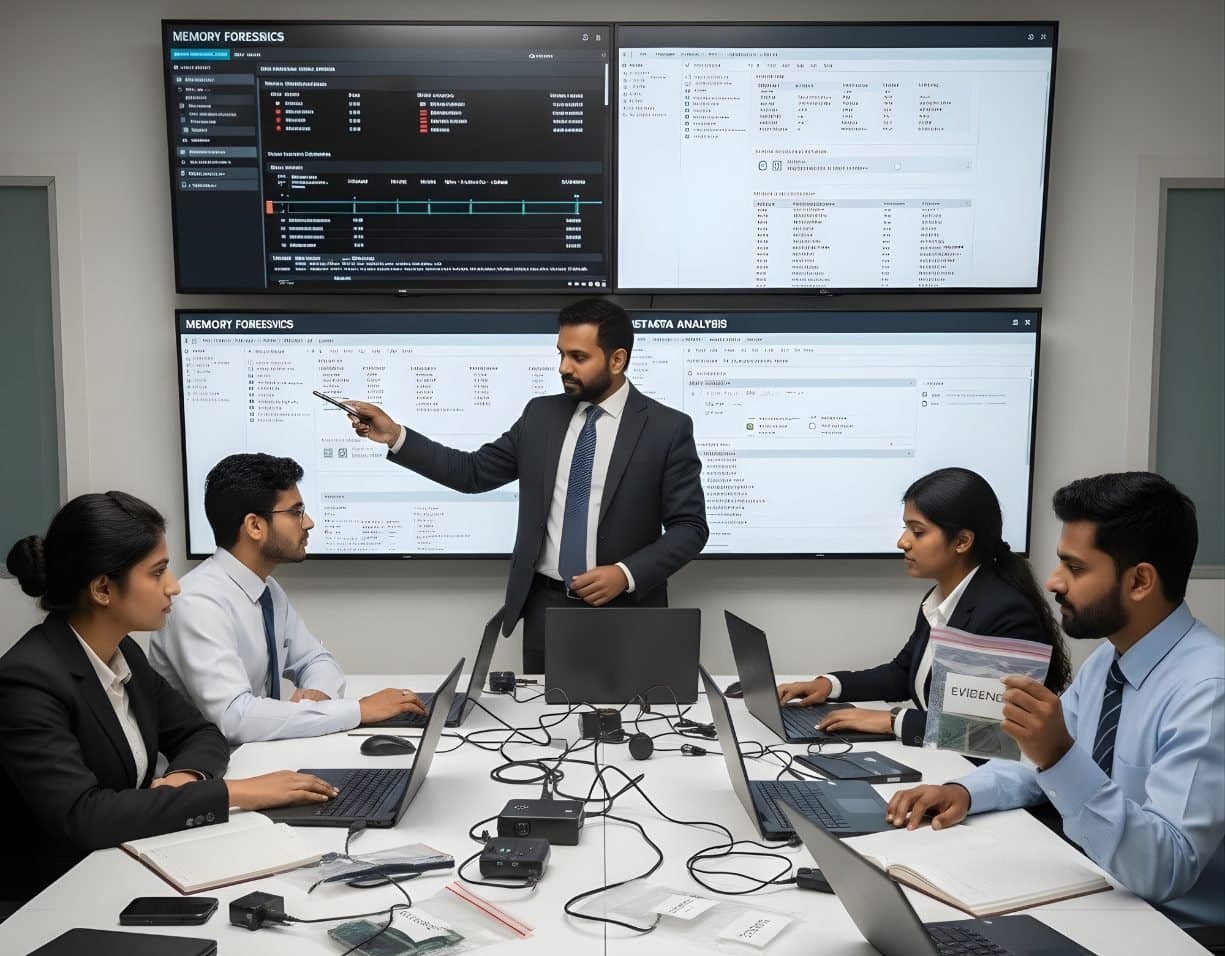
 MalwareMemory ForensicsCapture RAM and use Volatility 3 to find hidden processes, injected code and connections.
Malware Reverse Engineering
Take malware apart safely with static and dynamic analysis, Ghidra, x64dbg and YARA.
- Advanced
- Online or on campus
- 5 hands-on labs
- 7 modules
About this course
A file arrived as an email attachment named invoice.pdf.exe. The antivirus missed it. Now the question is what it does, who it talks to and whether other machines have it. Answering that is the job of a malware analyst.
This course starts with safe handling, because working with live malware on the wrong machine can infect a whole office. You build an isolated analysis lab, then learn static analysis (PE headers, imports, strings and packing) and dynamic analysis (running the sample in a controlled system and watching what it changes). After that you move into reverse engineering with Ghidra and debugging with x64dbg.
The aim is useful output. You finish each sample with indicators of compromise, a YARA rule that finds the family and a short report that a SOC team can act on.
Static and dynamic analysisPE filesGhidra and x64dbgYARA rules
After this course you can
- Set up and use an isolated malware lab and handle samples without risk to other systems
- Read PE headers, sections and import tables to judge what a Windows executable can do
- Extract and decode strings and spot packed or obfuscated samples
- Run samples in a sandbox such as CAPE and in a monitored VM and interpret the results
- Use Ghidra to read disassembly and decompiled code and x64dbg to step through execution
- Write YARA rules and indicator lists from your findings
Syllabus
7 modules · 27 topics
01Safe lab handling4 topics
- Building an analysis VM with FLARE-VM and REMnux
- Host-only networks, snapshots and simulated internet with INetSim or FakeNet-NG
- Storing and sharing samples in password-protected archives with safe file names
- Rules for working with live samples that protect you and your organisation
02Static analysis basics4 topics
- File hashes and checking them against threat intelligence sources
- File type checks with Detect It Easy
- Strings and FLOSS for hidden and stack strings
- Entropy and signs of packing such as UPX
03The PE file format5 topics
- DOS header, PE header and optional header fields that matter
- Sections such as .text, .data, .rdata and .rsrc
- Import and export tables and what suspicious imports suggest
- Compile timestamps, resources and signs of tampering
- Quick triage with PEStudio and capa
04Dynamic analysis4 topics
- Running a sample with Process Monitor, System Informer and Regshot
- Persistence through Run keys, services and scheduled tasks
- Watching network traffic from the sample in Wireshark
- Automated runs in a CAPE sandbox and reading its report
05Reverse engineering with Ghidra4 topics
- x86 and x64 assembly basics for analysts
- Navigating functions, cross-references and the decompiler
- Finding configuration data, C2 addresses and encryption routines
- Renaming and commenting to build understanding step by step
06Debugging with x64dbg3 topics
- Breakpoints on API calls such as VirtualAlloc and CreateProcess
- Unpacking a sample by dumping it from memory
- Common anti-debugging and anti-VM tricks
07From findings to detection3 topics
- Writing YARA rules with strings, byte patterns and conditions
- Testing rules against clean files to avoid false positives
- Writing up IOCs and mapping behaviour to MITRE ATT&CK
Hands-on labs
- Lab 1
Build a safe analysis VM, take a clean snapshot and confirm it has no route to the internet
- Lab 2
Triage an unknown executable with PEStudio, FLOSS and capa and list what it is likely to do
- Lab 3
Run a sample in CAPE and in a monitored VM and find its persistence method
- Lab 4
Unpack a UPX-packed sample and locate its C2 address in Ghidra
- Lab 5
Write and test a YARA rule that detects the family without matching clean files
Tools you will use
- Ghidra
- x64dbg
- IDA Free
- CAPE Sandbox
- YARA
- PEStudio
- Detect It Easy
- FLOSS
- capa
- Process Monitor
- FLARE-VM
- REMnux
Who it suits
- SOC and incident response analysts who want to go deeper than sandbox reports
- Forensic examiners who find malware on seized systems
- Security engineers who write detection rules
- Students with programming knowledge aiming for malware analyst roles
Before you join
- Some programming experience in C, Python or a similar language
- Good understanding of Windows, processes and the registry
- Memory Forensics is strongly recommended before this course
Questions about this course
Is it safe to analyse real malware on my laptop?
Not on your everyday system. All live samples should run in an isolated VM with no link to your home or office network. The first module sets this up step by step and the rules apply to every lab in the course.
Do I need to know assembly language before joining?
No. The course teaches the x86 and x64 assembly you need for analysis. Some programming background makes it much easier to follow.
Will I learn to write malware?
No. The course is about understanding and detecting malicious code. Every exercise ends in defence, such as indicators, detection rules and reports.
More courses in Incident Response & Malware Analysis
MalwareMemory ForensicsCapture RAM and use Volatility 3 to find hidden processes, injected code and connections. MalwareRansomware & Threat ResponseHandle a ransomware attack from first call to recovery, reporting and lessons learnt.
Not sure this is the right one for you?
Tell us your background and what you want to do next. A counsellor will suggest a course and the next batch.