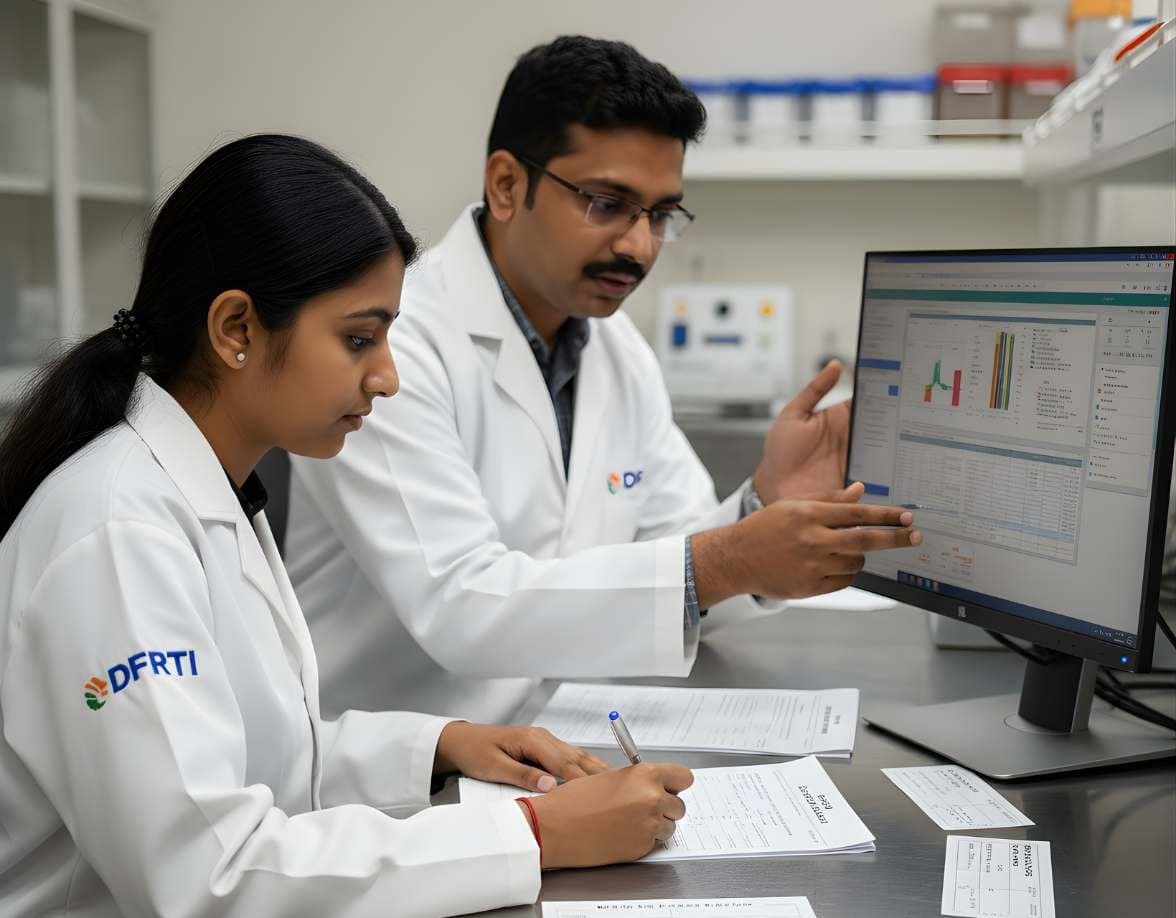
 NetworkNetwork & Cloud ForensicsWireshark / Packet CaptureCapture, filter and read packets in Wireshark and tshark to recover what was sent.
Wireshark Foundation
Wireshark
Wireshark captures network traffic and shows every packet decoded field by field. It is the standard first tool for reading a packet capture in an investigation.
SoftwareOpen sourceCurrentWindows · Linux · macOS
Profile
- Manufacturer
- Wireshark Foundation
- Category
- Network and enterprise
- Product type
- Software
- Platforms
- Windows, Linux, macOS
- Licensing
- Open source
- Product status
- Current
- Educational level
- Intermediate
- Last verified
- 2 November 2026
What Wireshark is
Wireshark began as Ethereal and is now stewarded by the Wireshark Foundation under the GNU General Public License version 2. It runs on Windows, Linux, macOS and the BSDs. The program captures packets from a live interface or opens saved captures and decodes them with a very large library of protocol dissectors, from Ethernet and IP up to HTTP, DNS, TLS, SMB and industrial protocols. Each packet is shown as a tree of fields, so an examiner can see exactly what was sent, in which order and with what flags.
In network forensics Wireshark is used to answer narrow questions precisely. Which host contacted which server, when, over which port, with what user agent, and what was transferred. Display filters narrow a capture of millions of packets down to the handful that matter. Follow Stream rebuilds a TCP or HTTP conversation as text, and the export objects feature pulls files out of HTTP, SMB and other protocols. Statistics menus give conversation tables, protocol hierarchies and I/O graphs that help find the odd flow in a busy capture. The command-line tool tshark does the same work in scripts.
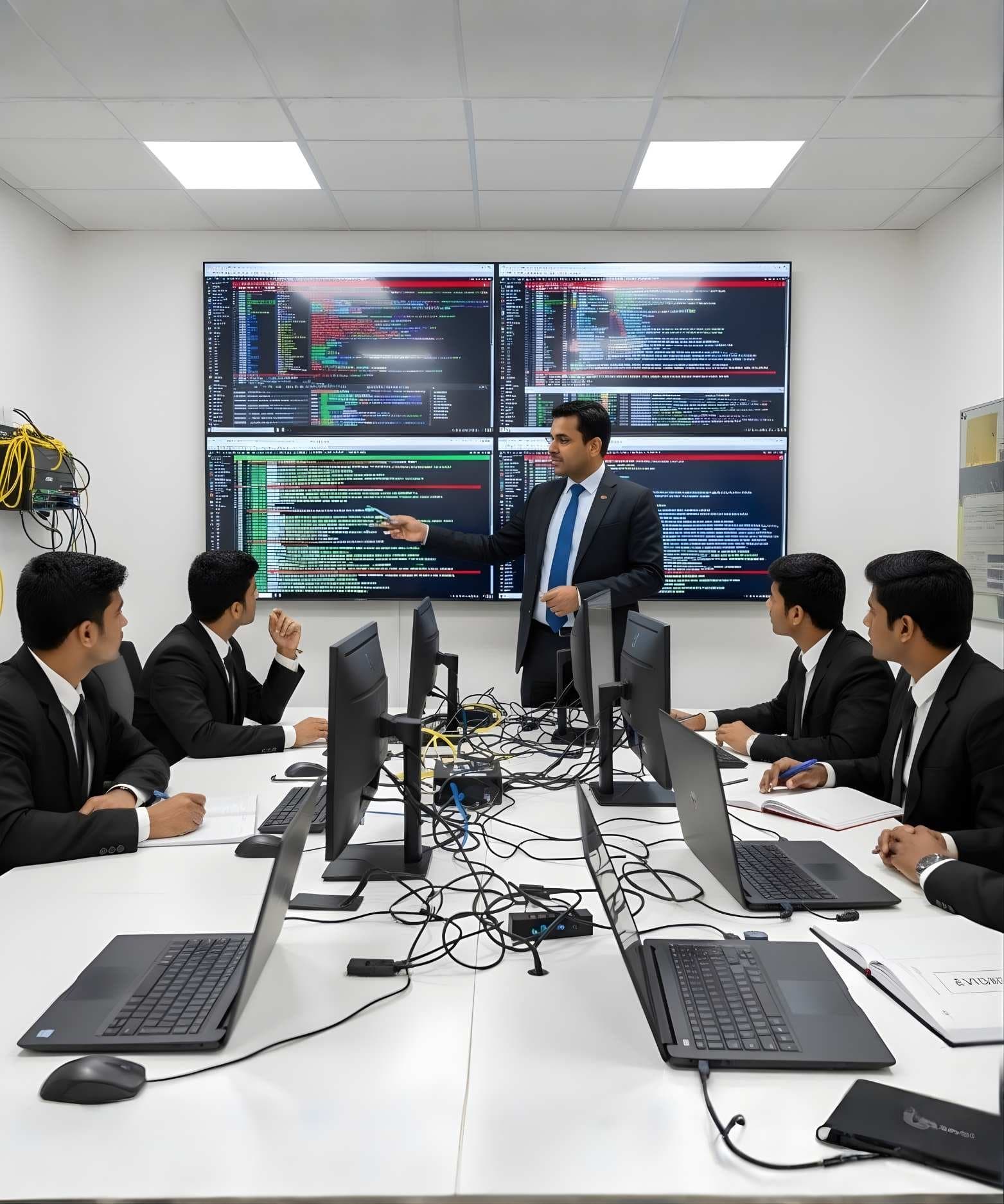
Primary applications
Where it is used
- Reading packet captures handed over from a sensor, firewall or incident responder
- Reconstructing sessions and extracting transferred files
- Confirming a timeline of connections between hosts
- Identifying malware command and control traffic by pattern
- Decrypting TLS sessions when the key log is lawfully available
- Teaching protocol behaviour in training labs
Who uses it
- Network forensic analysts
- Incident responders
- Security operations staff
- Network engineers and students
Capabilities and limits
Major capabilities
- Live capture and offline analysis of pcap and pcapng files
- Dissectors for a very wide range of protocols with field-level decoding
- Display and capture filters with a precise filter language
- Follow TCP, UDP, TLS and HTTP streams as readable conversations
- Export objects from HTTP, SMB, FTP and other protocols
- Conversation, endpoint, protocol hierarchy and I/O statistics
- TLS decryption with a key log file or server private key where lawful
- tshark for command-line and scripted analysis
- Lua plugins and custom dissectors
Technical limitations
- Does not scale to very large captures. Carving a few hours of a busy link needs a tool like Arkime first
- Encrypted traffic shows metadata only unless keys are available
- A capture shows what passed the sensor, not everything that happened on the network
- Live capture on an evidence host alters that host, so captures are normally taken from a span port or tap
Learning with DFRTI
Independent professional education covering the principles and workflows of Wireshark. DFRTI is not a vendor training centre and its courses are not vendor certifications.
Before you learn it
- TCP/IP fundamentals and the common application protocols
- How switches, taps and span ports capture traffic
- Basic understanding of TLS and why most traffic is encrypted
Disciplines
Related tools
- tcpdump and libpcaptcpdump captures packets from the command line and libpcap is the library it and many other programs use to do it. Between them they define the pcap format that network forensics is built on.The Tcpdump Group
- NetworkMinerNetworkMiner reads a packet capture and sorts what it finds by host, file, session and credential. It is the tool to open when the question is what happened on the wire rather than which flag was set in which packet.Netresec
- ZeekZeek watches a network link and writes what it sees as structured logs rather than packets. For a forensic analyst that means hours of traffic become tables that can be searched, joined and placed on a timeline.The Zeek Project
- ArkimeArkime stores packets at scale and indexes the sessions they belong to, so an analyst can search weeks of traffic by field and pull back the exact packets in seconds.Arkime project
Courses that cover this tool
NetworkNetwork & Cloud ForensicsWireshark / Packet CaptureCapture, filter and read packets in Wireshark and tshark to recover what was sent.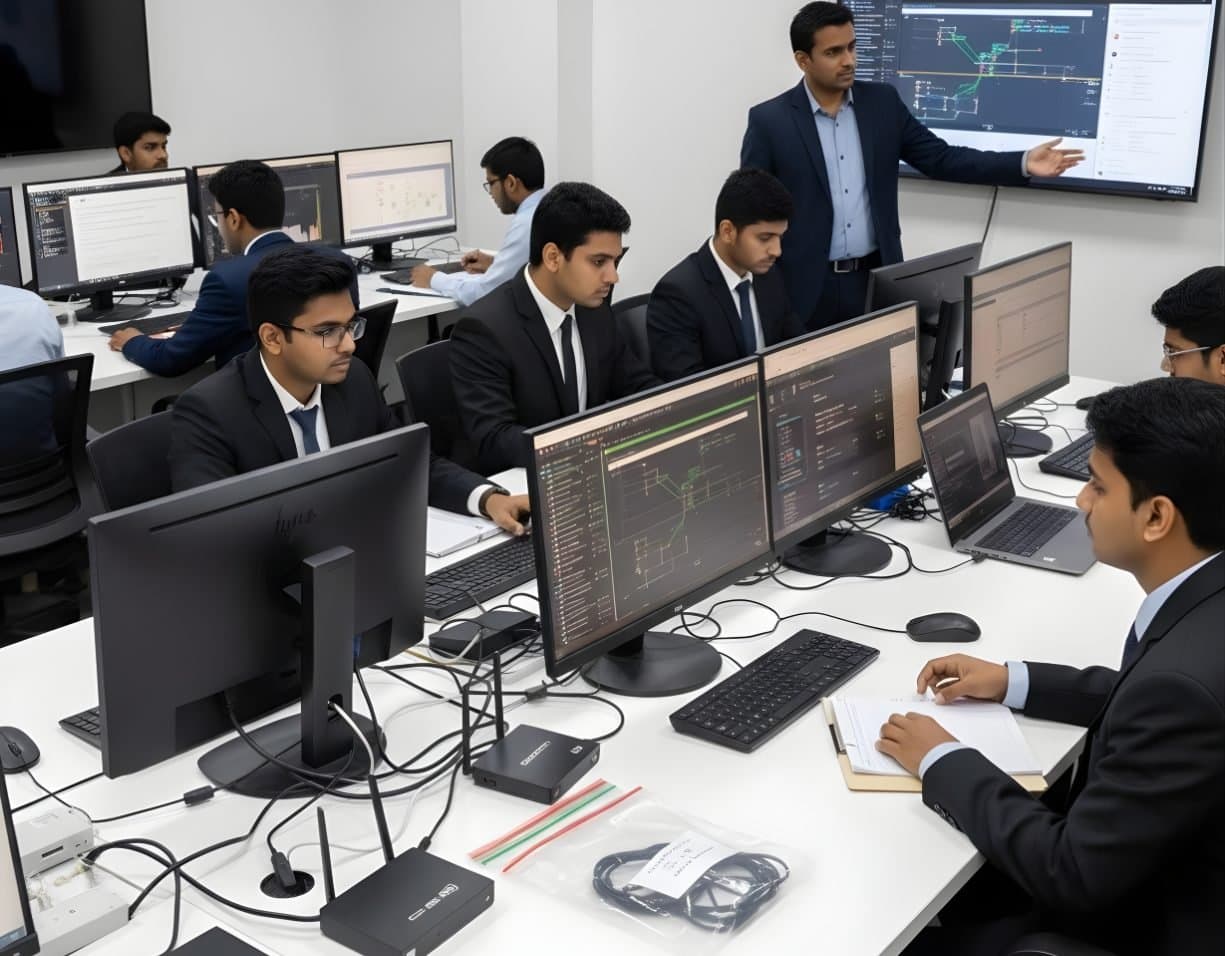 NetworkNetwork & Cloud ForensicsNetwork Traffic AnalysisRead flows, logs and packets to trace intrusions, beaconing and data theft.
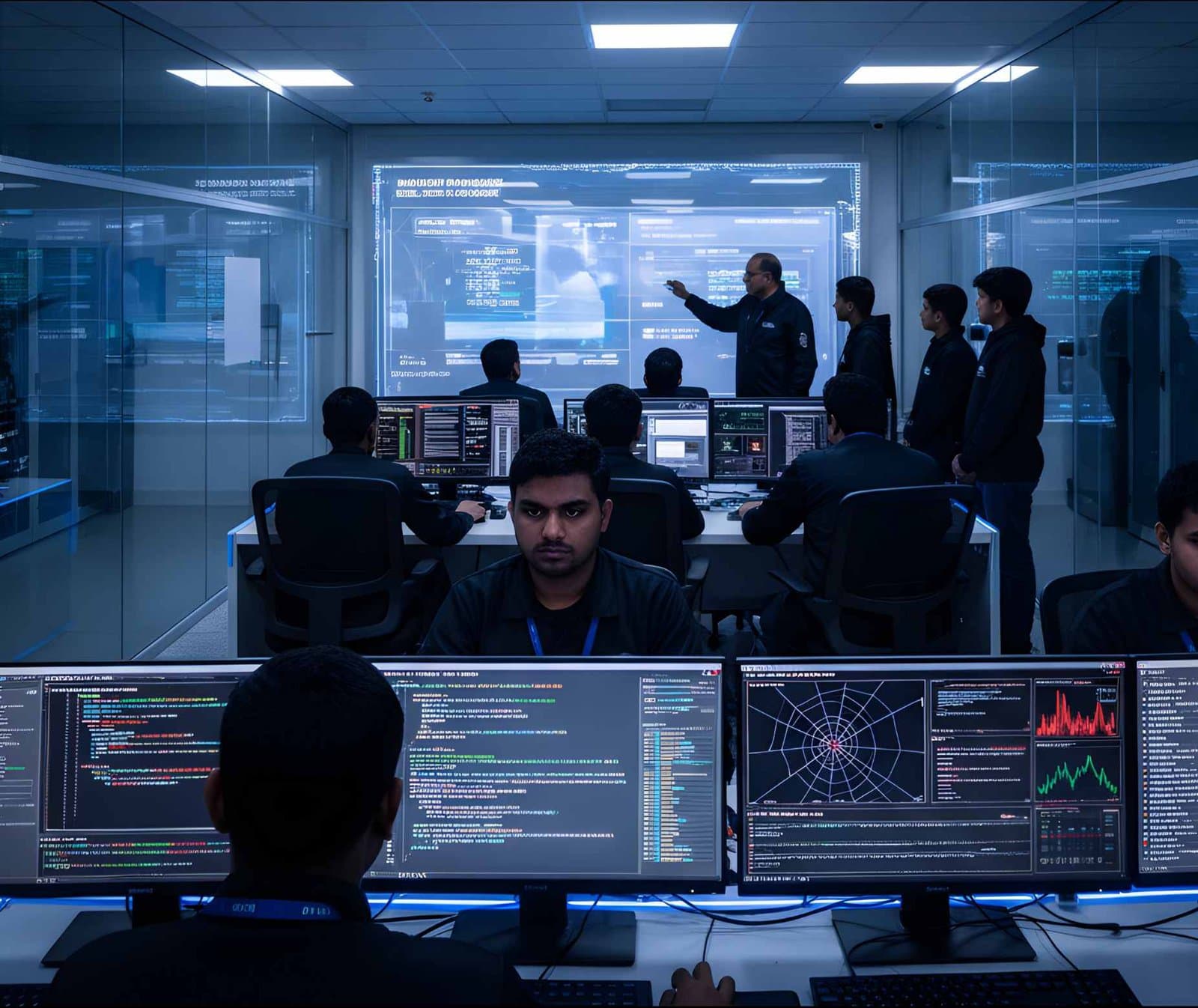 MalwareIncident Response & Malware AnalysisRansomware & Threat ResponseHandle a ransomware attack from first call to recovery, reporting and lessons learnt.
Product names and trademarks belong to their respective owners. DFRTI is an independent educational and research institute. Inclusion in this directory does not imply manufacturer endorsement, partnership or authorisation. Facts are checked against the manufacturer's public documentation on the date shown and may have changed since.
Go deeper with DFRTI
Free pages explain the ground. Structured courses, lab work and a mentor take you from knowing about it to doing it on a case.