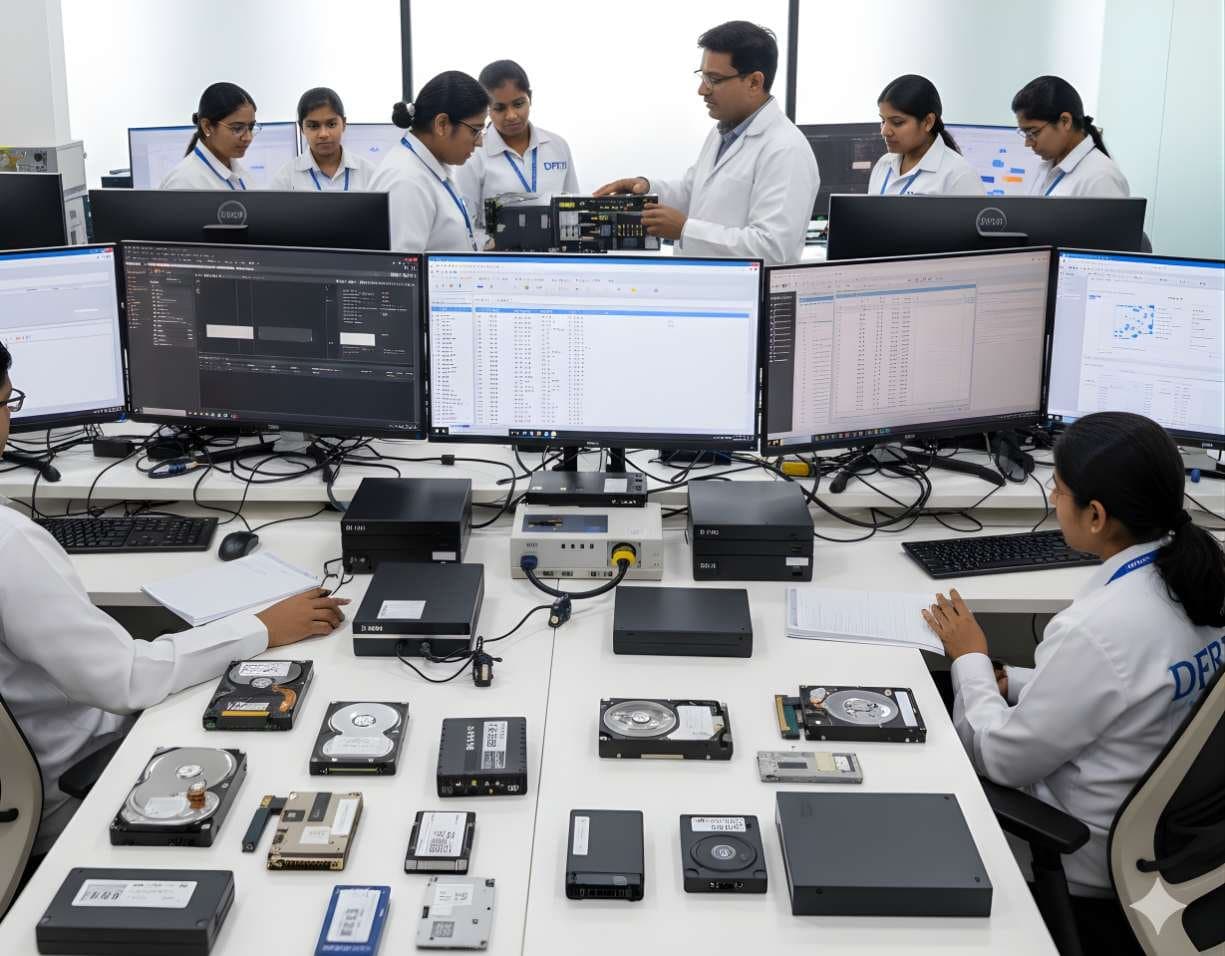
 StorageDigital Storage ForensicsHDD ForensicsImage hard drives through a write-blocker, find hidden areas and recover deleted data.
Forensic Software Guides
A short guide to the tools used in forensic labs, what each one does and when an examiner reaches for it.
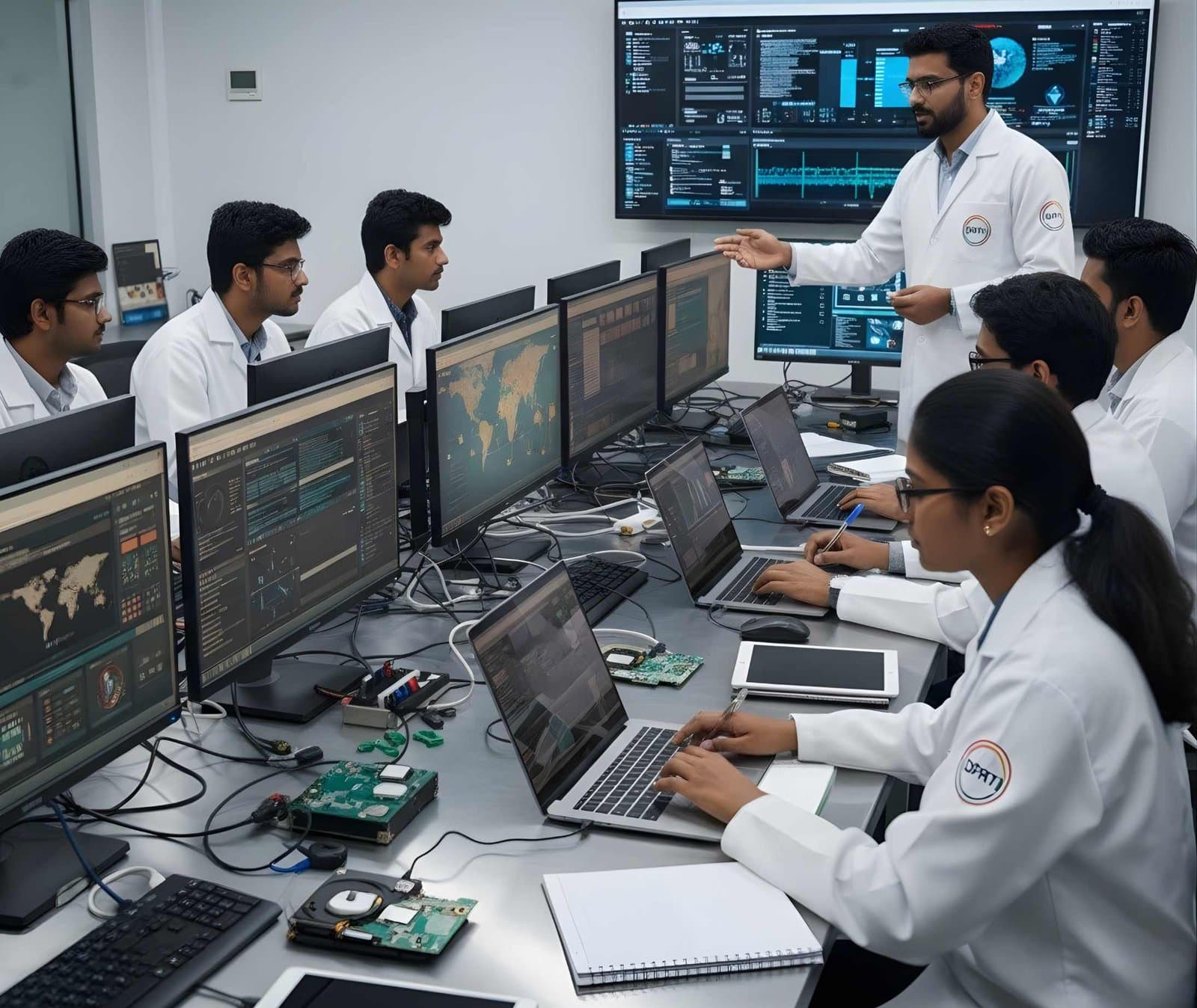
No single tool covers every case. A lab images a drive with one tool, examines it with another and checks the result with a third. Phones, network captures, RAM dumps and cloud logs each need their own software.
Below are the tools you will meet most often in disk, mobile, network, memory, malware, cloud and data recovery work. Each entry says what the tool does and when an examiner uses it.
Tools by area
 DiskFTK Imager
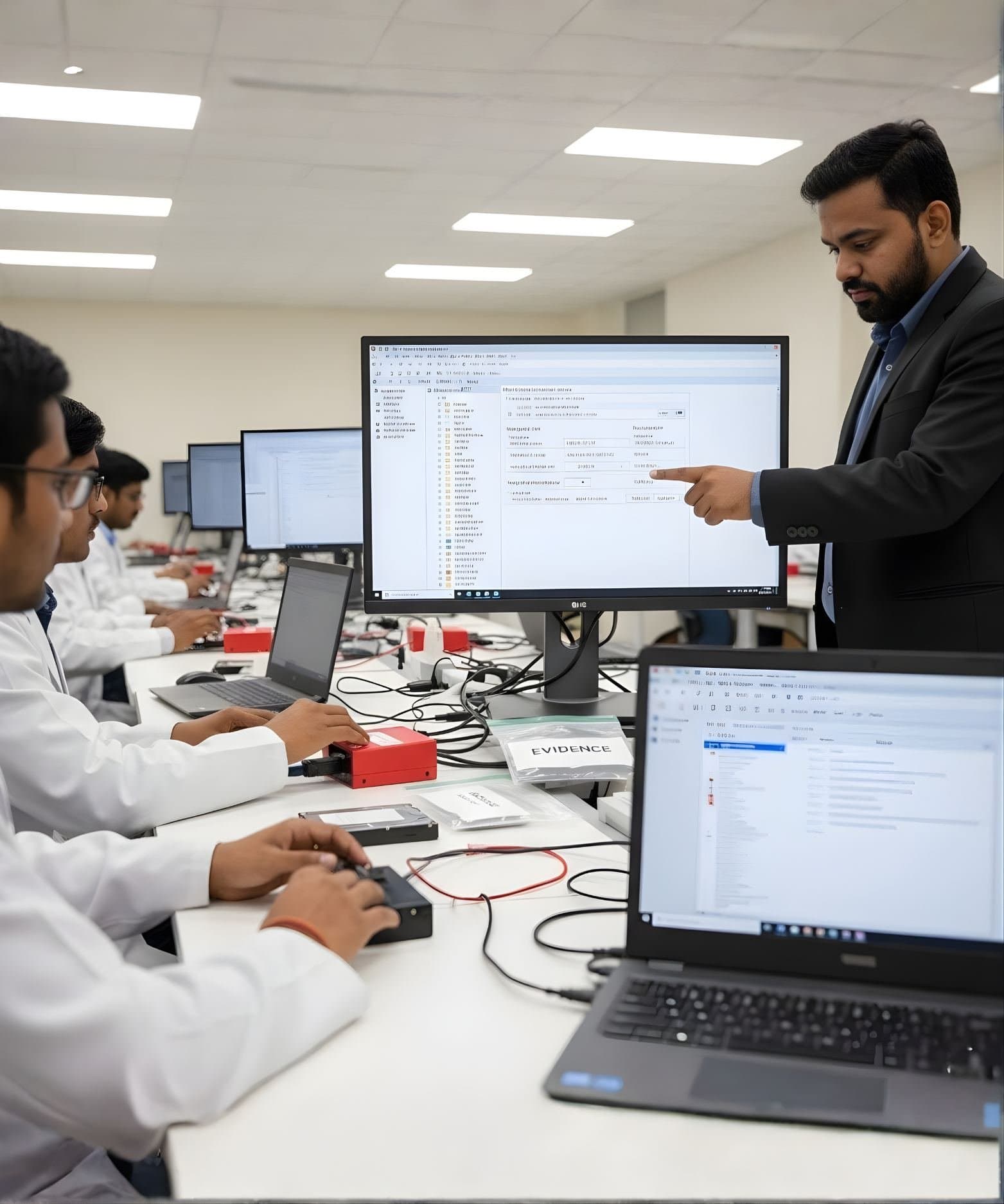
A free imaging tool from Exterro that makes forensic images in E01 and raw (dd) formats and verifies them with MD5 and SHA-1 hashes. Examiners use it to image a drive through a write blocker, preview files before imaging or capture RAM from a live Windows machine.
- DiskAutopsy
An open-source graphical platform built on The Sleuth Kit for examining disk images. Examiners use it to recover deleted files, run keyword searches, read web history and build timelines.
 DiskEnCase Forensic
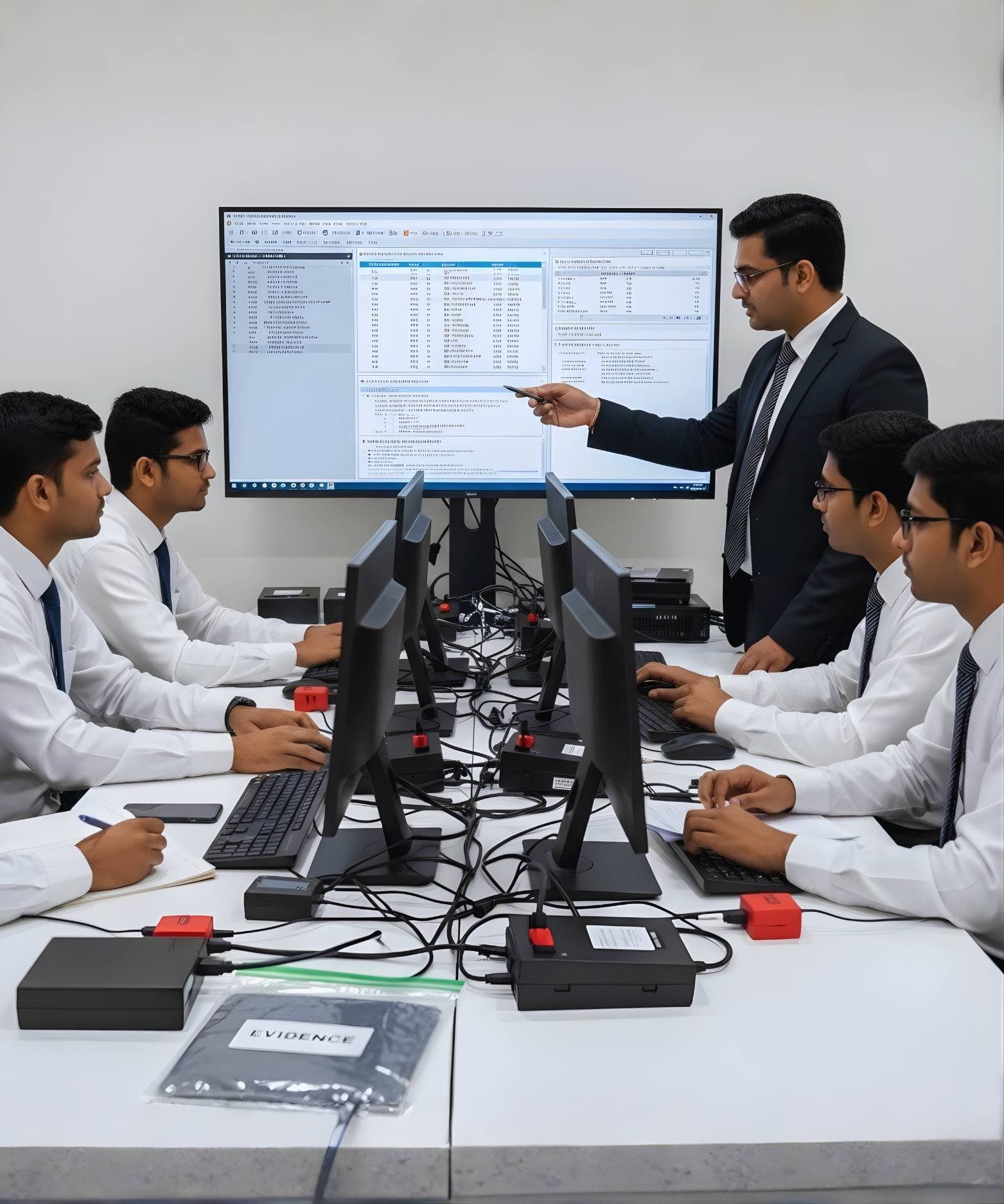
A long-standing commercial suite, now from OpenText, for imaging, searching and examining evidence from computers and other media. Examiners use it on large cases that need keyword search, hash filtering, carving of deleted files and detailed reports.
 MobileCellebrite UFED
A mobile extraction system for Android and iOS devices that can make logical, file system and on some models physical extractions, depending on the phone and its software version. Examiners usually pair it with Cellebrite Physical Analyzer to decode chats, call logs, media and app data.
 MobileMSAB XRY
A mobile forensics tool from MSAB (formerly Micro Systemation) that extracts data from smartphones, feature phones and SIM cards, including call logs, messages and contacts. Examiners use it in criminal and corporate cases and share its reports with lawyers and courts.
 NetworkWireshark
A free, open-source packet analyser that captures traffic and decodes a very wide range of protocols, from TCP/IP and DNS to HTTP. Examiners use it to open PCAP files, filter out suspicious traffic and follow a conversation between two hosts during a breach investigation.
 NetworkNetWitness Investigator
A network forensics tool that combines full packet capture with session metadata, so analysts can search and rebuild traffic quickly. It suits enterprise investigations into intrusions and data exfiltration, including long-running attacks by advanced threat groups.
- MemoryVolatility 3
An open-source framework for analysing RAM captures from Windows, Linux and macOS. Examiners use it to list processes, network connections and injected code, which helps find malware that leaves little trace on disk.
 MalwareIDA Pro
A disassembler and debugger from Hex-Rays that turns machine code into readable assembly and supports many processor types and file formats. Malware analysts use it to study how a sample works, for example how a ransomware strain encrypts files or contacts its server.
 MalwareCuckoo Sandbox
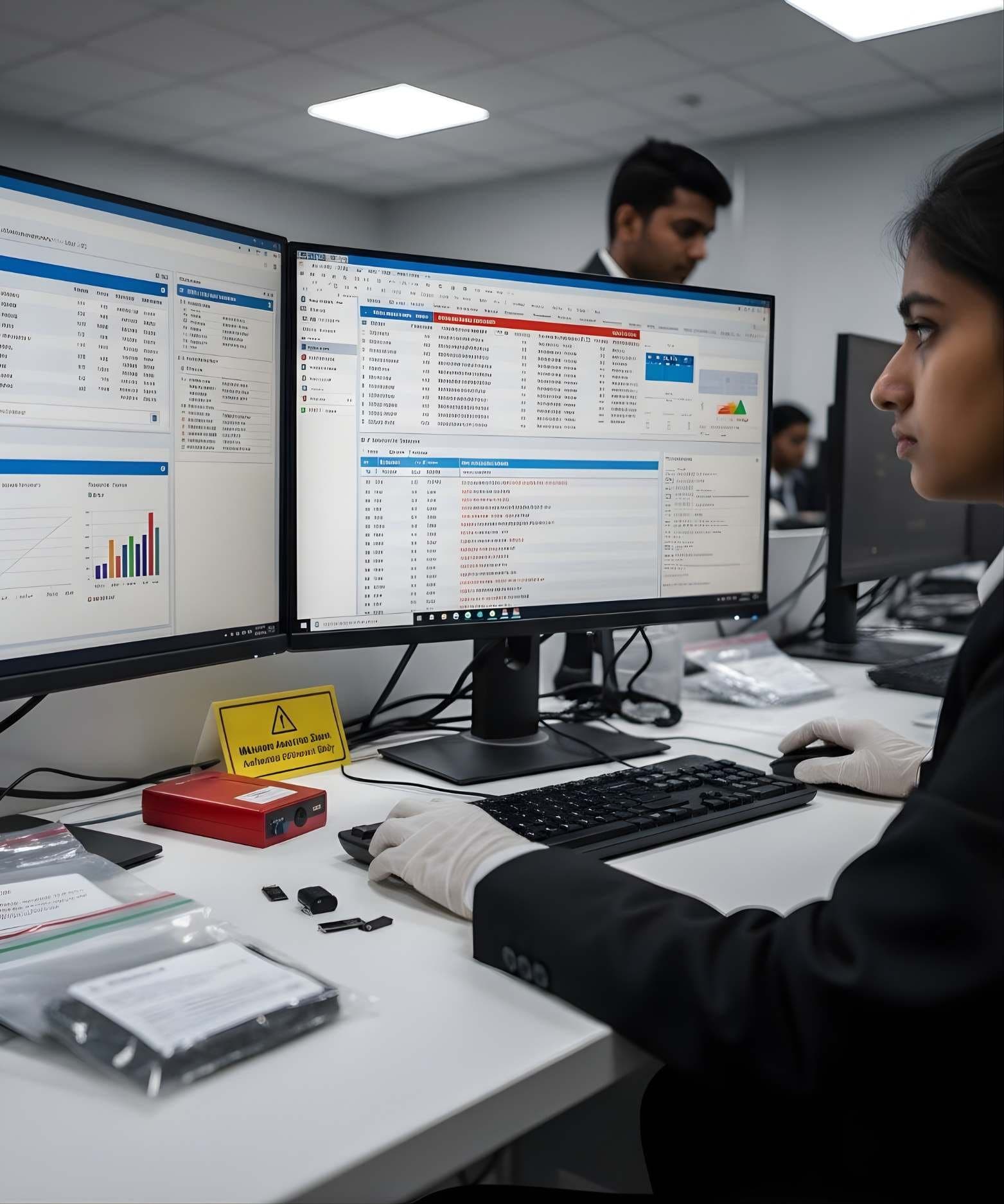
An open-source sandbox that runs a suspicious file in an isolated virtual machine and records its file, registry and network activity. Examiners use it, or CAPE, its actively maintained fork, for quick checks on email attachments and downloads during incident response.
 CloudAWS CloudTrail
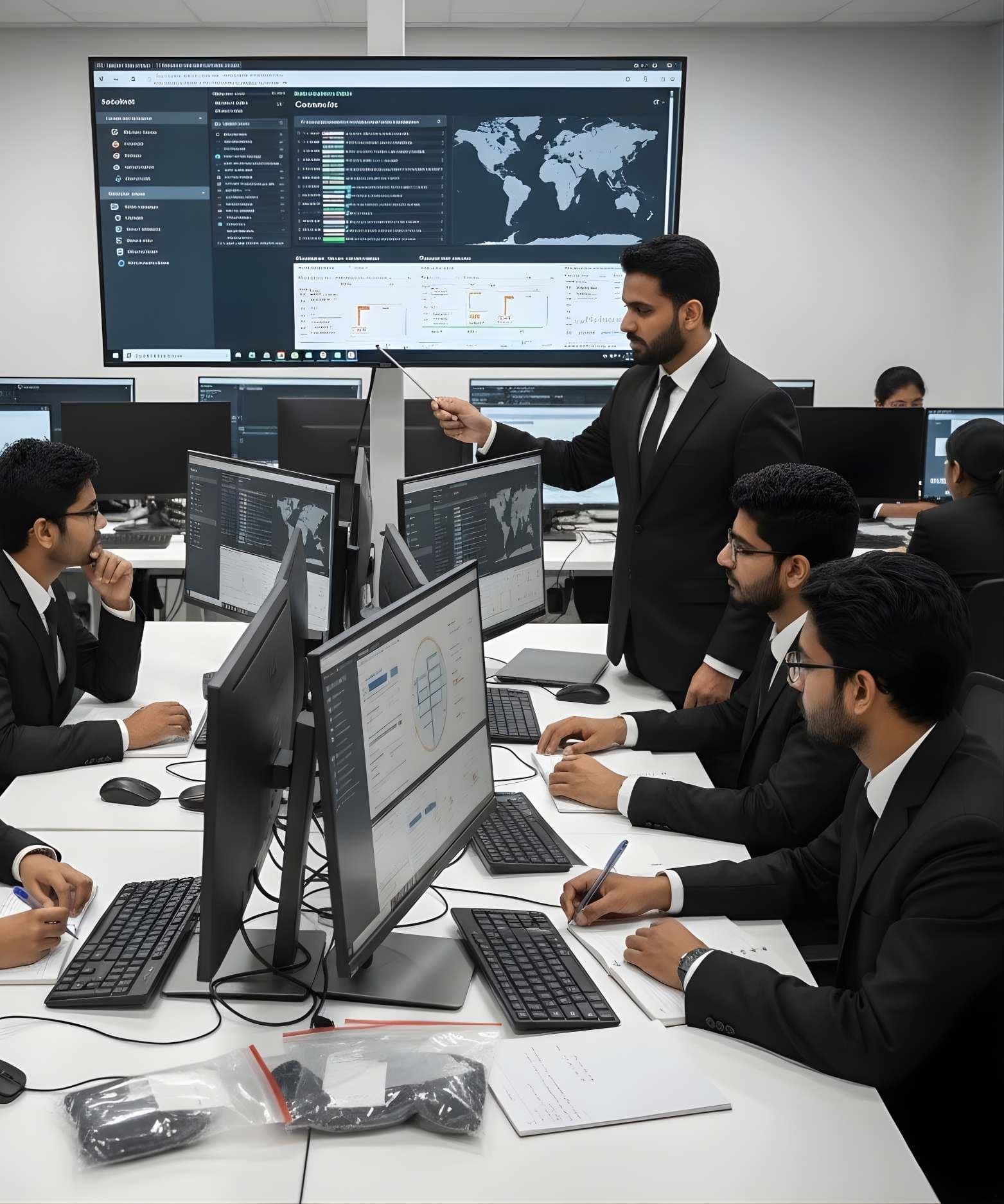
An AWS service that records API calls and account activity, such as who signed in, which resources were created and from which IP address. Investigators review CloudTrail logs to trace a cloud incident, for example a leaked access key used to start servers or download data.
 Data recoveryR-Studio
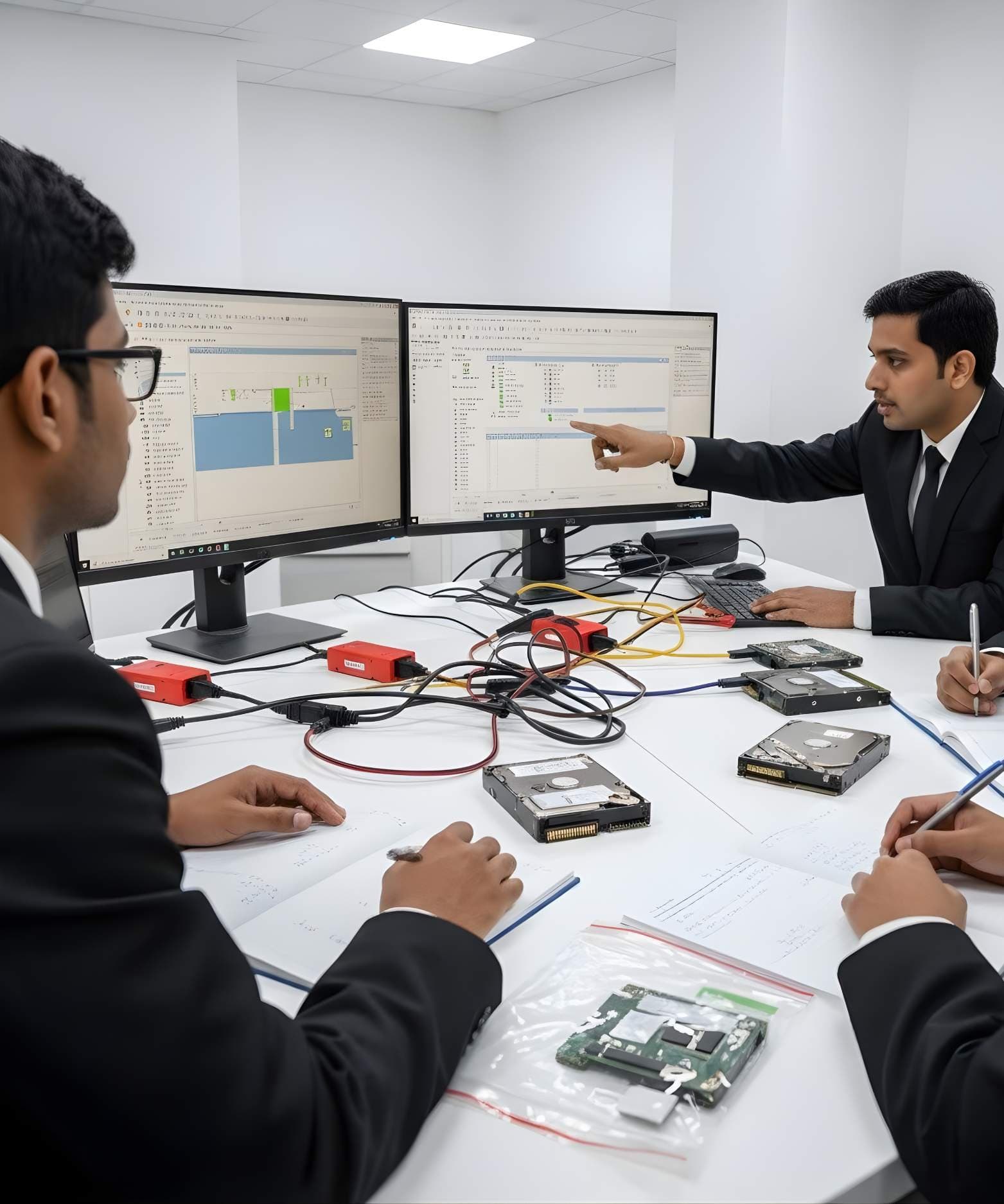
A data recovery program from R-Tools Technology that rebuilds damaged file systems, finds deleted partitions and carves files from raw data on NTFS, FAT, exFAT, HFS+, APFS and ext volumes. Examiners run it on a forensic image when files are lost through deletion, formatting or file system damage.
Habits that matter more than the tool
A good tool used carelessly still gives evidence that falls apart in court. Whatever software you use, keep these habits.
- Work on a verified copy, never on the original evidence
- Hash the source and the image and record both values
- Check important findings with a second tool
- Note the tool name and version in your report
- Test a tool on known data before you rely on it in a case
Learn these tools with guidance
DFRTI courses teach these tools step by step on practice evidence, with an instructor to explain what each result means. Pick the area you want to work in and start there.
Related courses
StorageDigital Storage ForensicsHDD ForensicsImage hard drives through a write-blocker, find hidden areas and recover deleted data. MobileMobile & IoT ForensicsAndroid ForensicsExtract and examine Android phones, from ADB pulls to WhatsApp databases and ALEAPP reports
 NetworkNetwork & Cloud ForensicsWireshark / Packet CaptureCapture, filter and read packets in Wireshark and tshark to recover what was sent.
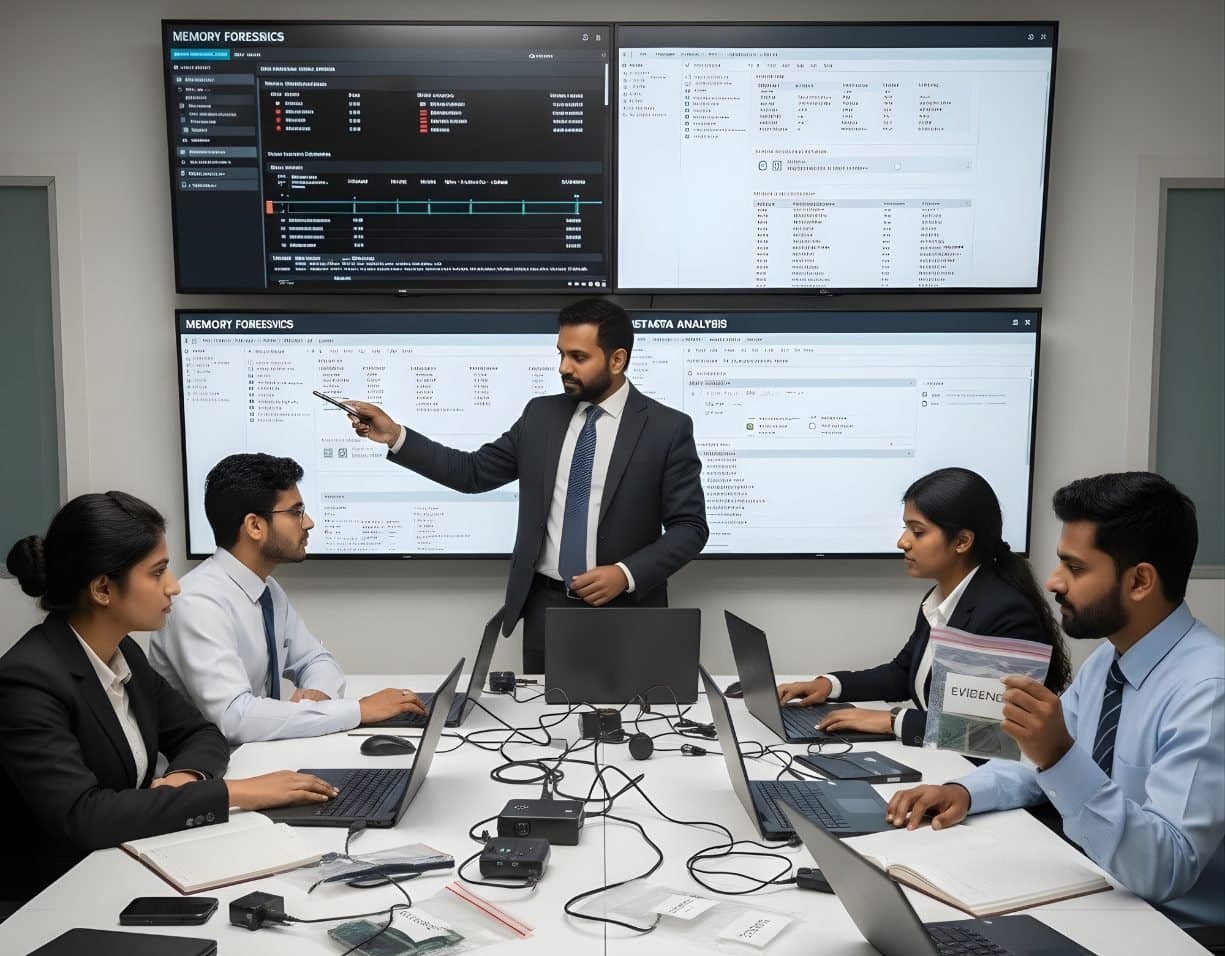 MalwareIncident Response & Malware AnalysisMemory ForensicsCapture RAM and use Volatility 3 to find hidden processes, injected code and connections.
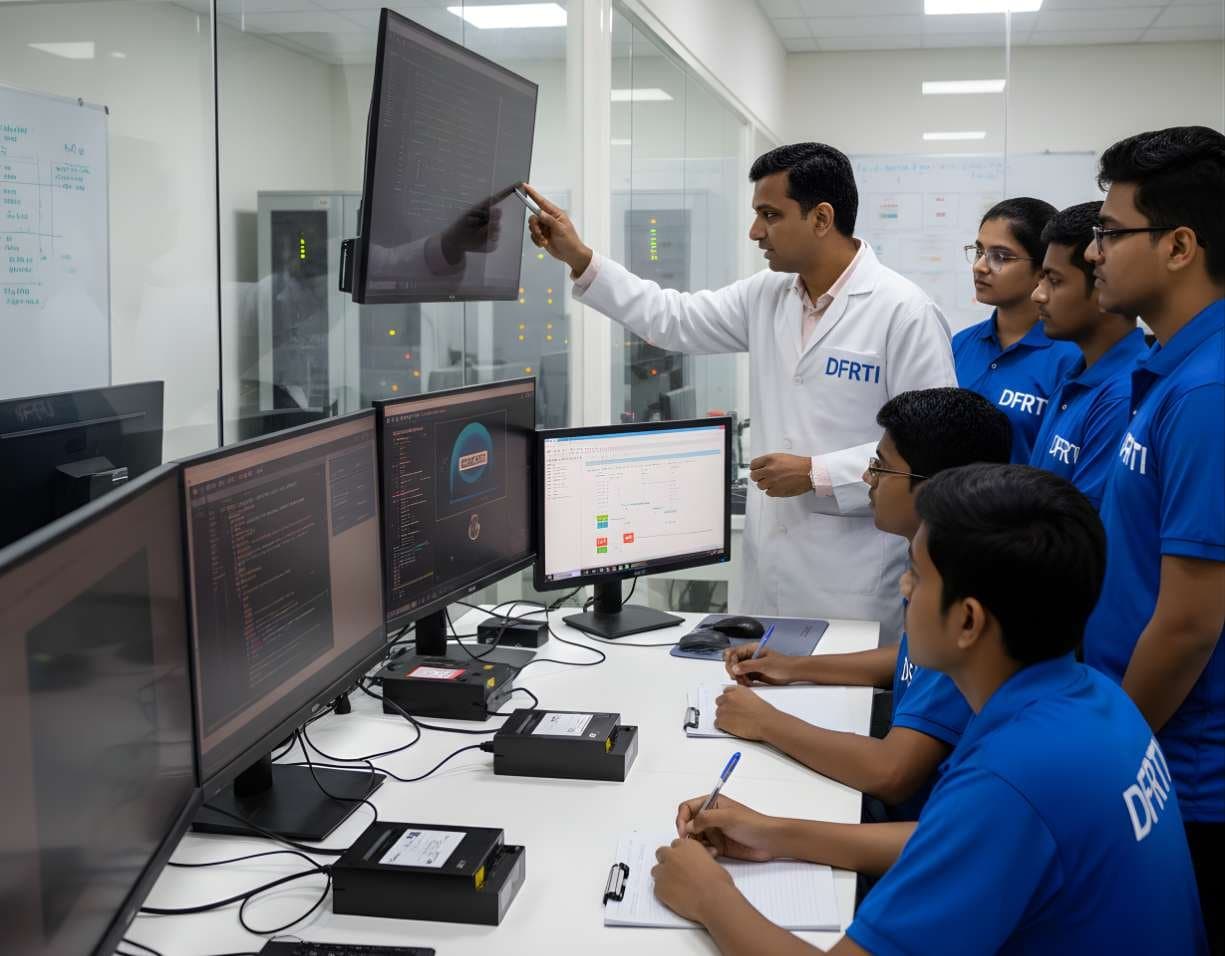 MalwareIncident Response & Malware AnalysisMalware Reverse EngineeringTake malware apart safely with static and dynamic analysis, Ghidra, x64dbg and YARA.
 NetworkNetwork & Cloud ForensicsCloud Storage InvestigationCollect and read AWS, Microsoft 365 and Google Workspace logs as sound evidence.
More in Resources
Not sure this is the right one for you?
Tell us your background and what you want to do next. A counsellor will suggest a course and the next batch.