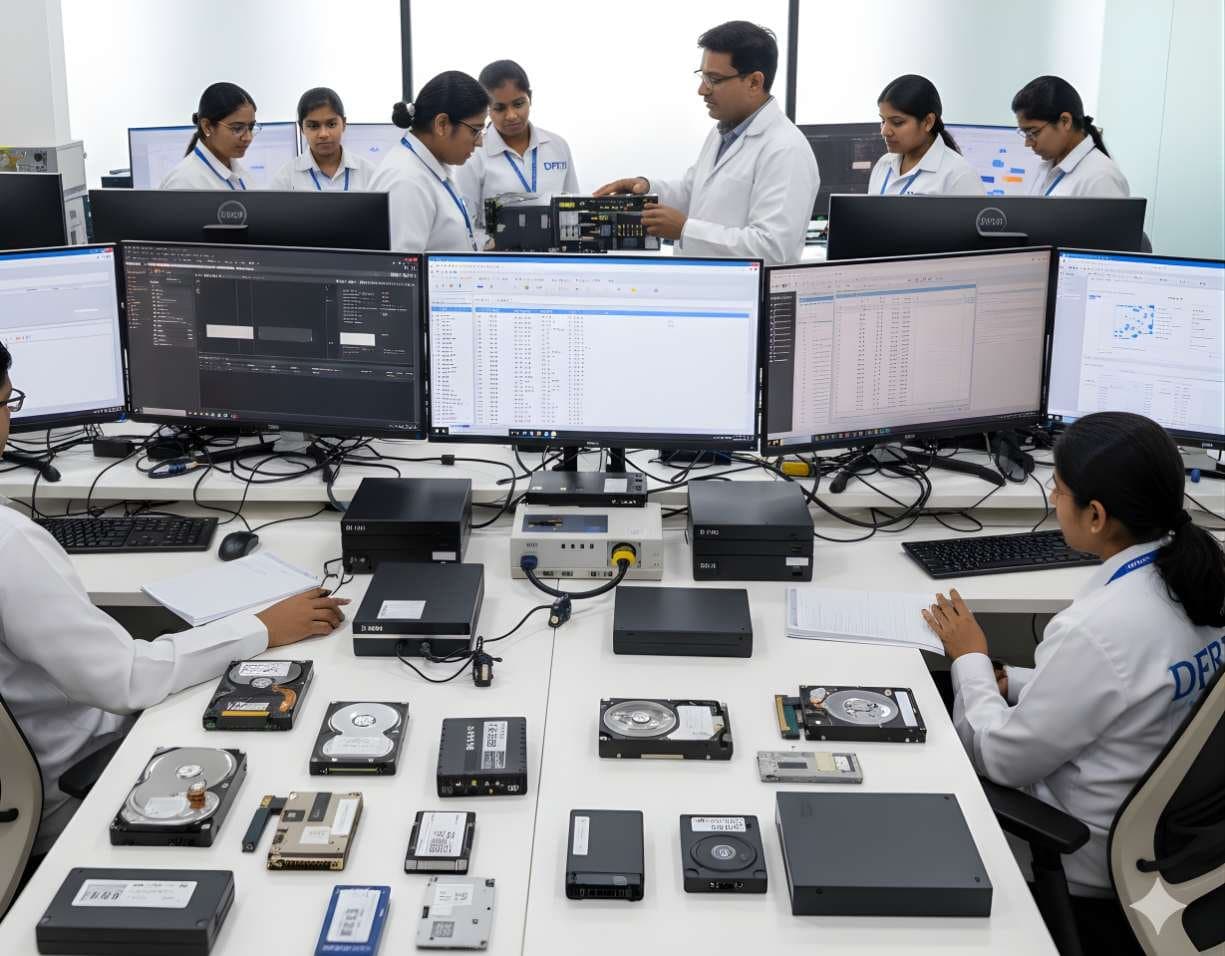
 StorageDigital Storage ForensicsHDD ForensicsImage hard drives through a write-blocker, find hidden areas and recover deleted data.
Interactive Lab Exercises and Simulations
Practise on realistic evidence. Our labs let you image, examine and report on cases the way a forensic examiner does.
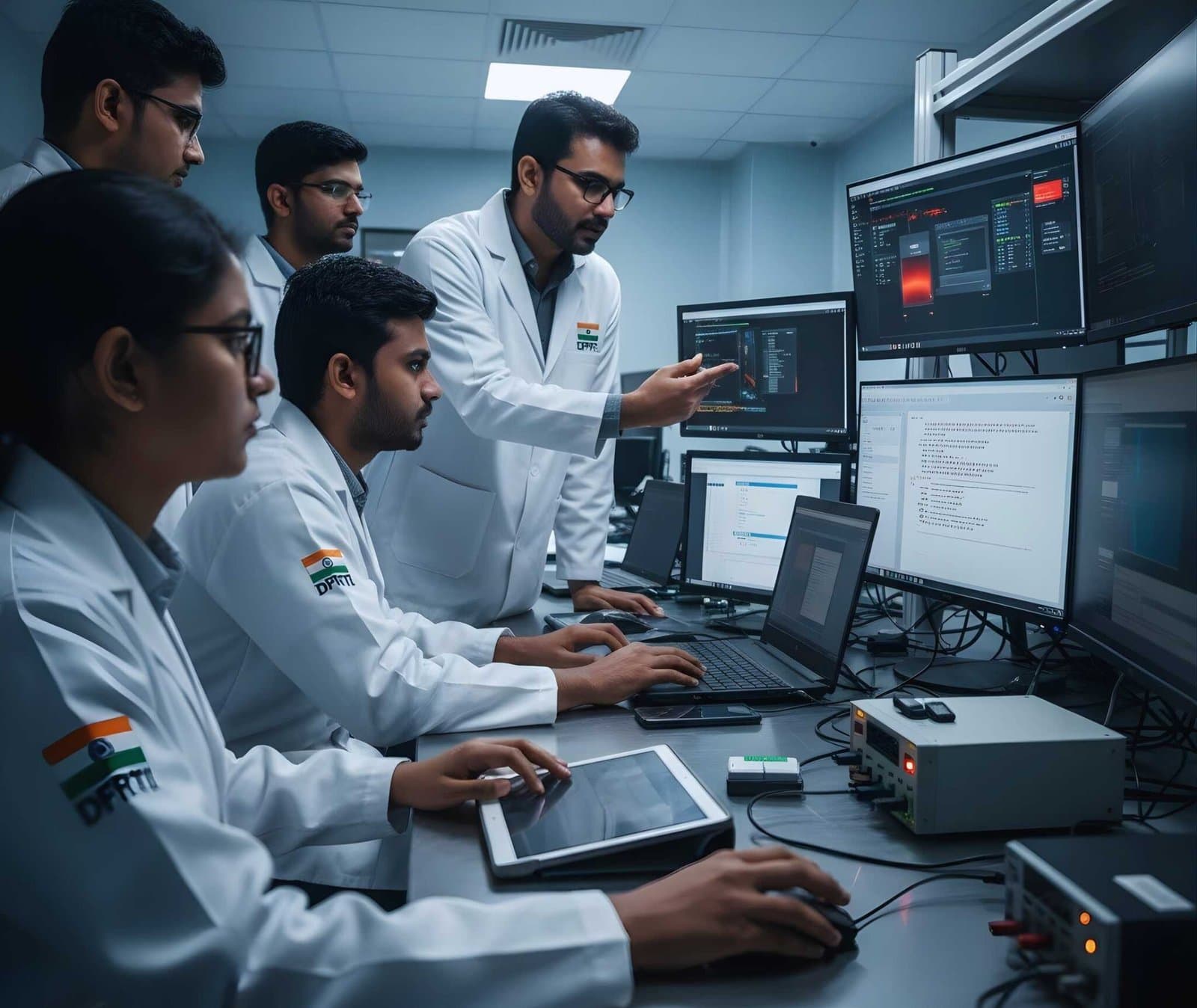
You cannot learn forensics from slides alone. You need to hold the evidence, make the mistakes in a safe place and see why a missed hash or a wrong timestamp matters. DFRTI's lab exercises and simulations give you realistic scenarios to analyse evidence, investigate incidents and apply forensic methods safely.
Why hands-on labs matter
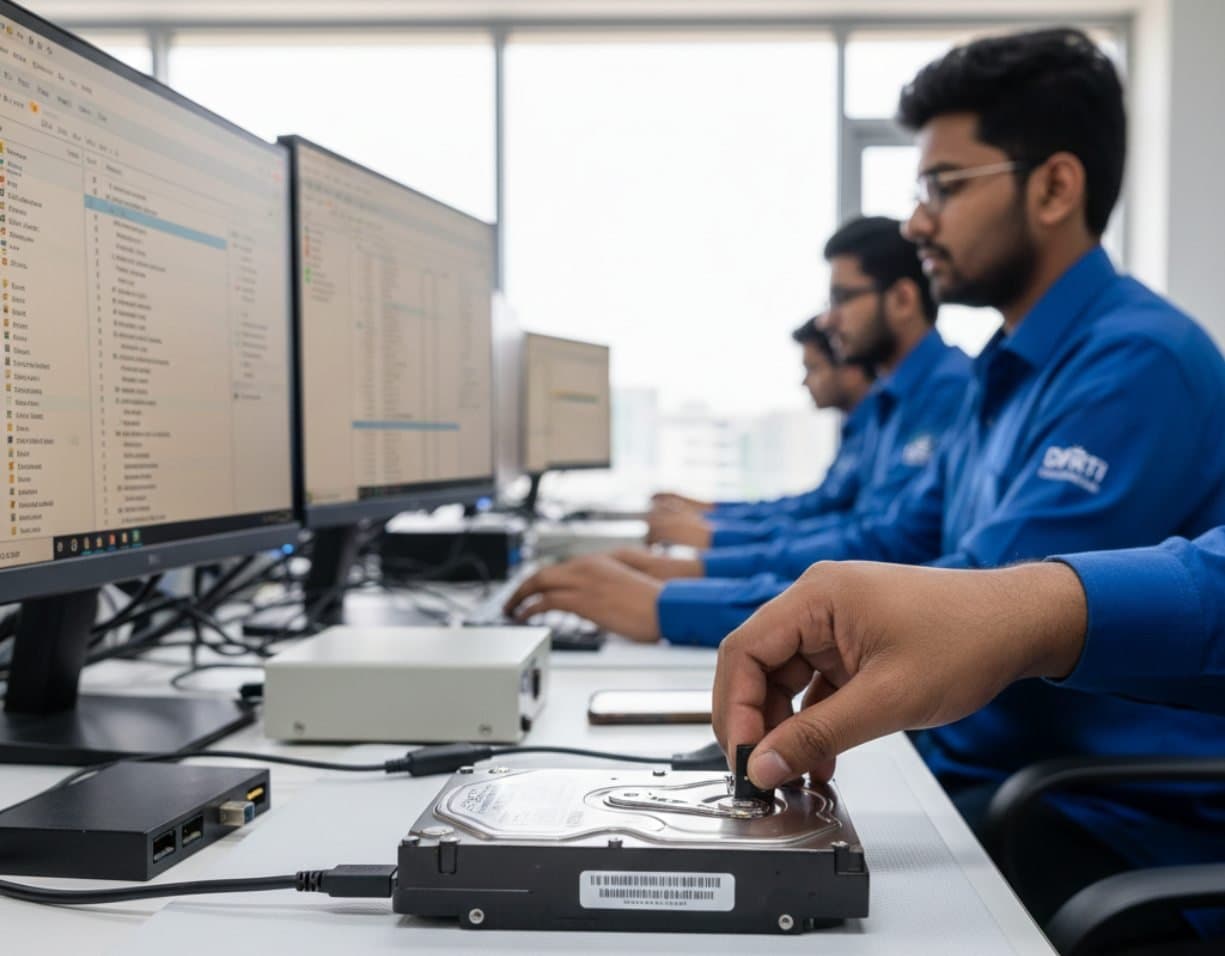
Forensics is practical work. A hard drive and a phone each need their own workflow and tools. You need to know both well before a real case lands on your desk. Labs help you to:
- Apply what you learnt in class in realistic settings
- Gain confidence with forensic tools and software
- Build problem-solving and critical thinking
- Prepare for certifications and real investigations
- Learn incident response steps and evidence handling
Lab categories
Labs cover all the main areas of digital forensics.
- Disk and storage forensics
Examine HDD, SSD, RAID and NAS storage, recover deleted files, rebuild file systems and practise forensic imaging.
- Mobile and IoT forensics
Investigate Android and iOS phones and memory cards, extract data from drones and IoT devices and work with SIM data and encryption.
- Network and cloud forensics
Capture and analyse traffic with Wireshark, look into cloud storage incidents and virtual machine artefacts and trace an attack from start to end.
- Malware and incident response
Work on memory forensics and reverse engineering, analyse ransomware and spyware samples in a sandbox and practise threat response and incident reports.
- Video, image and AI forensics
Investigate CCTV and DVR footage and image metadata and check media for tampering, deepfakes and AI edits.
An example lab
Here is how a typical storage lab runs. The scenario is a pen drive seized in an office data theft case.
- 01Check the paperwork
Confirm the seizure memo, exhibit label and chain of custody form match the device in front of you.
- 02Image the drive
Connect the pen drive through a write blocker, make an E01 image and record the hash of the source and the image.
- 03Examine the image
Open the image in a tool such as Autopsy, recover deleted files and look for the office documents named in the complaint.
- 04Build the timeline
Line up file timestamps with the USB connection records from the office PC to show when the files were copied.
- 05Write the report
Set out what you did, what you found and what it shows, in language a judge can follow.
How the labs work
- Realistic, guided scenarios
Labs follow real-world investigations, with step-by-step instructions.
- Hands-on tool practice
You use industry-standard forensic software in every exercise.
- Instant feedback
You get an immediate check on your actions and results, so you can track your progress.
- Flexible, self-paced
Complete the exercises at a time that suits you.
What you gain
- Better recall, because practice fixes the theory in your mind
- Job-ready experience for analyst, incident responder and investigator roles
- Preparation for the DFRTI certifications DCFA, DCMFE and DCNI
- Confidence from handling evidence collection, analysis and reporting safely
- Team-based labs that work the way a real forensic team does
Start your hands-on training
Students, IT staff, police officers and corporate investigators all train in the same labs. Talk to a counsellor to find the course and lab track that fits your work.
Related courses
StorageDigital Storage ForensicsHDD ForensicsImage hard drives through a write-blocker, find hidden areas and recover deleted data.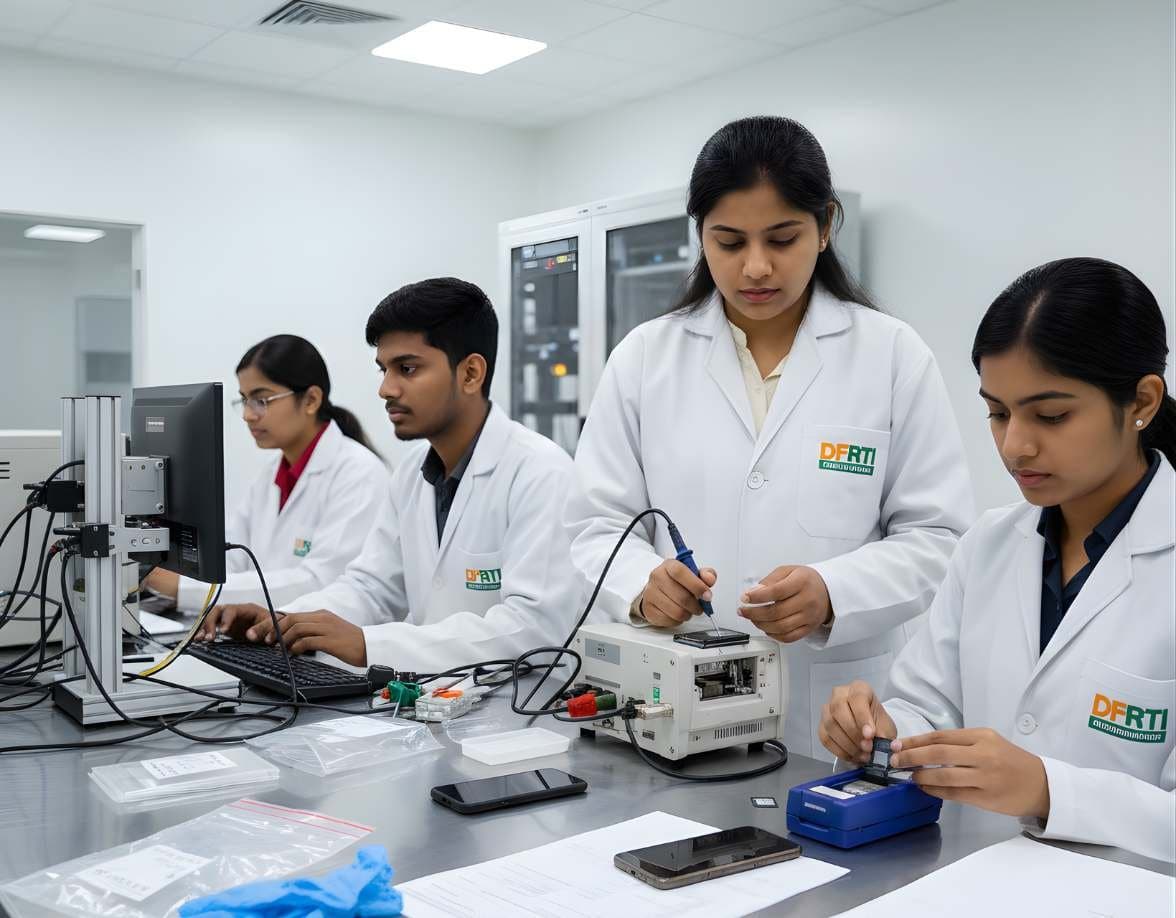 MobileMobile & IoT ForensicsAndroid ForensicsExtract and examine Android phones, from ADB pulls to WhatsApp databases and ALEAPP reports
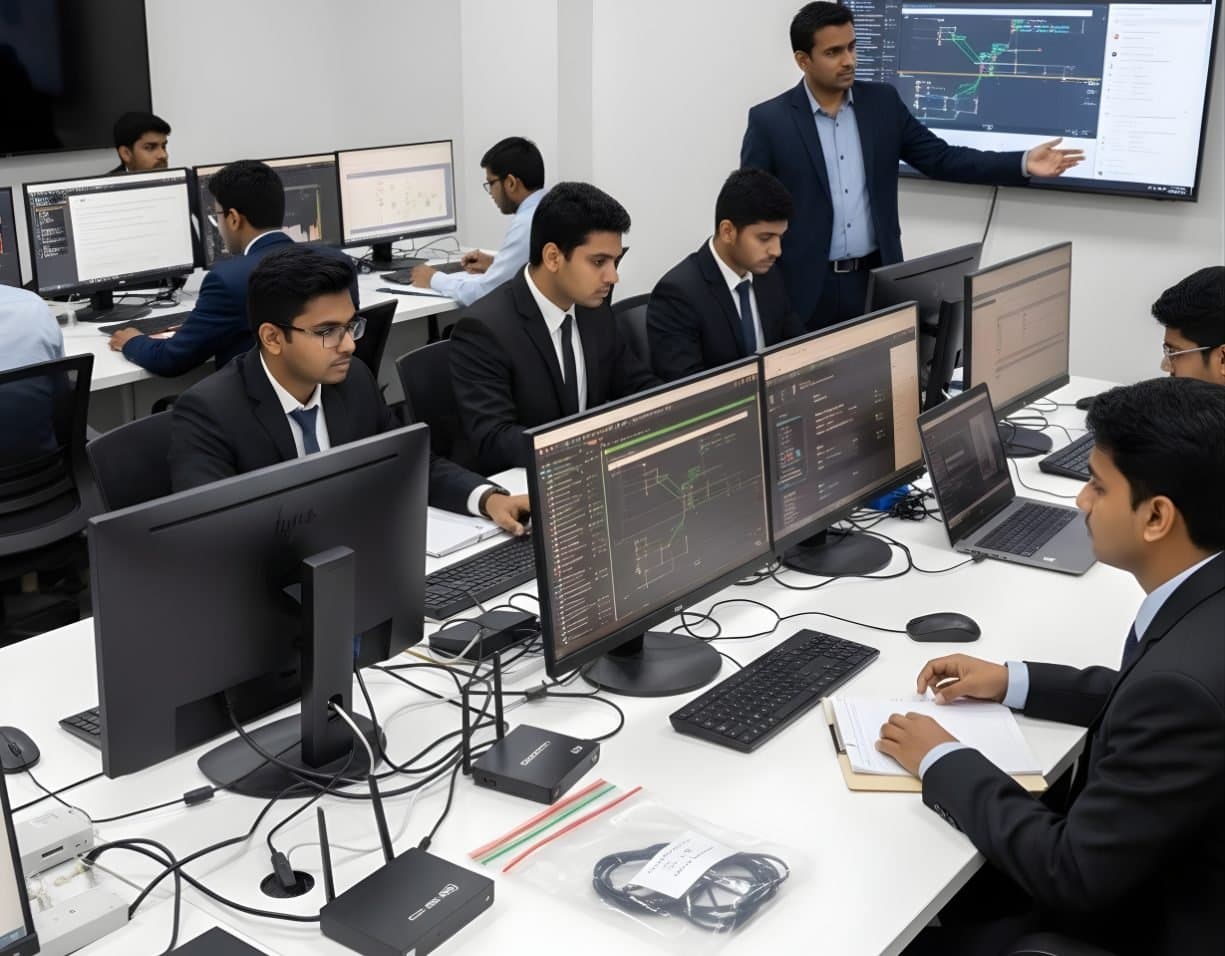 NetworkNetwork & Cloud ForensicsNetwork Traffic AnalysisRead flows, logs and packets to trace intrusions, beaconing and data theft.
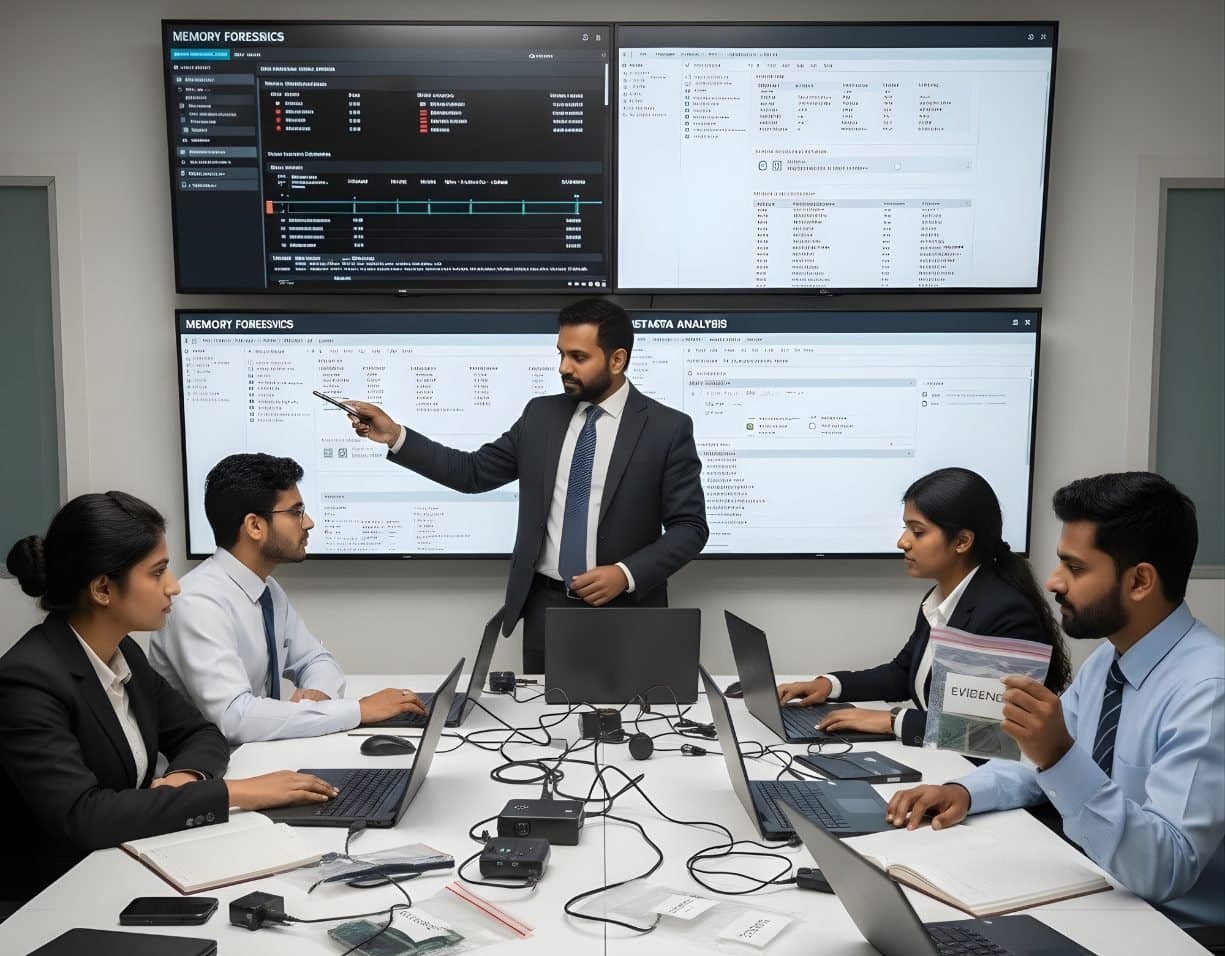 MalwareIncident Response & Malware AnalysisMemory ForensicsCapture RAM and use Volatility 3 to find hidden processes, injected code and connections.
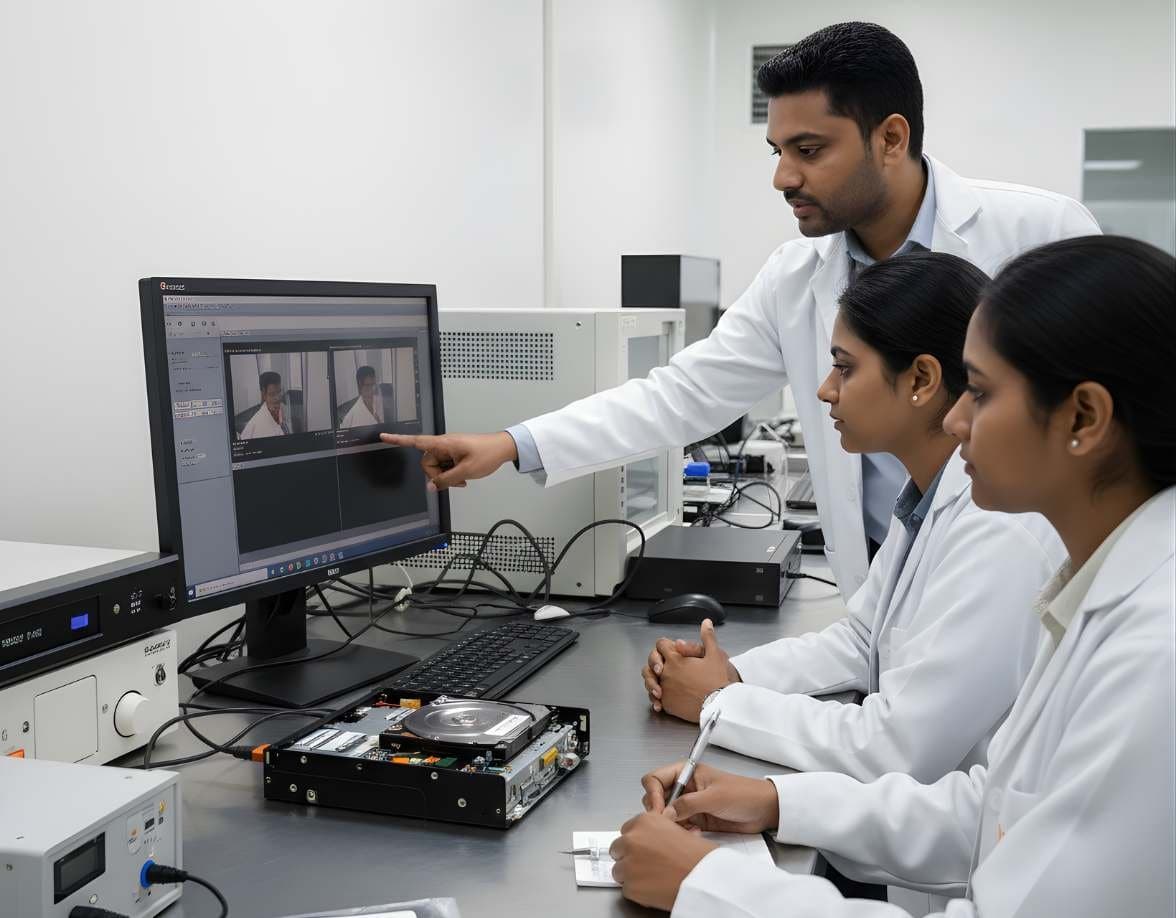 VideoSurveillance & Image / Video ForensicsCCTV / DVR AnalysisExport footage from Hikvision, Dahua and other DVRs with correct times, frames and hashes
More in Resources
Not sure this is the right one for you?
Tell us your background and what you want to do next. A counsellor will suggest a course and the next batch.