 MobileAndroid ForensicsExtract and examine Android phones, from ADB pulls to WhatsApp databases and ALEAPP reports
IoT Device Forensics
Evidence from smart speakers, cameras, wearables and routers, plus firmware extraction basics
- Advanced
- Online or on campus
- 5 hands-on labs
- 7 modules
About this course
A smart camera at a front door, a speaker that heard a quarrel, a fitness band that kept counting steps after its owner said he was asleep. IoT devices record small pieces of daily life and those pieces can confirm or break a timeline. The hard part is that the evidence is split across the device, the companion app on a phone, the vendor's cloud and the home network.
This course teaches you to map that spread for a given device before you touch it. You look at what smart speakers, cameras, wearables and routers keep locally, what sits in the phone app and what needs a request to the provider. You then move to the hardware side. You open a device, find the UART pins, read an SPI flash chip and unpack the firmware with binwalk to find configuration files, logs and stored credentials.
Hardware work can damage evidence. The course is clear about when to practise on an identical test unit first and when not to open the device at all.
Smart home devicesCompanion appsCloud accountsFirmware extraction
After this course you can
- Map where data lives for a smart device across the device, app, cloud and network
- Collect volatile data such as a router's client list before a device is restarted
- Examine companion apps on Android and iOS for device logs, clips and account details
- Prepare a request to a service provider for account data held in the cloud
- Identify UART and SPI flash on a circuit board and take a firmware dump
- Unpack and search a firmware image with binwalk for settings, logs and keys
Syllabus
7 modules · 26 topics
01The IoT evidence picture4 topics
- Device, companion app, cloud and network as four separate sources
- Common platforms such as Alexa, Google Home and Mi Home
- Volatile data and what is lost when a device loses power
- Deciding at the scene whether to unplug, isolate or leave a device running
02Smart speakers and assistants4 topics
- What a speaker keeps locally and why it is usually very little
- Voice history, routines and linked devices held in the account
- Companion app databases on the phone
- Account data downloads such as Amazon's data request and Google Takeout
03Smart cameras and doorbells3 topics
- SD card recording, cloud clips and motion event logs
- Event timestamps and time zone settings in the app
- Shared users and access lists that show who could view the feed
04Wearables and health devices3 topics
- Bands and watches syncing to Apple Health, Health Connect or the vendor's app
- Step, heart rate and sleep records as timeline evidence
- Why sensor data needs careful interpretation before it goes in a report
05Routers and the home network3 topics
- DHCP leases, connected client lists and system logs
- Capturing a device's traffic through a mirror port with Wireshark
- What encrypted traffic still shows through addresses, timing and volume
06Firmware extraction basics5 topics
- Opening a device and photographing the board before any work
- Finding UART pins and connecting at the right baud rate
- Reading SPI flash with a test clip and programmer using flashrom
- eMMC and NAND chips and when chip-off is justified
- Getting vendor update files to compare with the device firmware
07Firmware analysis and reporting4 topics
- Using binwalk to find and unpack SquashFS, JFFS2 and UBIFS file systems
- Searching for configuration files, logs, keys and hard-coded credentials
- Opening a binary in Ghidra when strings are not enough
- Recording every step that changed the device and why it was needed
Hands-on labs
- Lab 1
Map the data sources of a smart camera set-up and list which ones need a legal request
- Lab 2
Examine a companion app's data from a phone extraction and build an event timeline
- Lab 3
Connect to a test router's UART console and record its boot messages
- Lab 4
Dump the SPI flash of a test device with flashrom and unpack it with binwalk
- Lab 5
Find a stored Wi-Fi password or account token in the extracted firmware
Tools you will use
- binwalk
- flashrom
- Wireshark
- Ghidra
- PuTTY and minicom
- USB-to-UART adapter and SPI programmer with test clip
- ALEAPP and iLEAPP
- Magnet AXIOM
Who it suits
- Mobile and computer forensic examiners
- Cyber cell officers dealing with smart home evidence
- Security researchers and IoT developers
- Engineering students with an interest in hardware
Before you join
- Mobile forensics basics, for example from the Android Forensics course
- Comfort with the Linux command line
- Basic electronics such as using a multimeter is helpful
Questions about this course
Do I need to know soldering?
Light soldering helps for UART work. Many SPI chips can be read with a test clip and no soldering at all. The course starts with clip-based methods on test devices.
Can I get recordings straight from an Alexa or Google speaker?
Usually not from the speaker itself. Voice history is kept in the user's account. You reach it through the account owner, a data download or a request to the provider.
Is firmware extraction allowed on evidence?
It can change or damage the device, so it needs proper authority, a clear reason and full notes. Practise on an identical test unit first and record every step you take on the real one.
More courses in Mobile & IoT Forensics
MobileAndroid ForensicsExtract and examine Android phones, from ADB pulls to WhatsApp databases and ALEAPP reports MobileiOS ForensicsBFU and AFU states, iTunes and Finder backups, the keychain and iLEAPP for iPhone cases
 MobileSIM / Memory Card ForensicsICCID, IMSI and SMS from SIM cards, plus FAT and exFAT recovery from SD and microSD cards
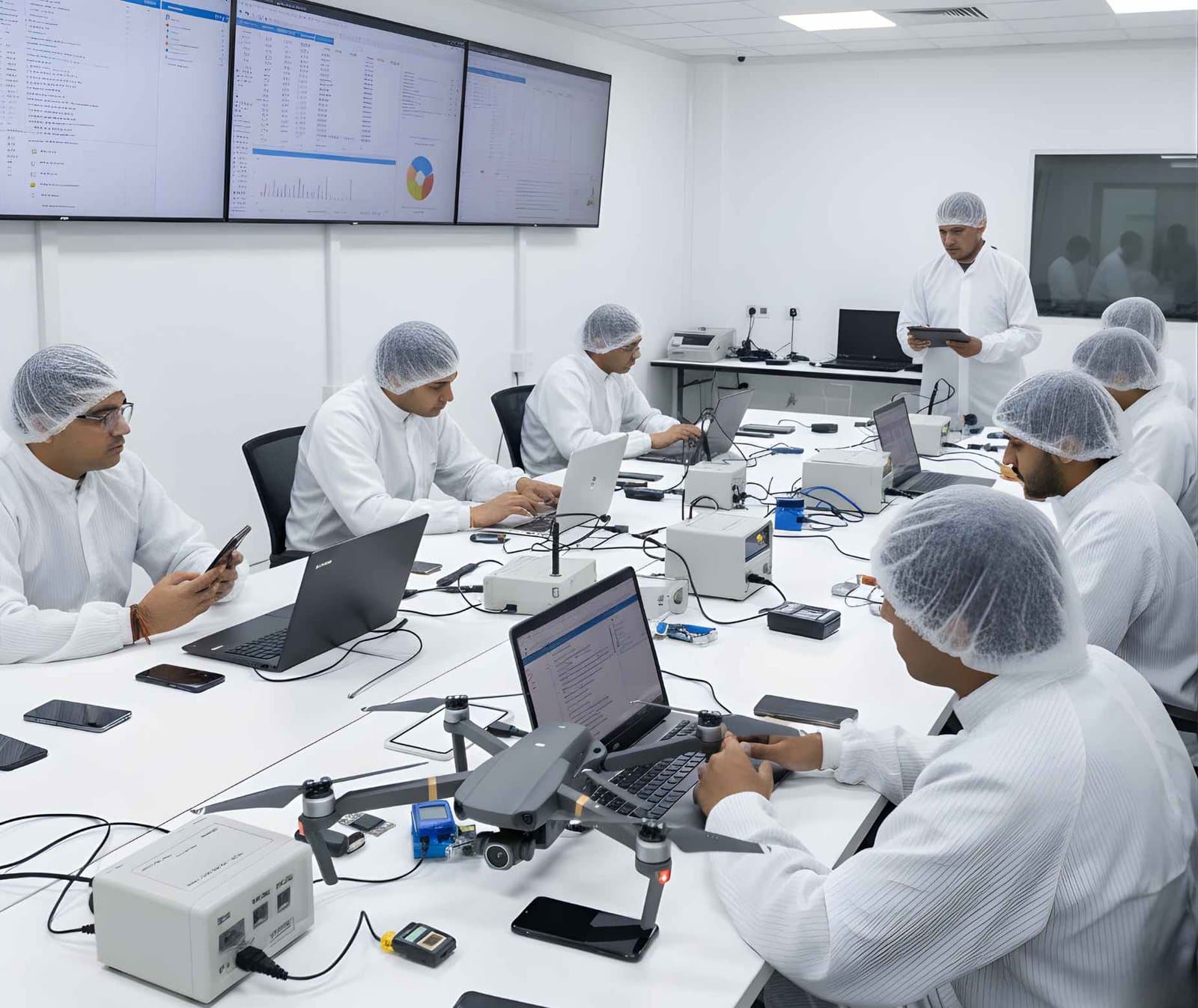 MobileDrone ForensicsRecover DJI flight logs, GPS tracks and home points from drones, controllers and phone apps
Not sure this is the right one for you?
Tell us your background and what you want to do next. A counsellor will suggest a course and the next batch.