img img

Welcome to the DFRTI Tools & Resources FAQs

Here you will find detailed answers about digital forensics tools, lab resources, downloads, datasets, software guides, simulations and practical exercises. This page helps students, investigators and professionals understand how to access and use DFRTI resources effectively.

For support:
Email: care@dfrti.com
Phone: +91-852-770-9690

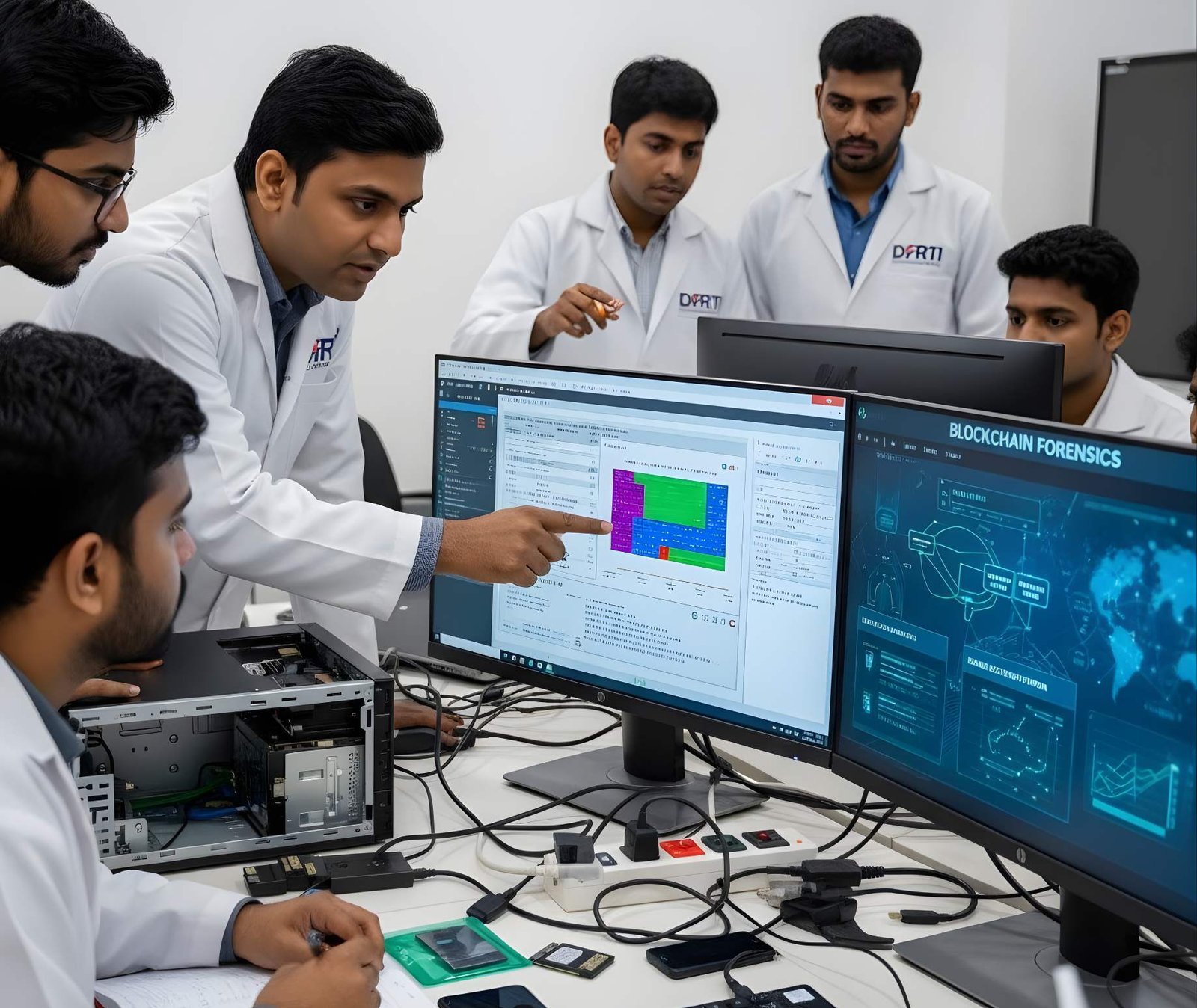
DFRTI provides access to a wide range of forensic investigation tools, including: • Disk & storage forensic utilities • Mobile device extraction software • Memory & RAM analysis tools • Network & cloud forensic software • Image & video forensic tools • IoT and drone forensic solutions • Malware reverse engineering tools • Hashing & encryption tools • DFRTI lab-specific proprietary tools All tools are accompanied by tutorials and practical exercises.

Tools and resources are available through the DFRTI Student Portal / LMS. Steps: 1. Enroll in a course or register as a DFRTI member 2. Log in to your account 3. Navigate to the Resources / Knowledge Hub → Downloads 4. Filter by category and download available tools Some tools require course enrollment or membership approval.

• Free Tools & Datasets: Accessible to all registered users • Premium / Restricted Tools: Require enrollment in specific courses or certification programs • DFRTI Lab Tools: Available only to students who have completed the required training modules All tools come with version details, download instructions and usage guidelines.

DFRTI provides practice datasets for hands-on learning in: • Mobile forensics artifact extraction • Disk and storage analysis • Network traffic capture • Cloud investigation scenarios • Malware analysis simulations • IoT device evidence analysis These datasets are safe, anonymized and designed for learning purposes.

DFRTI tools are designed for training and educational purposes. Some tools may also support professional practice under proper authorization, but DFRTI emphasizes that tools should be used legally and ethically in accordance with evidence handling standards.

DFRTI continuously updates tools to reflect: • New forensic methods • Software and hardware updates • Emerging file system and mobile OS formats • Cloud and IoT investigation practices • Best practices in evidence acquisition and analysis Updates are automatically reflected in your LMS portal.

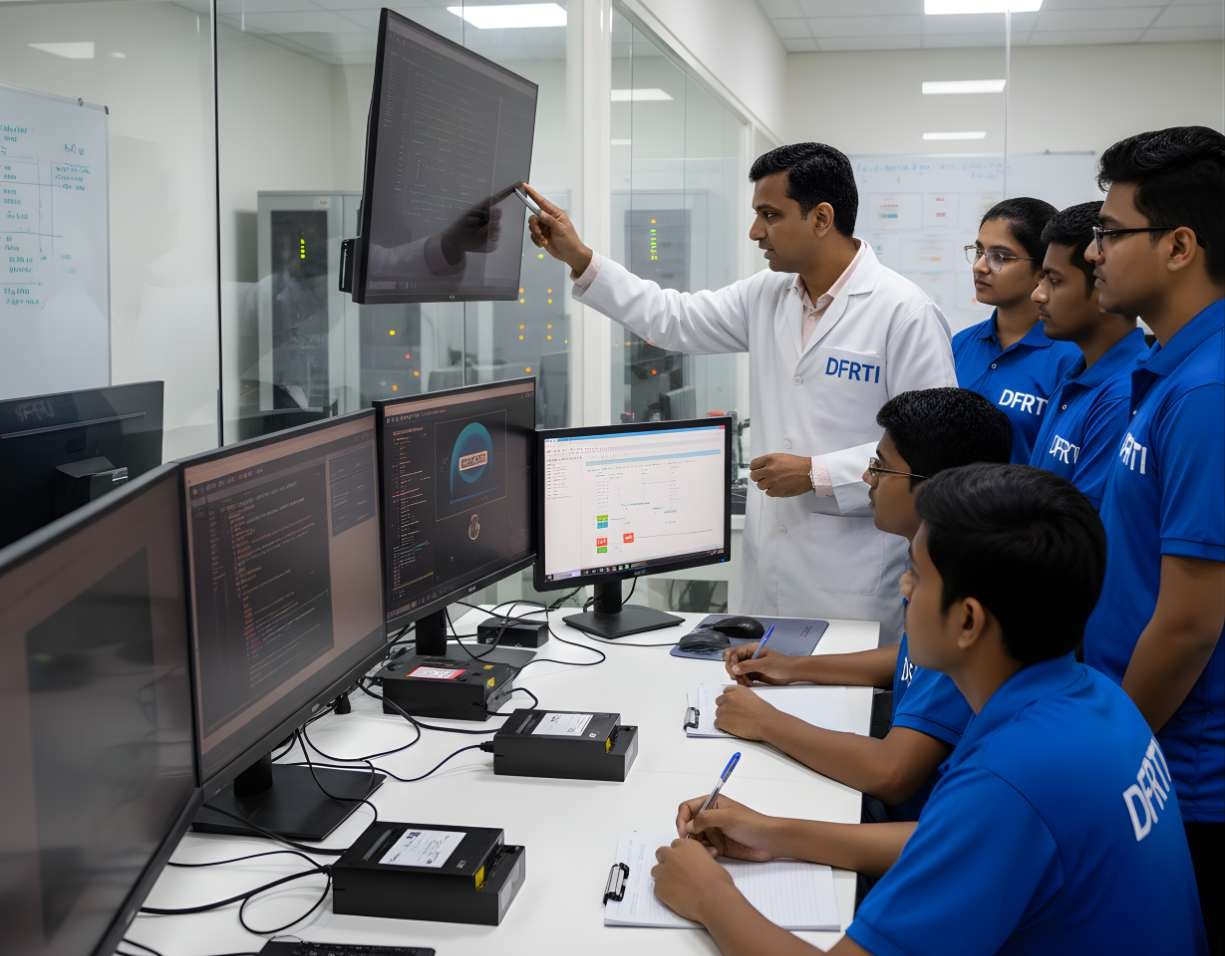
Yes. DFRTI offers virtual forensic labs and interactive simulations, including: • Disk and storage imaging exercises • Mobile device artifact extraction • Memory and malware analysis • Network traffic monitoring • IoT and drone device investigations Simulations allow safe, realistic training in digital evidence handling.

Students and members can submit tool requests or report issues via the DFRTI support system or email: care@dfrti.com. Requests are evaluated for: • Educational relevance • Lab integration • Licensing feasibility • Current forensic trends

Students and members can submit tool requests or report issues via the DFRTI support system or email: care@dfrti.com. Requests are evaluated for: • Educational relevance • Lab integration • Licensing feasibility • Current forensic trends

No. Tools are categorized and access depends on: • Course enrollment • Membership level • Lab permissions Users can filter, search and download tools individually for controlled organized learning.

img

Why DFRTI Resources Are Essential

  • Access to industry-standard forensic tools
  • Updated datasets for realistic training
  • Safe and ethical digital forensics environment
  • Tutorials, guides and video demonstrations for skill development
  • Supports professional certifications and investigative careers
  • Hands-on practical exercises and case studies

If Your Question Isn’t Here

You can explore other detailed FAQ sections:

Get Certificate

Get Quality Skills Certificate From the DFRTI

Get Started Now
img